





 Damla Kütük
17 min read
What is Nano Banana? Gemini image creation, editing and prompts
What Nano Banana is, the model family (2, 2.1, Lite, Pro), step-by-step use in Gemini and AI Studio, prompt examples, pricing, the SynthID watermark and what to check for commercial use.Pro
Contents 25 sections
Key takeaways
- Nano Banana is the nickname of Google's image model that creates images from text and edits existing photos.
- Gemini API pricing puts Nano Banana 2.1 at about $0.034 per 1K image and $0.113 per 4K image.
- According to Google's documentation, every image created with Nano Banana carries an invisible SynthID watermark.
- Nano Banana models have no free tier in the Gemini API or AI Studio.
Nano Banana is the nickname of Google’s image model, available in the Gemini app and Google AI Studio, that creates images from text prompts and edits existing photos. Its first version was the Gemini 2.5 Flash Image model; today the same name covers a model family made up of Nano Banana 2, Nano Banana 2.1 and Nano Banana Pro.
This guide covers Nano Banana for anyone creating product and ad visuals: the name and the models it covers, step-by-step use in Gemini and AI Studio, strengths, prompt examples, the Pro difference, free limits and API pricing, the SynthID watermark, how it compares with ChatGPT and other tools, and what to watch in ad visuals. Model, feature and pricing details come from Google’s developer documentation and subscription page.
Images created with Nano Banana carry a SynthID watermark; in ad and product visuals, brand, people and copyright are checked before publishing.
What is Nano Banana?
Nano Banana is the umbrella name for the image generation and editing models in Google’s Gemini family; it turns a written description into an image, adds or removes elements in an uploaded photo, changes style and colour, and combines several images into one scene. Because it works inside a conversation, an image can be refined with follow-ups such as “make this a little brighter” or “turn the background into marble”.
The name is a nickname Google uses alongside official model names. It was first used for Gemini 2.5 Flash Image; when it spread thanks to the model’s editing results, Google carried it over to later models. The Gemini API documentation lists the family today as follows:
| Nickname | Model ID | Best for |
|---|---|---|
| Nano Banana 2.1 | gemini-nano-banana-2.1 | Recommended main model: image quality, text rendering, multi-turn consistency, grounding with Google Search |
| Nano Banana 2 | gemini-3.1-flash-image | Previous generation: balances speed with 4K output |
| Nano Banana 2 Lite | gemini-3.1-flash-lite-image | Fastest and cheapest model; not meant for multi-reference work |
| Nano Banana Pro | gemini-3-pro-image | The most complex work: deepest world knowledge, brand consistency, precise control |
| Nano Banana (first version) | gemini-2.5-flash-image | Legacy model; according to Google’s pricing page, scheduled for shutdown on October 2, 2026 |
In practice: when we ask the Gemini app to create an image with Nano Banana, our plan and Google’s settings on that day decide which version runs; in AI Studio and the API, we choose the model ourselves. Google recommends Nano Banana 2.1 for new projects.
Where does the name Nano Banana come from?
“Nano Banana” is the code name used while the model was tested anonymously before release; after it caught on with users, Google adopted it officially. Even the Gemini app release notes call the image feature creating images with Nano Banana. So Nano Banana is not an app or a separate website; it is a name for Google’s image models.
This carries a safety note: many third-party sites use the name “nanobanana”. They are not Google products; they may resell access to Google’s model or use a different model entirely. We use Nano Banana through Google’s own products: the Gemini app, Google AI Studio or Google Flow.
A short history of Nano Banana
In one year, Nano Banana grew from one model into a family of five:
| Period | What happened |
|---|---|
| August 2025 | Gemini 2.5 Flash Image launched as Nano Banana in the Gemini app and the API |
| November 2025 | Gemini 3 Pro Image was introduced as Nano Banana Pro |
| 2026 | Nano Banana 2 (Gemini 3.1 Flash Image) and the fastest member, Nano Banana 2 Lite, were added |
| October 2026 | Nano Banana 2.1 became the main model Google recommends for new projects; the first Nano Banana was scheduled for shutdown on October 2 |
At this pace, a guide written a few months ago may already list outdated models and prices. Model and pricing details here are based on Google’s developer documentation as of October 2026.
How do you use Nano Banana? Step by step
The easiest way to use Nano Banana is the Gemini app: open gemini.google.com or the mobile app and describe the image. For more control, Google AI Studio lets you choose the model, resolution and aspect ratio.
In the Gemini app
- 1. Open GeminiGo to gemini.google.com in your browser or open the Gemini app; sign in with your Google account.
- 2. Choose the image toolSelect image creation from the tools menu in the prompt box, or simply type “Create an image of …”.
- 3. Describe the imageSpell out the subject, setting, lighting, angle, style and aspect ratio. For edits, upload the photo first, then say what should change.
- 4. Refine through the chatKeep working on the same image with requests such as “make the background simpler” or “move the product slightly to the left”.
- 5. Download and checkDownload the image; before publishing, check brand, people and text details by eye.
In Google AI Studio
- 1. Open the PlaygroundGo to the Playground at aistudio.google.com.
- 2. Choose the modelPick one of the Nano Banana models in the Run settings panel. Image models have no free tier, so you need a Google AI plan or an API key with billing enabled.
- 3. Set the outputChoose the resolution (1K, 2K, 4K) and aspect ratio; with Nano Banana 2.1 you can turn on grounding with Google Search.
- 4. Add reference imagesUpload reference images for the product, character or style; tell the model which one is for what.
- 5. Turn it into codeWhen the result is right, use Get code to turn the setup into an API request; batch generation works this way.
How do you use Nano Banana on your phone?
On a phone, we use Nano Banana through the Gemini app: describe the image, or upload a camera photo and say what should change. The phone’s advantage is being close to the source; a product photo taken in a shop can be moved to a clean background or a scene within minutes. According to Google’s release notes, Gemini’s Windows app can also create images with Nano Banana. The one risk is screen size: an image that looks fine on a phone may have distorted label text or patterns, so we check it at full size on a computer before publishing.
What is Google Flow?
Google Flow is Google’s creative workspace for image and video generation, combining Nano Banana image models and Veo video models. According to Google’s subscription page, the free Gemini plan gives limited Nano Banana Pro access through Flow; paid plans add monthly Flow credits. For going from a product image to a short promo video, Flow handles both in one place.
AI Studio basics, getting and protecting an API key, and free quota limits are covered in What is Google AI Studio.
What can Nano Banana do?
Nano Banana creates images from text, edits photos, combines images, keeps a character or product consistent across scenes, and places legible text inside an image. Google’s documentation describes the models as able to produce “legible, stylized text” for posters, menus, diagrams and marketing visuals.
Here is how the documented capabilities map to marketing work:
- Editing → Adding or removing elements in a photo and changing its style or colour tone. Background swaps and seasonal scenes are the most common uses.
- Multi-image composition → Up to 14 reference images in total. Nano Banana 2.1 accepts up to 10 objects and 4 characters; Nano Banana Pro accepts 6 objects, 5 characters and 3 style references.
- Consistency → Producing the same product, mascot or person with the same look in different scenes. The most valuable feature for a campaign series.
- Text → Placing a headline, price or menu text inside the image. With accented characters, we always check the result by eye.
- Resolution and aspect ratio → 1K, 2K and 4K output; the Lite model supports many aspect ratios, from 1:1 to 21:9.
- Search grounding → Nano Banana 2.1 and 2 draw on Google Search to try to depict a current or real object accurately.
How do you edit photos with Nano Banana?
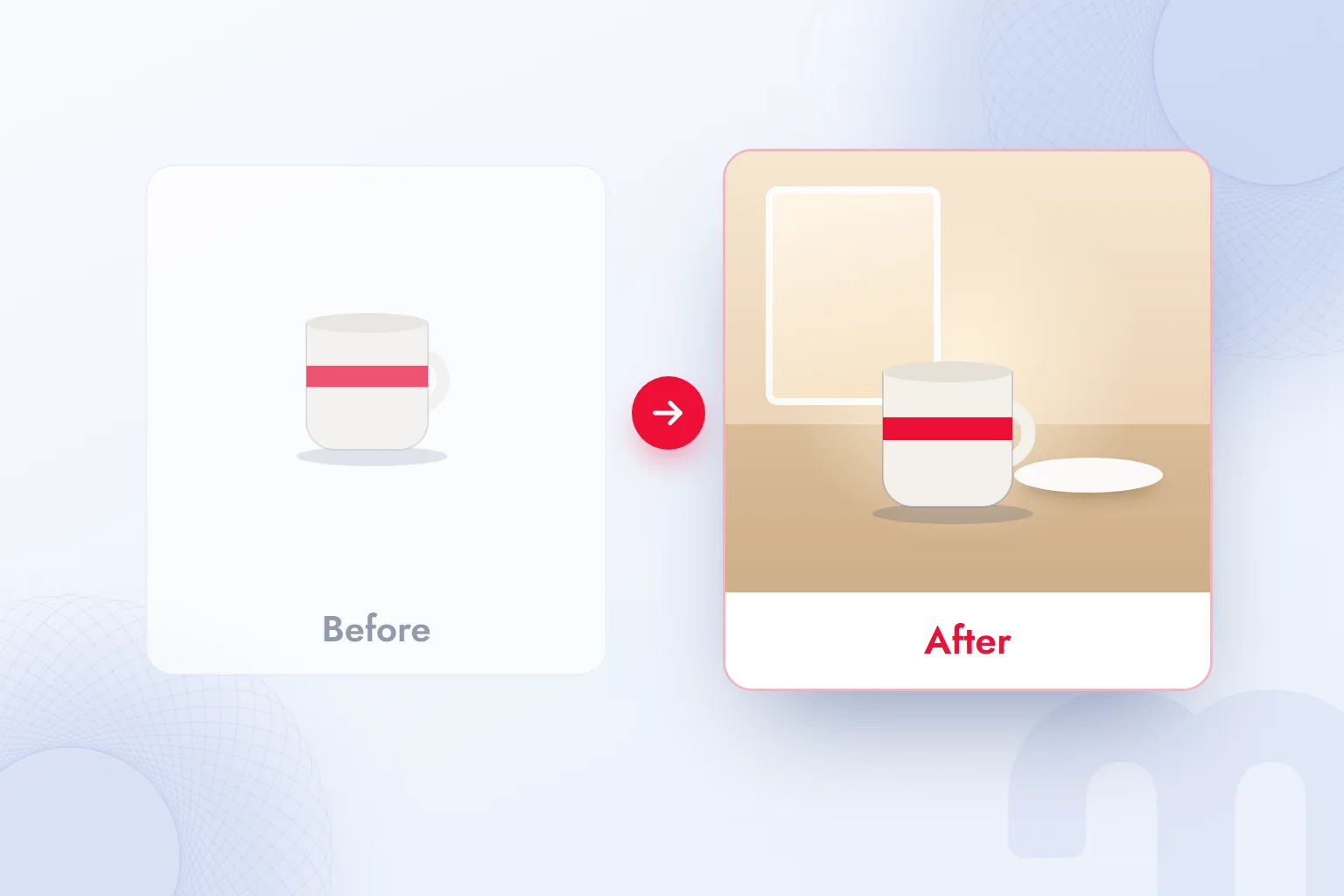
To edit a photo, upload it and say in one sentence what should change; the key is also stating what stays the same. The prompt “Turn the background into a marble countertop; do not change the mug’s colour, logo or angle” gives a far more reliable result than just “change the background”.
The order we follow when editing:
- Keep → We list what must not change: product colour, logo, label text, faces.
- Change → We ask for one change at a time: first the background, then the lighting, then any object to add.
- Check → At every step we zoom in to make sure the product itself has not been altered, especially label text and details such as hands and fingers.
For our comparison of photo editing tools, see our article on AI photo editing.
How do you upscale an image or change its aspect ratio?
Output resolution is set to 1K, 2K or 4K; if we like a low-resolution draft, we regenerate the prompt at 4K, or upload the image and ask to “recreate it at a higher resolution, keeping the details”. To change the aspect ratio, add the target ratio at the end of the prompt: 4:5 for an Instagram post, 9:16 for Stories and Reels, 16:9 for a website header.
When changing the ratio, the image must be extended into the new space correctly. Going from landscape to portrait, telling the model what to add above and below (“add open sky above and a wooden table below”) makes the result look more natural. For social media dimensions, you can use the table in our Instagram post size article.
Nano Banana prompt examples
A good Nano Banana prompt has five parts: subject, setting, lighting, camera angle and aspect ratio; editing prompts add a list of “things that stay the same”. The examples below are patterns we use in ecommerce and ad work.
Each part shapes the result differently:
- Subject → What appears: “a handmade ceramic mug with a red band”. The more concrete, the better.
- Setting → Where it sits: “a light marble countertop, blurred kitchen shelves behind”.
- Lighting → What time and what weather: “morning, soft daylight through a window”.
- Angle → Where the camera is: “close-up, slightly from above”.
- Aspect ratio → Where it will be published: “4:5, Instagram post”.
| Task | Prompt example |
|---|---|
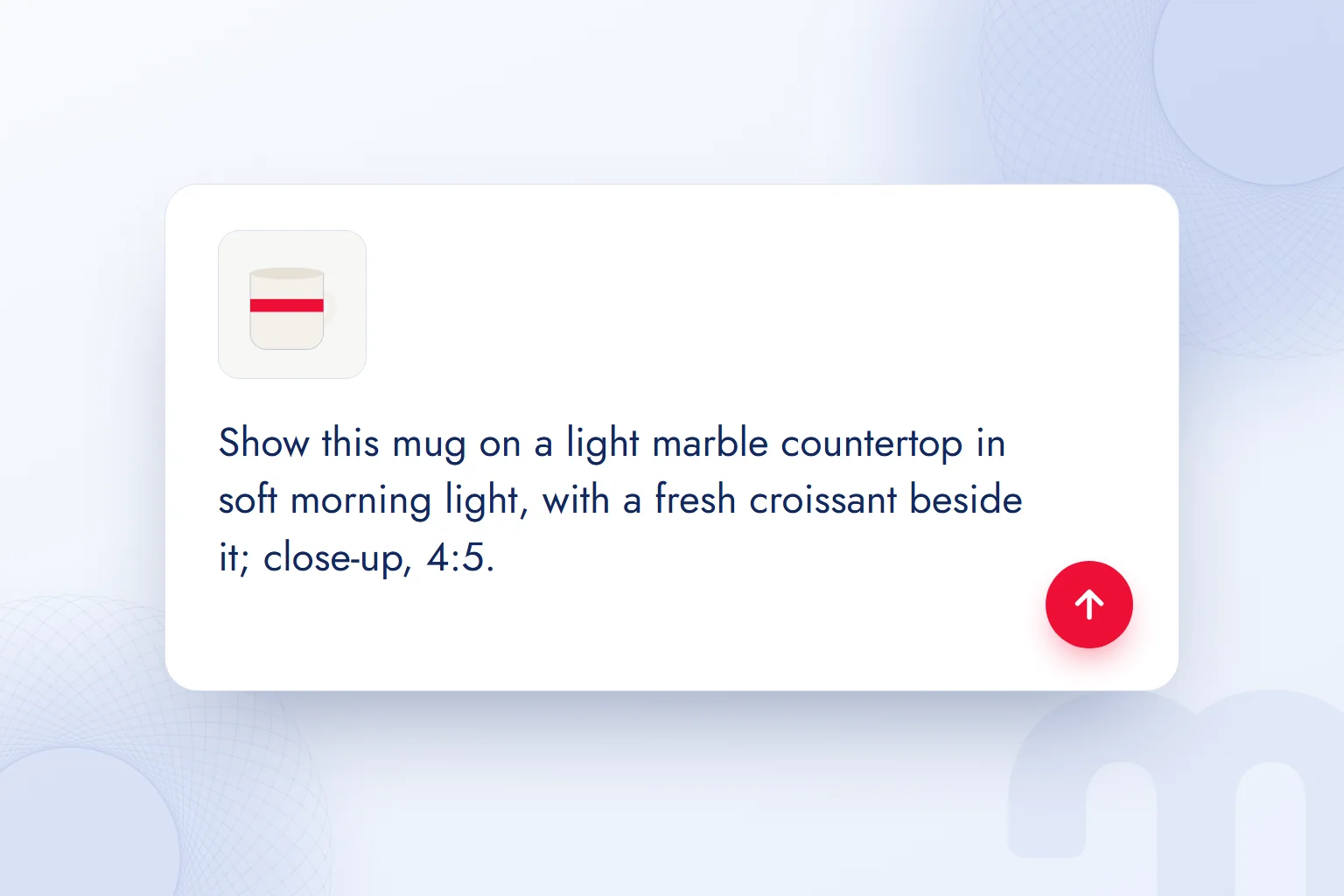
| Product photo | Show this mug on a light marble countertop in soft morning light, with a fresh croissant beside it; close-up, 4:5 |
| Background swap | Keep the product’s colour, logo and angle; make the background a plain, light beige studio backdrop |
| Campaign visual | For a winter campaign, show this scarf around a model’s neck on a snow-covered city street under evening lights; vertical 9:16 |
| Seasonal variation | Rebuild the same scene for spring: flowers by the window, lighter and greener tones; keep the product the same |
| Image with text | Add large, legible “New season” text over this product; white text in a simple typeface, without covering the product |
| Infographic | Draw a three-step coffee brewing diagram; a short heading for each step; light background, simple icons |
The prompt does not have to be in English; the model understands descriptions written in Turkish, for example. When placing text with accented characters inside an image, we always check that each letter comes out correctly. We collected more ad visual prompt patterns in our article ChatGPT image prompts and Gemini prompt examples, and explained the general rules of prompt writing in What is a prompt.
An ecommerce example: from phone photo to catalogue image
Nano Banana helps ecommerce most by turning an ordinary phone photo of a product into catalogue and campaign images. Our workflow for a handmade ceramics brand:
- 1. A clean source photoWe shoot the product with a phone in daylight, on a plain surface, from several angles. The sharper the source photo, the better the model preserves the product.
- 2. White background catalogue imageWith the prompt “Keep the product’s colour, pattern and angle; make the background plain white and add a soft shadow”, we create a main image that meets marketplace rules.
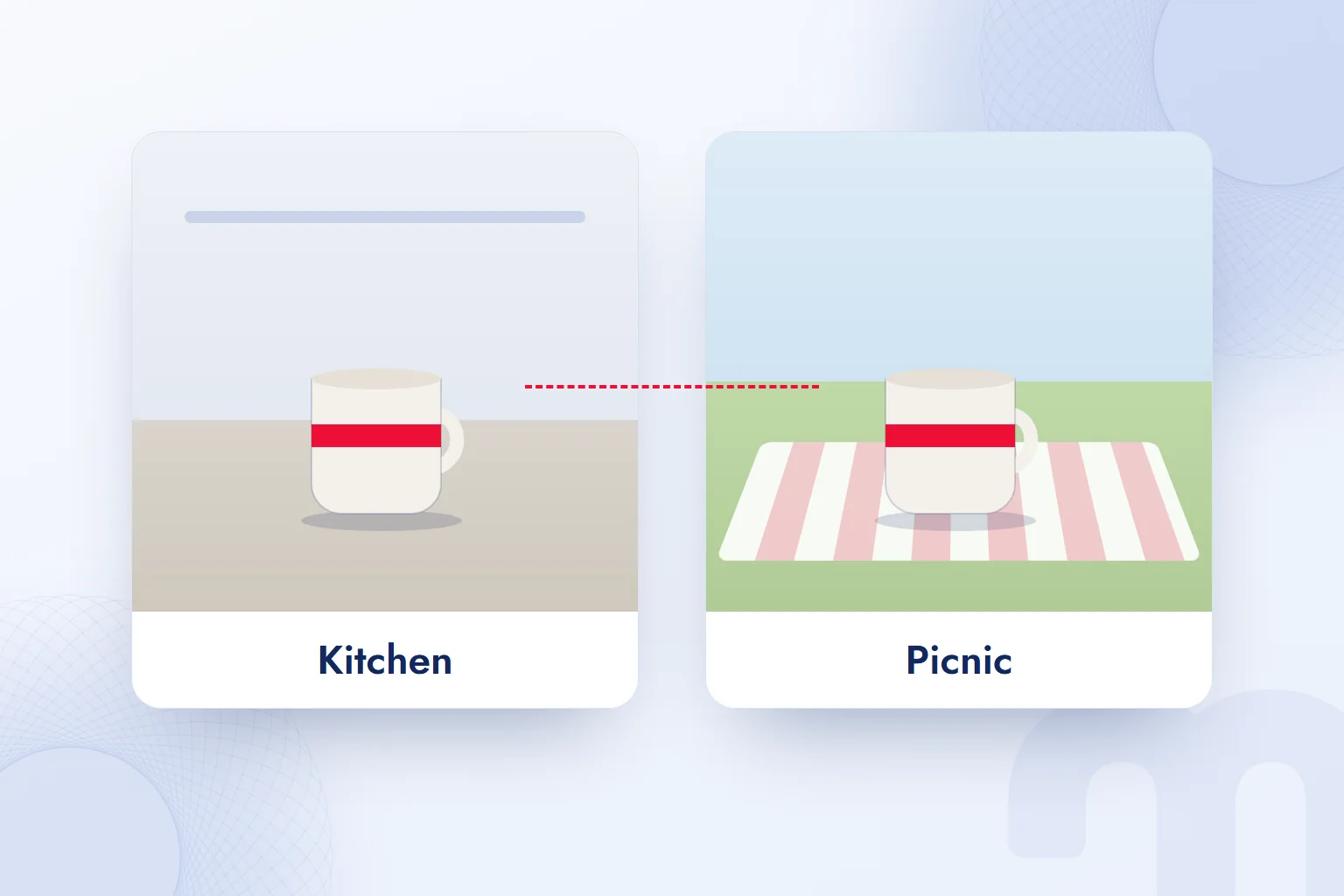
- 3. Scene imagesWe produce the same product in three scenes: a morning kitchen, a desk, a gift box. In every scene we check that the product stays exactly the same.
- 4. Campaign variationsWe change the scene by season: warm light and a knitted throw for winter, outdoors and shade for summer.
- 5. Image with textWhen needed, we have short campaign text added to the image; changing details such as prices go in the page copy, not in the image.
- 6. Final checkWe zoom into every image and compare label text, pattern and colour against the real product.
This workflow speeds up variations that need no shoot; it does not replace the studio. Marketplace rules may not accept AI-generated scenes as the main image, so we use a real product photo there and upload scene images as additional images. We also look at how ecommerce visuals affect conversion in our ecommerce marketing work.
Why does Nano Banana make mistakes? Common problems
Nano Banana’s most common mistakes are in small details: label text, hands and fingers, repeating patterns, and colours changing where they should not. Most are solved by narrowing the prompt or splitting the work into steps.
| Problem | What we do |
|---|---|
| The product’s colour or pattern changed | We add “keep the product’s colour and pattern exactly” to the prompt and upload the reference photo again |
| Label or logo text got distorted | We have the text removed from the image and add the logo separately in a design tool |
| Hands and fingers look unnatural | We take the hand out of the frame or ask for a wider shot |
| The image degraded within the same chat | We open a new chat and upload the last good image as a reference |
| The request was refused | It may have hit a rule on people, brands or sensitive content; we rewrite the prompt without those elements |
| Accented letters come out wrong | We shorten the text, ask for capitals, or add the text afterwards |
What is Nano Banana Pro, and how is it different?
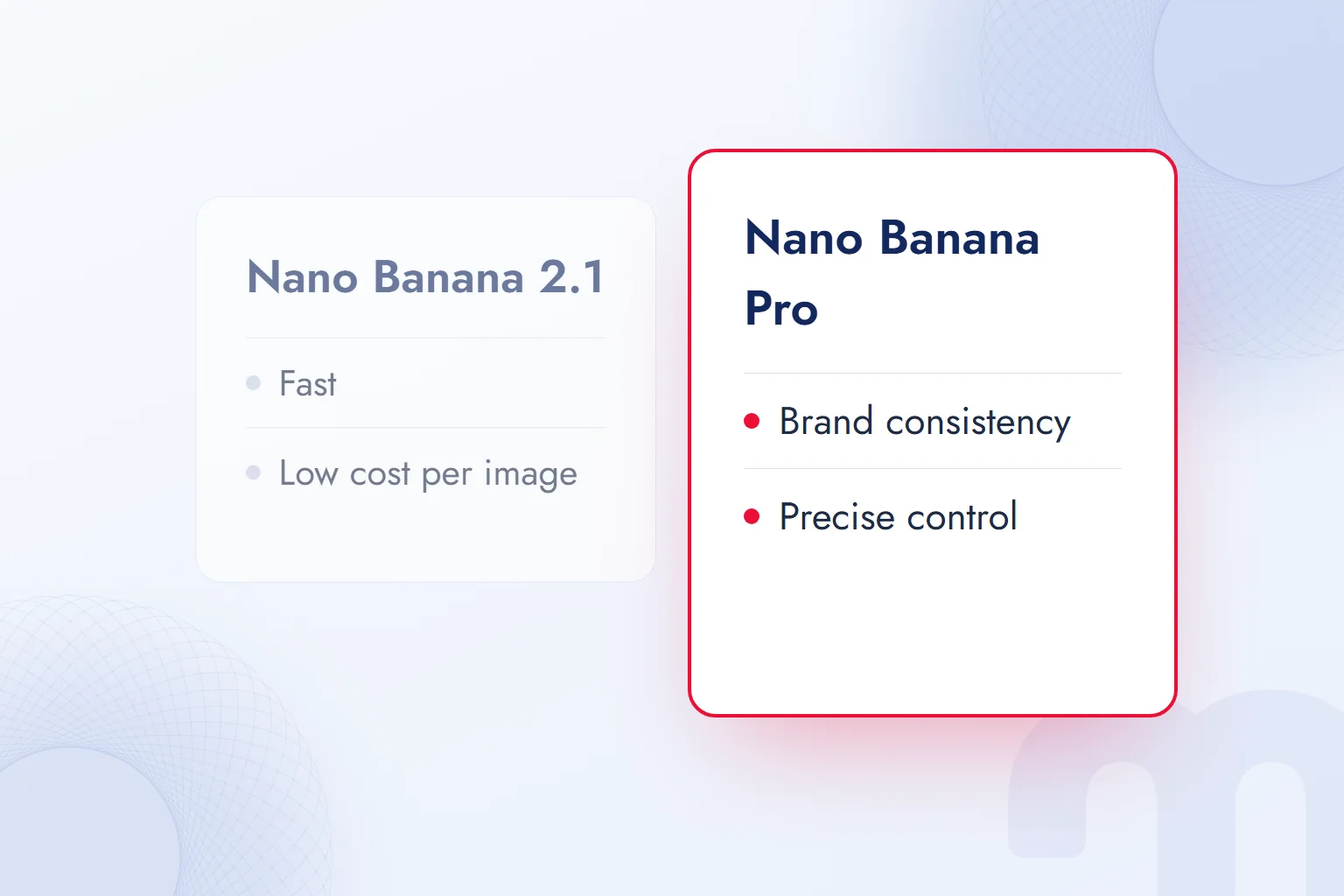
Nano Banana Pro is the nickname of Google’s Gemini 3 Pro Image model; it is the most capable member of the family and is recommended for the most complex image work. Google’s documentation positions Pro for work that needs the deepest world knowledge, advanced localisation, accurate brand consistency and precise creative control.
The work itself decides which model we choose:
| Situation | What we do |
|---|---|
| Everyday product images, social media, quick drafts | Nano Banana 2.1; fast and cheap per image |
| Many variations, batch generation | Nano Banana 2 Lite or 2.1; cost is the deciding factor |
| Strict brand guideline compliance, logo and colour accuracy | Nano Banana Pro |
| Complex scene, multiple characters, style references | Nano Banana Pro; 3 style references can be defined |
| Long or multilingual text inside the image | Nano Banana Pro; strong at localisation |
Our observation: 2.1 is enough for most ecommerce images; we switch to Pro when brand colours and product details must stay identical across dozens of campaign images.
Is Nano Banana free?
Image creation and editing are on the Gemini app’s free plan; according to Google’s subscription page, it also gives limited access to Nano Banana Pro through Google Flow. However, Nano Banana models have no free tier in the Gemini API or AI Studio; there, use requires a Google AI plan or a per-image fee.
In Turkey, Gemini’s plans are listed as free, Google AI Plus (TRY 199.99 per month), Google AI Pro (TRY 869.99 per month) and Google AI Ultra (from TRY 1,479.99 per month). Paid plans bring higher usage limits and Google Flow credits: 200 on Plus, 1,000 on Pro. According to Google, the limit on the free plan is calculated based on prompt complexity and the feature used, and it resets every five hours.
These figures make batch costs easy to estimate: a thousand 1K product images with Nano Banana 2.1 cost about 34 dollars. Since prices can change, we check Google’s Gemini API pricing page when planning a budget. We compared free image tools in general in our free AI tools article.
Batch image generation with the API
For hundreds of products, we run Nano Banana in batches through the Gemini API, filling one prompt pattern with each product’s photo and name. Turning a working AI Studio setup into code with “Get code” is the easiest start. Our three batch rules: a ten-product trial checked by hand first, cost calculated in advance from the per-image price, and a record of which prompt produced each image. For API key security, we use the checklist in our What is Google AI Studio article.
Can Nano Banana make videos?
No; Nano Banana only creates and edits images. Google’s video models are Veo and Gemini Omni Flash, offered in the Gemini app, Google Flow and the Gemini API. On the Gemini API pricing page, Veo 3.1 models are billed per second and have no free tier. A practical workflow is to use a product image created with Nano Banana as the first frame or reference for a short video in Flow.
Watermarks and SynthID: can you tell an image is AI-generated?
Yes; according to Google’s documentation, every image created with Nano Banana carries a watermark. The watermark is invisible to the eye but designed to survive changes such as cropping, filters and compression.
There are two ways to check whether an image was made with Google AI. The first is Gemini: upload the image and ask “Was this created with Google AI?”; Gemini looks for the SynthID watermark and reports it. The second is Google DeepMind’s public SynthID Detector portal, which checks images, videos and audio made with models from Google and partners such as OpenAI and NVIDIA.
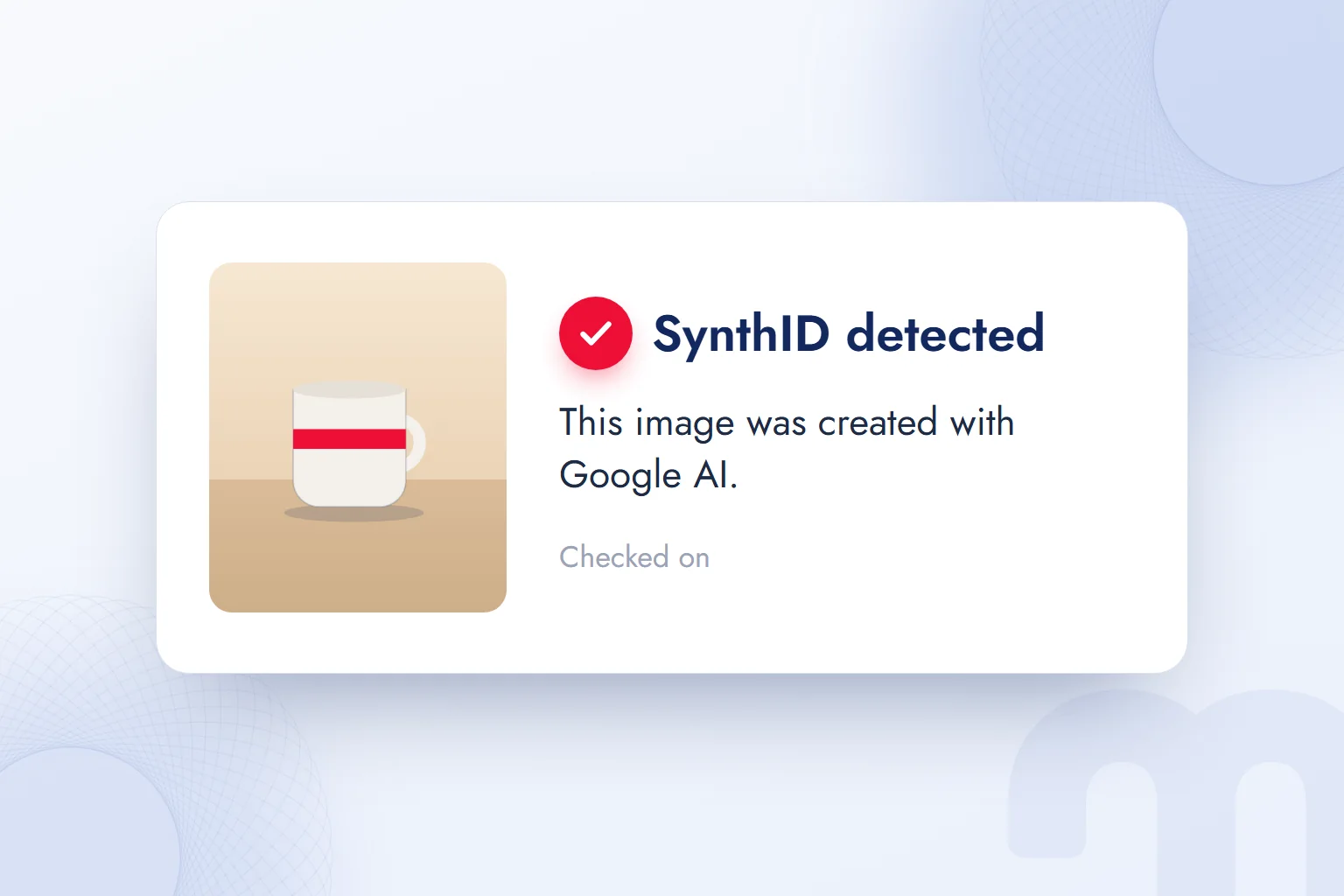
For marketing, this means Nano Banana images may fall under platforms’ AI labelling rules, and a competitor or reader can easily verify that an image is AI-generated. Rather than hiding it, we stay open and use such images as drafts or scenes. According to Google DeepMind, SynthID also marks video and audio from Google models and even text from the Gemini app, so every part of a campaign can be checked.
How is Nano Banana different from ChatGPT and other image tools?
Three things set Nano Banana apart from ChatGPT’s image generation and tools such as Midjourney: preserving the product in photo edits, multi-reference consistency, and grounding in real information through Google Search. Which tool is better depends on the job.
| Tool | Developer | Strong at | Where to use it |
|---|---|---|---|
| Nano Banana | Photo editing, product consistency, images with text | Gemini, AI Studio, Google Flow, Gemini API | |
| ChatGPT image generation | OpenAI | Quick images in a chat, refining through prompts | ChatGPT, OpenAI API |
| Grok Imagine | xAI | Images and videos up to 15 seconds in one place | Grok app, X, grok.com |
| Canva AI tools | Canva | Ready-sized social media visuals inside templates | Canva |
We split the work like this: a real product photo that must be preserved exactly, Nano Banana; a concept image from scratch or a quick variation, ChatGPT or Grok; an image going straight into a social media template, Canva. We covered ChatGPT’s image generation in What is ChatGPT and Grok Imagine in What is Grok.
Can Nano Banana be used on photos of people?
Technically yes, but it needs the most care: the person must have given permission, and the result must not show them in a misleading or degrading way. Google’s prohibited use policy bans creating content meant to mislead or harm others, and the model may refuse such requests.
In Turkey, a photo showing a person’s face is personal data and falls under Law No. 6698 on the Protection of Personal Data (KVKK). Before editing an employee’s or customer’s photo with AI for an ad, our rule is to get explicit consent and show them the edited version.
Nano Banana, stock photos or a photo shoot?
The image’s job decides. For the main product image, a real shoot; for a blog or social image conveying a mood, stock photography or Nano Banana; for many scene variations of one product, Nano Banana is fastest. Stock photos offer a clear licence; Nano Banana builds the image exactly around the brand and product. We keep the shoot for the main product image and multiply the variations around it with Nano Banana.
Commercial use: can Nano Banana images be used in ads?
Yes; Google’s Gemini API Additional Terms of Service state that Google does not claim ownership of generated content. The same terms add two details: Google may generate the same or similar content for others, and the user is responsible for how it is used.
The checklist we go through before using a Nano Banana image in an ad:
- Brand and logo → Is there another brand’s logo, packaging or recognisable product in the image?
- People → Is there a face resembling a well-known person, or a person’s photo used without permission? If we are editing a photo of a person, do we have their permission?
- Product accuracy → Is the product in the image the same as the real one? Has a feature, colour or accessory been added that does not exist? Showing a product differently from what it is misleads consumers.
- Text → Is the text in the image correct, and are the price and campaign details current?
- Platform rules → Are the AI content labelling rules of the platform where the ad will run being followed?
This matters especially for Meta ads: a misrepresented product causes problems in ad review and in customer trust. We describe how we handle creative work on Meta on our Meta Ads consulting page.
Do Nano Banana images affect a brand’s AI visibility?
Not directly, but there is an indirect link: to understand a page, AI assistants and search engines look less at the image and more at the surrounding text, alt text and structured data. An AI-generated product image published with accurate alt text, real product information and price adds value; a misleading one damages trust.
The work of managing how a brand appears in AI answers has become known as ; we explained the framework in What is GEO and our client work on our GEO consulting page. We keep following new developments in image models in our AI guides.
Frequently asked questions
Is Nano Banana free?
The free plan of the Gemini app includes image creation and editing. Nano Banana models have no free tier in AI Studio or the Gemini API.
How do you use Nano Banana?
In the Gemini app, describe the image, or upload a photo and write what should change. For more control, use Google AI Studio.
What is Nano Banana Pro?
It is the nickname of the Gemini 3 Pro Image model. It is the family’s most capable model for work that needs brand consistency, complex scenes and precise control.
Does Nano Banana understand prompts in other languages?
Yes; the model understands descriptions written in Turkish, for example. When text with accented letters is placed inside an image, each letter should be checked.
Can generated images be used commercially?
Yes. Google does not claim ownership of generated content; checking brand, people, product accuracy and platform rules is the user’s responsibility.
Do the images carry a watermark?
Yes. Every Nano Banana image carries an invisible SynthID watermark; it can be checked by uploading the image to Gemini or SynthID Detector.


 What is Perplexity? How to use it, free plan, Pro, Comet vs ChatGPTRead article
 What is Claude Code? Install on Windows and Mac, pricing and useRead article
 What is Grok and how do you use it? X’s AI, its plans and differencesRead articleMost read
 What are AGI and ASI? The steps from general AI to superintelligenceRead article
 What is Claude? How to use it, its plans and the ChatGPT differenceRead article
 What is artificial intelligence? How AI works, types and examplesRead article
 Free AI tools: which one for which job, and what are the limits?Read article
 What is Gemini? How to use it, the free plan, Gemini Omni and ChatGPTRead article
Questions & answers
0 commentsNo questions yet; you can ask the first one.