





 Cihat Murat Yüksel
8 min read
Cihat Murat Yüksel
8 min read
ChatGPT image prompts and Gemini prompt examples for ad visuals
Use ChatGPT image prompts and Gemini prompt examples for portraits and ad visuals, with clear lighting, consistent branding, and the right dimensions.Pro
Contents 9 sections
ChatGPT image prompts are written instructions for its image generator; specifying the subject, product, lighting, framing, and size gives both ChatGPT and Gemini a clear brief for an ad visual. A requires no programming knowledge.
We use the same five parts when editing personal photos, creating scenes from scratch, or preparing product visuals. The prompt defines the scene; branding and placement determine how we prepare it for an ad.
We add the original logo afterward and keep headlines and prices out of generated images.
Ready-to-use ChatGPT image prompts for personal photos
These six prompts cover couples, families, men’s portraits, black-and-white photos, Instagram portraits and cars; we upload a photo and use the relevant prompt.
There are three possibilities:
- We are transforming an existing photo → we upload it with the matching couple, family, portrait or black-and-white prompt.
- We need a landscape or imagined scene without a photo → we describe it directly: “Mountain lake on a foggy morning, soft sunrise light, wide shot, landscape orientation.”
- We need a product or ad visual → we apply the method below to the product, brand and placement.
How do we write Gemini image prompts?
Gemini image prompts are plain-language instructions, just like ChatGPT prompts; we upload the photo in Gemini and include the instruction in the same message. The six prompts above also work in Gemini without changes.
The five parts of an ad image prompt
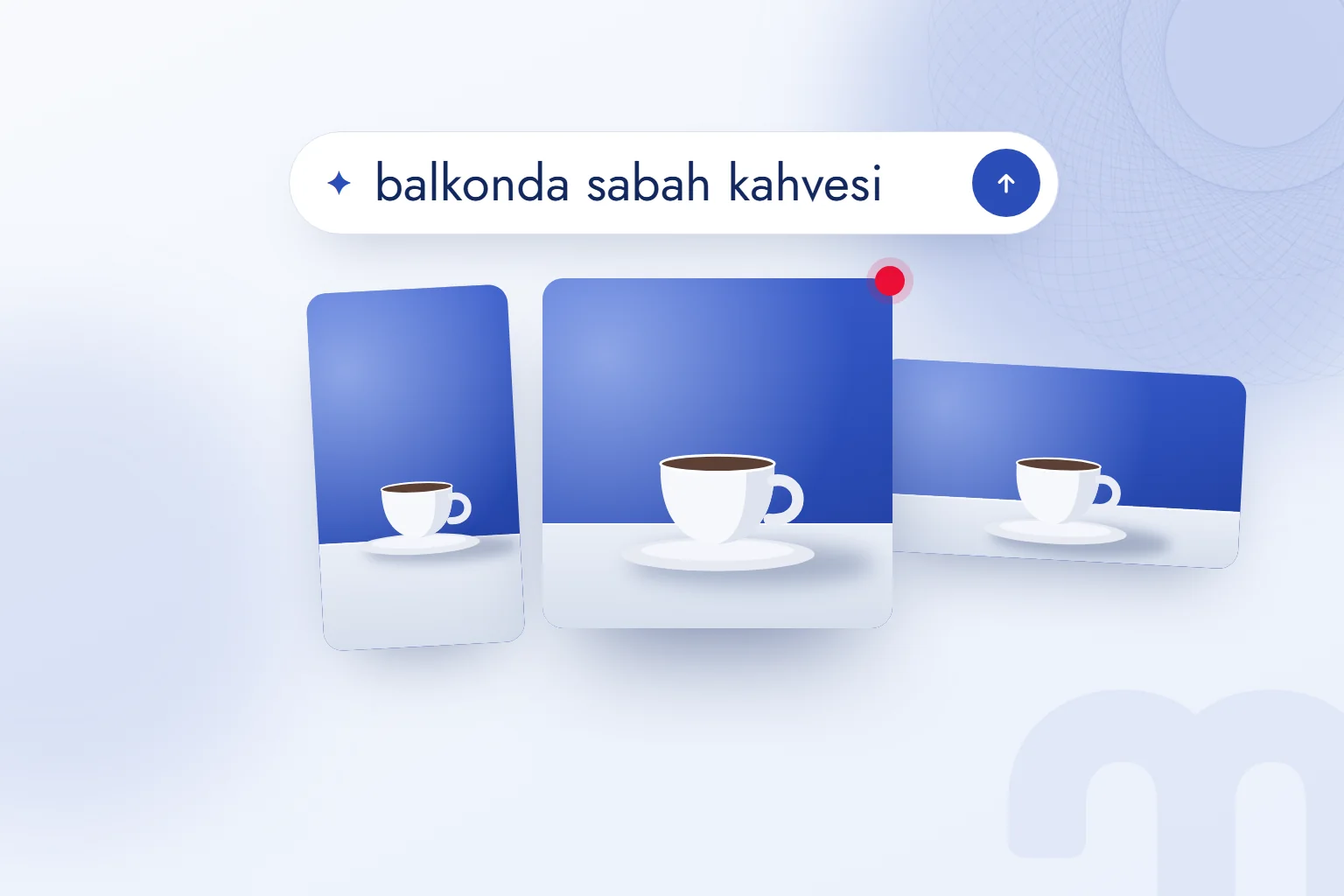
An ad image prompt specifies subject, product, lighting, framing, and size; ChatGPT or Gemini chooses anything we leave unspecified. We describe visible details instead of asking for something “impressive.”
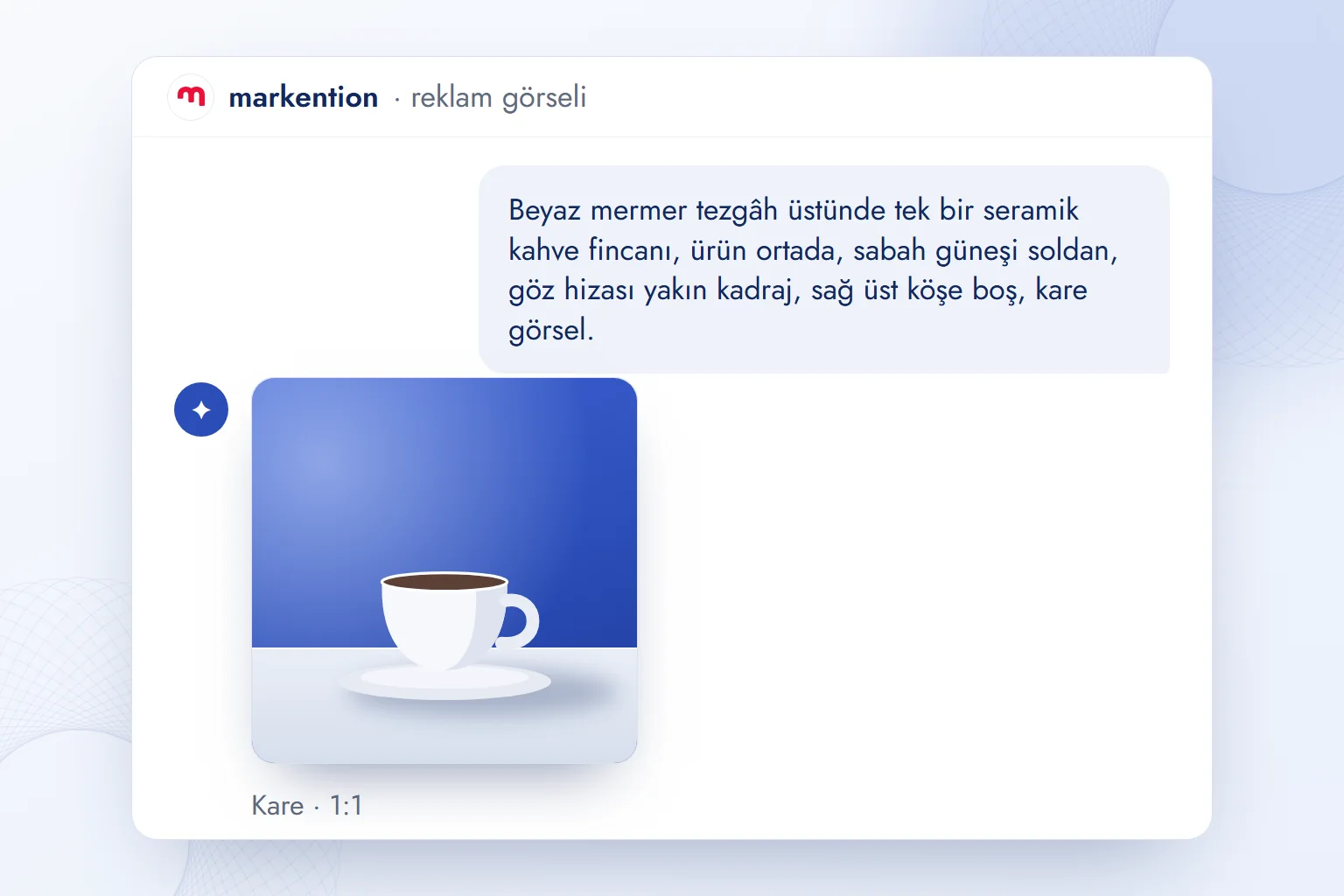
- SubjectDescribe the setting and surface, such as “a white marble countertop.”
- ProductSpecify the item, color, and quantity, centered and alone.
- LightingState direction and quality: “morning sunlight from the left, soft shadow.”
- FramingSpecify eye-level or overhead, close-up or wide, and an empty corner; for realism, add “50 mm, shallow depth of field, blurred background.”
- SizeRequest square, portrait, or landscape orientation; set exact pixel dimensions when exporting.
We add “photorealistic” in Gemini to steer the output away from an illustrated style; the five parts stay the same.
How do we keep brand visuals consistent?
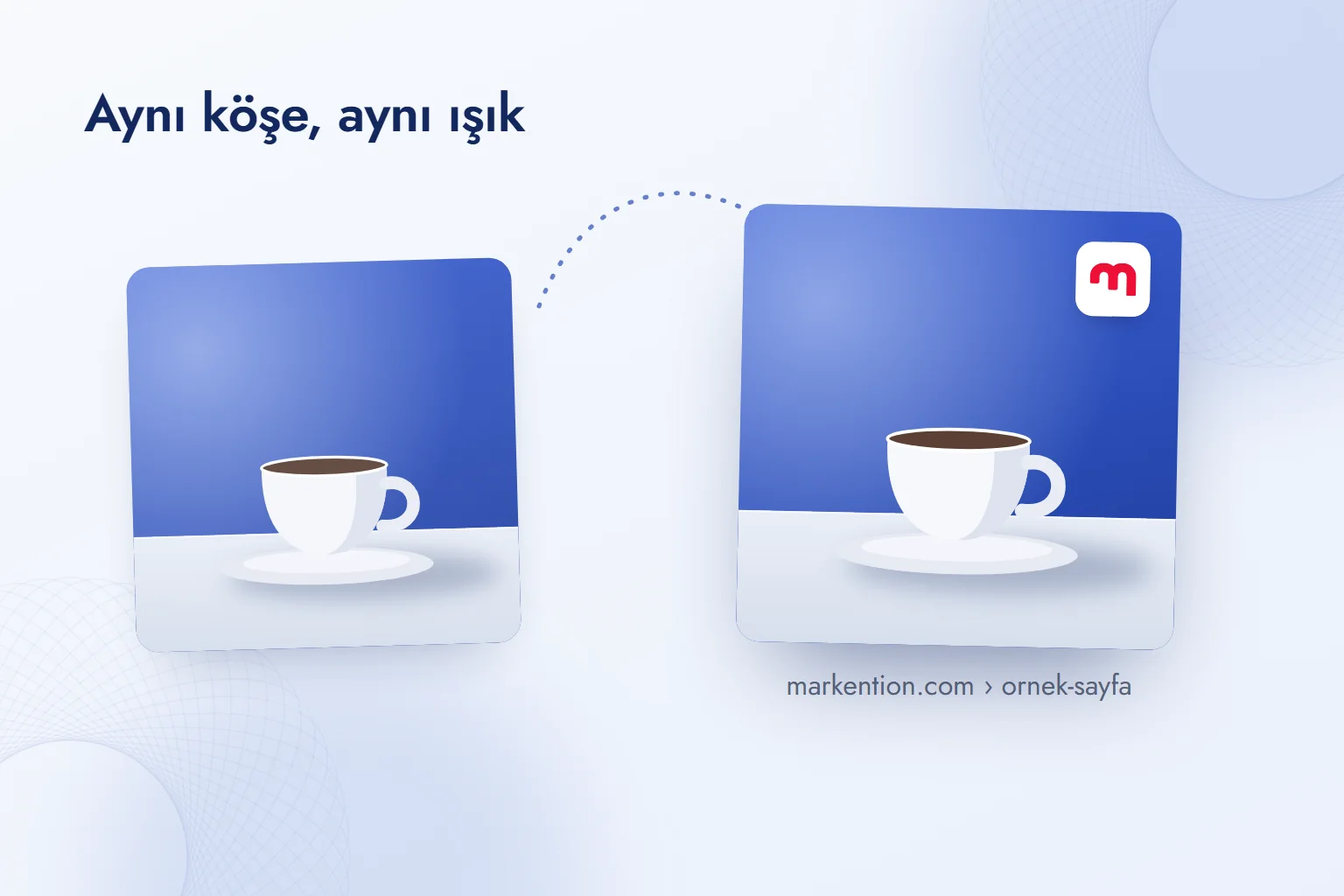
We request the same background color, product angle, and empty corner every time, then add the original logo in a design tool. Generating a logo redraws its letters and proportions; we use the fixed brand asset.
We specify “cobalt #2B4DB8 background” instead of just naming a color, then check the result in the design tool.
There are three possibilities:
- The image needs a logo → request an empty corner, then add the logo in Canva or Figma.
- The background needs a brand color → include its HEX code, correct the generated color, and use that code across all three sizes.
- A real product photo is available → upload it, change only the scene, and check that the product remains intact.
Ad dimensions: 1440×1800 and 1440×2560
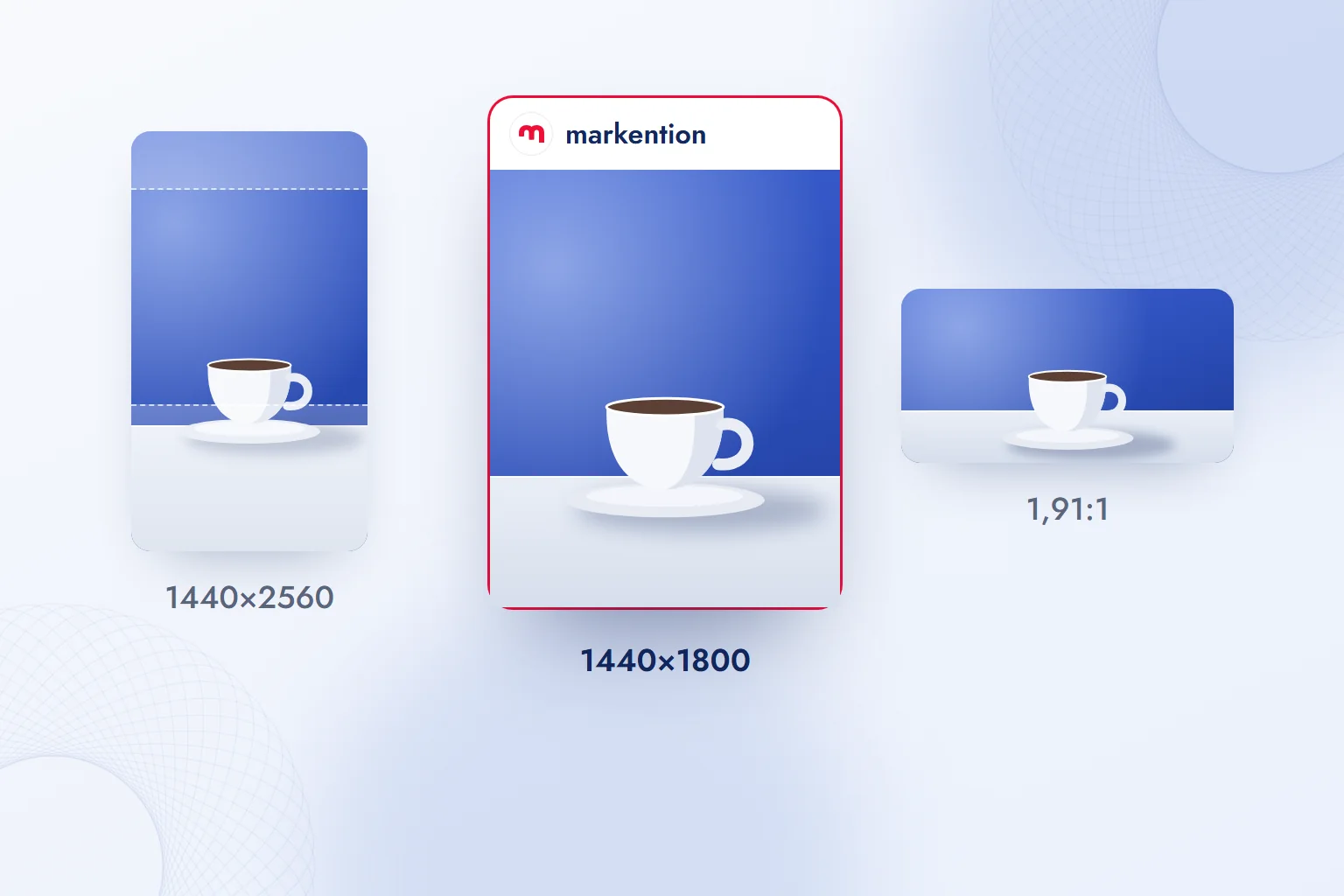
We request an orientation in the prompt and set exact dimensions when cropping or exporting. We check placements against Meta’s ad specifications and prepare separate outputs.
| Placement | Dimensions | Ratio | Prompt wording |
|---|---|---|---|
| Feed (Facebook, Instagram) | 1440×1800 | 4:5 | “portrait orientation, product centered” |
| Stories and Reels | 1440×2560 | 9:16 | “portrait orientation, empty space above and below” |
| Landscape feed (widest supported ratio) | — | 1.91:1 | “landscape orientation, product centered” |
We center the product in vertical images. Meta’s Story guidance reserves approximately 14% at the top, 35% at the bottom, and 6% along the sides for interface elements; we keep products and logos clear.
Our observation: ChatGPT produces a vertical image shorter than 9:16. We request space around the product and crop the sides to reach 9:16, checking that the cup handle remains intact and the logo corner stays empty.
Should we generate text inside an ad image?
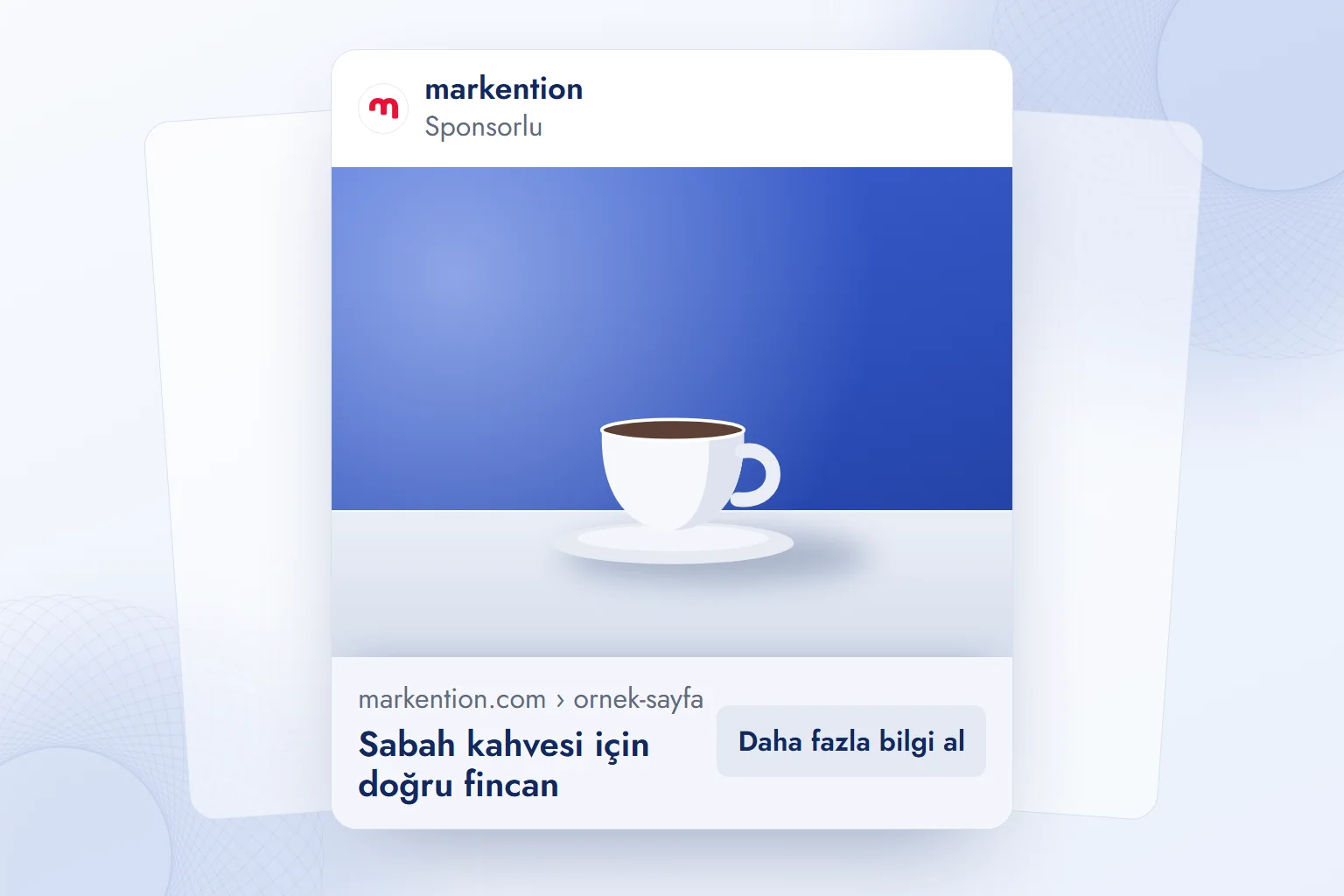
No; we put headlines, prices, and calls to action in ad copy fields or editable text layers. This is our production rule: generated lettering is not editable text, can change between outputs, and often distorts Turkish characters such as ş, ğ, and İ.
We end prompts with “no text or logos.” Keeping copy separate lets us change a headline without regenerating the product scene.
OpenAI’s help documentation says ChatGPT images carry C2PA metadata; Google’s Gemini documentation says Gemini images carry an invisible SynthID watermark. Gemini also adds a visible watermark for free and Google AI Pro accounts. These indicate AI generation; ad acceptance is assessed separately under platform content rules.
Copyright and brand permissions
We exclude real people, other brands’ logos or products, and copyrighted characters unless we have permission and usage rights. OpenAI and Gemini policies restrict uses that infringe others’ rights; an accepted prompt does not establish permission for advertising.
OpenAI’s terms assign ownership of output to the user; Google does not claim ownership of Gemini output. That does not grant rights to someone else’s material within it. We use our own products and colors, and feature people who have given written permission. Editing a personal photo and using that face in an ad are separate decisions.
How do we fix an image with an editing prompt?
We change only the part that went wrong and keep the other four parts word for word. We specify what to preserve and what to change.
There are three possibilities:
- The product or face changed in shape, color, quantity, or features → upload the original again: “Preserve the product,” or “Preserve the exact facial features, hair, and skin tone; change only the background.”
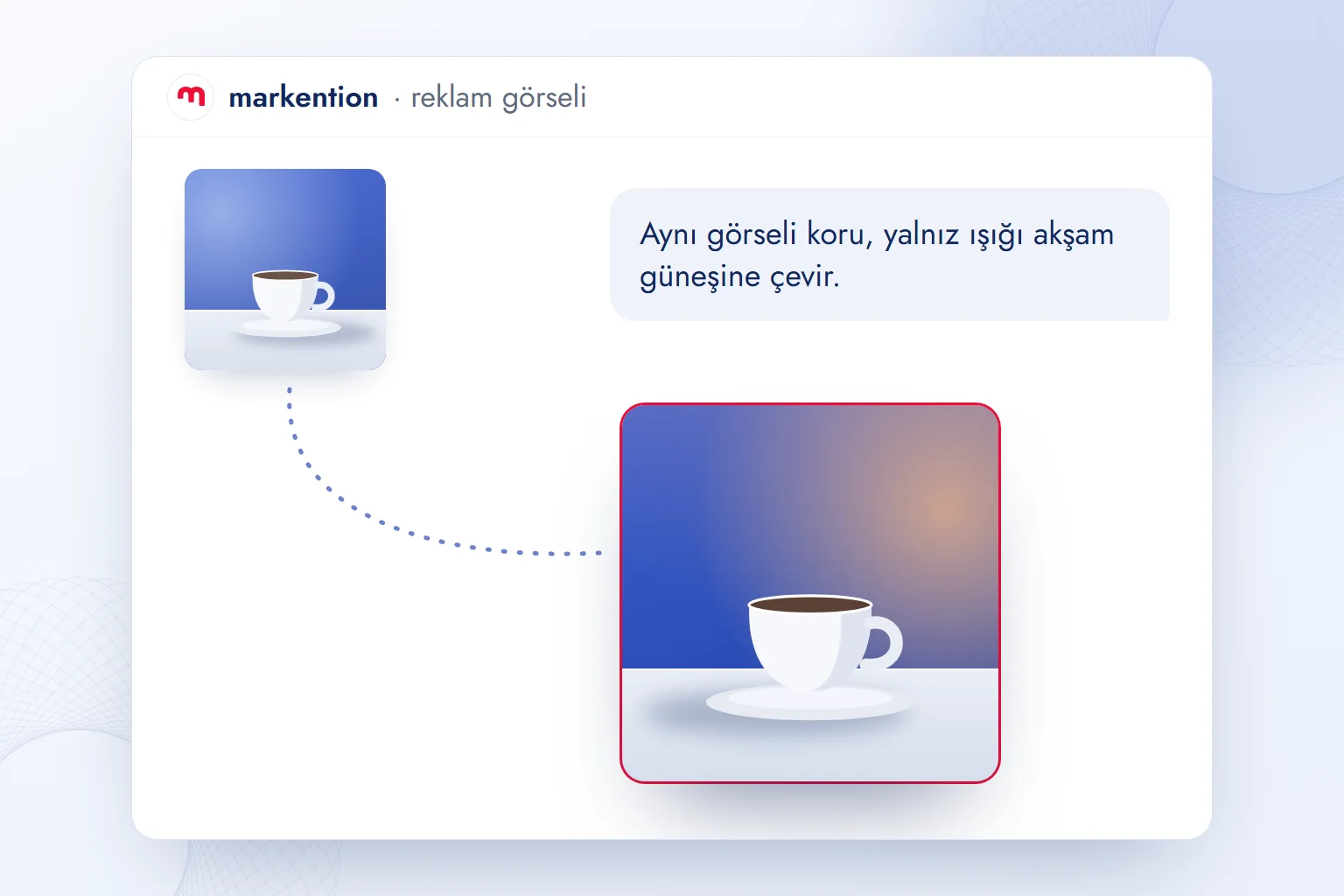
- The lighting or background is wrong → revise only that part: “Keep the same image; change only the lighting to evening sunlight.”
- Text or letters appeared → add “no text or logos” and place necessary copy in a separate layer afterward.
Our observation: identical prompts do not produce identical images. We save the successful prompt and upload that image as the starting point for subsequent generations in either tool.
In our Meta Ads work, we connect this process to tests that change one variable: copy and targeting stay fixed while we assess the image change. We cover production and evaluation methods on our English blog.
Frequently asked questions
How do we write ChatGPT image prompts?
We specify subject, product, lighting, framing, and size, adding “preserve the product” or “preserve the face” for uploaded photos. For a new scene, we use the same five parts without uploading a photo.
Do ChatGPT and Gemini prompts have to be in English?
No; both tools also understand Turkish. We specify the same five parts and identify the product or person to preserve.
Do Gemini image prompts require code?
No; they are plain-language descriptions of an image. The same prompts work in ChatGPT.
Can we use ChatGPT images in ads?
Yes; OpenAI’s terms assign ownership of output to the user. We use our own brand assets and exclude people, other brands, or copyrighted characters without permission.
How do ChatGPT photo editing prompts work?
We upload a photo and request “preserve the product or faces; change only the background.” We change one part at a time and specify which details must stay.
What size should we request for an ad image?
We request square, portrait or landscape orientation. Following Meta’s guide, we export feeds at 1440×1800 (4:5) and Stories and Reels at 1440×2560 (9:16).
 What is a podcast? How podcasts work for brands and where to publishYazıyı okuEn çok okunan
 Advertising on ChatGPT: Ads Manager, Targeting and Your First CampaignYazıyı oku
 What is a title tag? How to write it and how it differs from H1Yazıyı oku
 What are URL parameters? UTM, GA4 event parameters and gclidYazıyı oku
 What is a PDF? Uses, and PDFs on your website: indexing and trackingYazıyı oku
 What is GEO? How Generative Engine Optimization worksYazıyı oku
Questions & answers
0 commentsNo questions yet; you can ask the first one.