





 Damla Kütük
16 min read
Damla Kütük
16 min read
What is Google AI Studio? Free use, API keys and your first project
What Google AI Studio is, how it differs from the Gemini app, signing in and the first prompt, free quota limits, getting an API key, no-code apps in Build mode and how your data is used.Pro
Contents 23 sections
Google AI Studio is Google’s web-based development environment for trying Gemini models in the browser, tuning prompts, getting a Gemini API key and building the first version of AI-powered apps. Unlike the , it gives the user the model together with its system instructions, temperature and tool settings.
This guide covers, in order: what AI Studio does and who it is for, how it differs from the Gemini app and Vertex AI, a first prompt step by step, the real free quota limits, getting and protecting an API key, no-code apps in Build mode, and how your data is used. Model, quota and pricing details come from Google’s developer documentation; as AI Studio changes often, we give screen names as the interface shows them.
In free AI Studio use, confidential or personal data is never entered; the API key is kept on the server side only.
What is Google AI Studio?
Google AI Studio is a free AI development environment at aistudio.google.com, opened with a Google account; prompting Gemini models, adjusting their behavior, turning results into code and managing API keys happen on one screen. Google’s own description is short: AI Studio lets you quickly try models and experiment with different prompts.
Today’s AI Studio has three sections in the left menu:
- Explore: Playground, where you chat with the models, and History, which keeps past prompts.
- Build: New app, which builds an app from a written description; My apps, the apps you have built; and Gallery, with ready-made examples.
- Manage: Dashboard, which tracks usage, quota and API keys, plus the Gemini API documentation.
AI Studio’s real value is testing an idea in three stages: we try the prompt in Playground, turn it into Python, JavaScript or another language with the “Get code” button, then make it a working app in Build mode. All three stages run on the same Google account and API quota.
Who is AI Studio for?
AI Studio’s main audience is developers and product teams, but marketing and content teams who do not code can use it directly through Playground and Build mode. We see three groups:
- Developers → They test prompts and model settings here before connecting the Gemini API to their products, and get their API key here.
- Product and design teams → They build a working first version of an idea in hours with Build mode and share it with the team.
- Marketing and content teams → They summarize long documents, generate images, draft product descriptions and interpret data tables with settings the Gemini app does not offer.
Under Google’s Gemini API Additional Terms of Service, AI Studio and the Gemini API require users to be at least 18, unlike consumer chat assistants, which are open from age 13.
What is the difference between Google AI Studio and the Gemini app?
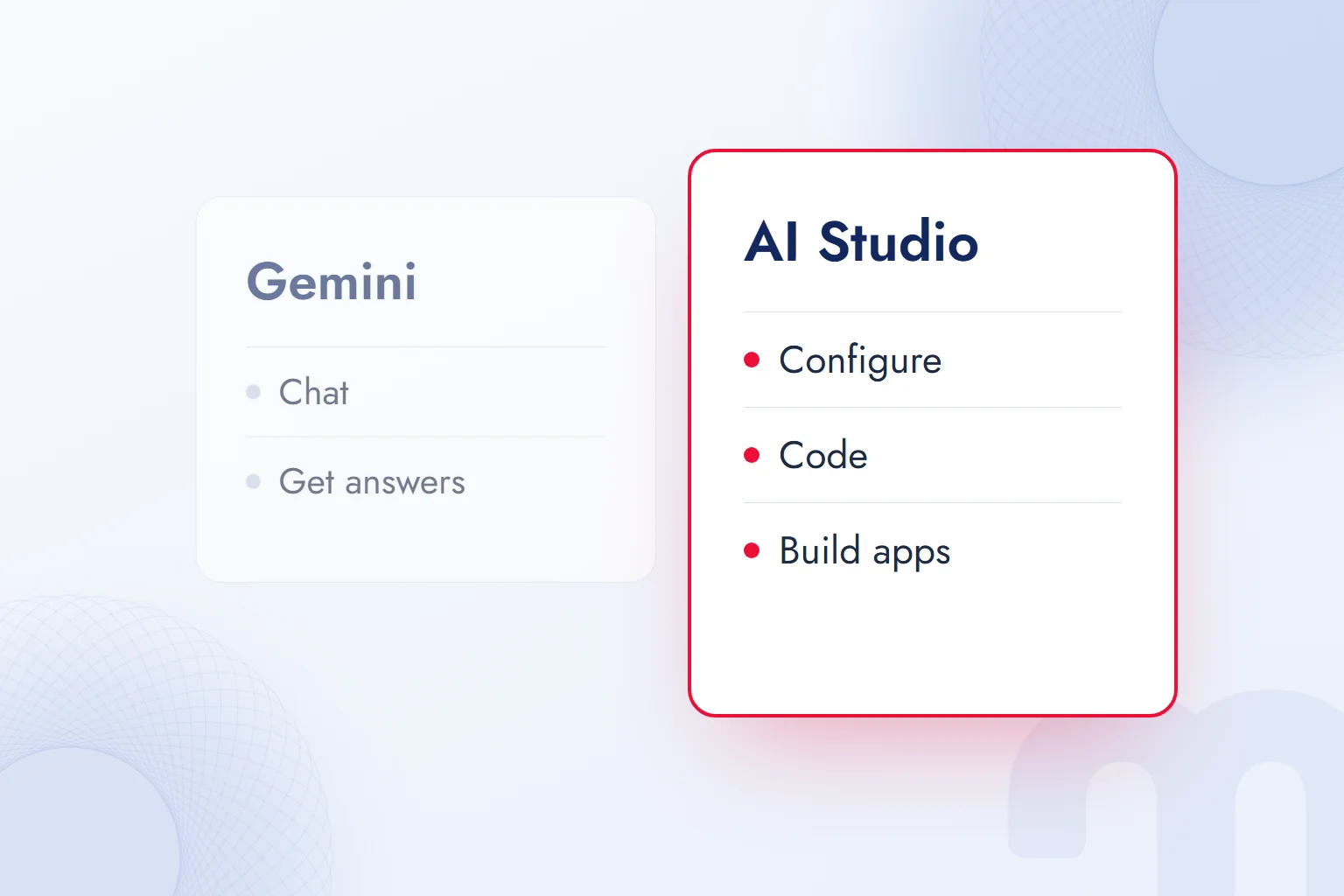
The Gemini app is a chat assistant for end users; AI Studio is a development environment that exposes the same model family with its settings and produces API keys and code. In short, Gemini is for using, AI Studio is for building.
| Criterion | Gemini app | Google AI Studio | Vertex AI |
|---|---|---|---|
| Who it is for | End users | Developers, product and content teams | Enterprise software teams |
| Address | gemini.google.com and mobile app | aistudio.google.com | Google Cloud console |
| Model settings | Limited | System instructions, temperature, thinking level, tools | Full control, fine-tuning |
| API key and code | No | Yes (Get code, API keys) | Yes (Google Cloud authentication) |
| Building apps | No | Build mode | With separate tools |
| Billing | Google AI plans | Free quota, Google AI plans, pay-as-you-go API | Google Cloud billing |
Vertex AI is Google Cloud’s enterprise AI platform: the same Gemini models with the company’s cloud account, security rules and billing. On small and mid-sized projects we start in AI Studio and move to Vertex AI when scale, data residency or an enterprise contract demands. We cover the chat assistant itself, its plans and its comparison with ChatGPT in what is Gemini.
Can you use Google AI Studio in other languages?
The AI Studio interface is in English, but Gemini models understand and reply in other languages, so the work itself can be done in another language. Turkey, our home market, is on Google’s list of available regions for the Gemini API and AI Studio, and Gemini handles Turkish prompts and replies.
Two small habits help when working in another language. First, add an explicit language rule to the system instructions, such as “Reply in Turkish; on first mention of a technical term, give the English term in parentheses.” Second, for structured output (JSON), ask for English field names and values in the target language; this makes the output easier to connect to code.
How do you sign in to Google AI Studio?
To use AI Studio, open aistudio.google.com and sign in with a Google account; there is no separate sign-up form or download. On first sign-in you accept Google’s terms of service and land straight on Playground.
For business Google Workspace accounts, access depends on the administrator’s setting; if it is off, a warning appears at sign-in, and you either ask the administrator or use a separate Google account. A personal Gmail account can always sign in.
Can you use AI Studio on a phone, or download it?
AI Studio is a web app that opens in a phone’s browser, but it is built for desktop, so the settings panel and code view are awkward on a small screen. At its developer conference in May 2026, Google announced a mobile app for AI Studio; in Turkey, the app page does not open on the Google Play store. So we use AI Studio on a computer and the Gemini app on the phone.
Your first prompt step by step: model, system instructions and temperature
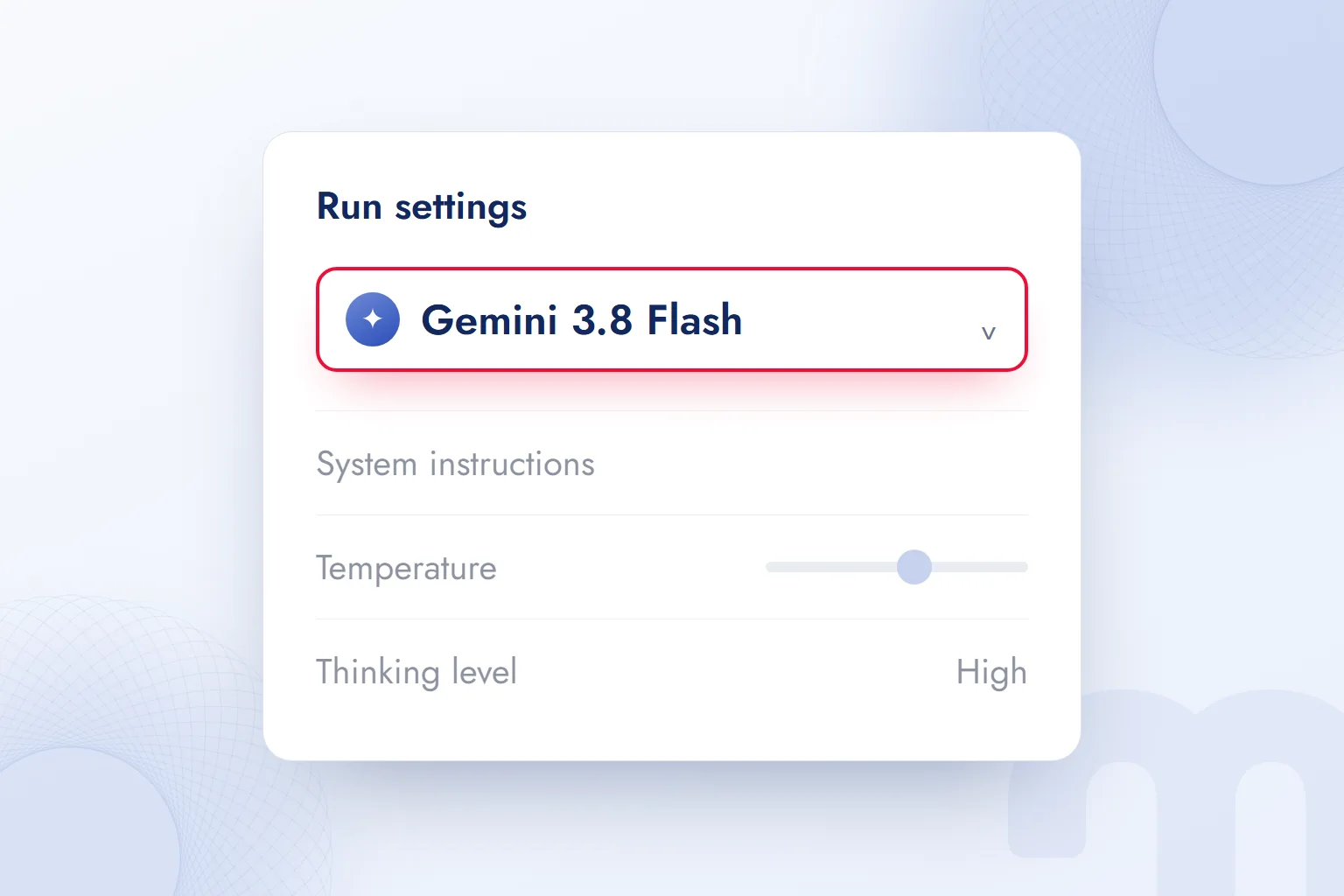
To set up a first prompt, we open Playground, choose the model in the Run settings panel on the right, add system instructions if needed and send the prompt. This is the setup we use for a product description draft:
- 1. Open PlaygroundIn the left menu, click Explore › Playground. The prompt box opens in the middle, the Run settings panel on the right.
- 2. Choose the modelClick the model name at the top of Run settings and pick from the list. Flash models, fast and with a free quota, are enough for first tries.
- 3. Write the system instructionsIn System instructions, set the model’s role, tone and limits: “You are a copywriter for a ceramics brand. No exclamation marks; each description is 80 words at most.”
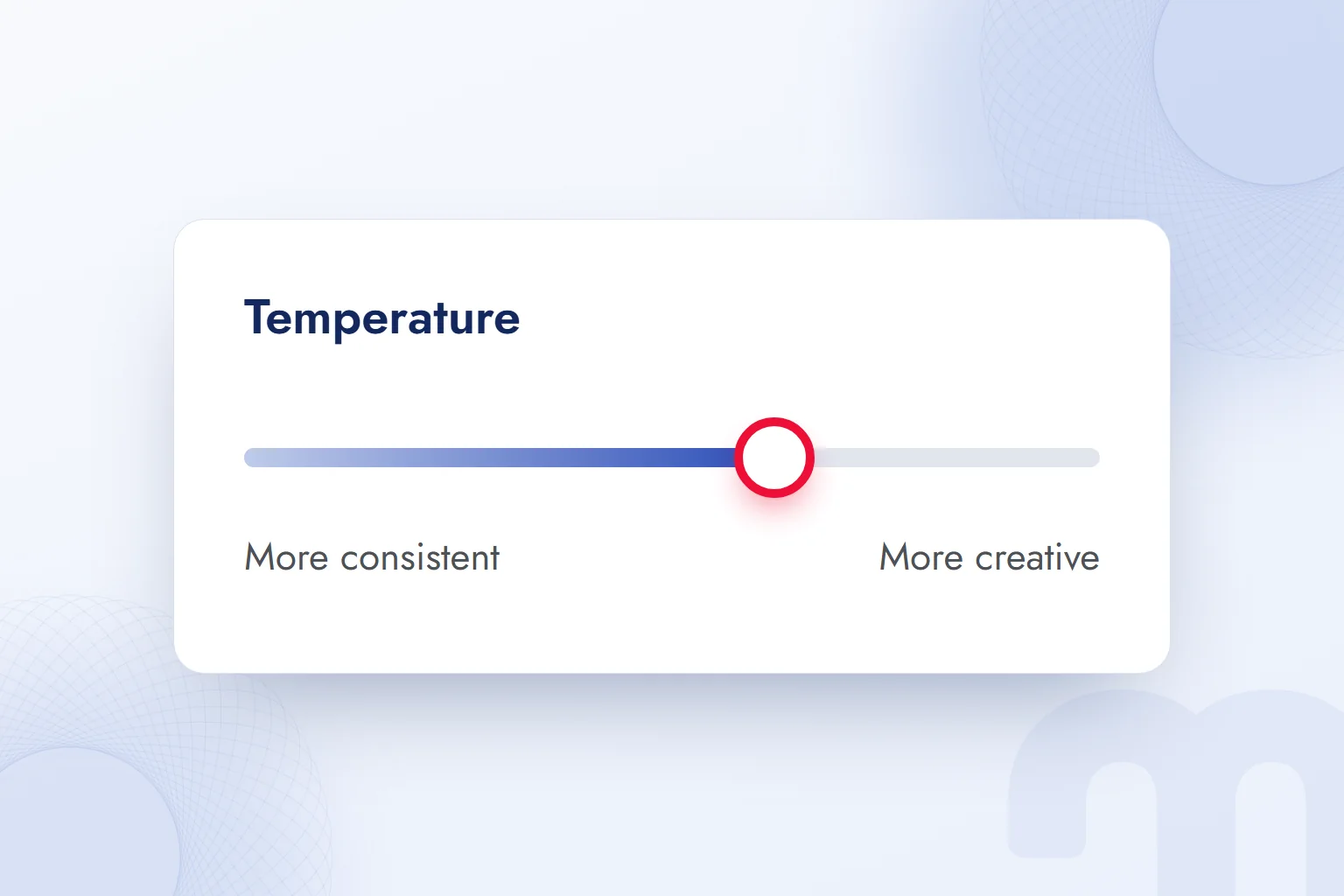
- 4. Set the temperatureThe Temperature slider sets how varied the response is. Use a low value for consistent, factual work and a high value for ideas.
- 5. Turn on tools if neededIn Tools, turn on Grounding with Google Search, URL context, code execution or structured output.
- 6. Send the prompt and turn it into codeType the prompt and press Run. If the result is right, the Get code button at the top right gives you the same setup as code.
Unlike a Gemini app conversation, this setup is saved and repeatable. When we write descriptions for a hundred products with the same system instructions and temperature, they come out in the same voice and length. We explain the parts of a good prompt with examples in what is a prompt.
What does temperature do?
Temperature sets how much risk the model takes when choosing the next word; low temperature gives consistent, predictable responses, high temperature varied and creative ones. Run one prompt several times to see it: at low temperature answers look alike, at high temperature the wording changes each time.
The type of work decides:
| Task | What we do |
|---|---|
| Data table summaries, classification, translation | We keep it low; the same input should get the same response |
| Product descriptions, email drafts | We leave it in the middle; the voice stays consistent, the wording varies |
| Campaign ideas, headline options | We raise it; we run several rounds and pick the best |
| Code and structured output | We keep it low so the format does not break |
What do thinking level and tools change?
Thinking level sets how much the model reasons before answering; a high level is more accurate but slower on hard questions. For simple text tasks, a low level saves both time and quota.
Tools add outside information and abilities. Grounding with Google Search ties the answer to current search results and cites sources; URL context reads a page you supply; code execution calculates with code that actually runs; structured output forces the answer into your JSON schema. Our most used pair in marketing is URL context with structured output: a competitor page’s headings and claims become a table in seconds.
Is Google AI Studio free? Quota and limits
Yes, Google AI Studio is free; but free use comes with what Google calls a “modest quota”, and the most powerful models are not in the free tier. More quota and Pro models need a Google AI Pro or Ultra subscription; unlimited scale needs an API key with billing enabled.
Google’s Google AI plans page defines three levels:
- Free → Basic access and a modest quota.
- Google AI Pro → Higher quota with advanced models such as Gemini Pro, Nano Banana and Lyria; Gemini 4 Argon is not included.
- Google AI Ultra → The highest quota and limits, Gemini 4 Argon included.
Subscription allowances apply in Playground and Build, and daily limits reset at a fixed time. When they run out, you continue by paying per request with a billing-enabled Gemini API key.
Why does a quota error (429) appear, and what do you do?
A quota error appears when any limit on requests per minute (RPM), input tokens per minute (TPM) or requests per day (RPD) is exceeded; for spend-based limits the API returns “429 RESOURCE_EXHAUSTED”. Google’s documentation says limits apply per project, not per API key, so a second key in the same project adds no quota.
The fix depends on the cause:
- A per-minute limit was hit → We wait a few seconds and retry; in batch jobs we space requests out.
- The daily limit is used up → We wait for midnight Pacific time, 10:00–11:00 Turkey time depending on daylight saving.
- We keep hitting limits → We link a billing account to the project and move to Tier 1; Google says the upgrade from free to Tier 1 usually takes effect immediately.
The free tier’s current per-model limits appear on the Dashboard; Google does not publish them as one table and changes them often.
Which models are in the free tier?
On the Gemini API pricing page, most Flash and Flash-Lite models have a free tier; the most powerful model, Gemini 4 Argon, Gemini 3.1 Pro Preview and the image and video models are paid only. Image models (Nano Banana 2, Nano Banana 2.1, Nano Banana Pro) and video models (Veo 3.1, Gemini Omni Flash) have no free tier; in AI Studio they need a Google AI plan or a paid API key.
The pricing page also announces price increases for some models on December 1, 2026 and January 1, 2027; Gemini 4 Argon’s price per million input tokens, for example, goes from 2 to 4 dollars. For budgets we always check Google’s Gemini API pricing page.
How do you get an API key in Google AI Studio?
To get an API key, open the API Keys page in AI Studio and press “Create API key”; the key is created linked to a Google Cloud project and works right away. According to Google’s documentation, all new keys created in AI Studio are generated as auth keys automatically.
- 1. Open the API Keys pageIn AI Studio, use the key icon at the top (Get API key) or go to Dashboard › API keys.
- 2. Create the keyPress Create API key and choose the Google Cloud project to link it to. If your project is missing, import it from the Projects view in the Dashboard.
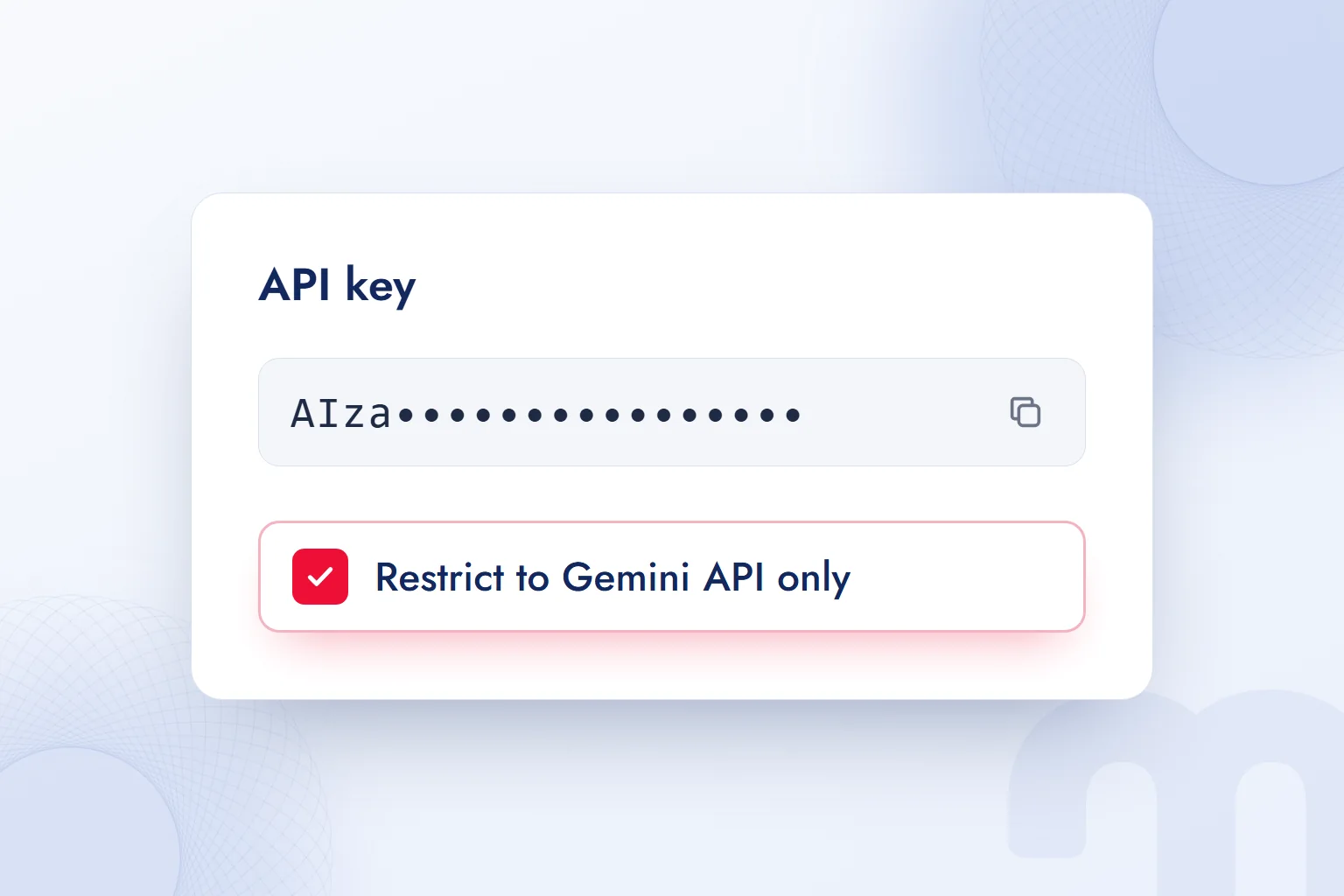
- 3. Restrict the keyTick “Restrict to Gemini API only”; if needed, allow use only from specific IP addresses or apps.
- 4. Put the key in an environment variableStore it in an environment variable named GEMINI_API_KEY; Google’s client libraries read this name automatically.
- 5. Set up a billing alertDefine a budget alert in the Google Cloud console to spot unexpected usage early.
How do you protect an API key?
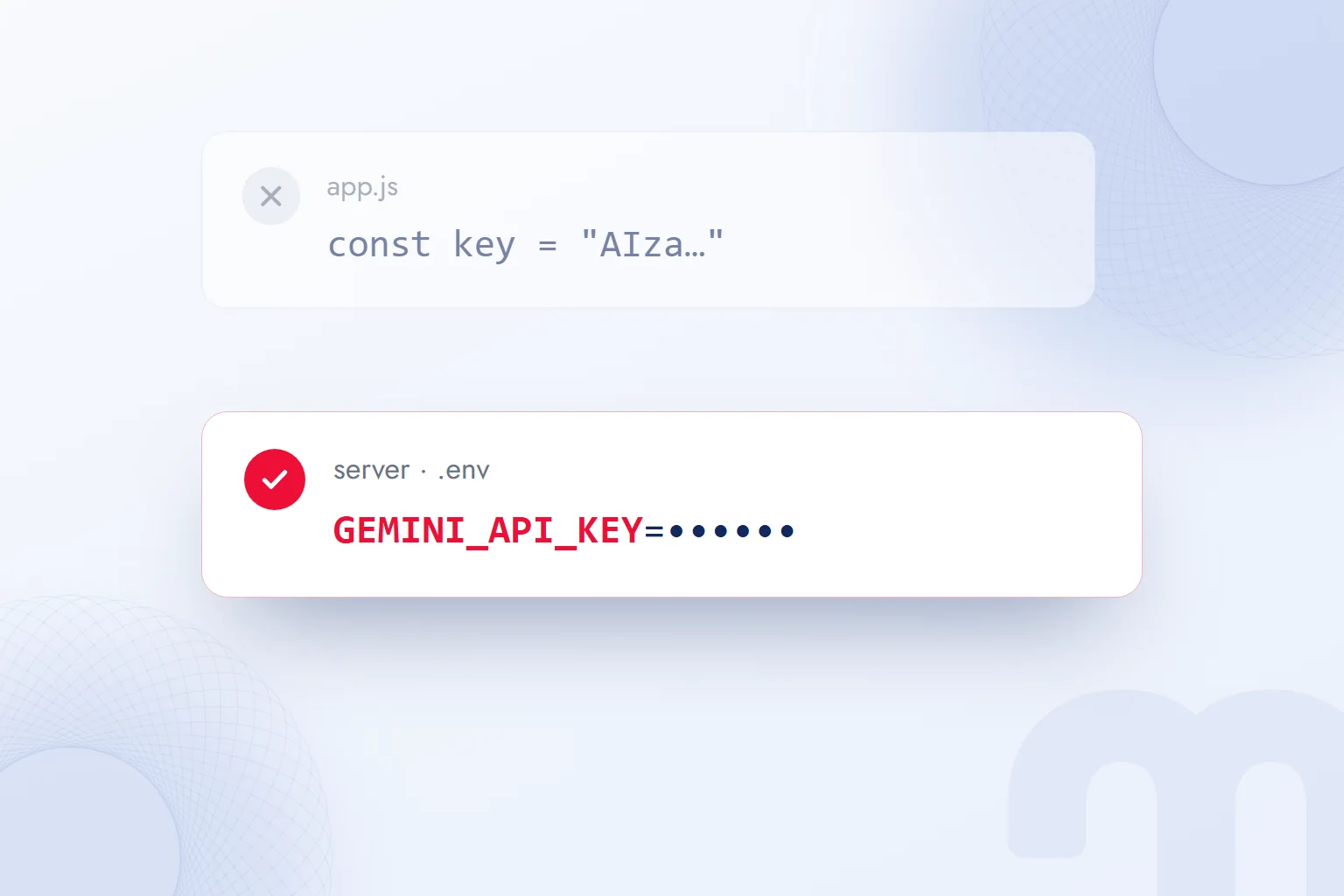
An API key is protected like a password: it never goes into source code, a Git repository or code that runs in the browser. Google’s documentation states that keys embedded in web and mobile apps are easy to extract, so production requests should go through a server-side layer.
Our checklist is short:
- The key lives only on the server, in an environment variable or a secrets vault such as Google Cloud Secret Manager.
- Each project and each environment (staging, live) gets its own key; if one leaks, only that one is revoked.
- The key is restricted to “Gemini API only”.
- Billing-enabled projects get a budget alert.
- The old key is deleted once the new one is tested.
One trap hides in the variable name: Google’s libraries read both GEMINI_API_KEY and GOOGLE_API_KEY, and if both exist, GOOGLE_API_KEY wins. A GOOGLE_API_KEY left over from an old project can silently override the new key.
How do you build an app without code in Build mode?
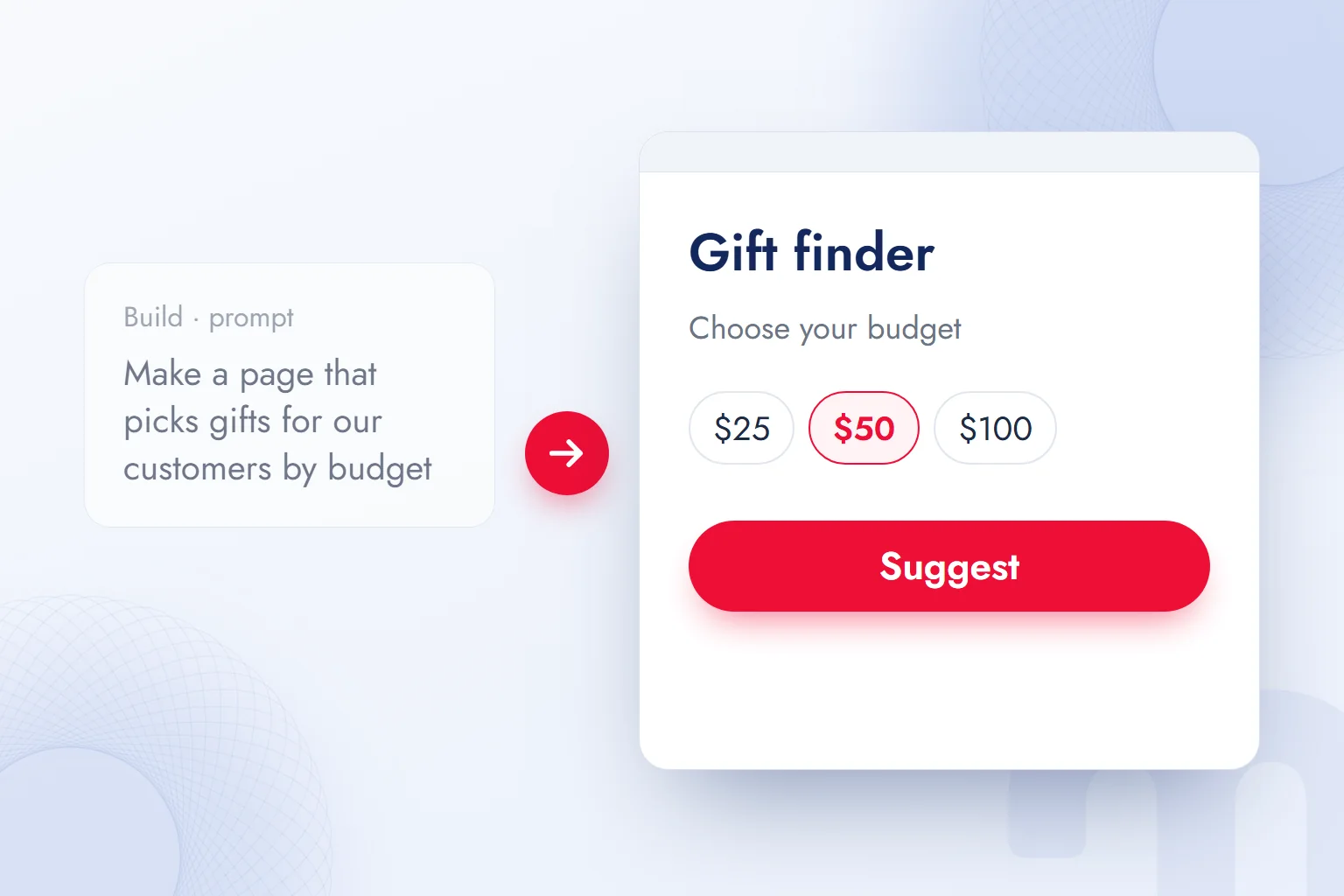
Build mode is the part of AI Studio that turns a written description into a working app; Google’s documentation says AI Studio generates the whole described app and shows a live preview. Web apps use a React front end and a Node.js server by default; Android apps use Kotlin and Jetpack Compose.
The general name for this approach is now . In Build mode, the work runs like this:
- 1. Describe the appOn Build › New app, write what you want. You can add ready-made capabilities such as image generation or Google Maps data.
- 2. Try the previewAI Studio writes the code and opens a working preview on the right. Press the buttons and fill in the form to try it.
- 3. Fix it through chatImprove the app with requests such as “change the colors to match our brand” or “add a share button to the results page”. The code is in the Code tab.
- 4. Publish or exportDeploy to Google Cloud Run, sync with a GitHub repository, or download a ZIP and run it on your own server.
A security detail: in Build mode, GEMINI_API_KEY is a server-side secret variable and never enters client code. Apps are private by default; once shared, every user’s API calls count against your quota. Deploying to Cloud Run and using paid models may cost extra.
Build mode is a prototyping tool; a first version arrives fast, but databases, sign-in, payments and maintenance need separate engineering. Google’s documentation itself says direct storage support is still in development. Build mode validates an idea; a lasting product needs a software team. We explain this line and the limits of vibe coding in what is vibe coding, and how we use it in client projects on our vibe coding services page.
How can a marketing team use AI Studio? Four examples
For a marketing team, AI Studio’s strongest point is repeating a job with the same settings every time; what shifts from chat to chat in the Gemini app becomes a saved setup. Our four most common jobs:
Summarizing a long document
We upload contracts, research reports or industry documents to Playground and ask for a formatted summary, such as “five points for an executive, with page numbers”. Gemini’s large context window reads hundreds of pages in one pass. We check every figure in the summary against the document.
Drafting product descriptions
For an e-commerce catalog, we put the brand voice, banned words and length limit in the system instructions and keep the temperature in the middle. We supply product information as structured data; with JSON output, descriptions go straight into a table. A person reads every description before it enters the catalog, to make sure the model has not invented a feature.
Generating images
For campaign visual drafts we use the Nano Banana image models; they have no free tier and need a Google AI plan or a paid API key. In an image prompt we describe the product, the setting, the light and the aspect ratio separately. We collected image prompt patterns for ChatGPT in ChatGPT image prompts; the same logic works with Gemini’s image models.
Interpreting a data table
We upload ad or Search Console data as CSV and turn on code execution; the model calculates with running code and draws a chart. For period comparisons or outliers, it computes figures instead of guessing them. We always check the result by hand against a few source rows.
How is my data used? Free versus paid tier
In the free tier, content entered into AI Studio and the responses may be used to improve Google products and read by human reviewers; in the paid tier, Google does not use prompts and responses for product improvement. This is the key decision when using AI Studio for work.
The Gemini API Additional Terms of Service give a clear warning for free services: sensitive, confidential or personal information should not be entered. For paid services, Google processes prompts and responses under a data processing addendum and logs them only for a limited period to detect abuse. One more detail stands out: for users in the European Economic Area, Switzerland and the United Kingdom, the paid-service data rules apply to all services, AI Studio and the free quota included.
| Data | What we do |
|---|---|
| Public text, a competitor page, our own blog post | We work in the free tier |
| A campaign report with no personal data | The free tier is possible; we still prefer the paid tier |
| Customer lists, contracts, internal correspondence | Only with a paid API key, and only if company policy allows |
| Passwords, ID and card details | We enter them in no tier |
For use from Turkey, personal data falls under Law No. 6698 on the Protection of Personal Data (KVKK); sending customer data to an AI service abroad engages that law’s cross-border transfer rules. So we recommend writing down the team’s rule on which data may go into AI Studio, once.
How does work in AI Studio affect search and AI visibility?
AI Studio is not a search product, but the same Gemini models answer questions in Google’s AI Overviews and the Gemini app, so AI Studio is a practical lab for testing how a brand appears to them. Turn on Grounding with Google Search, ask a common question about your brand, and you see which pages the model cites.
We run this test regularly on client projects: we run 20–30 of a brand’s questions with the same settings and record how often the brand and its competitors appear in the sources. The result shows which pages are “readable” to answer engines and which fall short. We set out the framework in what is GEO, and how we run it for clients on our GEO consulting page. You can measure how your site appears to AI crawlers with our free AI visibility analysis tool.
For context windows, tokens and training in language models, see what is an LLM; for the protocol that connects Gemini to other tools, what is MCP; to compare Google’s assistant with ChatGPT, what is ChatGPT. We follow changes in AI tools in our AI guides.
Frequently asked questions
Is Google AI Studio free?
Yes, it is free with a Google account and offers a limited quota. Higher quota and Pro models need a Google AI Pro or Ultra subscription or a paid API key.
Does Google AI Studio work in other languages?
The interface is in English, but Gemini models understand prompts and reply in other languages, Turkish included. Turkey is among the regions where AI Studio is available.
What is the difference between Gemini and AI Studio?
Gemini is a chat assistant for end users. AI Studio is a development environment that opens the same models with system instructions, temperature and tool settings and produces API keys and code.
How do you get a Google AI Studio API key?
On the API Keys page in AI Studio, press Create API key and choose a Google Cloud project. The key is stored only on the server, in an environment variable.
Can you use Google AI Studio on a phone?
It opens in a phone’s browser, but the screen is built for desktop and is hard to use. In Turkey, the app page does not open on the Google Play store.
Is data entered into AI Studio used for training?
In the free tier, content may be used for product improvement and reviewed by people. In the paid tier, Google does not use prompts and responses for product improvement.

 What is Gemini? How to use it, the free plan, Gemini Omni and ChatGPTRead article
 What is ChatGPT and how do you use it? Free version, plans, safetyRead article
 What can you do with ChatGPT? Free plan marketing examplesRead article
 What is MCP? Connecting AI to your data with Model Context ProtocolRead article
 What is superintelligence? From AI to SI and what it means for brandsRead article
 What is vibe coding? First prototypes, tools and limits for marketersRead article
 What is NotebookLM? Now Gemini Notebook, used with brand documentsRead article
 AI photo editing: remove backgrounds, sharpen and expand photosRead article
Questions & answers
0 commentsNo questions yet; you can ask the first one.