





 Cihat Murat Yüksel
18 min read
Contents 22 sections
Key takeaways
- Claude is an AI assistant and large language model family developed by Anthropic.
- Claude's usage limit resets with a rolling 5-hour session window, and paid plans also have weekly limits.
- Claude's Free plan includes up to 5 projects but excludes Claude Code, Research and Opus.
- Anthropic's list of supported locations covers about 185 countries and regions, including Turkey.
Claude is an AI assistant and large language model family developed by Anthropic, used on the web, desktop and mobile with text and image inputs; it also has a Free plan. Anthropic describes itself as an AI safety and research company.
When a marketing team evaluates Claude, we first define the work. We list the features a short email draft, source research and a long document each need. We choose the plan by those needs and by usage intensity, and check brand voice and factual accuracy together.
A Claude plan is chosen by the work and how heavily it is used; personal data is never entered into chats.
What is Claude?
Claude is the name of Anthropic’s model family and of the assistant app that runs on those models. In the product people search for as “Claude AI” or “Anthropic Claude”, we separate app from model: in the app we chat, work with files and edit output; the model family names the models behind that work.
Anthropic presents Claude as an assistant built on research into training helpful, honest and harmless AI. We pair these principles with our own responsibility for judging an answer. We never accept information for a service description because the assistant sounds confident; we compare it with the approved description.
A model name and a plan name describe different choices. Sonnet is a model family; Pro is the plan that gives us features and usage. We assess model, plan and working environment separately, so a model’s capability is never confused with our account’s usage.
What is Anthropic?
Anthropic is the AI safety and research company, a Public Benefit Corporation, that develops Claude. We use Claude for the assistant and model family, and Anthropic for the company.
When we look up a feature, we match the company’s statement, Claude’s product description and the plan coverage to the question. Who builds the model is in the company’s statement; what our account can do is in the plan coverage.
What is Claude used for?
Claude is used for drafting and rewriting text, summarizing documents, organizing brand context, creating editable outputs and research. We define the expected deliverable first: a short summary and a sourced research report need different material and checks.
Summarizing and rewriting long documents
We have Claude summarize a document against specific questions or rewrite it for a target audience. Our marketing example is turning an approved service file into a short introduction for the sales team. The prompt states which sections to keep and which details to bring forward.
“Summarize the service scope, out-of-scope work and the information we need from the client under separate headings” is a clearer task than a general shortening. Comparing the summary with the original, we look for dropped conditions; an exception lost in a short text makes the service misunderstood, so we add it back. A rewrite keeps the information and changes only the wording. We also say who will use the summary, since a sales rep and a content editor need different details.
Keeping brand context in Projects
Projects organizes context, instructions and files by project. The Free plan allows up to 5 projects; Pro allows unlimited projects. We gather a brand’s form of address, approved service descriptions and words to avoid in the context of one piece of work.
For example, the campaign project holds the instruction “use a calm tone, add no unverified superiority claims” and a text sample we approved; the campaign-specific goal goes into the new request. Memory recalls context from past chats; Projects organizes the work’s instructions and files. When the brand guideline changes, we review the project text too. Wording carried over from earlier work is never treated as approved information for a new campaign. Instructions hold lasting brand preferences, files hold the descriptions the work relies on, and temporary campaign conditions are stated inside the task.
Documents, slides and design drafts with Artifacts
Artifacts is used in Claude to prepare editable documents, slides and design outputs. We review material prepared with and tie each change request to the relevant part.
When drafting a campaign presentation, we state each slide’s purpose: introducing the service, explaining the scope or showing the next step. If a headline and its explanation promise different things, the fix goes to that section. The Pro plan also includes Claude Design, Slides and Docs. We name the deliverable at the start and put the draft through content approval; editable does not mean ready to publish.
Connectors and Claude in Chrome
Connectors link Claude to the apps we use; Claude in Chrome navigates and takes actions in the browser. MCP apps are within the scope of connectors. Claude in Chrome is a Pro plan feature.
In marketing research we first decide which source is needed and what should be done; reviewing an official service description and using material in a connected app are different tasks. We connect an app only if the work needs that material, and keep client data and confidential notes out. A browser task is limited to the page to review and the expected action.
Sourced research with Research (Pro and above)
Research is Claude’s sourced research feature, offered on Pro and higher plans; it is not on the Free plan. We start research to fill a gap behind a specific decision. Reviewing a service category, we write scope, target audience and official description as separate questions.
A sample request: “Review the offers in this service category by scope; name the source each finding relies on.” In the report we keep source and interpretation apart. A cited source does not verify the whole paragraph; we read what it actually says. Unanswered questions go to the next round, and a condition missing from an official page is marked unclear, never guessed.
What are Claude’s models?
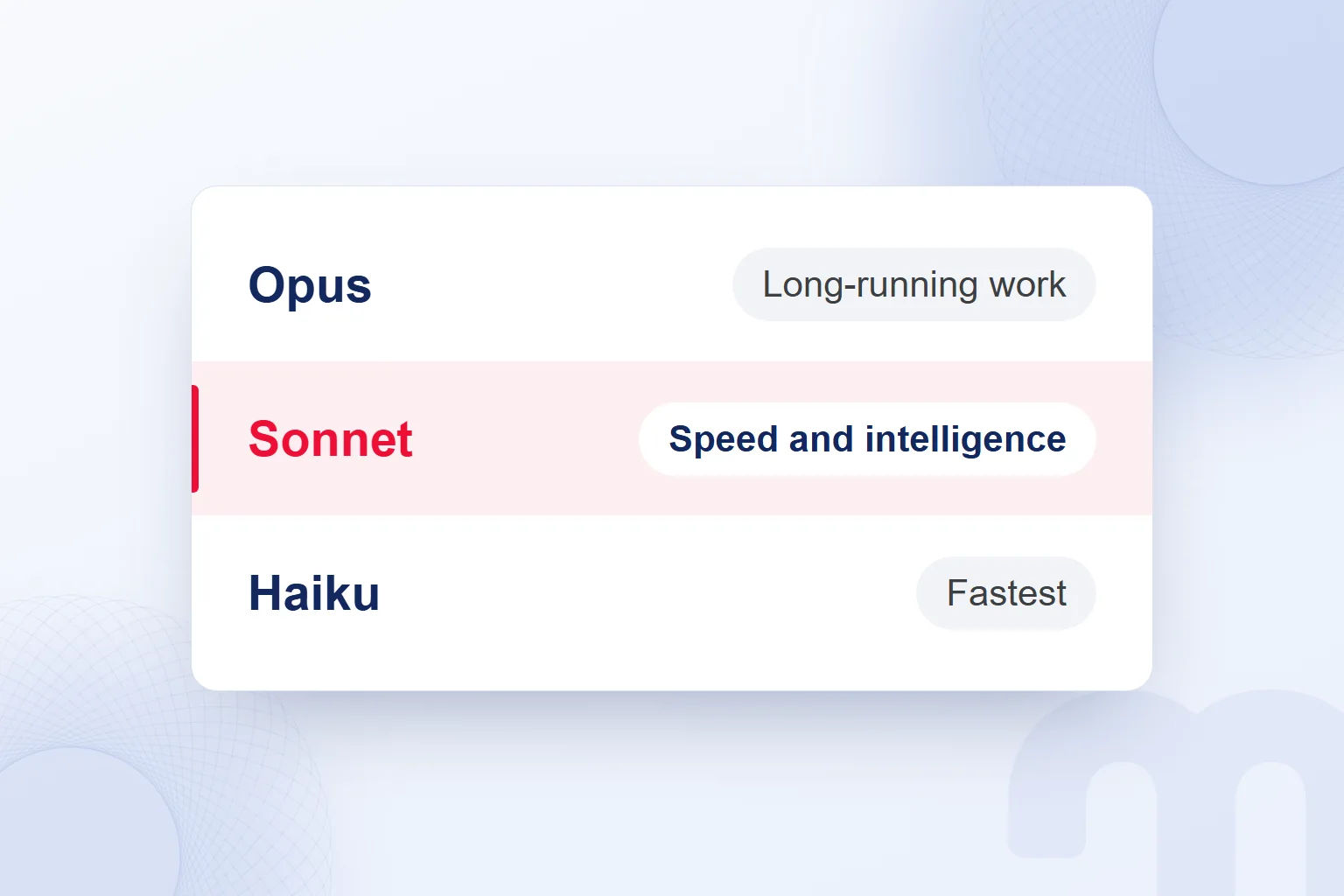
Claude’s model families are Haiku, Sonnet and Opus; Haiku is presented for speed, Sonnet for a balance of speed and capability, and Opus for work that needs more capability. The Claude Platform docs also link Opus with long-running agentic coding and knowledge work.
The models support text and image inputs, multilingual work and tool use. We tie the model choice to the scope of the output: editing a short draft and running a long, multi-stage job call for different things.
The Free plan includes Sonnet and Haiku; Pro adds Opus. We read the model together with the plan coverage. Sonnet being presented as balanced does not mean the same result in every task; we weigh the stated use against results in our own work.
With drafts from the same material, we check missing information, unsupported claims and fit with the guideline. We judge non-English text by natural sentences, accurate terms and brand voice, never by the model’s name, and keep the same acceptance criteria when we switch models.
How do you use Claude?
To use Claude, we create an account on claude.ai or in the app, describe the work in a prompt and compare the answer with the information we gave. The first task states the goal, target audience, output format and material.
- We create an accountWe sign up on claude.ai or in the Claude app and open our workspace.
- We write the first promptWe state the work, the audience and the format, and ask that no information we did not give be added.
- We attach the fileWe add the needed document after removing personal and confidential information.
- We put instructions and files in a projectWe keep the reusable brand guideline and approved information in the work’s project.
- We check the answer against the sourceWe compare features, numbers and other facts with the original document and remove anything unsupported.
- We edit the output as an ArtifactWe review the document or presentation draft in its own workspace and state which section changes and why.
A first prompt: “Turn these service notes into a short introduction for new clients; write calmly and add no promises that are not in the notes.” If the answer misses, we name the problem: missing scope, wrong form of address or excess length. Instead of “write it better”, we point to the sentence and the change we expect.
How do you download Claude?
Claude has a desktop app for macOS and Windows and a mobile app for iOS and Android; the web version is at claude.ai. On a computer we can also stay in the browser without downloading the desktop app.
The desktop app adds access to folders and apps on the computer. Choosing it, we decide which file the work needs: we set aside the approved campaign brief and keep unrelated client documents out. A short draft on mobile still gets the source and brand voice check. Separating a text-only task from one that needs local folders makes the choice between web, desktop and mobile concrete.
Is Claude available in Turkey, and does it work in other languages?
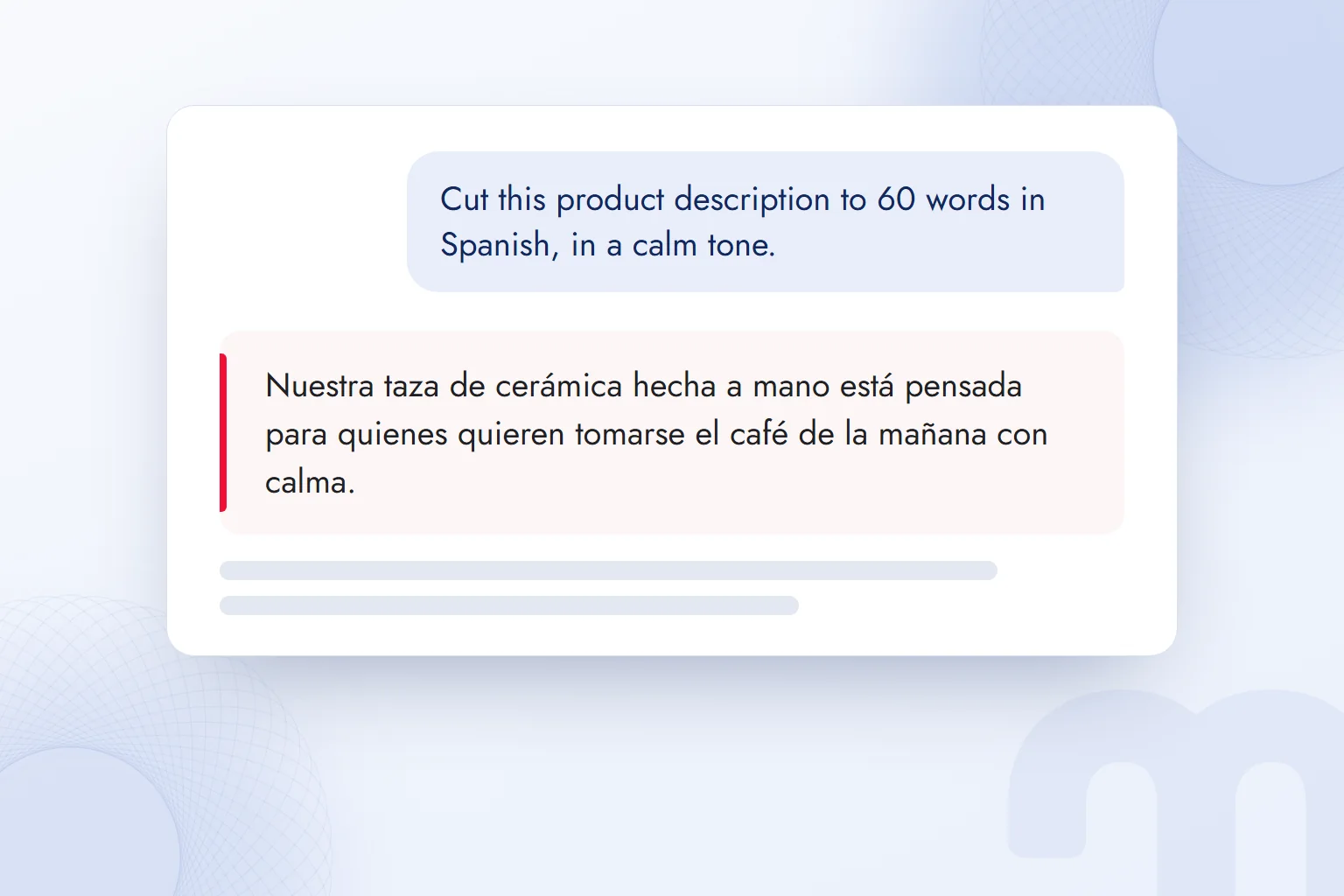
Claude can be used in Turkey and can process prompts and answer in Turkish and many other languages; Turkey is on the list of countries and regions where Claude.ai and the API are supported. We assess access and language performance separately: availability in a country is not a published success rate for its language.
According to the Claude Platform docs, Claude processes input and generates output in most world languages that use standard Unicode characters. Performance varies by language and is stronger in widely spoken ones. Turkish is not in the official performance table, so we give no ranking or percentage for it.
The answer language is inferred from the conversation; naming the expected language improves reliability. For product copy we add “write in Turkish, calm and short” to the prompt, then fix sentences that read like translations, inconsistent address and misused terms. Fluent text is not proof that product information came through correctly.
Is Claude free, and what do the Pro and Max plans offer?
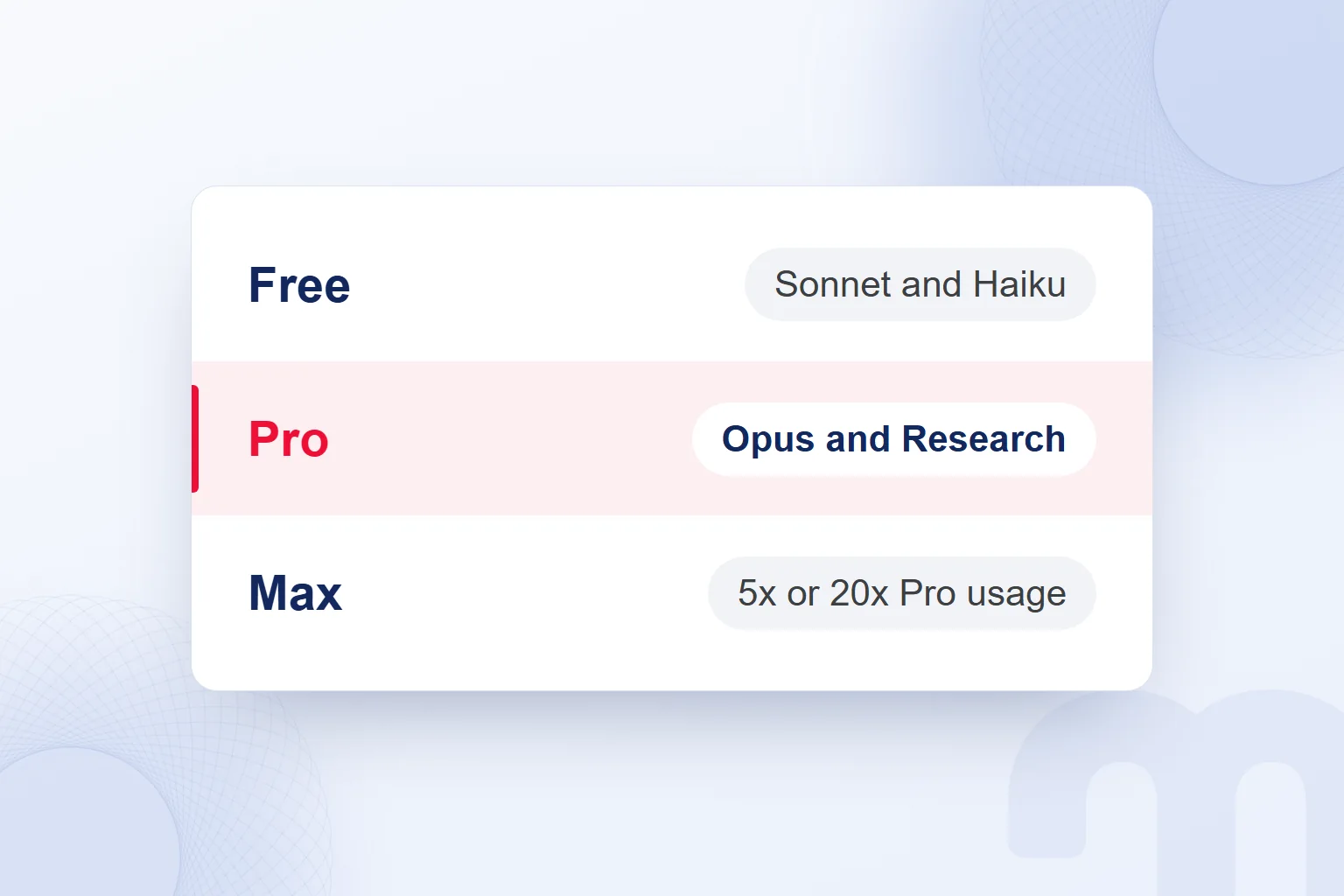
Claude has a Free plan; Pro offers more usage and extra tools, and Max offers higher usage with Pro’s features. The Free plan includes Sonnet, Haiku, web search, Artifacts and up to 5 projects; it does not include Claude Code, Research or Opus.
| Plan | Monthly price | Highlights |
|---|---|---|
| Free | $0 | Sonnet and Haiku, web search, Artifacts, memory, connectors, up to 5 projects |
| Pro | $20; $17 per month billed annually | More usage, Opus, Research, Claude Code, unlimited projects, Claude in Chrome, Microsoft 365 |
| Max | From $100 | Everything in Pro, 5x or 20x Pro usage, higher output limits, priority access |
| Team | Per seat: Standard $25, Premium $125; $20 and $100 per month billed annually | 2–150 seats; Premium has 5x Standard usage; SSO, central billing; content not used for training by default |
| Enterprise | $20 per seat + API usage fees; billed annually | SCIM, audit logs, custom data retention and role-based access |
Prices are the US dollar prices on the Claude pricing page; they may exclude tax and Anthropic may change them.
The Free plan also includes file creation, code execution and voice mode. Pro adds task delegation and scheduling, Claude Design, Slides and Docs. Max has priority access at peak times and early access to advanced features. We read usage and feature access separately, and never turn the multipliers into a fixed message count or better answers.
What do Team and Enterprise offer teams?
Team covers team use with 2–150 seats; Enterprise adds management and security controls. Team has Standard and Premium seats; Premium offers five times Standard usage, and Team content is not used for model training by default.
Team includes SSO and central billing. We match Enterprise’s SCIM, audit logs, custom data retention and role-based access with the organization’s requirements. One person’s usage limit and the team’s access management are different needs: the content team’s usage demand and the data retention expectation go in separate items, each marked with the plan feature that covers it. Seat count and management need stay in the same decision note.
How does Claude’s usage limit work?
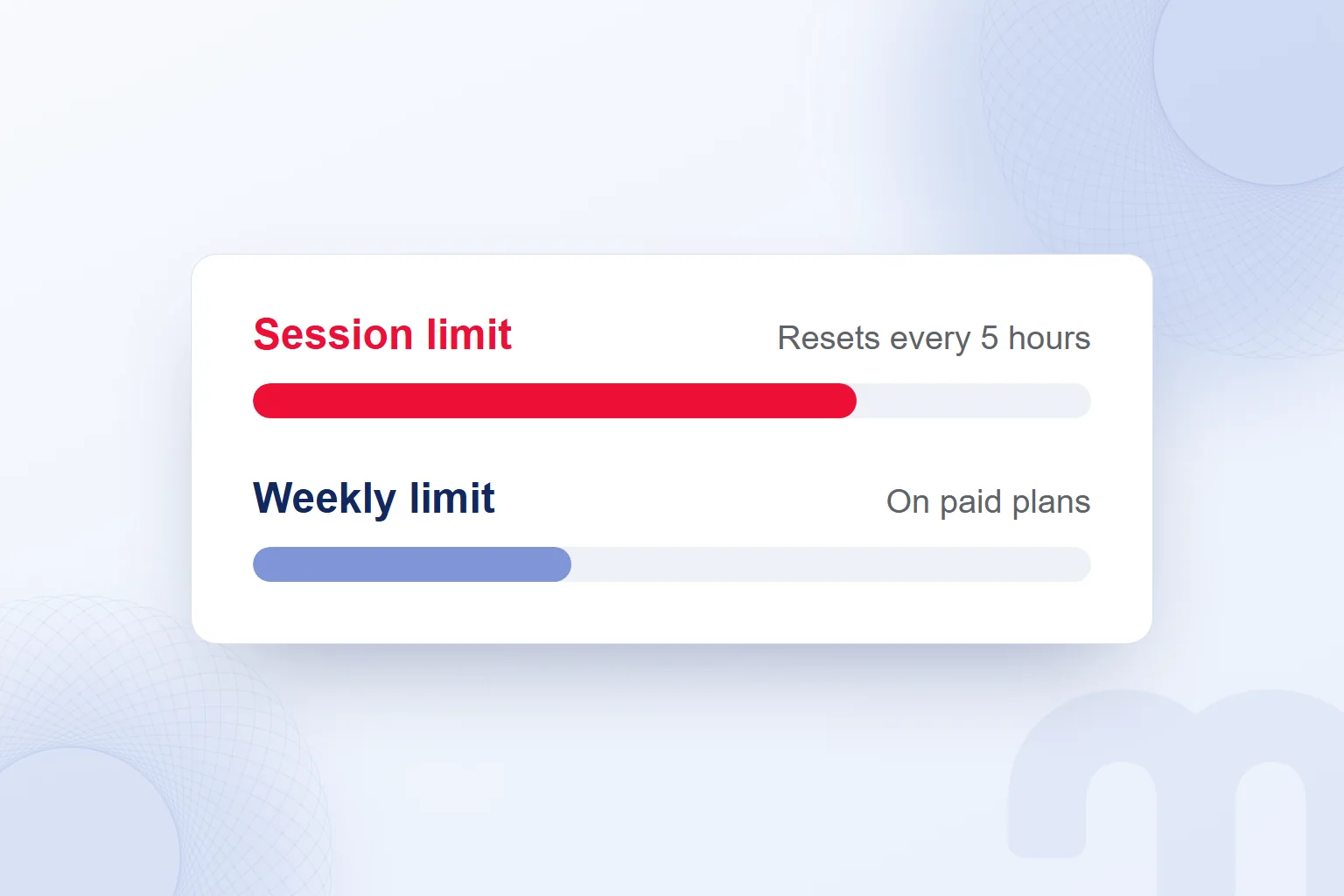
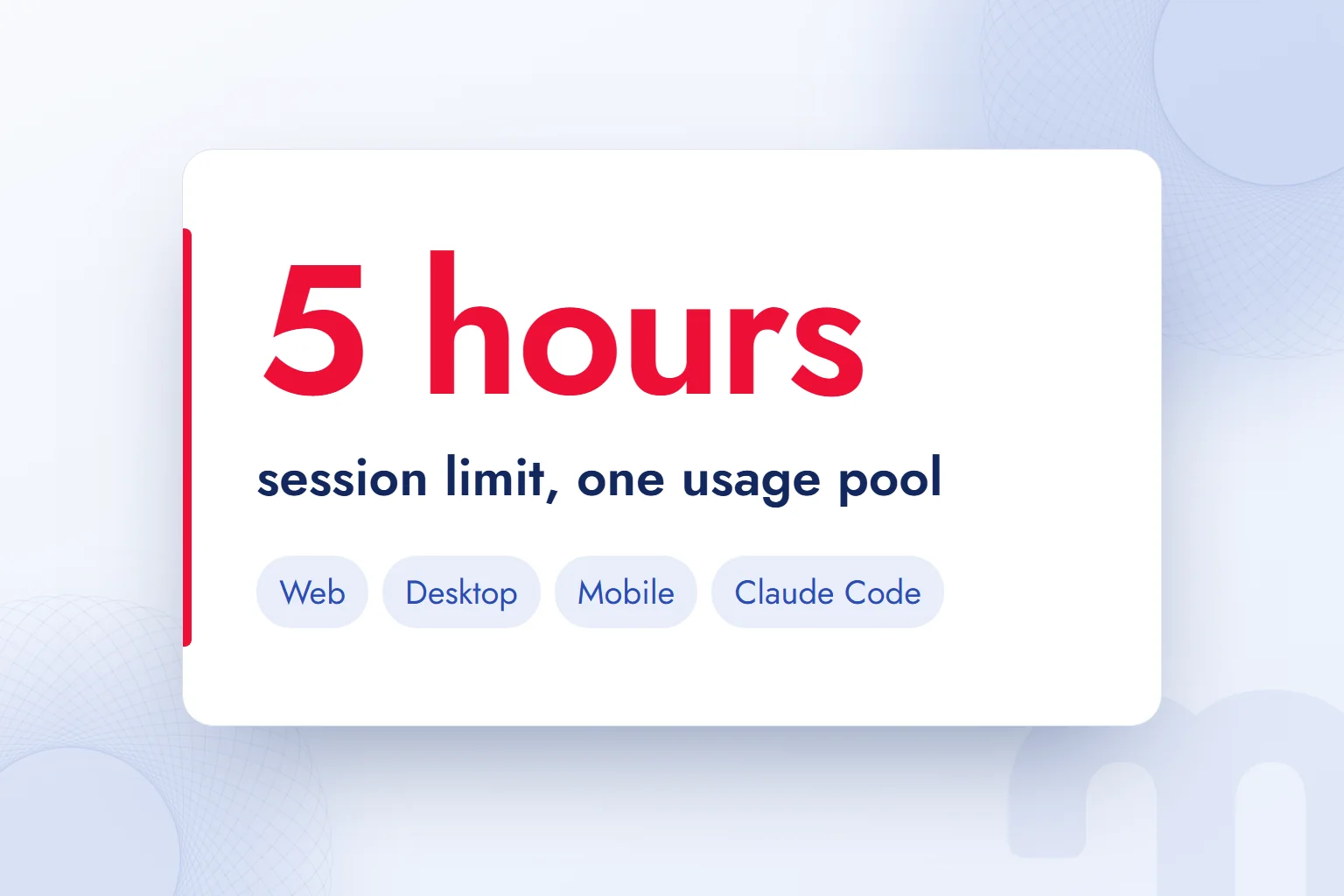
Claude’s usage limit resets with a ; paid plans also have weekly limits. Web, desktop, mobile and Claude Code share one usage pool, so continuing on another device is not new usage.
Available usage depends on conversation length and complexity, the model and the features used. There is no fixed message count: a conversation with a long document and a short headline request are not the same usage. So “How many messages is the free limit?” has no single number as an answer.
Three common situations and the response to each:
- We reached the limit of the 5-hour window → We wait for the reset and split the long work into parts.
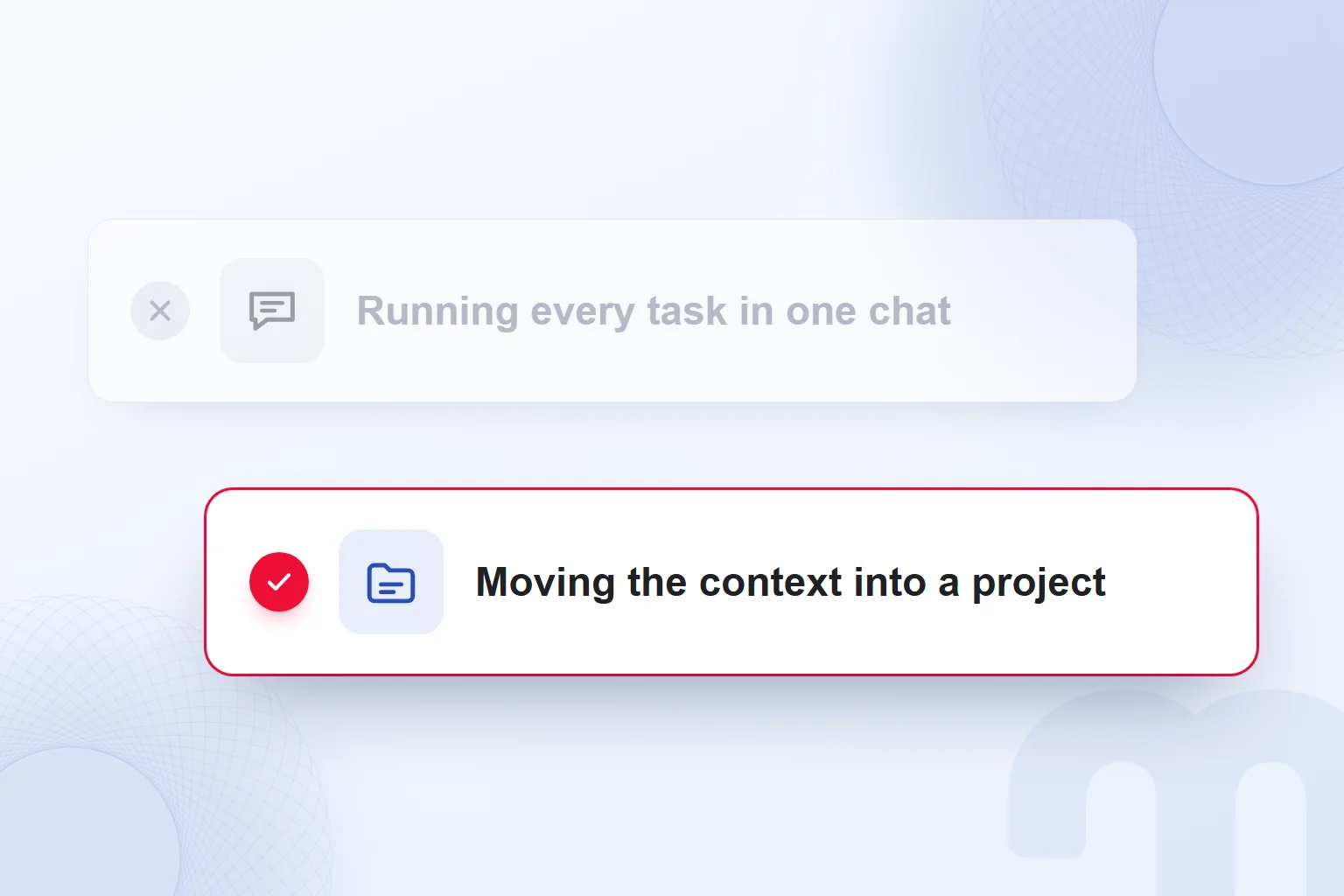
- Long conversations use up the limit quickly → We open a new chat and move the needed context into a document in the project.
- We hit the limit every day → We consider the plan, or extra usage on paid plans.
Opening a new chat, we write the goal, the approved information and where we stand in a short document. This keeps the work clear; it does not reset the quota. We track the session window and the weekly limit separately to see which one stopped the work.
Instead of repeating a request unchanged, we state which part of the answer is wrong. We judge the plan by the pauses across a task, never by one long conversation.
What does a marketing team use Claude for?
In a marketing team we use Claude for content drafts, research notes, document work and edits tied to the brand guideline. We add the work’s context and guideline to a project and work on document, slide or design drafts with Artifacts.
For research we consider Pro’s and compare findings with primary sources. If we work inside Microsoft 365, we factor in that part of the Pro plan. A feature is used where the deliverable needs it.
We start Claude in a team in this order:
- We choose the first jobWe define an output with a clear scope, such as an email draft or a content plan.
- We open a project and add the brand guidelineWe write the form of address, sample wording and words to avoid.
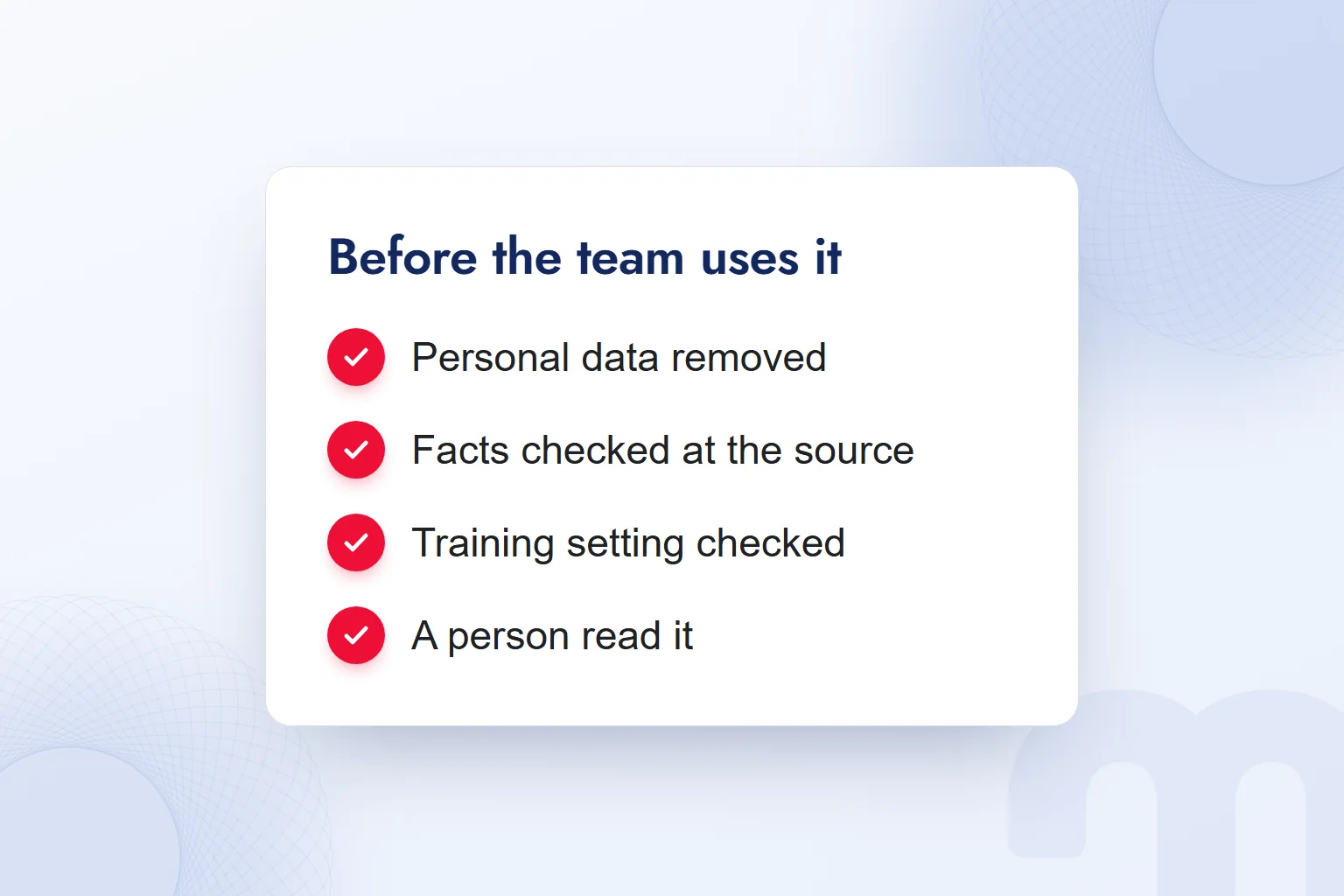
- We remove personal data from shared materialWe strip out client names, contact details and order data.
- We write the request with goal, audience and formatWe state the expected output and the information it relies on.
- We verify facts at the primary sourceWe compare claims with the original document and remove unsupported ones.
- A person reads it before publishingWe check the whole text, brand voice and consistency of information.
We covered the parts of a good request in our prompt guide. For example: “Our goal is an introductory email for businesses researching our service. Use the approved service notes we provided. Prepare a short subject line and a plain email body. Keep the form of address from the brand guideline; add no promises that are not in the notes.”
If the draft has generic praise, we name the sentence to change, tie the fix to approved service information and look for it in the new text. In a content plan we match suggested topics with clients’ real questions. A topic the team cannot explain, or one outside the service scope, never enters the plan just because it was in the draft.
Which Claude plan do we choose?
We choose a Claude plan by the features we need and how heavily we use it. First we write down the work and the tools it needs, then we see when we reach the usage limit.
The path splits like this, depending on the situation:
- We ask questions now and then and prepare short drafts → We start with the Free plan.
- We work daily and need Research, Opus or the Microsoft 365 connection → We consider Pro.
- We work in long sessions all day and often hit the limit → We consider Max.
If team management is needed, we look at Team or Enterprise. Enterprise’s access, audit log and data retention options are matched with the organization’s management needs; in Team, the seat type follows each person’s workload.
We decide with notes from a finished trial: the feature needed, the limit we hit and the corrections we made. If a research feature is missing from our plan, feature access comes first; if the feature is there but work often stops, usage coverage is the question. That keeps the reason for choosing Pro or Max clear. Higher usage never means less need for human review.
Is Claude reliable, and what do we never type into it?
Claude’s answers can be wrong; we verify facts we will publish at the primary source. A source name or a well-written paragraph does not, on its own, show the information is correct. In Team, content is not used for model training by default; we still assess answer accuracy separately.
We never type client names, phone numbers, email addresses, order data, passwords or API keys into Claude. We read the text and files we share beforehand and remove personal and confidential information. In Turkey, obligations under KVKK, the personal data protection law, are handled while preparing the material. Personal details left in a file’s title or sample sentences are part of the same check.
The Claude pricing page lists an option, on all individual plans, to turn off the use of chats for model training. We check that setting and apply the personal data rule separately. Preparing text from a client question, for example, we remove the person’s name and order details and keep only the service question.
If a claim has no support, we remove it or flag it for verification, never covering the gap with a new sentence from Claude. A person reads the whole text before it is published.
Claude vs ChatGPT vs Gemini: which one?
We choose between Claude, ChatGPT and Gemini by the work, the features needed and the verified result from the same task. On the Claude side we assess Projects, Artifacts, Research and Microsoft 365 access with the relevant plan, and we note the plan we tried next to each tool’s name.
| Work | What we assess in Claude | Shared check across all three tools |
|---|---|---|
| Email draft | Brand instructions in Projects | The same service notes, correct scope and consistent form of address |
| Document work | Editable output with Artifacts | Requested format, missing information and need for corrections |
| Sourced research | Research on Pro and above | Whether a source is found and really supports the claim |
We compare with the same task, material and brand guideline; giving one tool a detailed service file and another only a topic heading skews the result. We record which sentence we corrected and why, and choose the tool by its result in that work.
If one email reads more naturally but widens the service scope, we note the wording advantage and the factual error separately. In research we check whether the sources answer the question, not how many there are. The result belongs to the task we tried.
Our guides What is Gemini and What is ChatGPT help us assess the other assistants. A team decision keeps task, plan and correction notes together.
What are Claude Code and Cowork?
Claude Code is the coding tool in Pro and higher plans; Cowork is a feature for handing multi-step work to Claude. Claude Code shares the usage pool with chat, so we assess coding and web, desktop and mobile chat within the same plan.
Claude Code is not part of the Free plan. Choosing a plan for coding, we look beyond whether the tool is included to the combined workload with chats. When a marketing team describes a small campaign app, for example, we write the expected behavior, the information to use and the output to check in advance. A coding tool does not remove the need to define the work.
Cowork is merging with chat as a way to hand over multi-step work and is coming to Pro and Max first, so we check access against the account’s plan. We never hand over a single vague goal: we state the material, the expected deliverable and the points that return for human review. Handing over campaign preparation, we write separate expectations for document review, content draft and final read, and ask that missing service information be flagged in the review note rather than guessed.
We cover the tool in detail in What is Claude Code; the choice here separates work that needs a coding tool from a multi-step task to hand over.
How does our brand appear in Claude’s answers?
We measure how our brand appears in Claude’s answers by running chosen queries and recording mentions in the answer and appearances among sources separately. At markention we run GEO reviews with a query × engine table; each record keeps the query, the engine, the brand wording and the source page shown.
When the brand name appears in the answer text, we record it under “mentioned in the answer”; when the brand’s page is given as a source, under “appears in sources”. One does not replace the other. We also open the source page to check whether the answer describes the service correctly, adding accuracy next to visibility.
If our brand is mentioned but the service scope is widened, we record the mention and note the wrong description separately. The same query in another engine gets a new row, and later checks keep the query and engine pairing. One answer is never presented as valid for all queries.
An informational query such as “How do you measure AI visibility?” and a provider-choice query sit in separate rows, with the relevant answer sentence and the source page. When no source is given, that field stays empty rather than guessed.
We explain the measurement approach in What is GEO. In GEO consulting we tie these records to the content review; with AI visibility tracking we track answer mentions and source appearances separately. Methods from research to tool selection are covered together in our AI articles.
Frequently asked questions
What is Claude?
Claude is an AI assistant and large language model family developed by Anthropic. It runs on the web, desktop and mobile, and has a Free plan.
Is Claude free?
Yes, the Free plan offers Sonnet, Haiku, web search, Artifacts and up to 5 projects. Claude Code, Research and Opus are not included.
Does Claude work in languages other than English?
Claude handles most languages that use standard Unicode, Turkish included. Turkish is not in the official performance table, so we name the answer language.
Can Claude be used in Turkey?
Yes, Turkey is a supported country for both Claude.ai and the API. Anthropic’s list covers about 185 countries and regions.
Who developed Claude?
Anthropic, which describes itself as an AI safety and research company and is a Public Benefit Corporation.
What is the difference between Claude and ChatGPT?
Claude gives access to Anthropic’s models and features such as Projects, Artifacts and Research. To choose, we run the same task and material and compare plan coverage and output accuracy.
When does Claude’s usage limit reset?
In rolling 5-hour sessions; paid plans also have weekly limits. Web, desktop, mobile and Claude Code share one usage pool.
Which plans include Claude Code?
Pro and higher plans; the Free plan does not. Its usage comes from the same pool as chats.

 What is Perplexity? How to use it, free plan, Pro, Comet vs ChatGPTRead article
 What is Nano Banana? Gemini image creation, editing and promptsRead article
 What is Claude Code? Install on Windows and Mac, pricing and useRead article
 What is Grok and how do you use it? X’s AI, its plans and differencesRead articleMost read
 What are AGI and ASI? The steps from general AI to superintelligenceRead article
 What is artificial intelligence? How AI works, types and examplesRead article
 Free AI tools: which one for which job, and what are the limits?Read article
 What is Gemini? How to use it, the free plan, Gemini Omni and ChatGPTRead article
Questions & answers
0 commentsNo questions yet; you can ask the first one.