





 Cihat Murat Yüksel
16 min read
Contents 17 sections
Key takeaways
- Perplexity is an AI search engine that searches the web in real time and shows numbered citations.
- According to Perplexity's crawler documentation, PerplexityBot does not collect content to train AI foundation models.
- Perplexity Help Center states that Deep Research takes 2–4 minutes to prepare a full report.
Perplexity is an AI-powered search engine that answers questions by searching the web in real time, combines information from several sources into a conversational answer and shows its evidence as numbered citations. Every answer links to its sources; on plans with model selection, users choose the model that writes the answer.
In our marketing team we use Perplexity to research a topic, compare sources and turn findings into working notes. As site owners, we also look at which questions our pages answer and how Perplexity reaches them.
Perplexity’s answers are verified by opening their sources; a plan is chosen by the features and usage limits a task requires.
What is Perplexity?
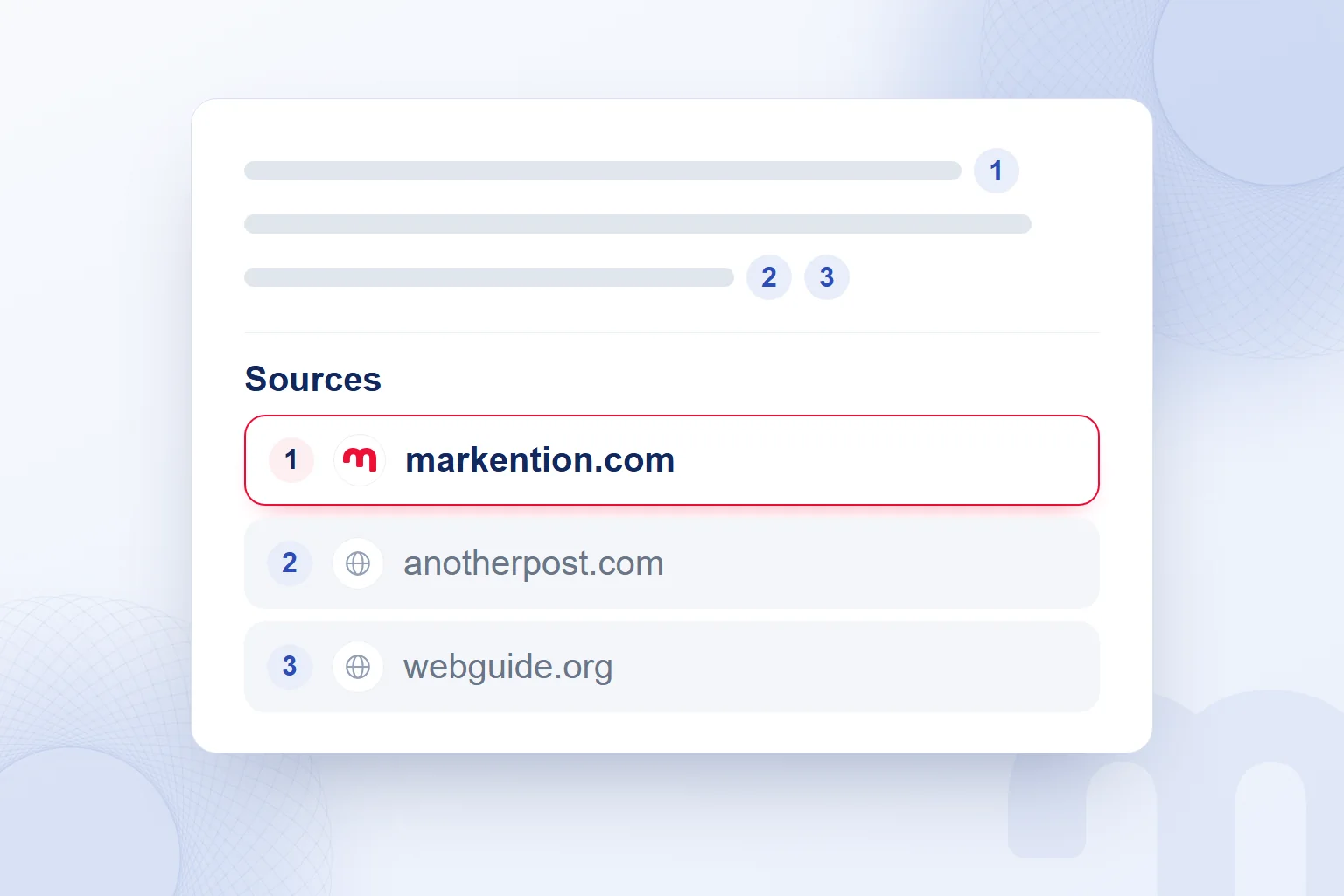
Perplexity is an AI-powered search engine that presents information found on the web as a conversational answer with its sources. In the service, often searched for as “Perplexity AI”, we ask in natural language and continue with follow-up questions. The numbered lead us to the original sources.
Perplexity hosts AI models from different companies. We assess three things separately: Perplexity is the service where research runs, the model generates the answer, and the plan sets feature access and usage limits. On the free plan, the model is selected automatically.
A definition, a service’s scope and a full report are different needs, so we frame the first question around the need: instead of “digital marketing”, we start with “How should a service page explain what is in and out of scope?”
Who owns Perplexity, and which country is it from?
Perplexity’s service provider is Perplexity AI, Inc., the company named in its privacy policy. Perplexity AI, Inc. is a US company.
How does Perplexity work?
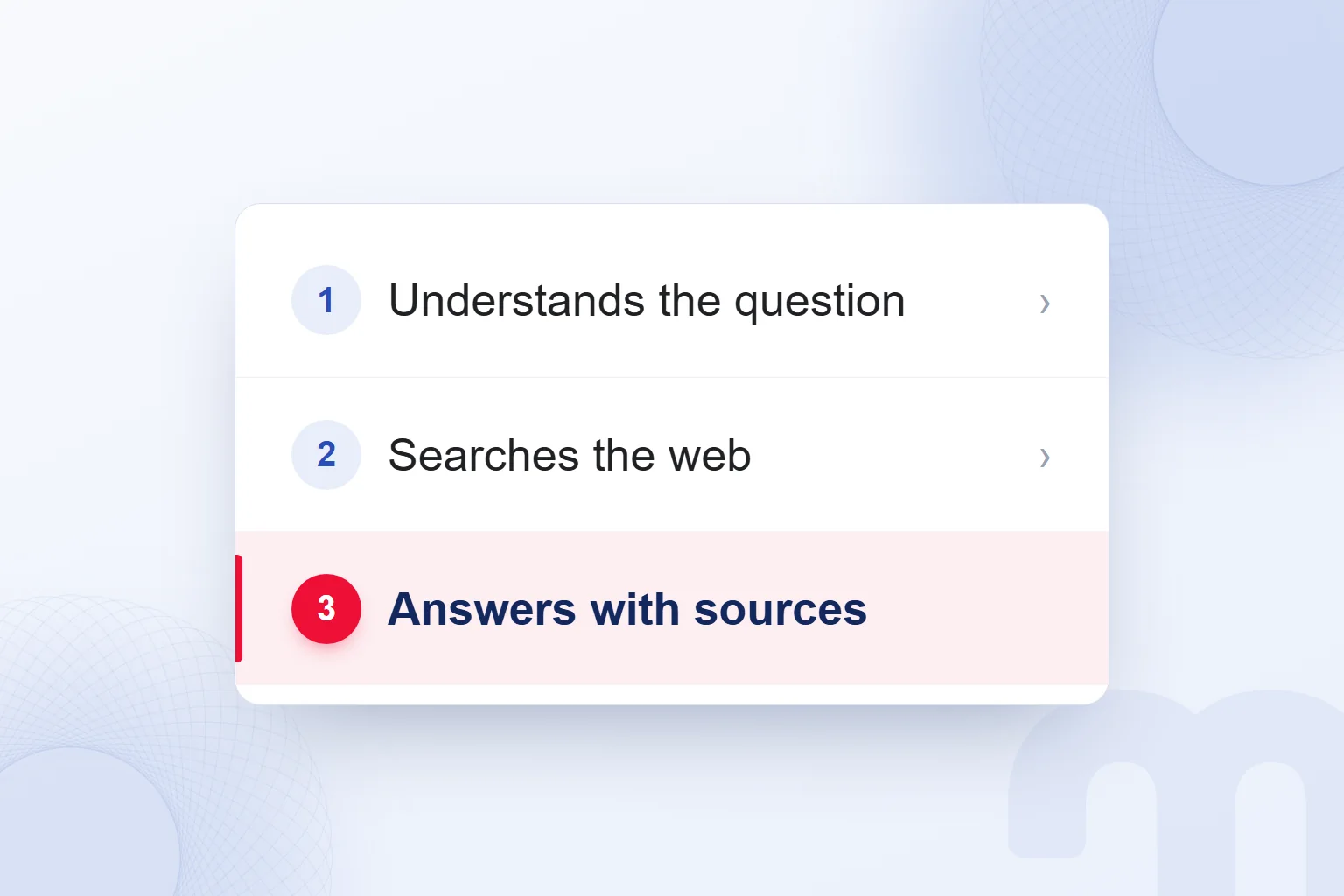
Perplexity interprets the question, searches the web for sources and summarizes the relevant information in a cited answer. Its Help Center lists articles, websites and journals among the sources it researches. Content is pulled from the web when we ask; numbered citations lead to the originals.
Combining sources in one answer makes research easier to start. For each item we use, we open the citation and match it to the passage; when a paragraph holds several claims, we check each separately.
For a file upload feature, “files can be uploaded” is not enough: we record the feature, its plan and any usage limit together, so a general description never reads as a right every user has.
Perplexity keeps the context of the previous question in follow-ups. After the first answer we ask, “Compare these options for research only” or “Which plan does this condition apply to?” We check the new answer’s sources too.
Our note keeps the question, the answer’s sentence and the source’s wording side by side, so a teammate can recheck the finding.
How do you use Perplexity?
To use Perplexity, we type a question on perplexity.ai or in the app, choose the mode that fits the research scope and review the answer with its sources.
- We write the questionOn perplexity.ai or in the app we say clearly what we want to learn, the topic and the expected output.
- We pick a search modeSearch for basic queries, Pro Search for a detailed look at sources, Deep Research for in-depth work; we check what our plan includes.
- We open the citation numbersWe follow the numbered citations to the original pages and read the passage where the claim appears.
- We ask a follow-upIn the same thread we point out what is missing, narrow the comparison or ask for an explanation.
- We upload the file we needWe attach the file the task relies on, stripped of personal and confidential information, and say what to extract from it.
- We verify against sourcesWe compare the facts we will use with the original document and carry plan and scope conditions into the note.
A first try is a question with clear limits: “What is email marketing? Explain the main use cases in plain English and show the source for each.” Then we continue: “Narrow this to a business that sells services; drop the product sales examples.”
File upload is the step for research that should rest on our own material. We attach an approved service description and ask, “Split the scope and the out-of-scope work into separate bullet points.” Uploads are limited on the free plan; Pro offers more.
Can you use Perplexity in Turkish and other languages?
We can ask Perplexity in Turkish and state in the prompt that the answer should be in Turkish. Product pages are offered in Turkish, where modes such as Search, Computer and Deep Research appear under Turkish names.
Beyond the language, we describe the audience: “Explain this to a business owner new to the topic; define technical terms on first use.” We compare the source’s original wording with the translation and restore conditions lost along the way.
How do you download the Perplexity app?
To use Perplexity without downloading anything, we open perplexity.ai in a browser. For a separate AI-powered browser, Perplexity’s Comet is available on Mac, Windows, iOS and Android.
For a research question we work on the web; to have the assistant summarize the page we are reading, we consider Comet and pick our device’s version on the product page.
What search modes does Perplexity have?
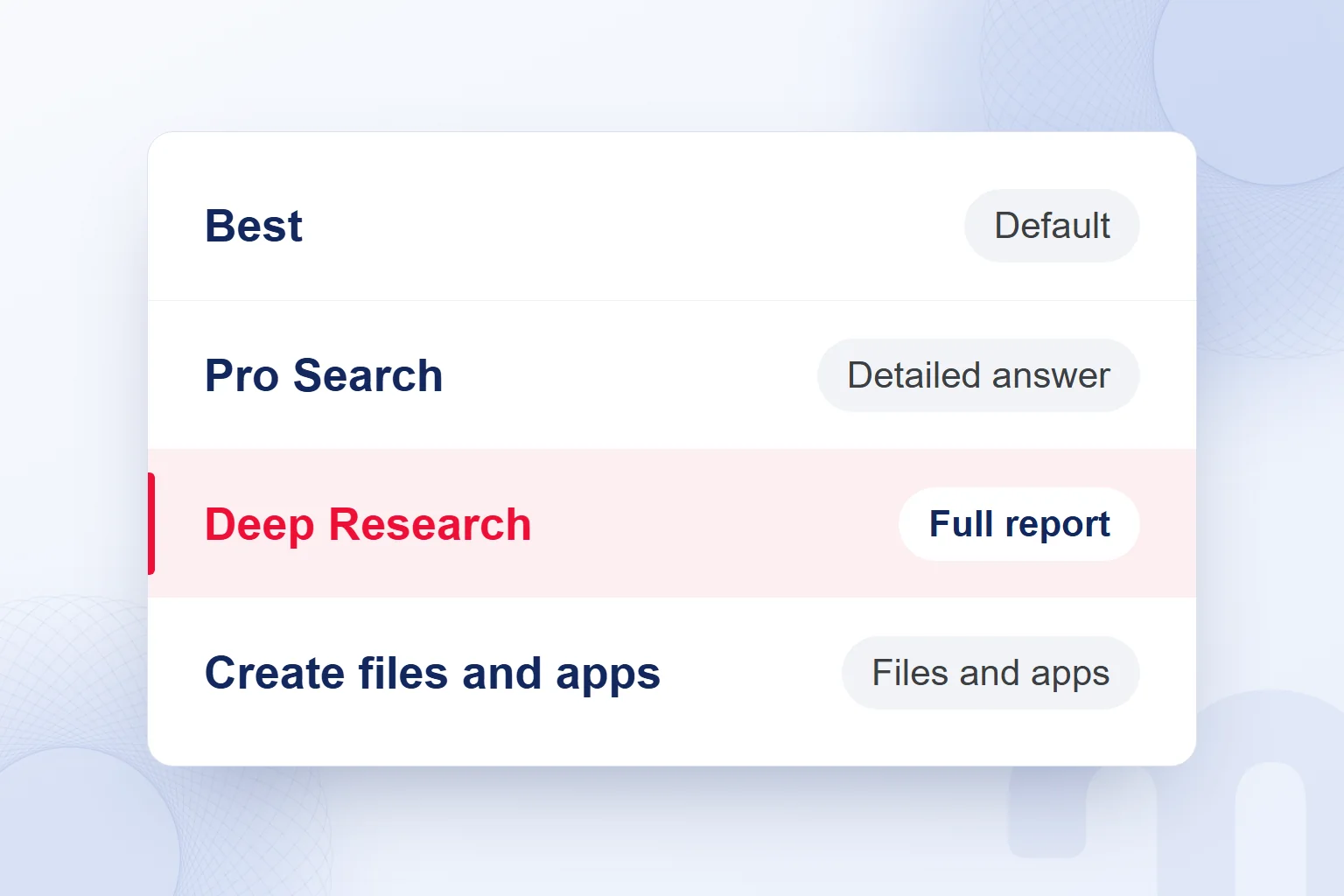
Perplexity’s basic search, Pro Search and Deep Research cover different research scopes; the help documentation also describes the Best and Reasoning Search options. Best picks a suitable model for the question by default; Research appears under a translated name on Turkish-language product pages.
| Mode or feature | What it does | Usage note |
|---|---|---|
| Best | Automatically picks a suitable model for the question | Default; no quota limit |
| Pro Search | Gives a detailed answer drawing on several sources | 3 a day on the free plan; expanded on Pro |
| Reasoning Search | Breaks complex, multi-step questions into parts | We consider it for interdependent questions |
| Research (Deep Research) | Runs dozens of searches, reads hundreds of sources and writes a report | 1 a month on the free plan; expanded on Pro |
| Create files and apps | Produces reports, spreadsheets, dashboards and simple web apps | On Pro; with a monthly limit |
Basic search suits a short concept question, Pro Search a comparison of sources, Reasoning Search interdependent questions and Deep Research a wide-ranging report.
A Deep Research task gets clear limits: “Review service offers by scope, delivery format and stated conditions; match each finding to its source.” Report sections unrelated to our questions stay out of the working note.
Create files and apps is a creation feature separate from the search modes. We use it to turn research results into a report, spreadsheet or dashboard. We check which finding each table cell rests on and never fill gaps with guesses.
Is Perplexity free, and what do Pro and Max offer?
Perplexity has a free plan; Pro adds research and creation access, and Max adds the highest usage limits on top of Pro’s features. On the free plan basic search is practically unlimited, while Pro Search and Research have separate allowances.
| Plan | Price | Highlights |
|---|---|---|
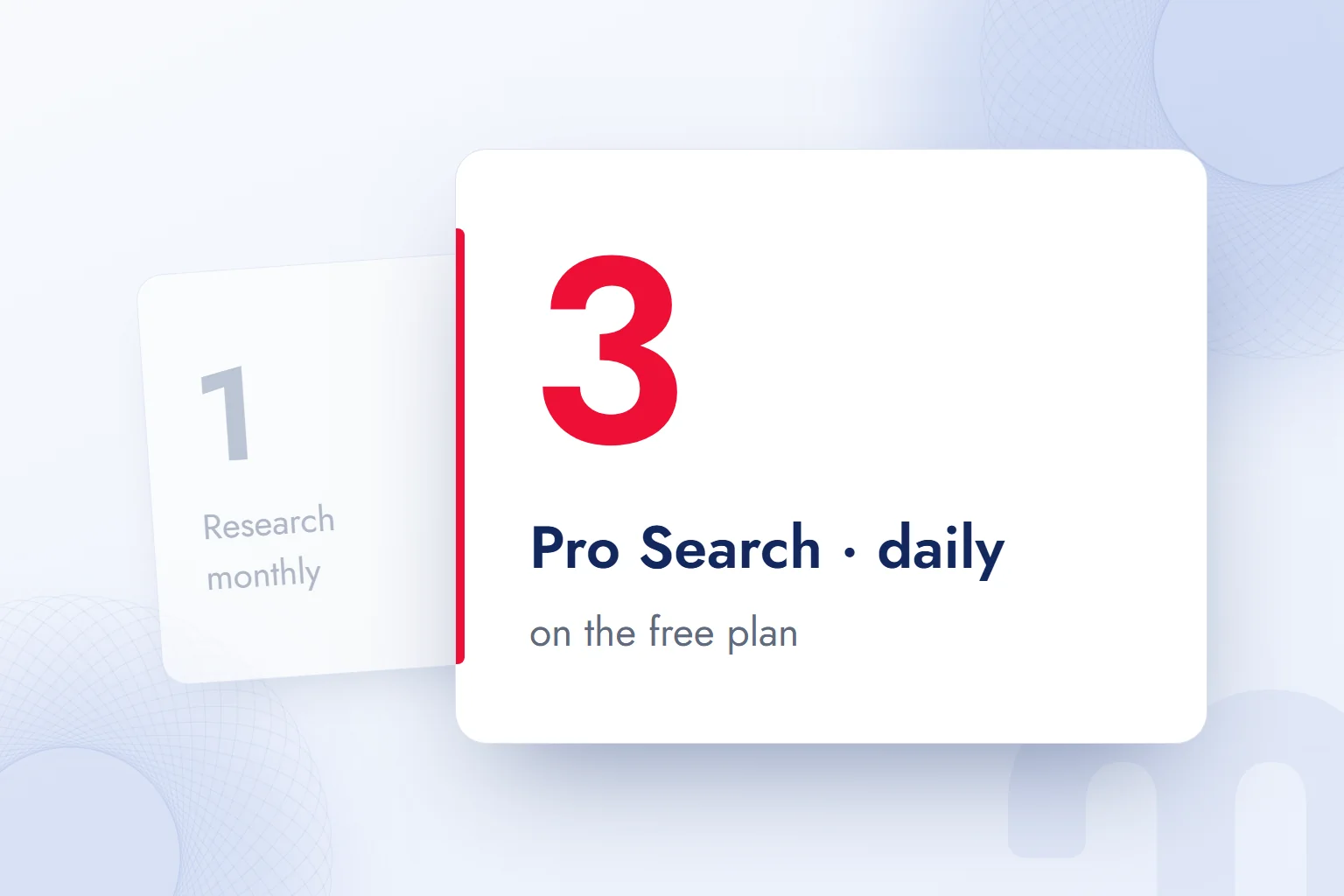
| Free | Free | Search history, practically unlimited basic search, 3 Pro Searches a day, 1 Research a month, automatic model selection, limited file uploads |
| Pro | Listed on the subscription page | Expanded research, advanced models, image and video generation, Comet Assistant, file and app creation, 50 files per project |
| Max | Listed on the subscription page | Everything in Pro, top model access, highest limits, advanced video tools, early access to new products |
| Enterprise Pro | $40 per seat per month or $400 per year | 400 Pro Searches a week, 50 Research a month; data is not used for training |
| Education Pro | $10 a month with SheerID verification | Paid education plan accessed through verification |
Plan details come from the subscription comparison in Perplexity’s Help Center. Individual Pro and Max prices are listed on the subscription page; before buying, we check the amount there.
The free plan offers search history and limited file uploads for basic research; advanced models and image generation are not included. We track the daily and monthly allowances separately.
On Pro, Pro Search has a weekly limit; Research, Comet Assistant and file and app creation have monthly limits. Pro adds more PDF, CSV, audio, video and image uploads, advanced image generation, limited video generation and priority support. We weigh the 50-files-per-project allowance against the material our research needs.
Pro’s lets us choose between models from different companies instead of relying on automatic selection. We read the roughly 10x increase in citations as wider source coverage; we never present it as better accuracy or answer quality.
Max provides top model access and the highest limits on top of Pro, plus advanced video tools, priority support and early access to new features. We tie the plan decision to the work: the feature required, how often we use it and the limit we hit.
To cancel, we use the settings page on desktop and the device’s subscription management in the app. When assessing a plan, we note the allowances needed for research, creation and team use separately.
Is Perplexity free for students?
Education Pro is not free; it is a paid monthly education plan accessed through SheerID verification, priced in the plan table. For students, the free plan and Education Pro are separate options.
We first check whether the free plan’s allowances cover the coursework, from a concept explanation to a full report; an Education Pro decision weighs verification and the fee together.
What is Perplexity Computer?
Perplexity Computer is a general-purpose digital worker that builds and runs workflows by working with the interfaces we use. It browses in the background, researches, creates content and connects to tools, running workflows that can last hours or even months.
Computer is available to Pro and Max subscribers on desktop, mobile, Slack and Microsoft 365. In a marketing team we define the goal, the sources and the expected deliverable in advance, for example splitting a service research task into gathering sources, comparing them and writing the report.
We also state which information is approved and how gaps are flagged. A workflow run by Computer is not publishing approval; we name who owns the research and who does the final read.
What is Perplexity Comet?
Perplexity Comet is an AI-powered browser designed to work like a personal assistant. According to Perplexity’s Comet product page, it is available for Mac, Windows, iOS and Android. The page open in the browser becomes context for our question to the assistant.
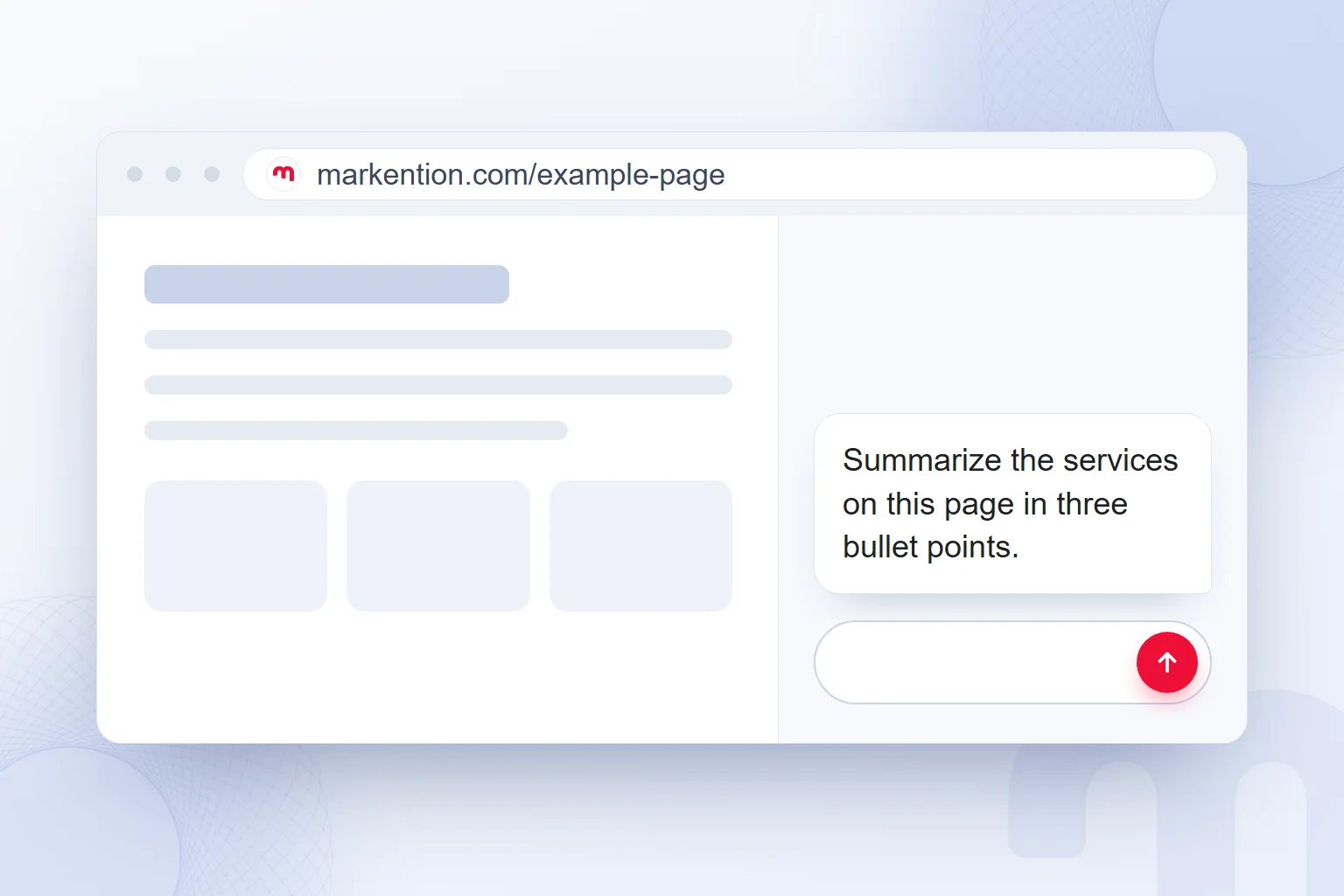
In marketing research we consider Comet for understanding an open service page. Our sample request is “Summarize the services on this page in three bullet points.” We then compare the summary with the page and check that the service’s scope and conditions survived. If the page describes only consulting but the summary adds implementation, we correct that bullet.
A second request asks, “Show the wording each bullet is based on; flag anything the page does not state.” When comparing pages, we ask each the same questions: service scope, target audience and stated conditions.
Comet Assistant queries are limited by plan; Pro has a monthly limit. Having the browser installed is separate from the assistant query allowance. We group questions about the same page into one clear request.
In notes for the content editor we use the headings “Services stated on the page”, “Conditions described” and “Questions left unanswered”. The assistant’s suggestion never goes in the same field as the page’s verified description, so a teammate going back to the source can see where each finding came from.
If a summary of our own service page drops a condition, we review the page itself. A Comet trial thus also tests how understandable the page is.
What is the difference between Perplexity, ChatGPT and Google?
Perplexity is a search engine focused on cited answers; ChatGPT is a general-purpose assistant; with Google’s link-list approach we pick the pages to read from the results. In Perplexity we start with an answer compiled from several sources and follow numbered citations to the originals.
The difference from Google lies in the research flow: in a list of links we open pages and assemble the information ourselves; in Perplexity the first synthesis sits inside the answer.
ChatGPT can also search the web. According to OpenAI’s Help Center, search starts automatically when a question benefits from current information, and we can also start it with the “Search” option in the tools menu. Web search is available on all plans, including Free, and without signing in. Answers that use search may include citations.
Perplexity offering numbered sources in every answer and ChatGPT using web search as one of its tools are different features. With both, we open the source text. OpenAI’s help page notes that search results and citations may be incomplete, outdated or wrong.
We compare tools with the same research question. For example, each tool reviews a service category for scope, and we record how the answer addresses the question, which sources it uses and which sentences need correcting. Beyond source count, we assess whether sources actually support the claim.
We cover the assistant’s general use in What is ChatGPT and another assistant’s approach in What is Claude. For task ideas we also draw on our what you can do with ChatGPT guide.
Is Perplexity reliable?
Perplexity’s citations make verification easier, but an answer can still be wrong; we check anything we will use against the original source. A numbered link alone does not prove every sentence next to it is reported correctly.
We start with the important claims: a product feature, a usage limit or a service condition. We open the citation, find the wording and compare it with the answer. A claim we cannot find in the source leaves the published text and stays in the research note as an open question.
On data use, Pro offers an option to keep content out of training. On Enterprise Pro, data is not used for training. We record this distinction when choosing a plan and check the setting in the Pro account.
At markention we never put personal data, client names, passwords or API keys into questions or uploaded files. When researching a client question, we strip the person’s details and keep only the service question.
The final reliability check is a human reading the full text. Sentences that are each correct can still add up to a misleading picture of a service: if a feature description and a usage limit come from different plans, we never present them as one offer.
How do you become a source in Perplexity answers?
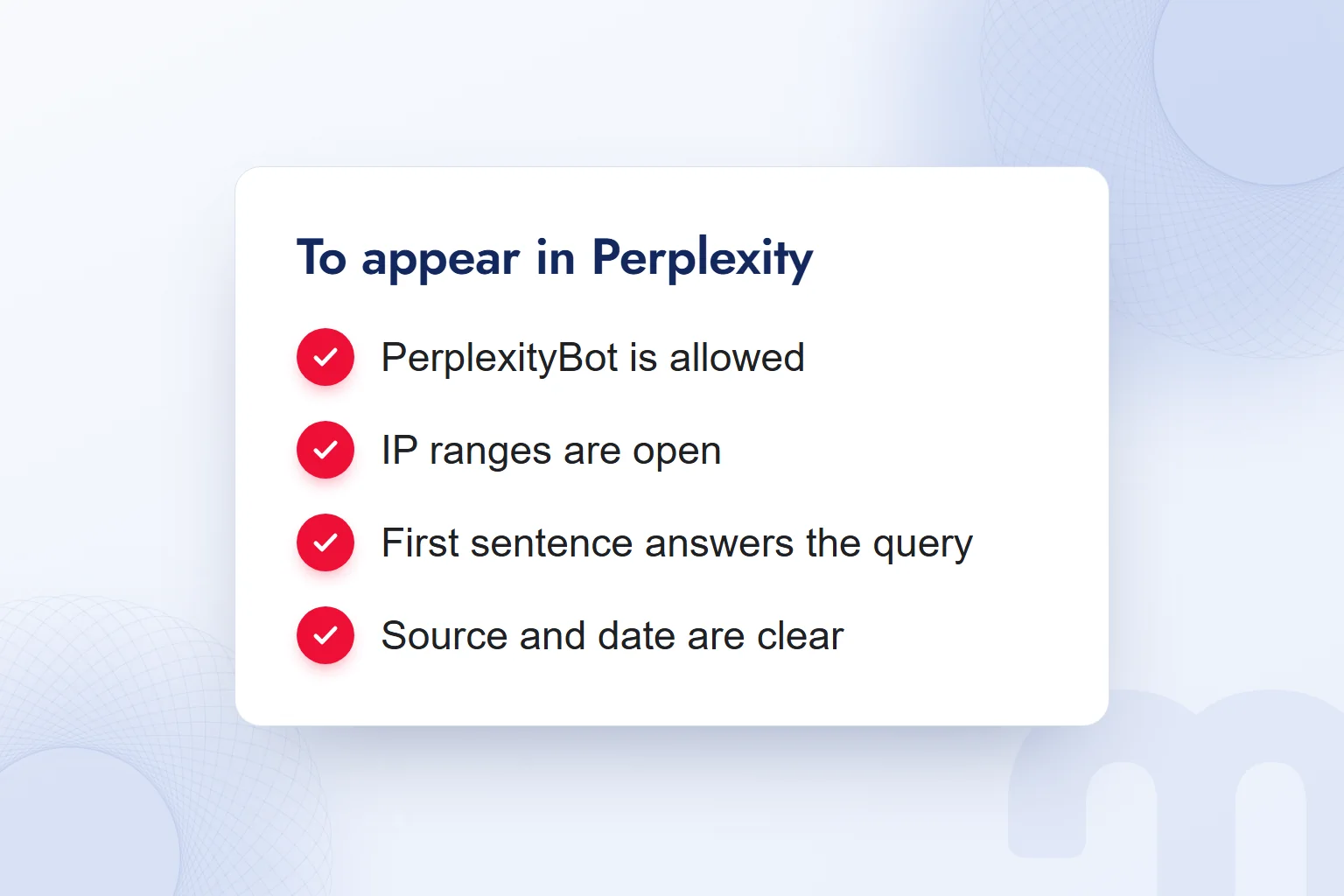
To become a source in Perplexity answers, we prepare pages that PerplexityBot can access, that answer the question directly and that present data with its basis. According to Perplexity’s crawler documentation, PerplexityBot surfaces and links websites in search results; it does not collect content to train AI foundation models.
We give PerplexityBot access following the allow pattern in our robots.txt guide. In the firewall we combine the name with an IP address condition, keeping allowed IP ranges current from Perplexity’s official JSON lists. We check the file permission and firewall access together.
markention.com’s robots.txt has a separate group for AI agents. PerplexityBot is deliberately allowed there; admin and search pages are closed. We set up the same access and content structure on client sites as part of GEO consulting.
Perplexity-User is the user agent that visits a page to answer a user’s question and links to it in the answer. It is not used for crawling or training, and because a user requests the visit, it generally does not follow robots.txt rules. In reviews we keep it apart from PerplexityBot’s search access.
- We check PerplexityBot’s permissionWe confirm in robots.txt that the path of the page we want cited is open to the bot.
- We review the firewall ruleWe combine the user agent with the official IP ranges and keep the ranges current from the official list.
- We answer in the first sentenceWe give the definition directly and explain scope and conditions in the following paragraphs.
- We present data with its basisWe show the source and date next to the data and never merge figures from different conditions.
- We ask target questions in PerplexityWe record the sources and check which page supports which piece of information.
- We recheck after a changeA robots.txt change can take up to 24 hours to take effect; we record access and the sources shown separately.
On the content side we read question and answer side by side. For “Is Perplexity free?” the page should first state that a free plan exists, then its limits. In a plan table, each feature sits in its own row.
Being open to crawling and being chosen as a source are different outcomes. The technical check records access; the query test records the sources shown. We never report visibility from bot permission alone without seeing which page was chosen.
What do we do if our site does not appear in Perplexity?
If our site does not appear in Perplexity, we check bot permission first, then the firewall, then how the page answers the question. Each result is recorded separately, and what we change follows from concrete findings.
The problem usually comes down to one of three causes:
- robots.txt blocks PerplexityBot → We fix the permission and check again 24 hours later, once the change has taken effect.
- The firewall blocks bot requests → We write an allow rule using the user agent and the official IP ranges.
- The page does not answer the question directly → We rewrite the first sentence as a clear answer and add the data’s source and scope.
In the permission review we check the path of the page we want cited, not just the site address. Permission in robots.txt never stands in for firewall access.
In the content review we match the target question with the first paragraph. If the question asks about the free usage limit, a product definition alone in the introduction falls short. We state the free plan’s allowance clearly in the relevant section, separate daily and monthly limits, then ask the same question again.
The comparison note keeps the query, the check time, the change made and the pages shown in the answer. If another page is cited, we look at which question it answers.
The 24 hours for a robots.txt change is how long the change takes to reach the system. We never read it as a date for being cited or as a ranking promise.
How do we use Perplexity in a marketing team?
In our marketing team we use Perplexity to gather information, compare sources and turn research into a report or spreadsheet. At the start we define the research question, the expected output and the information the decision-maker needs.
The task at hand steers the choice:
- We need a short definition or a single fact → We start with basic search and open the relevant source.
- We will compare several sources → We run scoped research with Pro Search or Deep Research.
- We will deliver findings as a report or spreadsheet → We consider organizing the verified research with Create files and apps.
When preparing a new service page, for example, we first list the target audience’s questions and research the definition, scope and conditions for each. We compare what we find with our own service’s approved scope and never carry another business’s promise into our offer.
When handing over a research file, we share the question, sources, verified findings and corrections together. Before publishing, a human read checks consistency and brand voice.
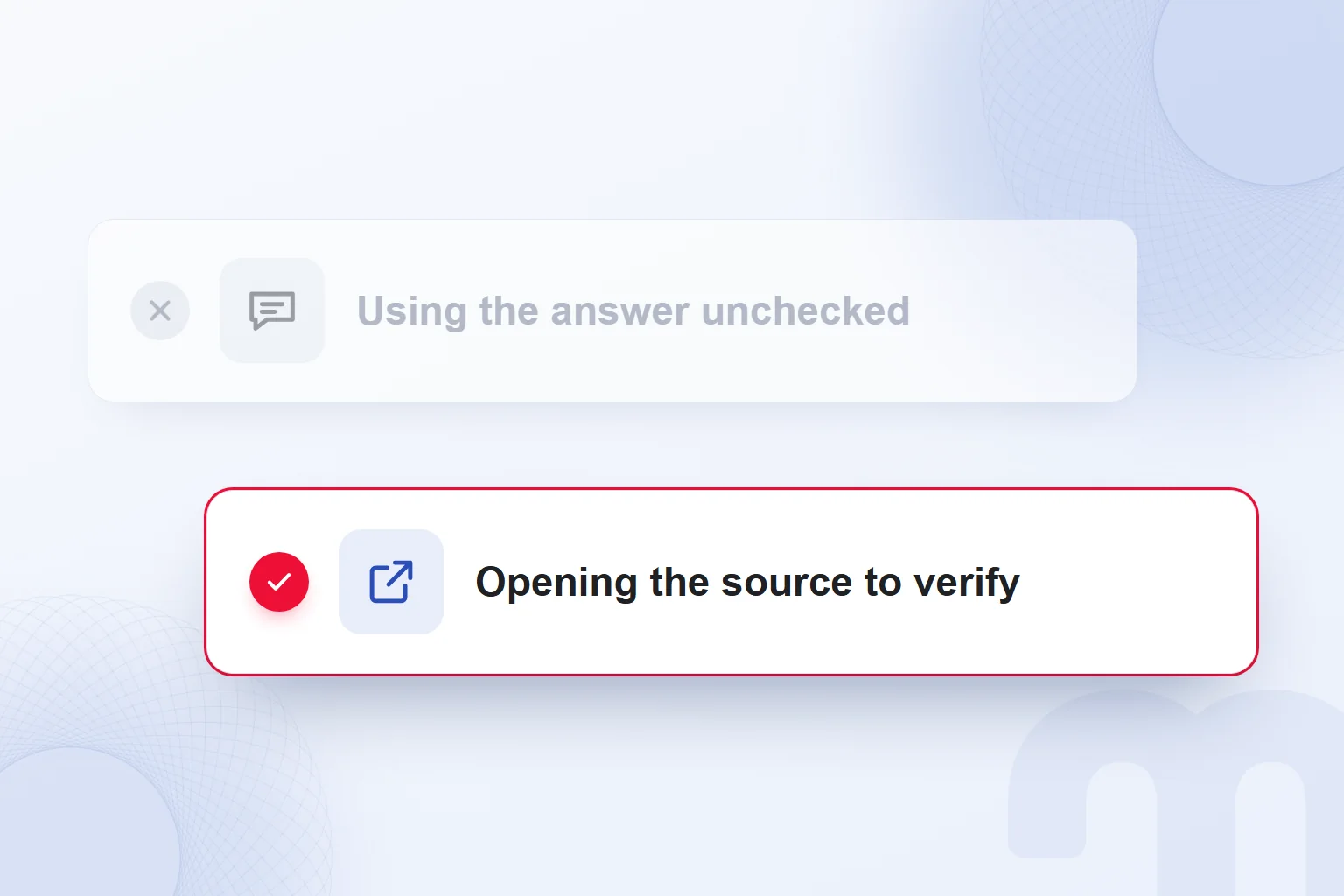
When reviewing our own visibility, we record separately whether the brand is named in an answer and whether our page is cited as a source. We open the source link to confirm it leads to the right page and describes our service correctly. Our AI visibility measurement work runs on these query and source records.
We keep the research note, the published text and the visibility result as separate outputs of one job. It shows which questions were answered well and which need more work. To assess research the team runs across different tools, we use the methods in our AI articles.
Frequently asked questions
What is Perplexity?
Perplexity is an AI-powered search engine that searches the web in real time and answers conversationally using several sources. Every answer includes numbered citations and links.
Is Perplexity free?
Yes, it has a free plan with practically unlimited basic search. The free plan includes 3 Pro Searches a day and 1 Research query a month.
Which country is Perplexity from?
Perplexity’s service provider, Perplexity AI, Inc., is a US company.
Does Perplexity understand Turkish?
We ask Perplexity in Turkish and state in the prompt that the answer should be in Turkish. Product pages are offered in Turkish.
What do you get with Perplexity Pro?
Pro offers advanced models, more file uploads, image and video generation and expanded research. Pro Search has a weekly limit; Research, Comet Assistant and file and app creation have monthly limits.
What is Perplexity Comet?
Comet is Perplexity’s AI browser that works like a personal assistant. It is available for Mac, Windows, iOS and Android; Comet Assistant queries are limited by plan.
What is the difference between Perplexity and ChatGPT?
Perplexity is a search engine with numbered sources in every answer; ChatGPT is a general-purpose assistant with web search as one of its tools. With both, we verify information against its source.
How does my site become a source in Perplexity?
We give PerplexityBot access through robots.txt and the firewall and publish cited content that answers questions directly. By testing target queries, we record which answers cite our page.

 What is Nano Banana? Gemini image creation, editing and promptsRead article
 What is Claude Code? Install on Windows and Mac, pricing and useRead article
 What is Grok and how do you use it? X’s AI, its plans and differencesRead articleMost read
 What are AGI and ASI? The steps from general AI to superintelligenceRead article
 What is Claude? How to use it, its plans and the ChatGPT differenceRead article
 What is artificial intelligence? How AI works, types and examplesRead article
 Free AI tools: which one for which job, and what are the limits?Read article
 What is Gemini? How to use it, the free plan, Gemini Omni and ChatGPTRead article
Questions & answers
0 commentsNo questions yet; you can ask the first one.