





 Cihat Murat Yüksel
20 min read
Cihat Murat Yüksel
20 min read
What is Gemini? How to use it, the free plan, Gemini Omni and ChatGPT
Gemini is Google’s AI assistant; its free plan handles writing, image and research work, and Gems turn recurring tasks into custom assistants for a team.Pro
Contents 27 sections
Gemini is Google’s AI assistant for writing, image and research work, available on the web, in the Android and iOS app and inside Google apps; its free plan is open to anyone with a Google Account. Its previous name was Bard. We keep the instructions for a specific job in a and judge each answer against that job’s criteria.
When picking a tool, we weigh the apps we work in, the feature we need and how much the output must be corrected. We test Gemini and ChatGPT on the same task with the same information, then decide which to use for which job.
Between Gemini and ChatGPT, the choice is made per task, and personal data is not entered into either tool.
What is Gemini?
Gemini is the name of Google’s AI assistant and of the model family behind it; in everyday use it usually means the app we chat with. When reading about a Google Gemini feature, we separate app from model and check which plan makes it available to us.
The chat assistant known as Bard was renamed Gemini. For daily work we go by the app’s current access and plan; we never infer today’s menus or limits from material written under the old name.
According to the Gemini Apps Privacy Hub, some responses are grounded in Google Search results, which does not mean every answer comes from a search. In a service comparison, a product feature must rest on the maker’s description and a figure on the document that published it; fluent wording does not replace this check.
What does “Gemini” mean besides Google’s AI?
Gemini is the zodiac sign of the Twins, and Google’s AI products share the name. Zodiac and film meanings in search results are separate topics; searching for “Google Gemini” makes clear we mean the AI assistant.
What is Gemini used for?
Gemini is used for drafting text and code, generating and editing images, research, voice conversations and custom assistants. We pick the feature by the output the job needs: talking through a campaign idea and preparing sourced research are different work.
Voice conversations with Gemini Live
Gemini Live enables voice and video conversations with Gemini. We use it to talk through a campaign’s audience, core message and narrative direction, for example by describing a new service’s verified scope and the questions its audience may ask.
Before a meeting, our request might be: “Let’s go through the questions a business hearing about this service for the first time would ask.” We limit the conversation to agreed service information and never share a client’s name or call recordings. Live is for developing ideas by talking; the facts and brand voice of the published text are reviewed separately. A promise that came up in conversation but is outside our service scope stays out of the launch.
Custom assistants with Gems
Gems are custom assistants that save the instructions for a specific job, and they are on the free plan. For recurring campaign briefs we combine how we describe the audience, our tone of address and the words we avoid, so every new task applies the brand guidelines with the same criteria.
A sample Gem instruction: “From the campaign notes provided, extract the goal, audience, key message and content formats; flag missing information instead of filling it in.” The real budget, dates and service scope are provided separately; we do not expect the instruction to decide them. When adding sample sentences to the brand guidelines, we strip out personal data and confidential client information.
Sourced research with Deep Research
Deep Research is Gemini’s research feature, also available on the free plan. Before competitor research, we decide which questions need answers, keeping service scope, messaging and the official product description apart. We never leave the request as “research the competitors”.
For example: “Review the offers in this service category by scope and audience; name the source behind every claim.” A cited source is not enough; we open the page and check the claim is actually there. We keep a business’s own description apart from the research’s interpretation, and information we cannot verify does not enter the comparison note as fact.
Drafting text and code with Canvas
Canvas is Gemini’s feature for working on text and code drafts, included in the free plan. We treat a campaign page’s introduction, service description and call to action as separate parts that must serve the same audience and offer.
A sample task: “Turn these service notes into a launch page draft; the headline, short description and call to action should support each other.” We add scope missing from the first draft and remove unnecessary promises. For code drafts we describe the expectation clearly and never move the code straight to a live page; copy approval and technical review are separate. A Canvas draft is not ready to publish until we have edited it.
Generating and editing images (Nano Banana)
Gemini uses Nano Banana to generate and edit images, and both are free plan features. We first define the image’s job: featuring a product, representing a service or visualising a campaign message each need a different request.
For a product image we write: “Use the product photo we provided in a simple promotional scene; keep the text and distinctive features on the product.” This describes the result we expect; we still check the output shows the product correctly, comparing packaging, label and colour with the original photo. We never use a generated image as proof of a feature the product lacks.
Gemini Notebook
Gemini Notebook is Google’s research and writing assistant, included in the free plan. We use it to review together which questions a topic has answered, what is missing and which central idea the text should be built around.
For a service guide, for example, we keep separate working notes for the definition, use cases and frequently asked questions. Moving from research to writing, we keep verified information apart from editorial commentary and want each explanation’s source to actually support it. How research notes become an article is covered in what is NotebookLM.
How do you use Gemini?
To use Gemini, we sign in to the website or mobile app with a Google Account and describe the job in a clear prompt covering the goal, audience, information to use and expected format. Instead of “write a text”, we state which service it is for, who it addresses and which material to use.
- We sign in with a Google AccountWe open gemini.google.com or the Gemini app and sign in.
- We write the promptWe state the goal, audience, output format and that only the information provided may be used.
- We add a file or imageWe attach the material the job needs after removing personal and confidential information.
- We check the answer against sourcesWe compare figures, product features and other facts with the primary source.
- We switch to Live if neededWhen we want to develop the topic by voice or video, we use Gemini Live.
- We save the job as a GemWe keep recurring instructions in a Gem, with the brand guidelines and output criteria written out.
If service information for campaign copy is missing, we fill that gap first and add “do not add promises that are not in the notes; flag missing information” to the prompt. When correcting an answer, we name the sentence to change and why; instead of “write it better”, we point to the tone, length or scope problem.
How do you download Gemini on your phone?
Gemini is downloaded from Google Play on Android and from the App Store on iPhone. According to Google’s Assistant page, it needs at least 2 GB of RAM with Android 9 or later, or iOS 16 or later; it is not available on Android Go devices. We check these requirements before installing.
On a device with Gemini, “Hey Google” opens Gemini, while home speakers, displays, cars and TVs keep running Google Assistant, so we do not treat those experiences as the same.
How do you open Gemini on a computer?
On a computer, Gemini opens at gemini.google.com in a browser after signing in with a Google Account; Google also offers a desktop option, whose fit for our device we check separately.
We assess access for the Gemini app separately from use inside Gmail or Docs; opening Gemini in a browser does not mean every paid feature is included in the account.
Which languages does Gemini support?
The Gemini web app is available in more than 40 languages, Turkish included, and in more than 230 countries and territories. For our work in Turkey we write prompts in Turkish and ask for Turkish answers. These figures belong to the web app; we do not assume the same coverage for every mobile feature.
Language support and brand voice are separate matters. In a service launch we fix sentences that read like a translation, needless adjectives and inconsistent address. A sample of the right wording in the prompt helps.
Is Gemini free, and what are the paid plans?
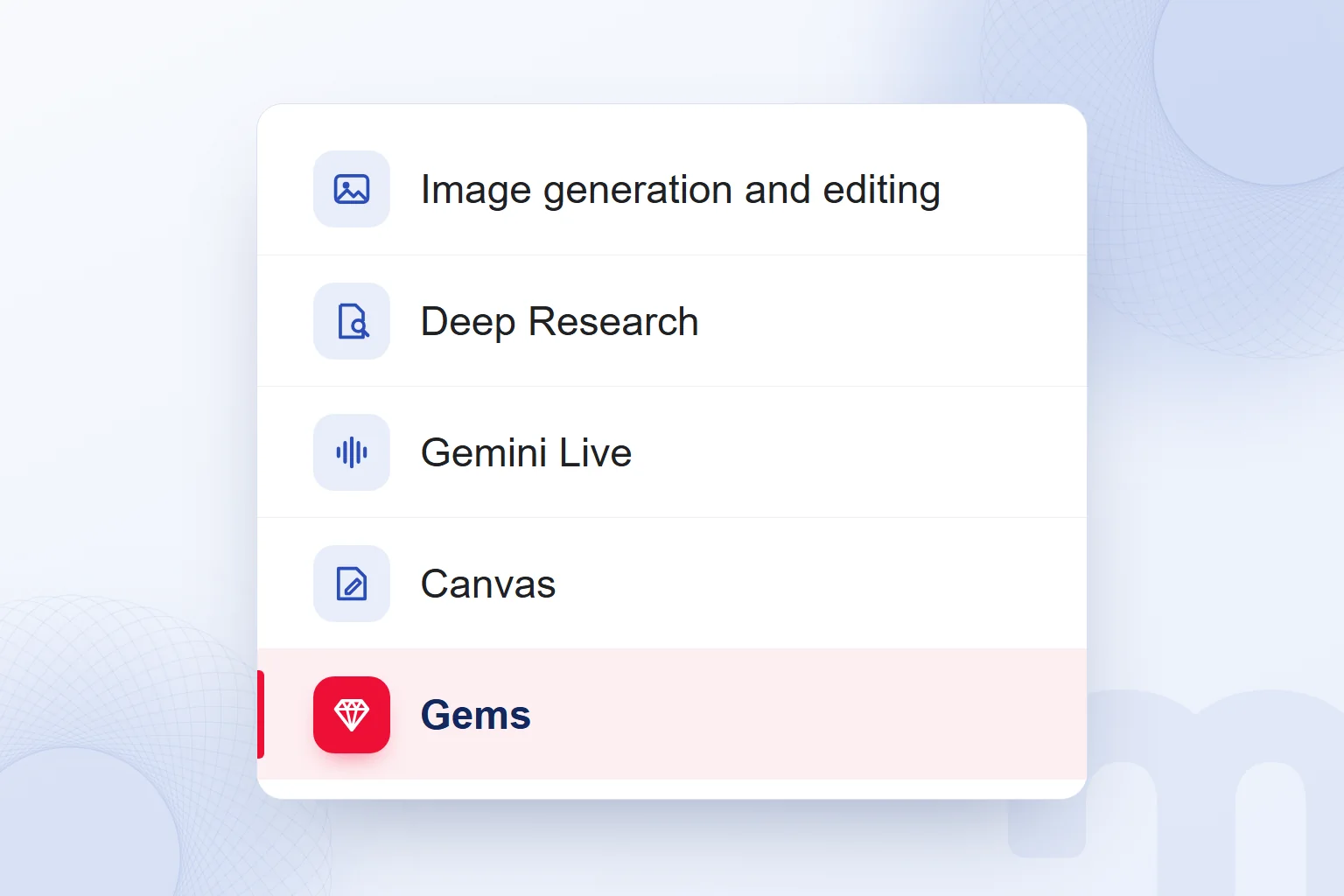
Gemini has a free plan used with a Google Account and paid plans called Google AI Plus, Google AI Pro and Google AI Ultra. The free plan includes image generation and editing, Deep Research, Gemini Live, Canvas, Gems and Gemini Notebook. We choose a plan by the features and scope of use we need.
The table lists the monthly prices on Google’s plans page for Turkey, in Turkish lira (TRY); Google may change them.
| Plan | Monthly price in Turkey | Highlights |
|---|---|---|
| Free | Free | Image generation and editing, Deep Research, Gemini Live, Canvas, Gems, Gemini Notebook; 15 GB storage |
| Google AI Plus | TRY 199.99 | 2× the usage of the free plan; video generation; Gemini Omni Flash in Flow; Gemini in Gmail and Vids; 400 GB storage |
| Google AI Pro | TRY 869.99 | 4× the usage of the free plan; Gemini in Gmail and Docs; 1 million token context window; 5 TB storage |
| Google AI Ultra | From TRY 1,479.99 | Two tiers; highest usage limits; video generation with Veo; storage from 20 TB |
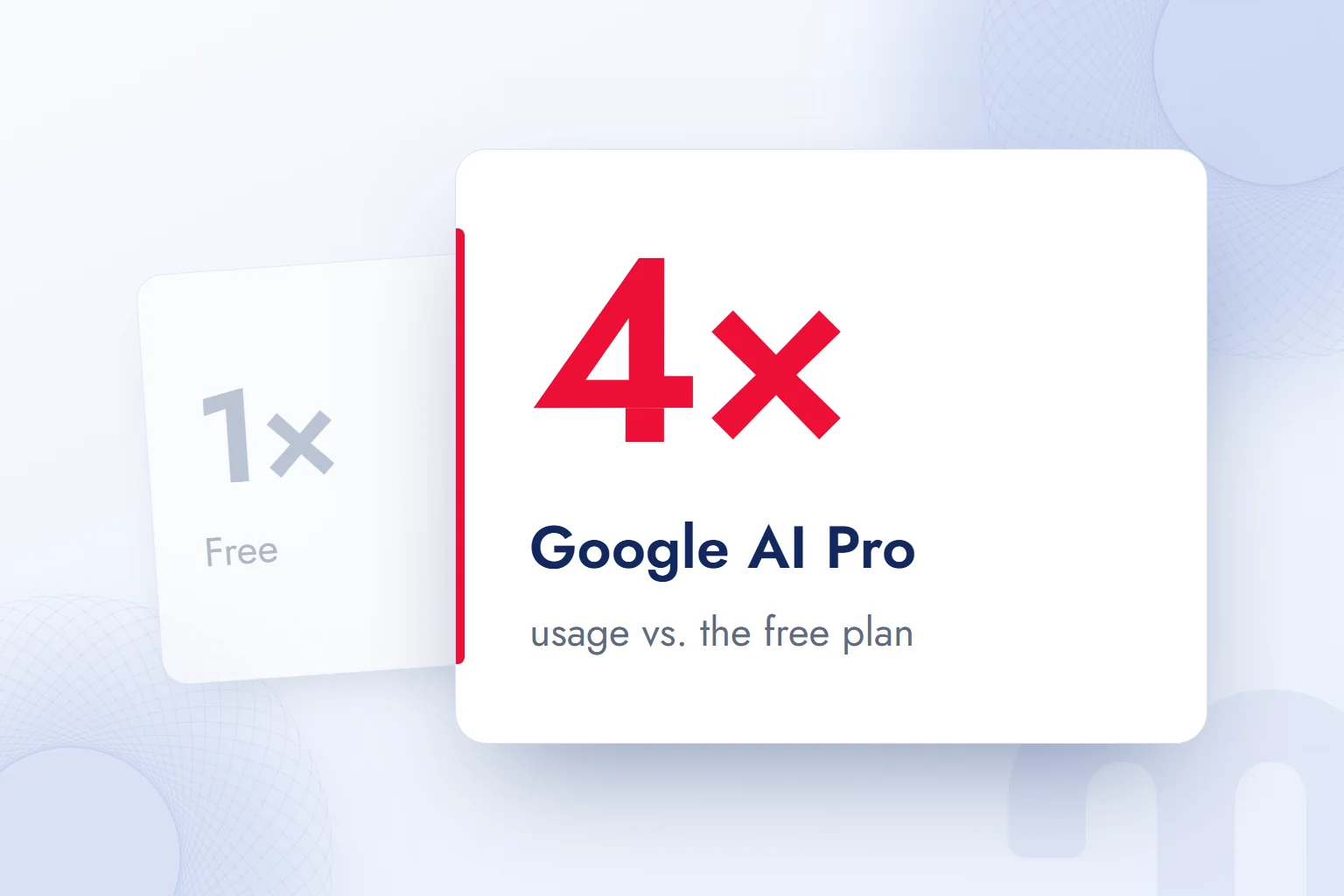
Usage limits in the Gemini app refresh every 5 hours until the weekly limit is reached, and usage depends on prompt complexity, the feature chosen and conversation length. So we never derive a fixed message count from the multipliers.
The free plan also includes limited access to Nano Banana Pro through Google Flow; we do not read this as unlimited advanced image generation. The Plus and Pro multipliers describe usage scope, not a gain in answer accuracy or quality.
Is Gemini free for students?
Under Google’s student offer, higher education students aged 18 and over get Google AI Plus free for one year. Enrolment at a higher education institution is required, eligibility is verified every year, and the offer is subject to its terms and validity period.
We do not confuse the student offer with the free plan open to everyone. Being a student does not make every paid plan free; the offer is for Google AI Plus.
Which plan includes Gemini in Gmail and Docs?
Gemini in Gmail, Docs and other Google apps comes with paid plans; Google AI Pro includes Gemini in Gmail and Docs. Using it in these apps with Google AI plans requires users to be at least 18, and Pro and Ultra are also for users aged 18 and over.
For businesses, Gemini is offered through Google Workspace. When choosing for a team, we separate individual plans from business use and decide which app the work runs in: drafting in a chat and working in Docs create different access needs.
What is Gemini Omni?
Gemini Omni is Google DeepMind’s model that generates and edits video by combining text, image, video and audio inputs. A product photo, a written scene description and other inputs become parts of one generation.
In Omni, edits are made through conversation and build on each other. Supported edits include swapping a character or object, adjusting the camera angle, style transfer, extending a scene and working with first and last frames. For a product launch we set up the scene, then ask the camera to move closer or the background to change, checking the product’s appearance after every change.
According to Google DeepMind, video references are at most 3 seconds long; that limit applies to the reference video, not to every generated video. Draft resolution is 360p and standard 720p, with upscaling to 1080p and 4K.
Gemini Omni is used in the Gemini app, Google Flow, YouTube Shorts, Google Vids, Google AI Studio and the Gemini API. A Google AI subscription is required, and features vary by plan and country; in Flow, access comes with Plus, Pro and Ultra. Before production we check whether an announced feature is actually available on our account.
Content generated in the Gemini app, Flow and YouTube carries an invisible watermark and C2PA Content Credentials; verification is done in the Gemini app. We use these markers to assess content origin, while product accuracy, brand voice and fitness for publishing are reviewed separately.
How do you create a video with Gemini?
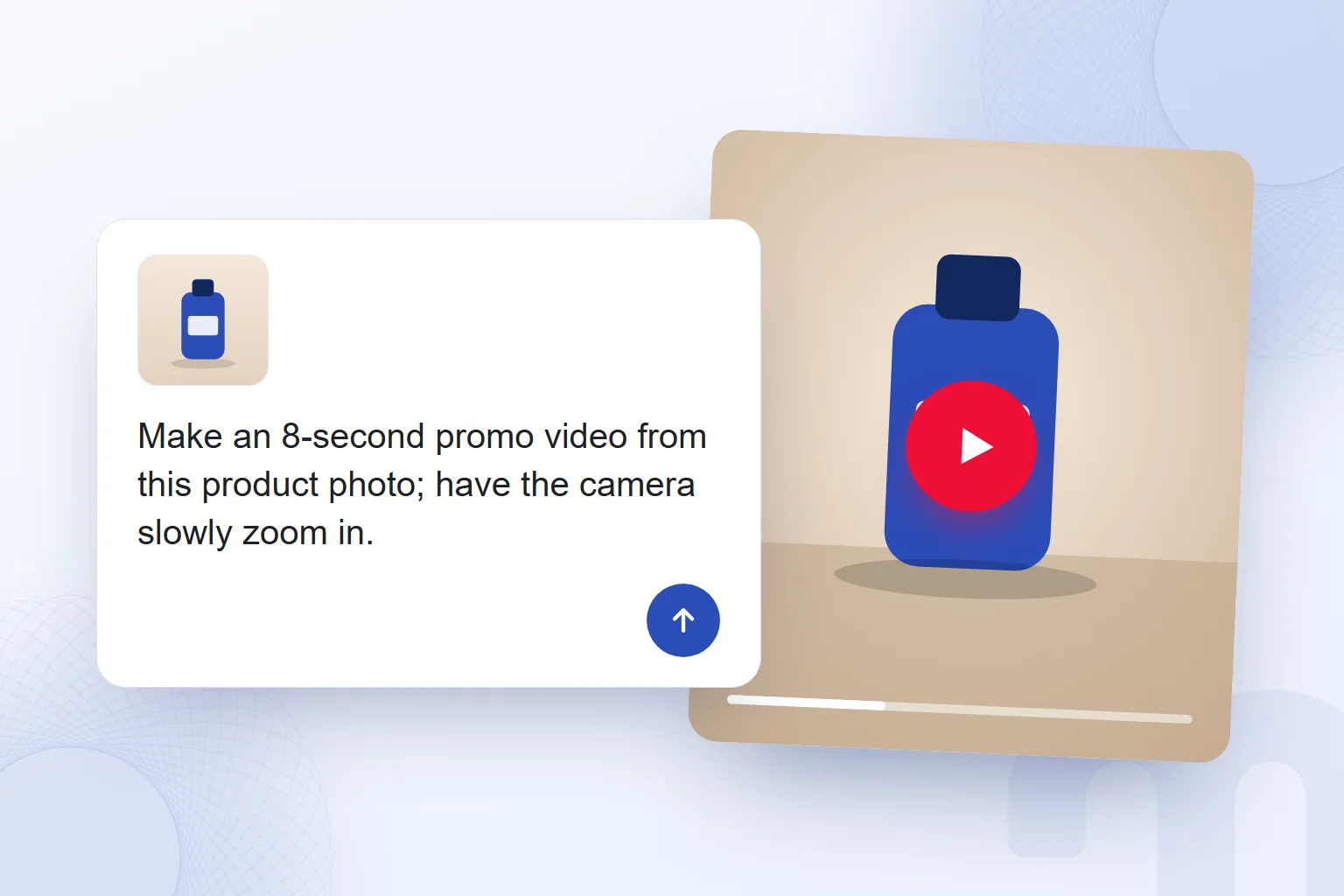
To create a video with Gemini, we give Gemini Omni the request and the material, then refine the result with edits in the chat. Our marketing example is a short promo video from a product photo; the prompt describes where the product sits, the camera movement and the narrative direction.
If the first result changes the label, colours or shape, we ask for a correction naming that detail. Before publishing we check brand and platform rules and make sure the video shows no feature the real product lacks. Approval does not rest on the final frame; we watch the whole video and check consistency between scenes.
How is Gemini different from ChatGPT?
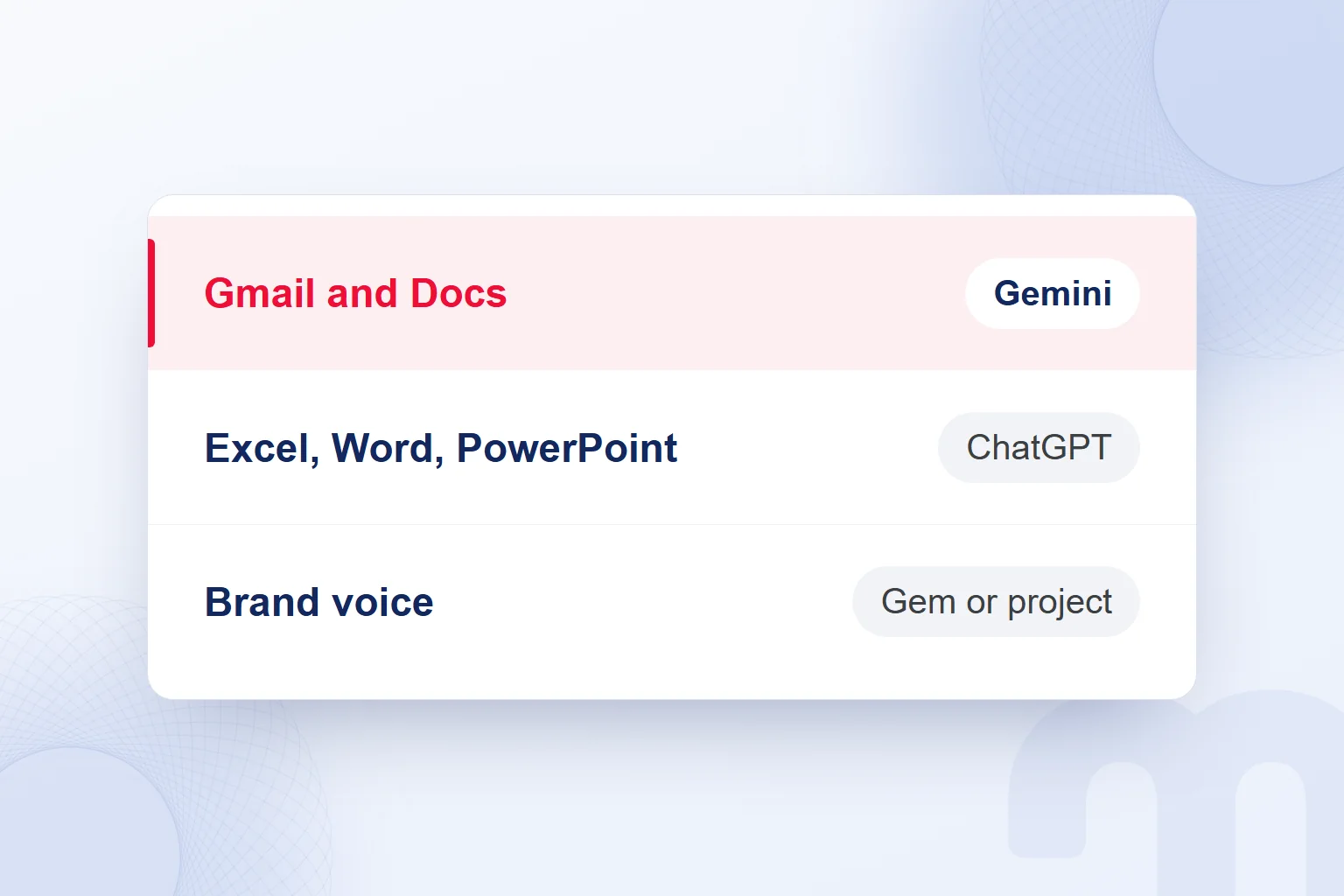
Gemini is Google’s AI assistant and ChatGPT is OpenAI’s; one practical difference for marketing is which plans offer custom assistants and office app integration. Gemini’s free plan includes Gems. In ChatGPT, according to the OpenAI Help Center, new custom GPTs cannot be created on individual accounts (Free, Go, Plus, Pro); brand instructions are kept in projects, and office extensions are limited on Free.
According to OpenAI’s plans page, ChatGPT Free costs nothing, and text chat is unlimited subject to abuse guardrails. Messages, file uploads, voice chat, deep research and memory have limits, and image creation is limited and slower. So we never read “free” as unlimited use of every feature.
Data analysis and the Excel, Word, PowerPoint and Google Sheets extensions are limited in ChatGPT Free. The paid individual plans are Go, Plus and Pro; projects are on every individual plan including Free, scheduled tasks on Go and above. New custom GPTs can be created only in Business, Enterprise and Edu workspaces. In any comparison we write the plan next to the tool’s name.
When looking for an assistant like ChatGPT, matching feature names is not enough; we give both tools the same service description and compare accuracy, coherence and the corrections needed. Marketing examples for free use are in what can you do with ChatGPT, and the assistant’s basics in what is ChatGPT.
Gemini or ChatGPT: which one for marketing work?
For marketing work, we choose the tool by the apps we work in, the feature we need and how well the verified output fits the brand voice. For a “Gemini vs ChatGPT” comparison to mean anything, we state the plan and task tested. A good result in one email is not a verdict for research or image generation.
| Task | Gemini | ChatGPT |
|---|---|---|
| Free use | Free plan with a Google Account | Free plan at no cost |
| Custom assistant | Gems on the free plan | Projects on individual plans; new custom GPTs only in business workspaces |
| Deep research | Deep Research on the free plan | Limited deep research on Free |
| Image generation | Image generation and editing on the free plan | Limited, slower image creation on Free |
| Office apps | Gemini in Gmail and Docs with paid plans | Excel, Word, PowerPoint and Google Sheets extensions limited on Free |
| Training setting | “Keep Activity” can be turned off | Use of content for model training can be turned off |
For work in Gmail and Docs, we test Gemini inside those apps; for Excel, Word or PowerPoint files, ChatGPT’s extensions. To keep the brand voice in recurring work, we use a Gem in Gemini and project instructions in ChatGPT.
The comparison note records the task, the material and what we corrected. If a draft keeps the tone but misstates the service scope, liking the wording is not enough; we log the corrected information and judge the whole job by the same criteria.
How do we test the same task in both tools?
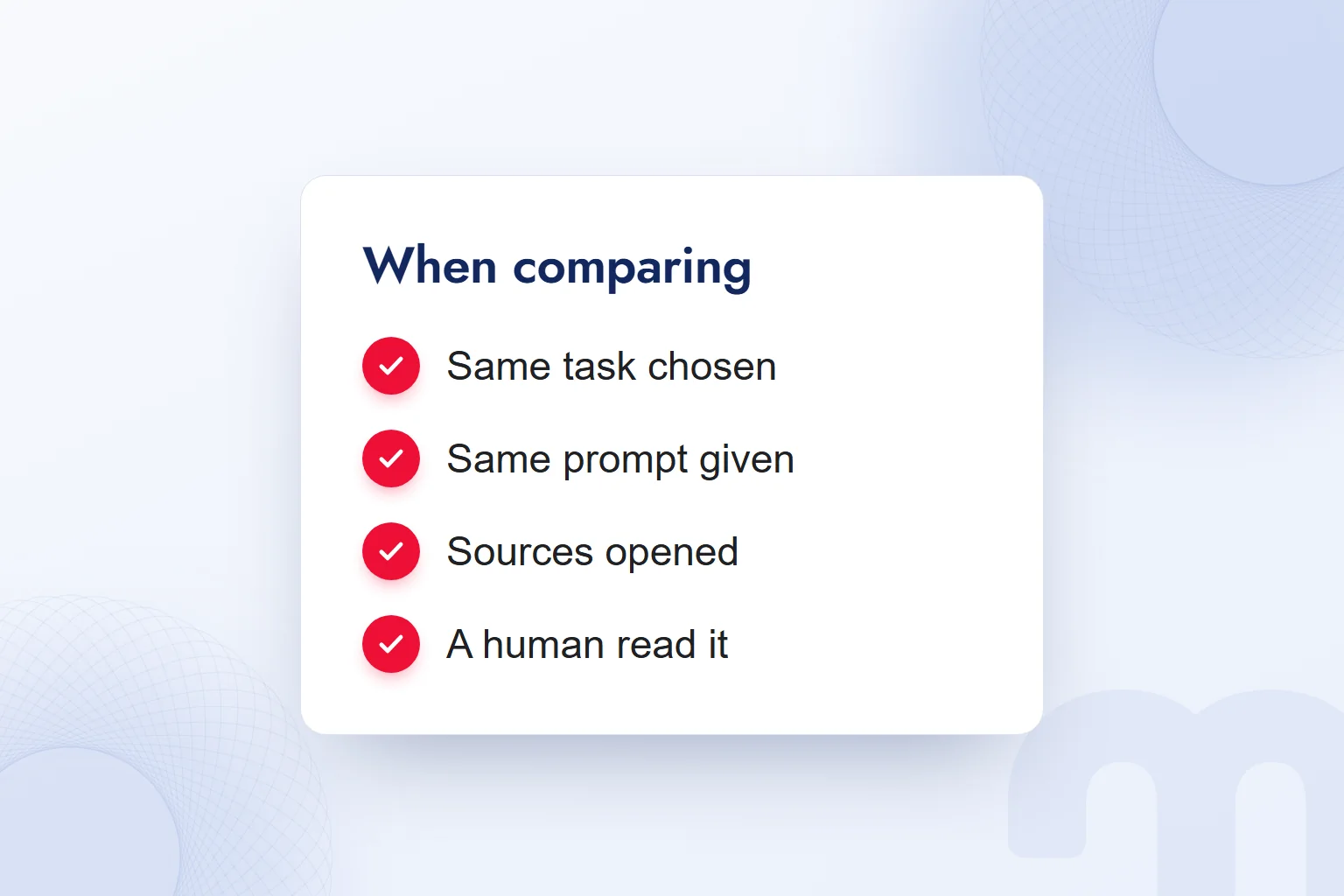
We test the same task in both tools with the same prompt and the same material, stripped of personal data, then read the results against shared criteria. Drafting an email for a service launch is a concrete test; we expect a short text grounded in verified service information that keeps the brand’s tone.
- We pick a real marketing taskWe define a concrete job, such as an email draft, and the expected output.
- We remove personal dataWe strip client names, contact details and order data, then read the remaining material.
- We give both tools the same requestWe pass on the goal, audience, format and brand guidelines in the same words.
- We open sources and verify factsWe compare the answer with the primary source and remove unsupported claims.
- We note corrections and brand voice fitWe log the sentence we changed and why, using the same criteria.
- We review as a team and choose per taskWe weigh accuracy, wording and the app the work runs in together.
Our sample request: “Write a short launch email from the service description we provided. Our audience is businesses researching the service. Write calmly and clearly; do not add promises that are not in the notes.” Both tools get the same notes; detailed guidance for one and a subject line for the other is not an equal test.
The review note goes beyond “liked it” or “didn’t”. We write down separately why we removed an added service promise, the change in tone and the sentence that needs a source, so another team member can see which finding the decision rests on.
If an answer misses the mark, we identify the problem first. The next step depends on the situation:
- No sources shown → We use deep research or a search-grounded answer, then open the source and verify the information.
- The brand voice is off → We write the brand guidelines into a Gem in Gemini or a project in ChatGPT, taking the required plan into account.
- The localised text is wrong or reads as machine-made → We correct it ourselves and have a person read the whole text before publishing.
Is Gemini reliable, and what should you never type into it?
Gemini’s answers can be wrong, so we verify the facts we publish against primary sources. Confident wording or a named source does not prove information correct; we compare product features, figures and names with the original document and leave out anything unverified.
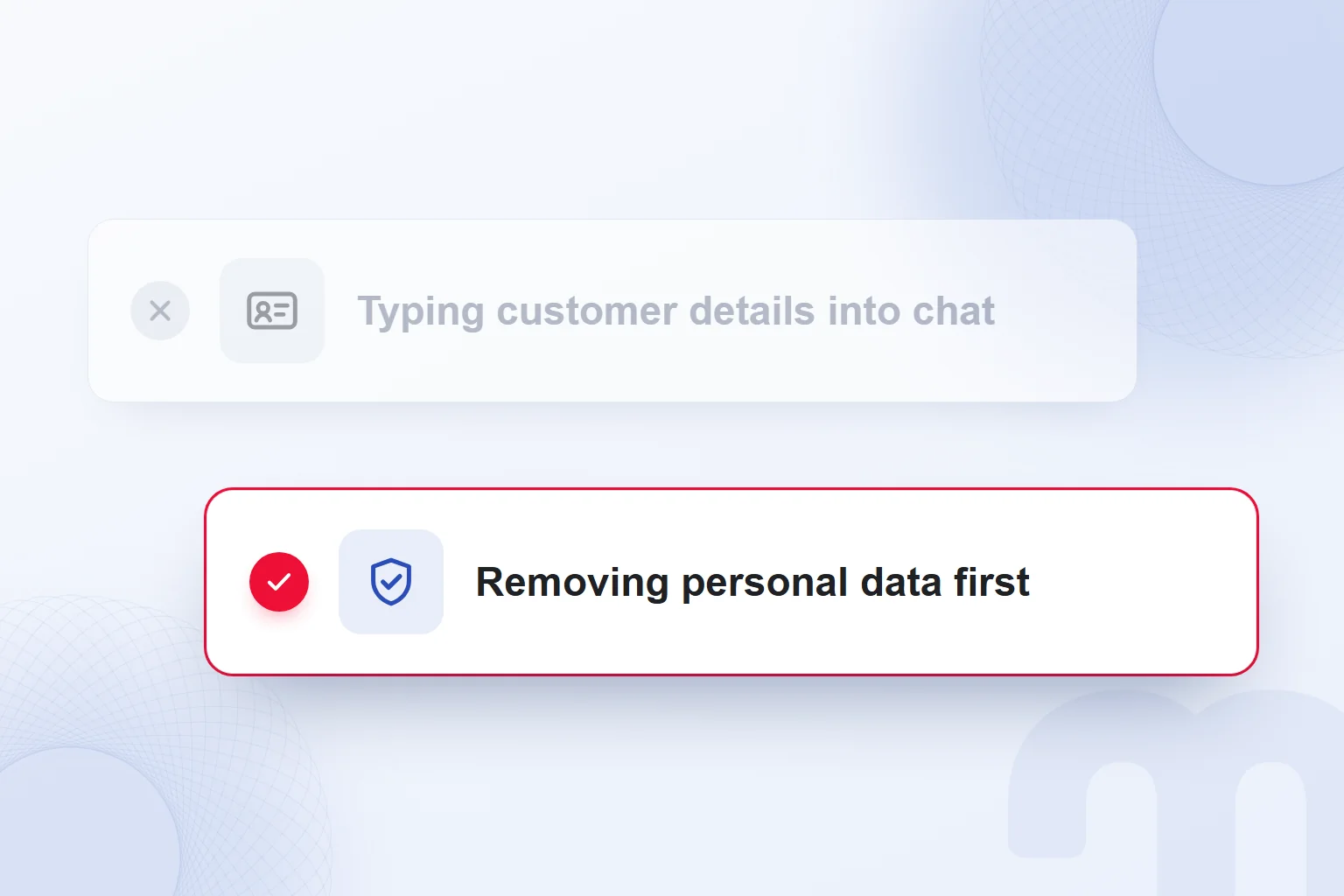
We never type client names, phone numbers, emails, order data, passwords or API keys into Gemini or ChatGPT; we read the material first and remove personal and confidential information. In Turkey, we also address responsibility for personal data under KVKK, the Turkish data protection law, at the start of the work. When client communication needs review, we limit the work to the question itself, without identifying details.
According to the Gemini Apps Privacy Hub, human reviewers, including trained reviewers from service providers, review some collected data. Google asks users not to enter confidential information they would not want reviewers to see or Google to use to improve its services. We build this into the team’s data sharing rule.
When “” is on in Gemini, chats and shared content are saved to activity, and Google uses them to improve its services, including training AI models. This setting can be turned off; in ChatGPT, use of content for model training can be turned off too. We check the settings and keep the personal data removal rule in both tools.
The Privacy Hub also explains retention: data reviewed by human reviewers is disconnected from the account and kept for three years. Activity auto-delete is set to 18 months and can be changed to 3 or 36 months. Keeping reviewed data and auto-deleting activity are different processes, and we explain the difference to the team.
If we create content from a client’s question, for example, we remove their name, contact details and order details, then reread the text to confirm only the necessary question remains. The same check applies to brand guidelines in a Gem or a ChatGPT project, and a person reads the final draft before publishing.
What is the difference between Gemini and Google AI Studio?
Gemini is the AI assistant end users chat with to get work done; Google AI Studio is where developers try Gemini models and get a Gemini API key. The Gemini platform and AI Studio sit on the API and model testing side. We choose by separating using a ready-made assistant from building our own application.
A marketer drafting an email, discussing a campaign idea or doing research uses the Gemini app. A developer trying a function with Gemini models in their own project turns to AI Studio and the API. Sharing the Gemini name does not mean they offer the same experience or plan terms.
Drafting a content brief is a chat task; building it into our own software is an application project for a developer.
We never put an API key into a chat prompt, a Gem instruction or a shared brief, and we separate the team’s task from the developer’s responsibility before technical work starts. Model testing and the development environment are covered in what is Google AI Studio.
Where does Gemini appear in Google Search?
Gemini also appears inside Google Search; AI Overviews and AI Mode are among the AI experiences we meet in search. Google’s announcement lists Search as one of Gemini’s platforms. We separate a chat in the Gemini app from a result in Google Search by recording where the work took place.
For a marketing team, this matters for recording correctly where and how a brand is described. A query tested in Gemini is logged against the app’s answer; an AI answer in Google Search is logged against the Search experience. We never report a brand mention seen in one environment as if it appeared in the other.
When researching what a service is, we read the definition the answer uses, the cited page and the sentence mentioning the brand separately. If the source describes the service narrowly, we check whether the answer stretches it. Being mentioned and being described correctly are different criteria; a visibility review records both.
Our article what is Google AI Mode helps assess this use inside Search separately. We write the environment next to each query in the report.
How does your brand appear in Gemini and ChatGPT answers?
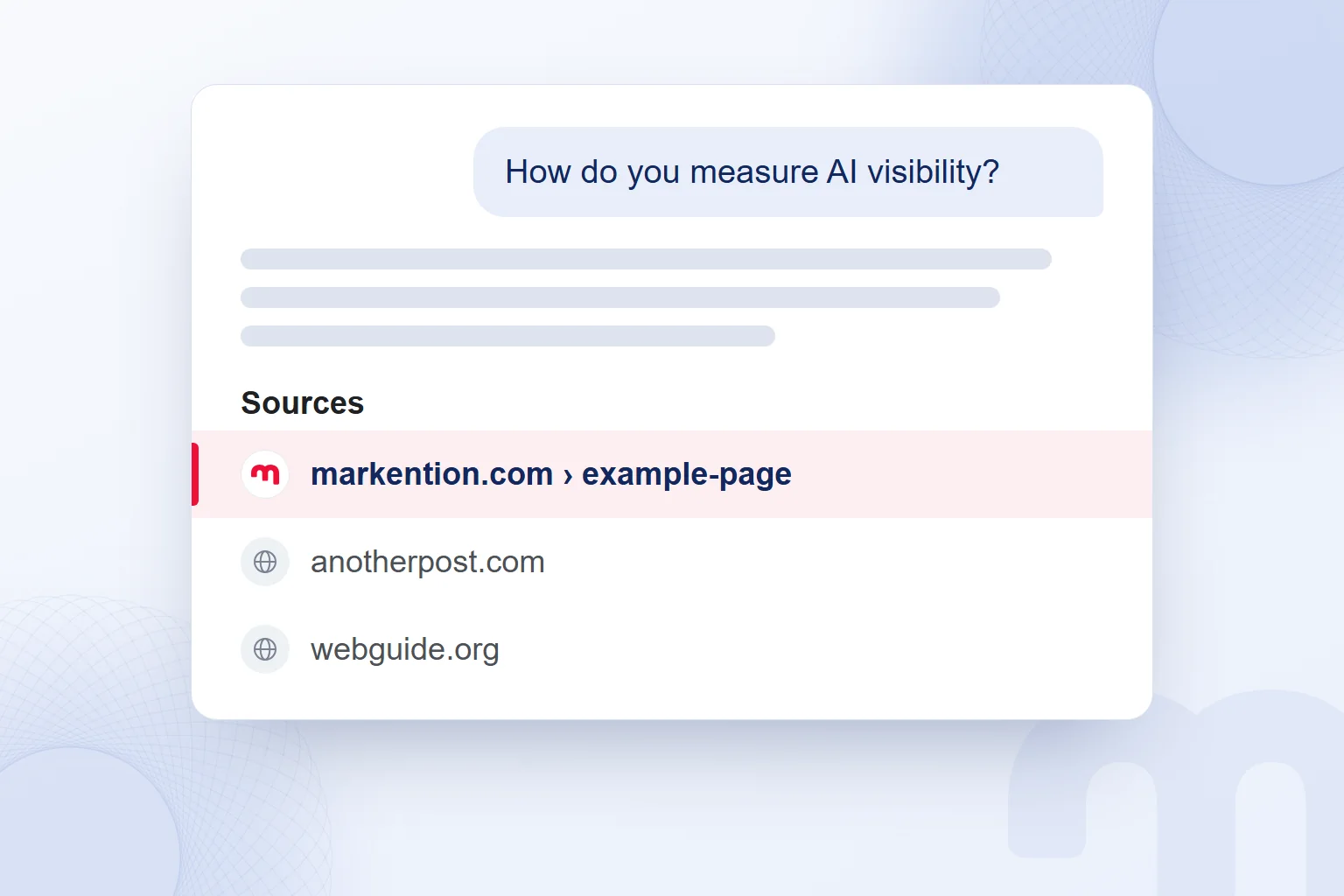
We find out how our brand appears by testing chosen queries in Gemini and ChatGPT and recording how each answer describes the brand and which sources it shows. At markention, our GEO work also covers Google AI Overviews, and we compare how the same query is answered in each environment. We never measure only whether the brand name appears.
In a query × engine table, we write the tool checked next to each query, and record a mention in the answer text and an appearance among sources separately. We open the cited page and read how the relayed service or product information appears there. The review note separates observation from interpretation: the sentence we saw, then what needs fixing.
For the query “How do you measure AI visibility?”, for example, we review the explanation and the sources used. If the brand is named but the service is described wrongly, we address accuracy as well as visibility. One test is never presented as valid for every query.
We explain query and engine mapping in what is GEO. In our GEO consulting work, we track the brand’s presence in answers and sources with these records. AI visibility measurement is the service behind this review, assessing brand mentions and source citations separately.
Which one should your team choose?
For a team, we choose the tool that fits the apps in use and meets the accuracy and brand voice criteria on the same task. We record the decision under the tested task’s name and check that the plan includes the features needed. Choosing one tool does not mean running every task with it; the reason stays with the task.
The path splits by situation:
- The team works in Gmail and Docs → We test Gemini on a paid plan inside the Google apps.
- The team works in Excel, Word and PowerPoint or wants a project structure → We test ChatGPT with extensions and projects, keeping in mind the extension limits on Free and the project scope on Plus.
- No budget has been set aside → We compare the two free plans on the same task and review the result as a team.
After the test we read together which sentence we corrected and why, and which information needed a source check. From these notes the team learns what the chosen tool is for and what to check before publishing.
Plan choices on the ChatGPT side continue in what is ChatGPT Go. More on research, content creation and tool choice is on our blog.
Frequently asked questions
What is Gemini?
Gemini is Google’s AI assistant, used on the web, in the mobile app and inside Google apps. Its free plan is open with a Google Account; the name also covers Google’s model family.
Is Gemini paid?
Gemini has a free plan; Google AI Plus, Google AI Pro and Google AI Ultra are the paid plans. The choice depends on the features and usage needed.
Which languages does Gemini support?
The Gemini web app is available in more than 40 languages, Turkish included. We still check each answer’s accuracy and fit with the brand voice.
Is Gemini reliable?
Gemini’s answers can be wrong; we verify facts against primary sources. We never type personal or confidential information into the chat.
How do you download Gemini on a phone?
From Google Play on Android and the App Store on iPhone. It needs 2 GB of RAM with Android 9+ or iOS 16+; it is not on Android Go.
Is Gemini Omni free?
Gemini Omni requires a Google AI subscription. In Flow it comes with the Plus, Pro and Ultra plans; features vary by plan and country.
Is Gemini or ChatGPT better?
We base the choice on the task, the apps in use and how accurate and on-brand the output is. We test the same task in both and compare the corrections needed.
What is a Gem?
A Gem is a custom assistant in Gemini that saves the instructions for a specific job. Gems are on the free plan, and we can add our brand guidelines to them.

 What is Google AI Studio? Free use, API keys and your first projectRead article
 What is ChatGPT and how do you use it? Free version, plans, safetyRead article
 What can you do with ChatGPT? Free plan marketing examplesRead article
 What is MCP? Connecting AI to your data with Model Context ProtocolRead article
 What is superintelligence? From AI to SI and what it means for brandsRead article
 What is vibe coding? First prototypes, tools and limits for marketersRead article
 What is NotebookLM? Now Gemini Notebook, used with brand documentsRead article
 AI photo editing: remove backgrounds, sharpen and expand photosRead article
Questions & answers
0 commentsNo questions yet; you can ask the first one.