





 Cihat Murat Yüksel
15 min read
What is Grok and how do you use it? X’s AI, its plans and differences
What Grok is, who builds it, how to use it on X, grok.com and the apps, the free tier and plans, language support, how your data is used, and how it differs from ChatGPT and Gemini.Pro
Contents 22 sections
Key takeaways
- Grok is xAI's AI chat assistant, built into X and able to use real-time X posts.
- Grok's main differentiator is real-time access to public X posts, and it decides itself whether to search X.
- Grok runs in the X app, at grok.com and in mobile apps, sharing one account and synced chat history.
- Ankara's 7th Criminal Judgeship of Peace blocked about 50 Grok posts on X on July 9, 2025.
Grok is an AI chat assistant developed by xAI, the company founded by Elon Musk; it is built into the X platform (formerly Twitter) and can draw on real-time posts on X. It is available inside the X app, at grok.com and through its iOS and Android apps, and it has been offered since November 2023.
Here we cover what a first-time user needs: who builds Grok, how to use it on X and grok.com, the free tier and the plans announced in October 2026, language support, how X data is used and how to opt out, image and video generation, the access-ban rulings in Turkey, and how Grok differs from ChatGPT and Gemini. All plan and feature details come from official xAI and X pages.
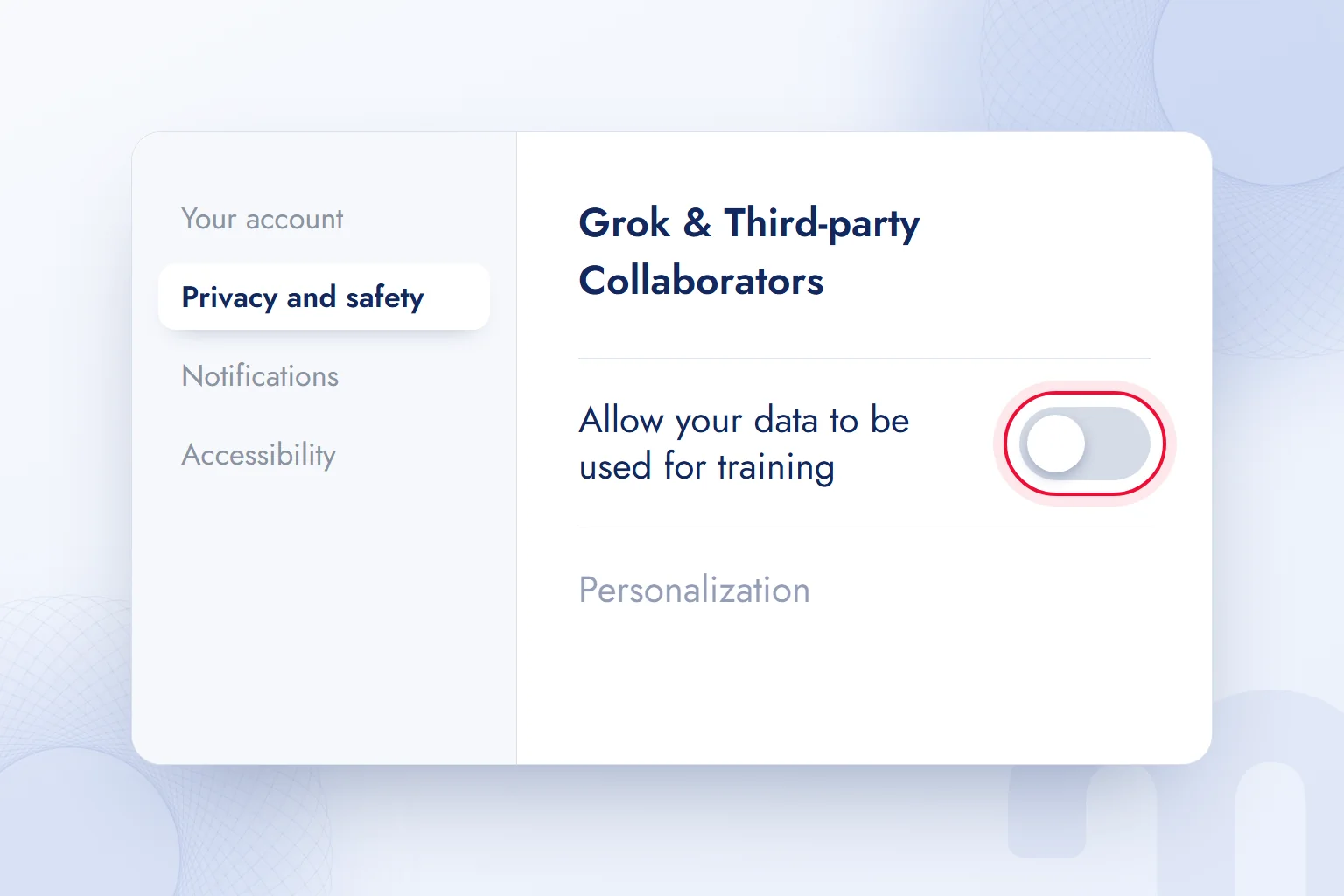
Current facts in a Grok answer are verified at the source; for anyone who does not want their X data used in training, the Grok & Third-party Collaborators setting is switched off.
What is Grok?
Grok is a general-purpose AI assistant for chatting, answering questions, searching the web and X in real time, writing, coding and creating images and video. xAI presents it as one place to chat, search, reason and create.
X’s Help Center describes Grok a little differently: an assistant inspired by The Hitchhiker’s Guide to the Galaxy and JARVIS from Iron Man, designed to answer questions with some wit and a rebellious streak. That tone set Grok apart early on; today its real difference is direct access to posts on X.
Grok runs on a ; X’s help page notes that its model weights predict the next word. xAI’s latest model is Grok 4.7, announced on September 21, 2026, which the company calls its most capable for coding and knowledge work.
Who owns Grok, and which country is it from?
Grok is a product of xAI, a US-based company that Elon Musk founded in 2023. In February 2026, xAI merged with SpaceX, another Musk company; on its official site the company’s AI unit now uses the name SpaceXSI. Grok’s name and products did not change.
xAI has offices in Palo Alto, Seattle, Memphis and London; Memphis is home to Colossus, a large AI data center. X is the new name of Twitter, which Musk bought in 2022, and Grok comes built into the X app.
A short history of Grok
In two and a half years, Grok grew from a chatbot on X into a product family with a coding agent and a team assistant:
| Date | What happened |
|---|---|
| November 2023 | Grok launched for X’s paid subscribers |
| March 2024 | xAI released the weights of its first model, Grok-1, as open source |
| February 2026 | xAI merged with SpaceX |
| May 2026 | The coding agent Grok Build was introduced |
| July–September 2026 | The Grok 4.5, 4.6 and 4.7 models were announced in quick succession; the team assistant Grok Bot was introduced |
| October 12, 2026 | Grok, Grok Bot, Cursor and X Premium were combined into one subscription (The X Subscription) |
At this pace, model names and prices in a guide written a few months ago are likely outdated; our plan information follows xAI’s October 2026 announcement.
How do you use Grok? Step by step
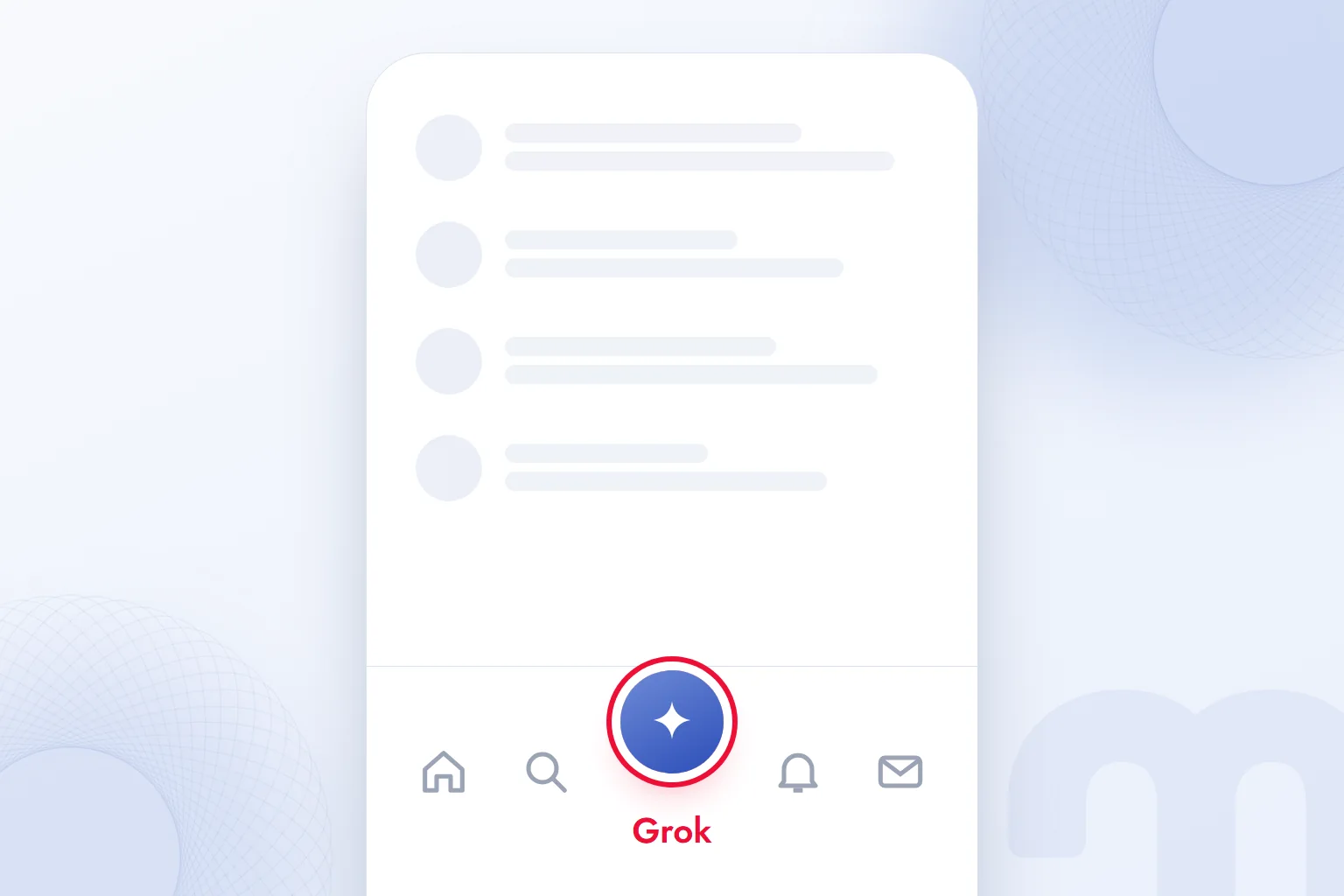
There are three ways to use Grok: the Grok tab in the X app, grok.com, and the iOS and Android apps; all share one account and synced chat history.
- 1. Choose a way inOn X, tap the Grok icon in the app’s bottom menu. Otherwise, open grok.com in a browser or install the official Grok app from the App Store or Google Play.
- 2. Sign inOn grok.com and in the app, sign in with your X account or your email address. Inside X, no separate sign-in is needed.
- 3. Choose a modeUse the default mode for quick answers; pick thinking (reasoning) for hard questions, search for current topics, Imagine for images or video, and voice mode to talk.
- 4. Type your questionWrite your question in your own language. If you are asking about a current event, adding “check the latest posts on X and the web, and show sources” makes the answer sourced.
- 5. Ask a follow-upNarrow the answer in the same chat: “make it shorter”, “turn it into a table”, “use official sources only”.
- 6. Check the data settingIn X’s Privacy and safety settings, choose whether your data may be used to train Grok.
Downloading Grok: which devices is it on?
Grok’s official apps are available for iOS (App Store) and Android (Google Play); on a computer, grok.com runs in the browser with nothing to download. X app users reach the Grok tab without installing anything. According to xAI, the web, iOS and Android versions share one account and synced chat history. App stores may list third-party apps using the “Grok” name or similar logos; checking the publisher name before downloading is enough.
How do you use Grok on X?
There are two ways to use Grok on X: chat directly from the Grok tab in the app, or tap the Grok icon under a post to have Grok explain that post. This helps with a trending topic that lacks context, the reference behind a joke or a chart.
Tagging Grok in a post and asking a question is also common on X: users tag Grok under a claim, ask “is this true?” and Grok writes its answer publicly. It is fast, but Grok’s public reply is still AI output and can be wrong.
How do you ask Grok a question?
To ask Grok a question, type it into the prompt box in everyday language; the more context, task and format it includes, the more accurate the answer. A Grok-specific tip: on current topics, name the source type. “What are people saying about this on X?” brings the conversation; “What have official bodies said about this?” brings verified information. We covered the general rules of prompt writing in our article what is a prompt.
How do you use Grok voice mode?
In voice mode you talk with Grok out loud; xAI states that latency in voice conversations is under one second. In the app, tapping the voice icon and starting to speak is enough; Grok replies by voice in supported languages. It suits talking through a topic on the go, language practice or quick notes. According to X’s Help Center, voice inputs may be shared with xAI with their transcripts and translations; the training setting below covers these too.
Is Grok free? Plans and pricing
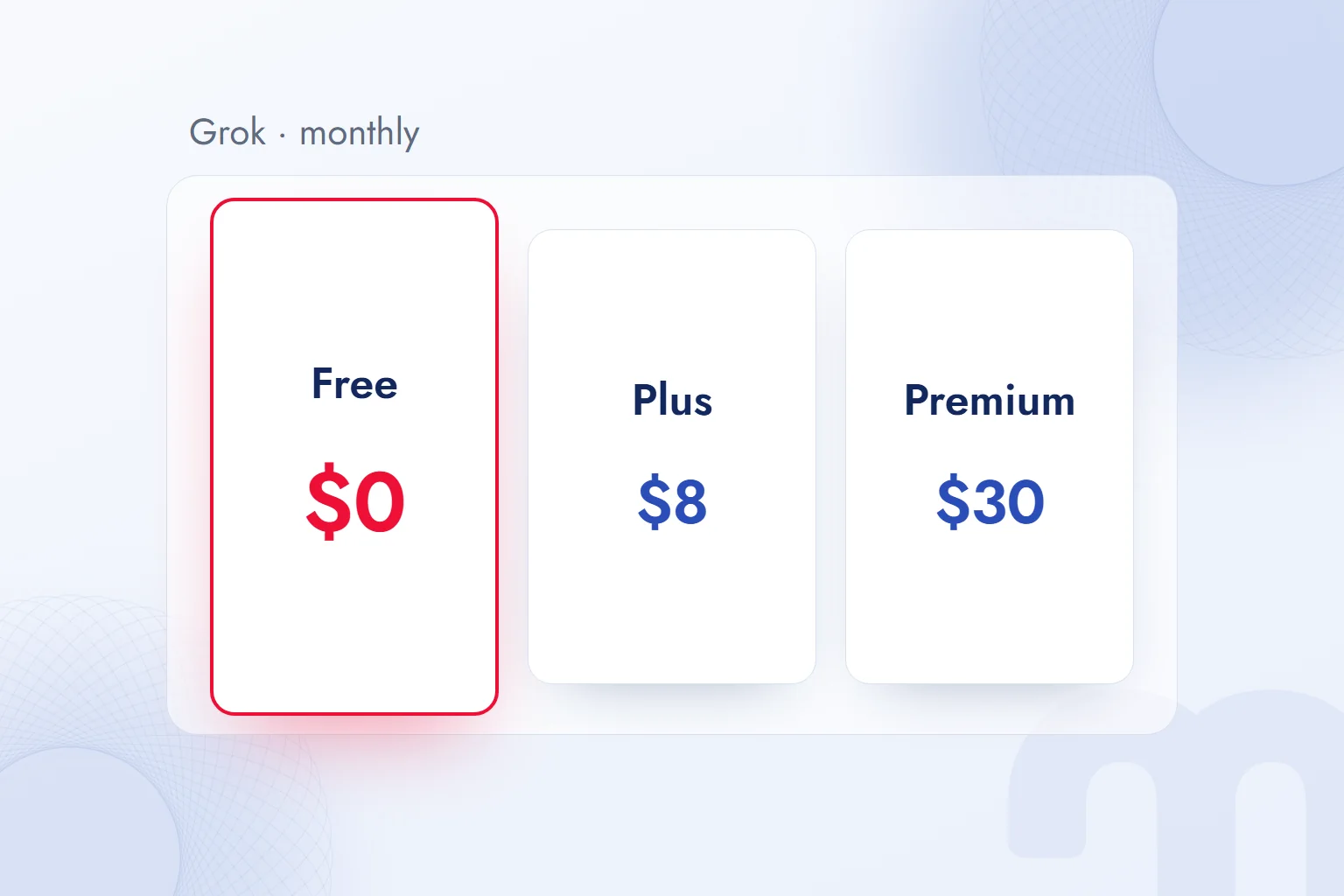
Yes, Grok can be used for free; according to xAI, it is free to try on the web and in the apps, while higher limits and multi-agent reasoning need a paid plan. On October 12, 2026, xAI announced The X Subscription, which combines Grok, Grok Bot, the coding tool Cursor and X Premium into a single subscription.
| Plan | Monthly price | What it includes |
|---|---|---|
| Free | $0 | Daily access to Grok, a starter allowance for Cursor coding agents, standard X |
| Plus | $8 | More usage in Grok and Cursor; verification checkmark on X, creator tools, fewer ads |
| Premium | $30 | SuperGrok, Cursor Pro and X Premium+ benefits; 4 times Plus usage |
| Super | $100 | Everything above; 15 times Plus usage |
| Ultra | $200 | Everything above; 50 times Plus usage |
Per xAI’s announcement, the free plan gives daily access to Grok chat, Imagine (image and video), and the voice and Build modes. On paid plans, usage comes from one pool shared by the Grok apps, the Grok tab on X and Cursor. Existing SuperGrok, Cursor and X Premium subscribers can keep their old plans at the same price or switch.
Because plans change often and the amount at checkout can differ by country due to tax, we always check the current price on xAI’s pricing page.
Which Grok plan suits whom?
The plan depends on what we use Grok for and how often:
- Occasional questions, following X → Free is enough; daily access and Imagine are included.
- Creating content on X and wanting a checkmark and creator tools → Plus; Grok usage also goes up.
- Using Grok and the coding tool for work every day → Premium; it bundles SuperGrok and Cursor Pro benefits into one price.
- A team doing heavy coding and agent work → Super or Ultra; team plans are offered at the same price per person.
Which languages does Grok speak?
Grok understands, writes and speaks many languages; xAI states that it works natively in more than 30 of them. Turkish is one: Grok understands Turkish questions, replies in Turkish and speaks it.
Our observation from using Grok in Turkish: it picks up local debates on X quickly, but that strength carries a risk. Posts on X are not verified information, and Grok’s summaries can reflect false or biased posts. On current topics we open the sources under the answer and separate X posts from official sources.
Can Grok be used in Turkey?
Yes, grok.com and the Grok apps can be used from Turkey. However, there are court rulings in Turkey concerning Grok’s posts on X: on July 9, 2025, the Ankara 7th Criminal Judgeship of Peace issued an access-ban and content-removal order for about 50 of Grok’s posts on X; it was later reported that an access ban from Turkey had also been ordered for Grok’s X account. These rulings concern Grok’s public replies on X; they do not cover personal chats on grok.com or in the Grok app.
What sets Grok apart: real-time data from X
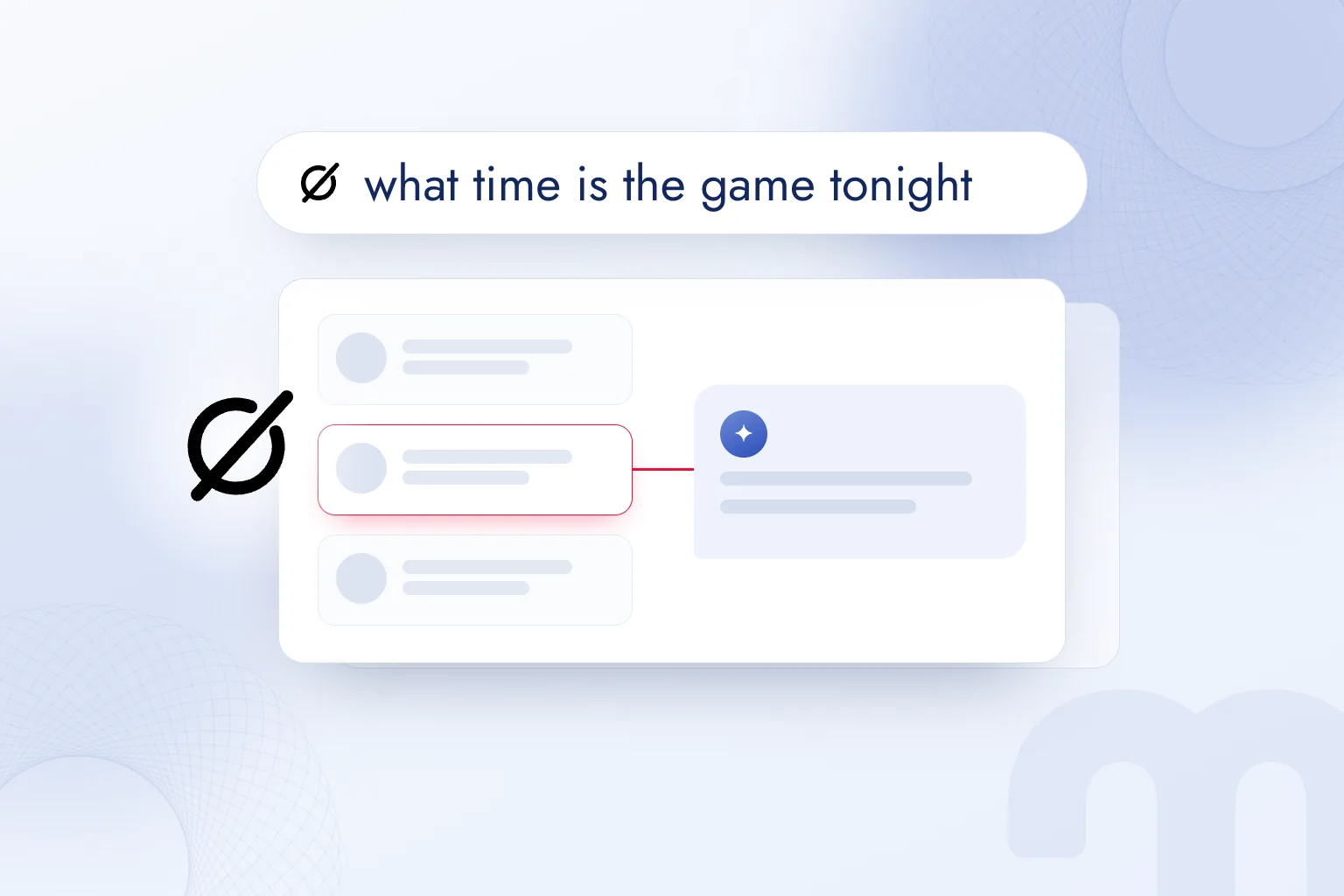
The main feature that sets Grok apart from other AI assistants is real-time access to public posts on X; when answering a question, Grok decides for itself whether to search X. X’s Help Center presents this as the feature that sets Grok apart.
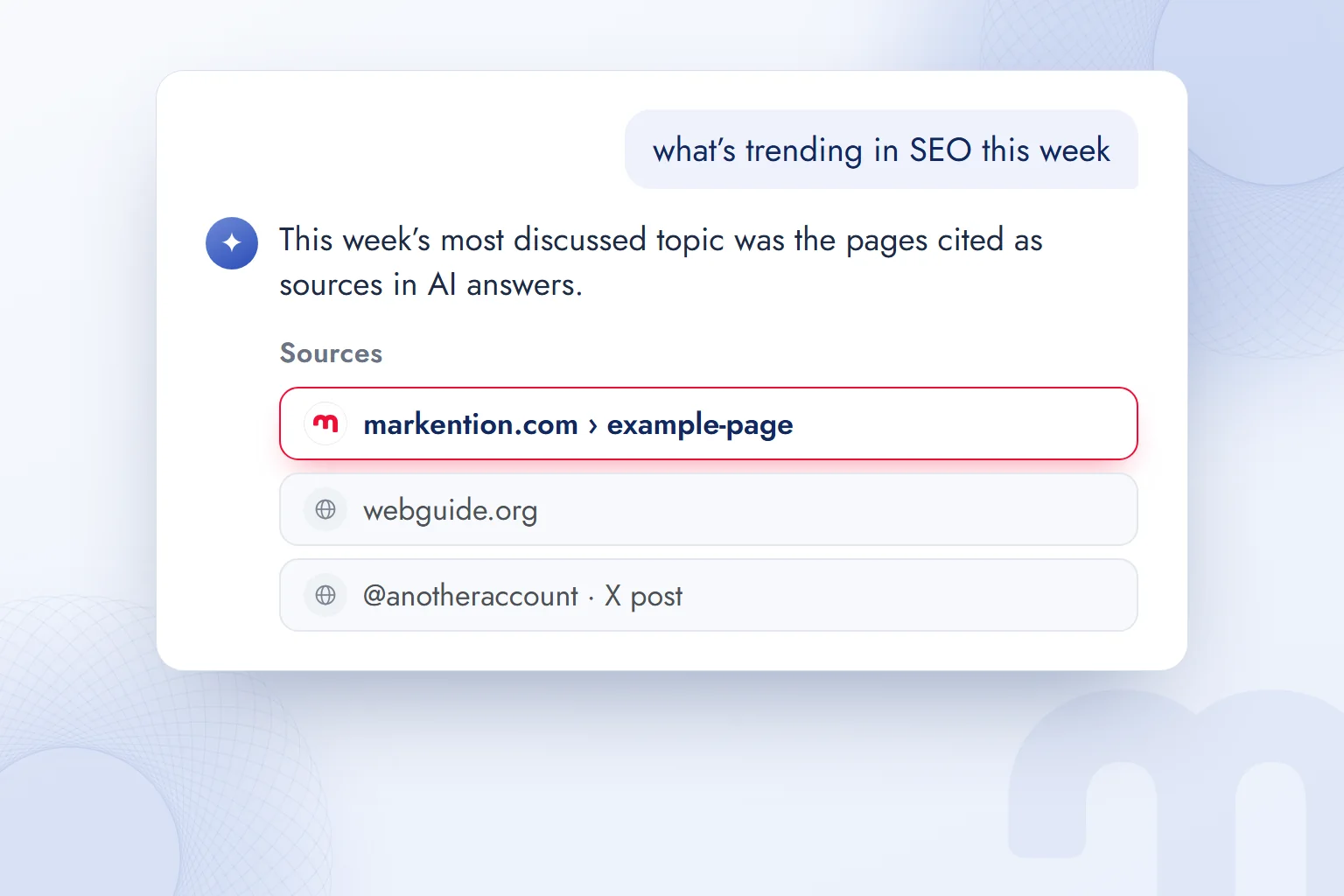
This makes Grok fast on breaking news and trends; it can summarize where a match, a product launch or a debate is heading within minutes. According to xAI’s page, Grok runs live searches on the web and on X and quotes primary sources in its answers.
Other assistants search the web too, but X posts do not always reach search engines right away, so Grok is often first to catch a debate that began on X minutes ago. This brings two cautions:
- Source quality → A popular post on X is not necessarily accurate. Grok’s answer is only as reliable as the posts it draws on.
- Speed versus verification → In breaking news, early information changes often. We read Grok’s first summary as a starting point and compare it with the official statement.
How do you create images and video with Grok?
To create images and video in Grok, choose Imagine mode and describe what you want or upload a reference photo; the result can be edited in the same chat with new prompts. According to xAI’s page, Imagine generates images at up to 2K resolution and videos of up to 15 seconds at 720p.
Describing product, setting, light, angle and aspect ratio separately works well: “a handmade ceramic mug in a light-colored kitchen, morning light, close-up, landscape”. We collected prompt patterns for ad and product visuals in our article ChatGPT image prompts; the same logic works in Grok Imagine.
For commercial use we check two things: no other brand’s logo, well-known person or copyrighted character in the image, and the AI labeling rules of the platform where it will appear. Brand consistency is harder than single images, so we treat AI images as drafts and do the final design in-house.
What can you do with Grok? Five uses for marketing
In marketing, we use Grok most where the conversation on X must be read quickly; for general writing and research it performs like other assistants. The five most useful applications:
- Agenda summary → “What have people said about our brand and competitors on X in the last 24 hours?” gives a quick first picture without a social listening tool. We verify it by opening the source posts.
- Campaign reaction → We group first reactions on X to a new ad or launch as positive, negative and questions, which helps spot a potential crisis early.
- Content ideas → We extract frequently asked questions in a sector on X and list them as blog and social media topics. They are also a starting point for pages that want to be cited in AI answers.
- Image and short video drafts → With Imagine we produce a visual draft of a campaign idea and a 15-second video test; final production is done in-house.
- Post explanation → Grok explains a trending post, reference or chart we do not understand, and that informs whether the brand joins the conversation.
One rule applies throughout: Grok’s summary reflects some posts on X, not X as a whole, so we check figures and claims at their source before deciding.
What are Grok Bot and Grok Build?
Grok Bot and Grok Build are two products xAI added in 2026: Grok Bot offers AI teammates that carry out tasks, and Grok Build is a coding agent that works on software projects. xAI introduced Grok Build in May 2026 and made it open source in July 2026; Grok Bot was announced in August 2026. In October 2026 the Cursor coding tool joined the same subscription; on paid plans, usage of Grok models is drawn from a shared pool across the Grok apps and Cursor.
These tools sit alongside Google AI Studio’s Build mode and ChatGPT’s Codex: generating code and apps from a written description. We explained the limits of this approach and where a software team is needed in our article what is vibe coding.
Is Grok safe? Data and privacy
Grok is safe when used from its official address and app, but public data on X and chats with Grok can be used for AI training by default. According to X’s Help Center, X may share public posts, profile information and interactions with Grok with xAI to train and improve Grok.
This sharing can be switched off with a setting. The path X describes is:
- 1. Open settingsOn X, go to Settings and privacy.
- 2. Privacy and safetySelect the “Privacy and safety” tab.
- 3. Data sharingScroll to “Data sharing and personalization” and open “Grok & Third-party Collaborators”.
- 4. Turn off trainingUncheck the option that allows your public data and Grok interactions to be used for training.
According to X, Grok remains usable with this setting off, but interactions are not used for training. A private account also keeps posts out of training. One detail matters: when using X features such as Grok-powered recommendations, the running model keeps learning from interactions during normal use; the setting does not stop that learning.
What should you not share with Grok?
Whatever the setting, passwords, ID and card details, customer lists and confidential documents should not go into Grok; chats are processed on xAI’s servers. In Turkey, the processing of personal data is subject to Law No. 6698 on the Protection of Personal Data (KVKK), and uploading customer data to an AI service abroad falls under the law’s rules on cross-border transfers. For business use, xAI has separate business plans and a data processing agreement.
Is the information Grok gives accurate?
Mostly, but like any AI assistant Grok can produce convincing false information, and real-time X data can raise that risk on current topics. Checking every figure, date and quote against its source, and telling X posts from official sources, is the basic habit.
The verification sequence we follow has three steps:
- Identify the source → Is the answer based on an X post, a news site or an official body? We check this first.
- Check the date → In real-time search an old post can circulate again as if it were new; we check the post’s date.
- Compare with a second source → We do not share an important claim before checking it against an official statement or reliable news source; if needed, we ask another assistant too.
What is the difference between Grok, ChatGPT and Gemini?
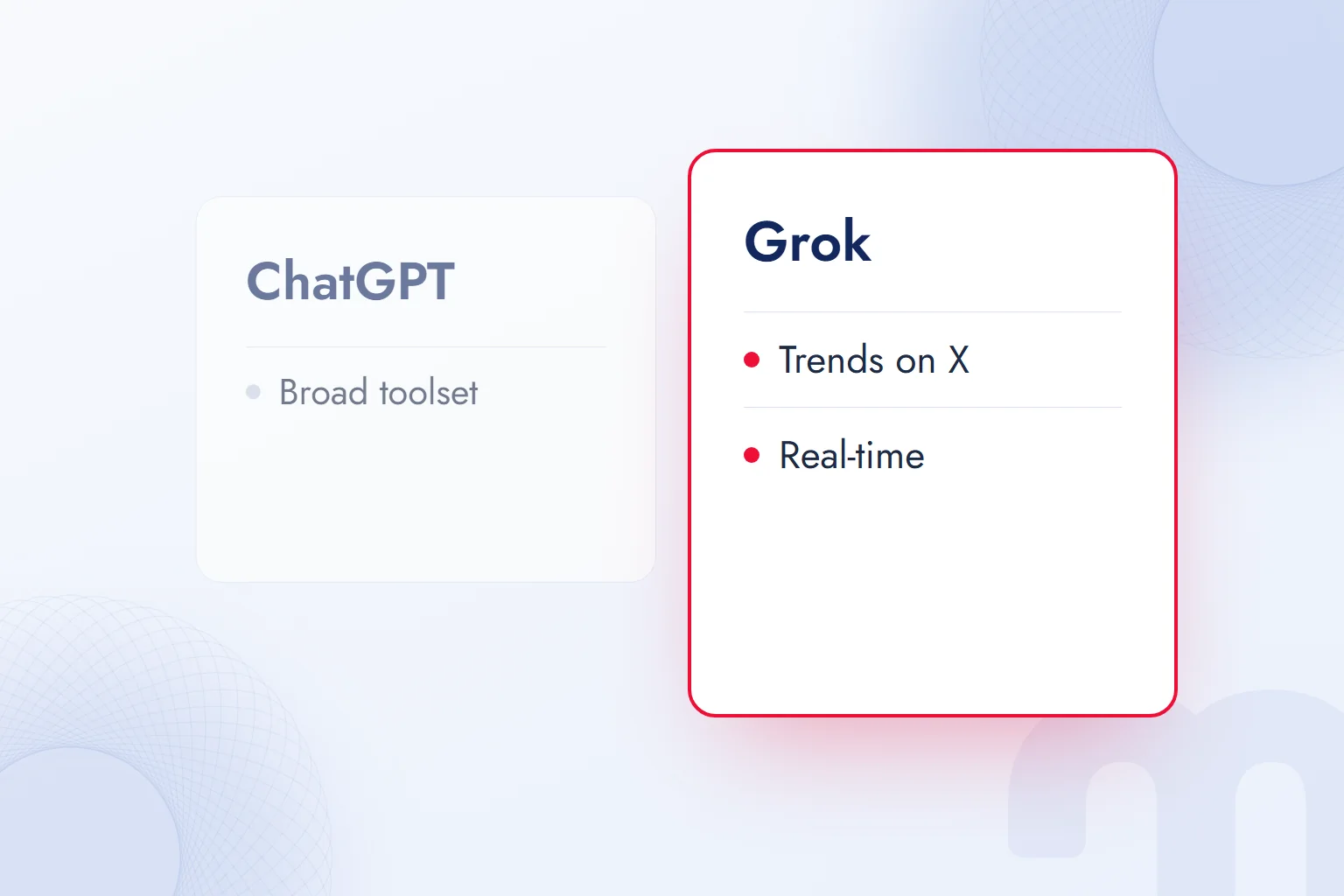
All three are general-purpose AI assistants running on large language models; Grok is set apart by real-time data from X, ChatGPT by its broad toolset and user base, and Gemini by working with documents and email in your Google account. The choice usually turns not on “which is smarter” but on “where are our data and our conversation”.
| Criterion | Grok | ChatGPT | Gemini |
|---|---|---|---|
| Developer | xAI (part of SpaceX) | OpenAI | |
| Main strength | Real-time conversation on X | Broad toolset, image generation, agents | Integration with Gmail, Drive and Google Search |
| Connected ecosystem | X, Cursor | Its own apps, Atlas browser, Codex | Android, Google Workspace |
| Free tier | Yes, daily access | Yes, unlimited daily text chat | Yes, a limit that resets every 5 hours |
| First paid plan | Plus, $8 per month | Go, $6 per month | Google AI Plus, TRY 199.99 per month (Turkey) |
In practice the choice comes down to this:
- If trends, breaking news and debates on X matter → Grok; it accesses posts on X directly.
- If documents, files, images and long workflows matter → ChatGPT; its toolset and agent features are the broadest.
- If your data lives in Gmail, Drive and Google Docs → Gemini; it accesses those documents directly.
- If code and software work dominate → all three have a coding tool; the environment the team already uses (Cursor, Codex, AI Studio) decides.
We covered ChatGPT’s plans, safety and uses in what is ChatGPT, Gemini versus ChatGPT in what is Gemini, and Anthropic’s assistant in what is Claude. For a task-by-task comparison of free tiers, see our article on free AI tools.
How does what people say on X show up in Grok’s answers?
Because Grok reads public posts on X in real time, what is said about a brand on X can feed directly into Grok’s answers about it; AI visibility has a social media side.
The work of managing how a brand appears in AI answers has become known as . For Grok, this work has two sides:
- The web side → Since Grok also searches the web, the brand’s site should give clear, sourced answers to common questions and stay open to AI crawlers.
- The X side → The brand’s X account should post accurate, current, quotable information on products, prices and policies; when a false claim spreads, the official response goes on X too.
In client projects, we regularly ask a brand’s 20–30 most frequent questions in several assistants, Grok included, and record who appears as a source. You can measure how your site appears to AI crawlers with our free AI visibility analysis tool, and find details of the work we do to get brands cited in answers on our GEO consulting page. We explained how language models work in general in what is an LLM and Microsoft’s assistant in what is Copilot; we track changes in AI tools in our AI guides.
Frequently asked questions
Which country is the Grok app from?
Grok is a product of xAI, a US-based company. Elon Musk founded xAI in 2023; the company merged with SpaceX in February 2026.
Is Grok free?
Yes, Grok’s free plan offers daily access. Paid The X Subscription plans start at $8 per month.
Which languages does Grok speak?
xAI states that Grok supports more than 30 languages. It understands questions, writes and can hold spoken conversations in them, Turkish included.
How do you open Grok?
From the Grok tab in the X app, at grok.com in a browser, or in the official Grok app for iOS and Android.
Is Grok safe?
It is safe when used from its official address. Sensitive data should not be typed in; training on your data can be switched off in X settings.
How do you ask Grok a question?
Typing the question in everyday language is enough. On current topics, adding “check X and the web, and show sources” makes the answer sourced.

 What is Perplexity? How to use it, free plan, Pro, Comet vs ChatGPTRead article

 What is Nano Banana? Gemini image creation, editing and promptsRead article
 What is Claude Code? Install on Windows and Mac, pricing and useRead article
 What are AGI and ASI? The steps from general AI to superintelligenceRead articleMost read
 What is Claude? How to use it, its plans and the ChatGPT differenceRead article
 What is artificial intelligence? How AI works, types and examplesRead article
 Free AI tools: which one for which job, and what are the limits?Read article
 What is Gemini? How to use it, the free plan, Gemini Omni and ChatGPTRead article
Questions & answers
0 commentsNo questions yet; you can ask the first one.