





 Cihat Murat Yüksel
8 min read
Cihat Murat Yüksel
8 min read
What is Microsoft Copilot? How it works and how to get cited
How Copilot relates to Bing, how it picks sources and how visibility is measured; the check order we follow so our site appears among the sources behind its answers.Pro
Contents 8 sections
Microsoft Copilot is Microsoft’s AI assistant for the web, Windows, the Edge browser and the mobile app; with web search on, it looks up information through Bing and writes answers grounded in sources. The lookup rests on the .
From a brand perspective, we read the answer and the pages behind it together: we ask a question on our subject, open the source list and find which of our pages answers it. Visibility is weighed through index status, page content and citation records.
The first condition for being a source in Copilot answers is being in the Bing index; visibility is tracked through citations and grounding queries.
What is Copilot, and what does the name mean?
A copilot is the second pilot who assists the captain; Microsoft Copilot is Microsoft’s AI assistant. The name is also used for the assistant in business apps and for a coding assistant. We tell which Copilot is meant by where the user works and what they want done.
Each case has its own answer:
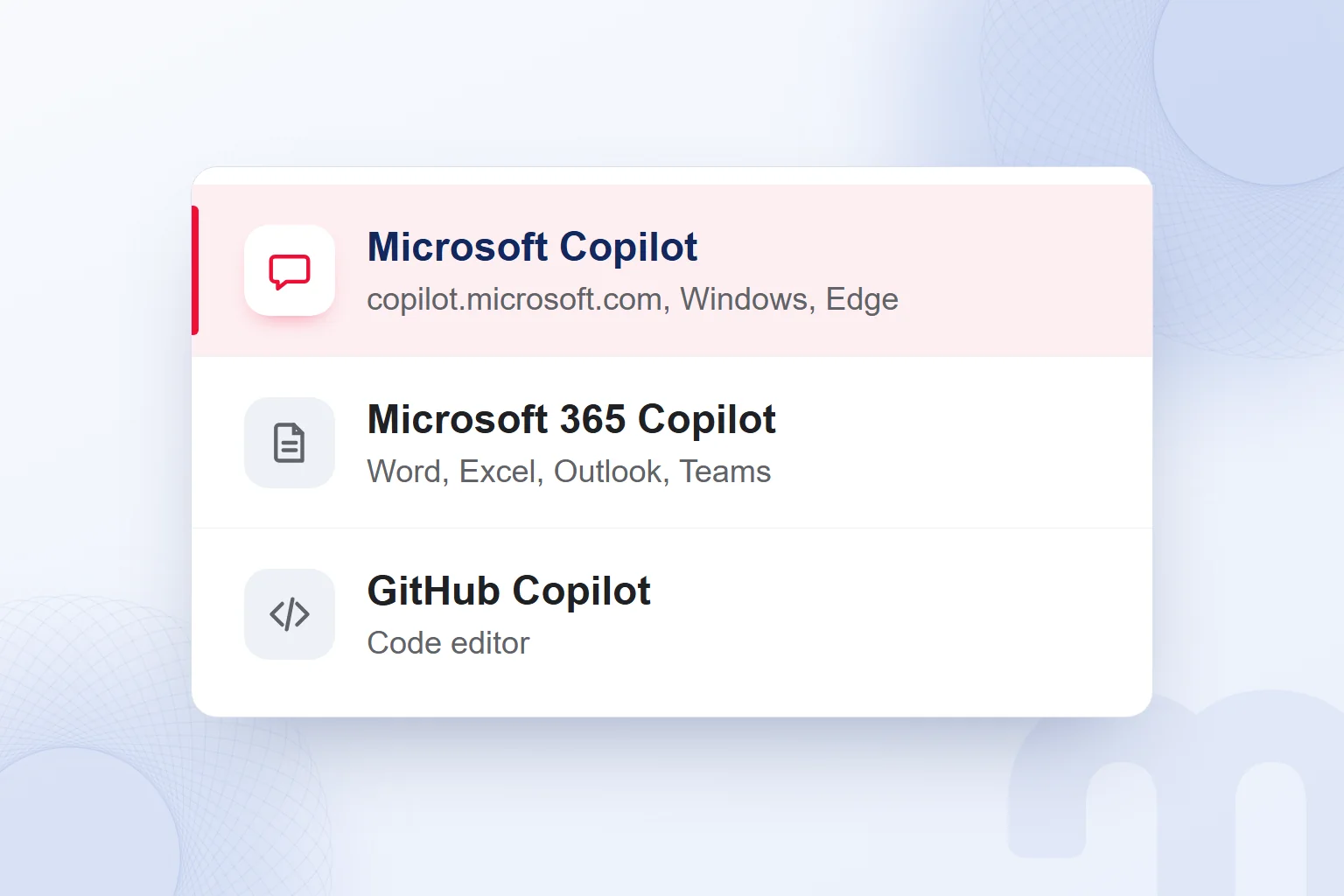
- An everyday assistant is wanted → We take Microsoft Copilot as the reference, on the web, in Windows, in Edge or in the mobile app.
- The assistant in business apps is in question → We consider Microsoft 365 Copilot, which works with the business data the organization permits.
- Help with code is wanted → We consider GitHub Copilot, the coding assistant for developers.
| Product | Where it runs | Where it gets information |
|---|---|---|
| Microsoft Copilot | copilot.microsoft.com, Windows, Edge and the mobile app | From web sources through Bing when web search is on |
| Copilot Search (Bing) | In Bing search | From Bing results and extra searches on the user’s behalf |
| Microsoft 365 Copilot | Inside Word, Excel, Outlook and Teams | From the business data the organization permits |
| GitHub Copilot | In the code editor | From the code context in the editor |
For website citations, we focus on Microsoft Copilot and Bing search. A Word document and an open-web page are separate contexts; a shared name does not mean shared sources.
How does Microsoft Copilot work?
With web search on, Copilot turns the request into a Bing query and answers using sources, according to Microsoft’s description of Microsoft 365 Copilot Chat. The system picks the terms where web information improves the answer. The query sent to Bing is not the user’s long request; it is a few words.
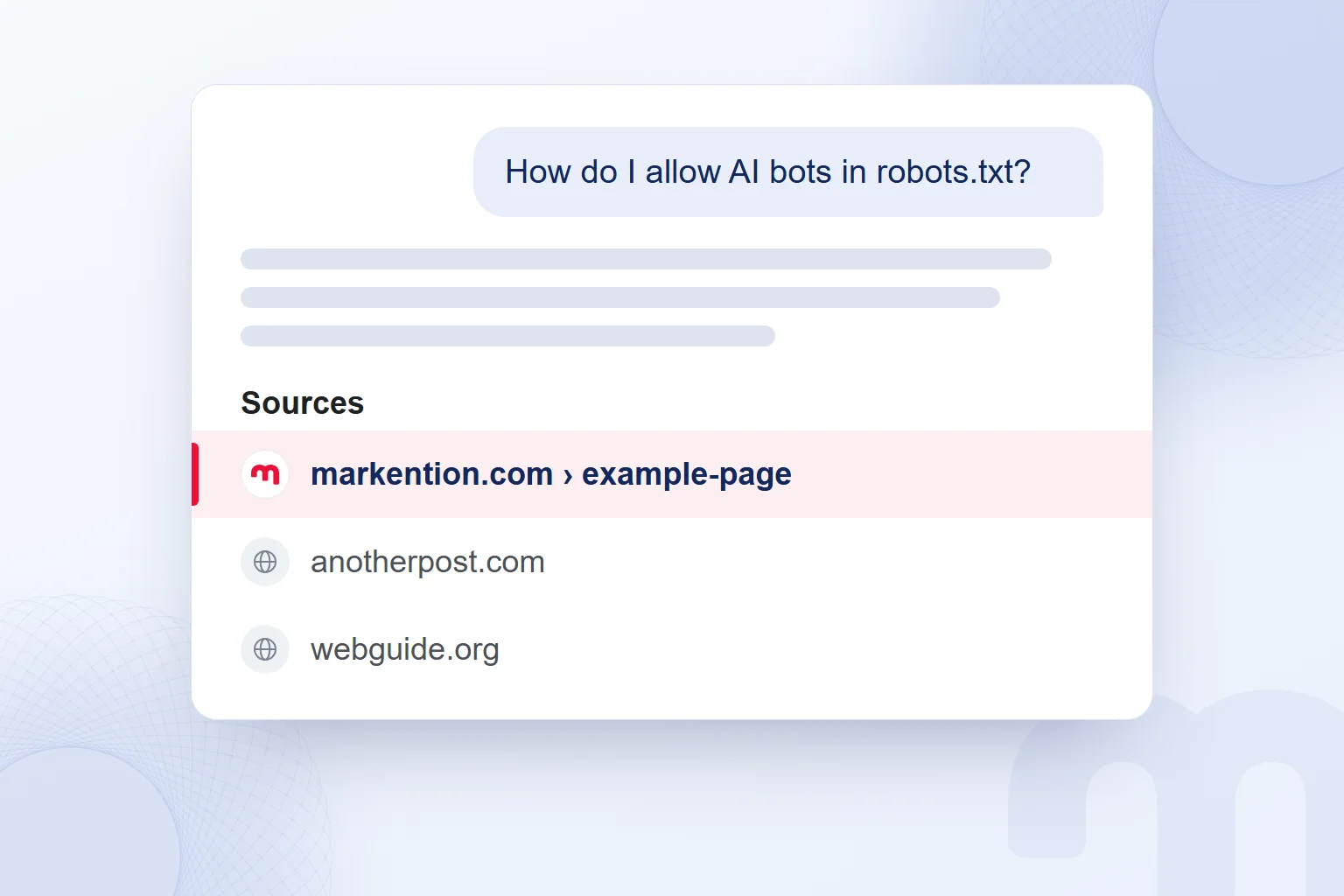
Asking, for example, “How do I allow AI bots in robots.txt?”, we look at which sources the answer relies on. The user’s sentence describes the need; the search query looks for supporting content. We do not log guesses about the terms; we read the query shown.
The sources button in the Microsoft 365 Copilot Chat documentation shows the query sent to Bing and the sources used. We open it and look for our answer on the source page; a relevant-looking title is not enough.
We assess the large language model that generates the answer separately from the source lookup in Bing.
What is the relationship between Copilot and Bing?
Copilot searches for web sources through Bing, and Copilot Search gives sourced answers based on Bing results. Bing Chat was renamed Copilot. For searches like “Bing AI” or “Bing Copilot”, we separate the chat assistant from the search experience inside Bing.
Copilot Search gathers information from the user’s query and extra searches on their behalf, showing sources in the answer and at the end. We check which page supplied which information, finding the answering section rather than just domain names.
The first condition for a page to be a web source in Copilot is being in the Bing index, so we check it before editing content. Indexing is where source selection starts; how clearly the page answers is reviewed separately, and the record keeps index status and observed citations apart.
Which pages does Copilot cite as sources?
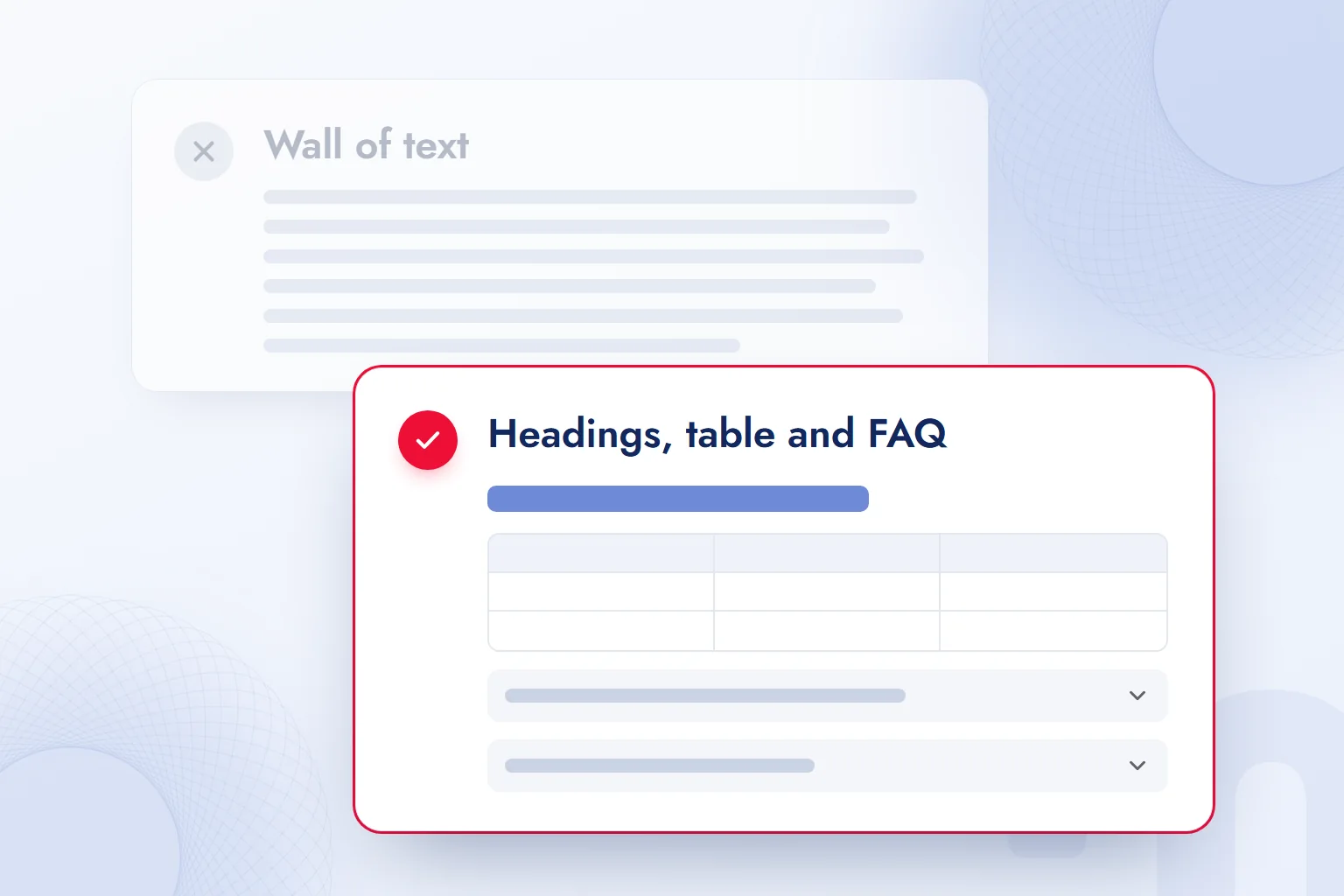
Copilot cites the pages it reaches through Bing and draws on for the answer; we structure pages along Bing’s recommendations on clear headings, tables, FAQs and freshness. We apply them so the information the reader wants is on the page and easy to understand.
We state the question in the heading and answer it in the sentence below. On a bot access page, for example, we do not bury the permission check behind a long introduction. We say which access is checked, then what to do, so question and answer meet in one section.
Comparisons go in a table with the same criteria on every row and no guessed cells. The FAQ answers short follow-ups, each explaining one point such as the product distinction, rather than repeating the body.
When information changes, we check the explanation, the table cell and the FAQ answer together, so no outdated fact survives elsewhere. For fast discovery of changes, we use the notification Bing recommends; freshness is judged by what the page actually says.
How is Copilot visibility measured?
We track Copilot visibility in the AI Performance report in Bing Webmaster Tools, through citations, cited pages and grounding queries. The report, in preview, covers citations across Microsoft Copilot, AI summaries in Bing and select partner experiences.
Total Citations is the total number of times the site was cited. Average Cited Pages is the daily average of pages used as sources. We read them together and never confuse citations with cited pages.
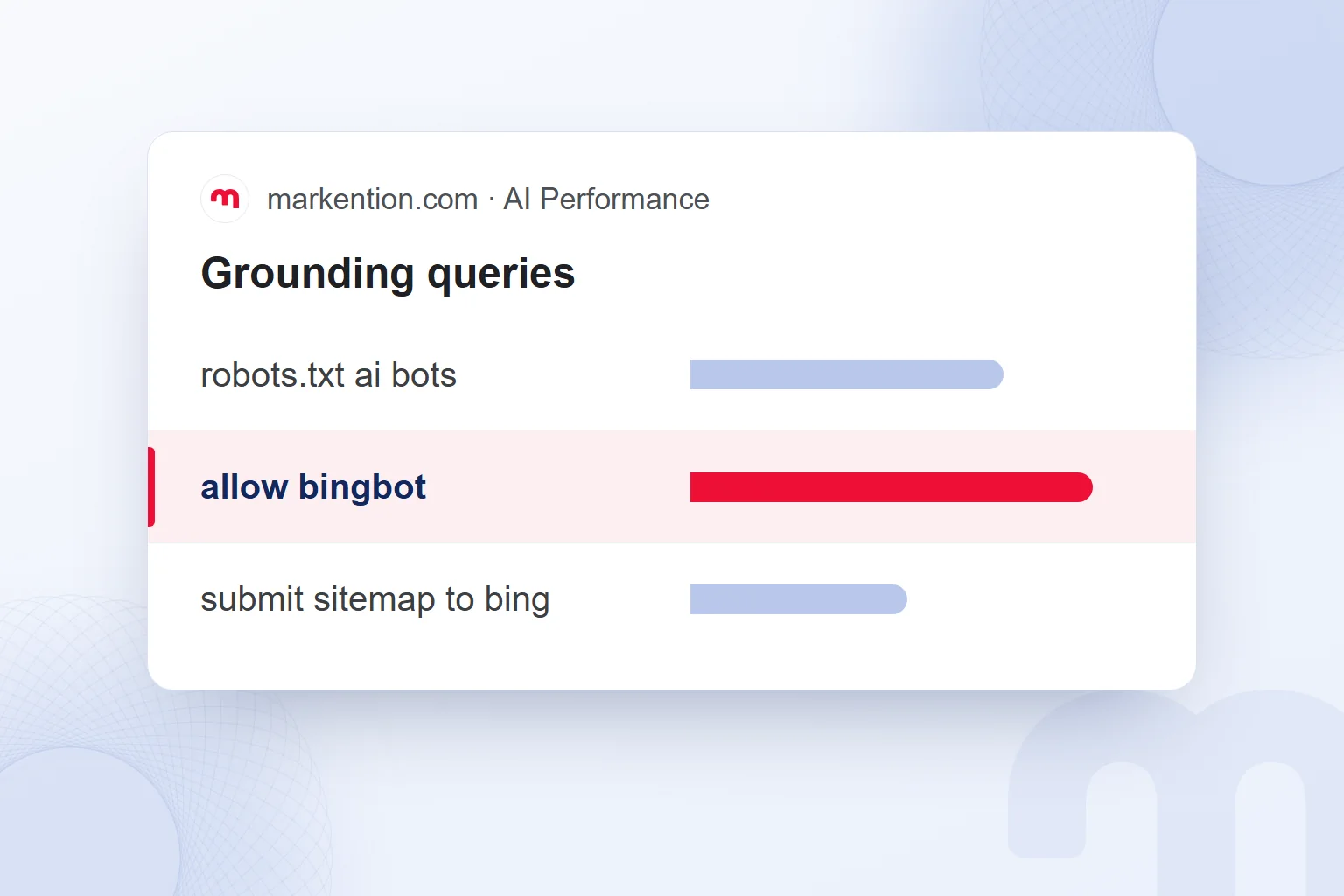
Grounding queries are the queries the AI uses to find source content. Page-level citation activity shows which pages are being cited. We compare a query’s topic with the heading and answer on the related page.
Citation Share is our site’s share of all sources shown for a grounding query. The report reflects only indexable content, so we keep checking the index and the experiences the report covers.
We track Copilot visibility in Bing Webmaster Tools in this order:
- We add and verify the siteWe add our site to Bing Webmaster Tools and complete verification.
- We submit the sitemapWe submit the sitemap for the pages to be crawled.
- We turn on IndexNowWe enable notifications for fast discovery of content changes.
- We open AI PerformanceWe look at the citation data in the AI Performance report.
- We read citations and cited pagesWe review total citations and page-level activity together.
- We match grounding queries to pagesWe compare what the query seeks with the answer on the page.
- We update pages on missing topicsWe complete explanations that miss the question and submit the change.
In our Bing AI consulting work, we follow this order and tie every edit to its query and page, so at the next check we know which page we changed and why.
What do we do if our site does not appear in Copilot?
If our site is not cited in Copilot, we check the Bing index, bot access, the freshness of the information and the page’s answer to the question. We pick the fix by the problem found, not the same change on every page.
Four common situations and the response to each:
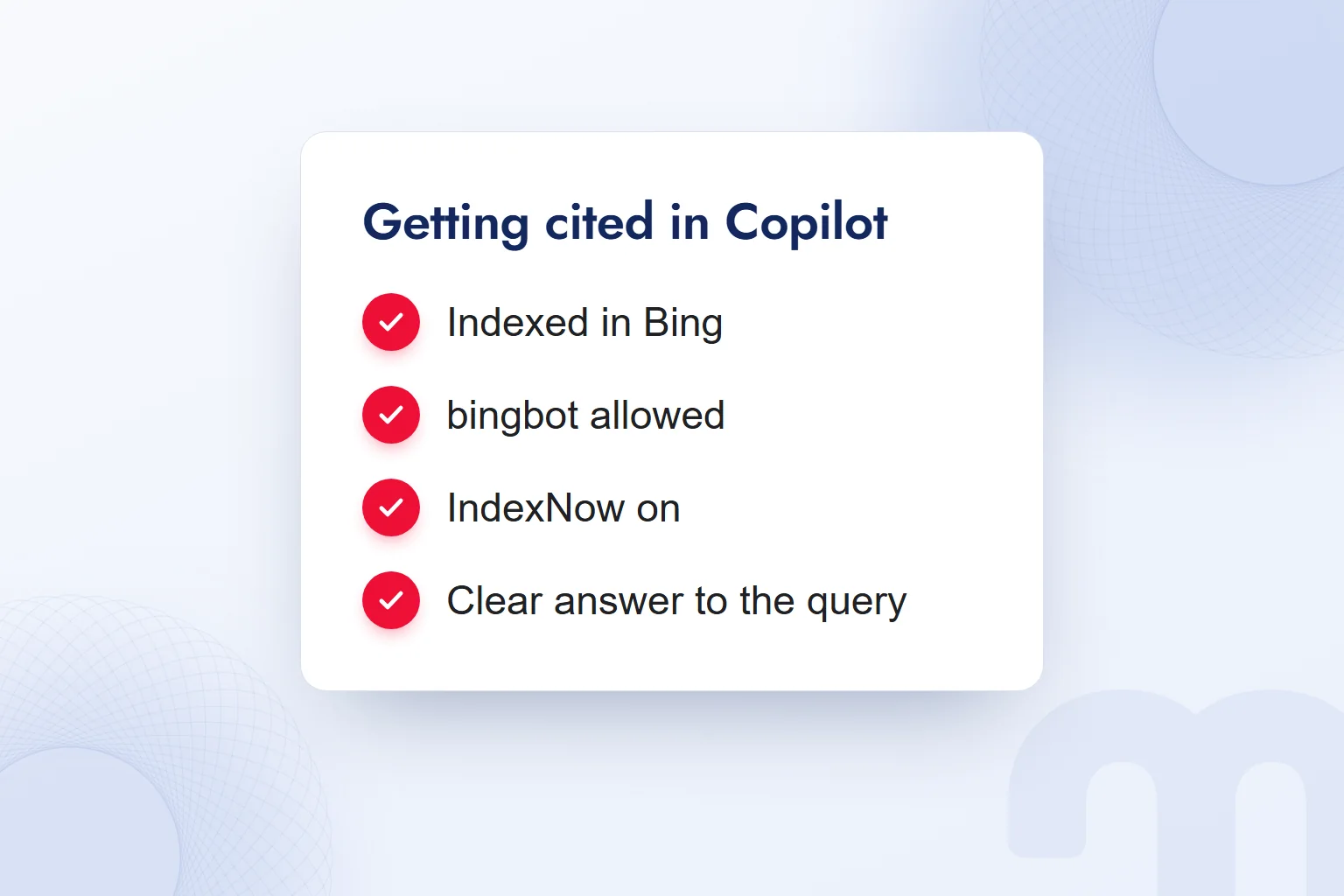
- The page is not in the Bing index → We check site verification and the sitemap in Bing Webmaster Tools and review the page with URL Inspection.
- Bing’s crawler, bingbot, is blocked → Bing respects robots.txt, so we fix the block in the robots.txt file; a site closed to bingbot cannot be a source in Bing or Copilot.
- The content changed, but Bing has the old version → We submit the updated page with IndexNow to support discovery.
- The page does not answer the question clearly → We sharpen the heading, answer directly, and put comparisons in a table and follow-ups in an FAQ.
We work page by page: we review the index status of the URL we want cited, record what changed in outdated content and complete an incomplete answer first; changing only the heading does not end the job.
How do we use Copilot in brand research?
We use Copilot in brand research by asking questions on the brand’s subject and reviewing the answer’s source list. We frame the question around the reader’s need, open the supporting pages and look for how our content meets the same need.
Researching bot access, for example, we ask, “Which permissions should we check so Bing can crawl my site?” We see which explanations the sources use and whether our page explains access control clearly, then log a change to a specific page, not a note like “increase visibility”.
We check index status with a “” search in Bing and a single page with URL Inspection in Bing Webmaster Tools, and read Copilot’s source list alongside. The research note holds the question, the cited page and the missing explanation on our page; that match justifies the next edit. The other tool that answers with cited sources is covered in what is Perplexity. Related work continues in our GEO articles.
Frequently asked questions
What is Copilot?
Copilot is Microsoft’s AI assistant for the web, Windows, the Edge browser and the mobile app; with web search on, it looks for sources through Bing.
What does Copilot mean?
A copilot is the second pilot who assists the captain. We tell Microsoft Copilot, Microsoft 365 Copilot and GitHub Copilot apart by where they are used.
Are Copilot and Bing Chat the same?
Bing Chat was renamed Copilot. Copilot Search in Bing gathers sources from Bing results and extra searches.
Where can we see the sources Copilot used?
Per the Microsoft 365 Copilot Chat documentation, the sources button below an answer shows the query sent to Bing and the sources used. Copilot Search shows sources in the answer and at the end.
Do you need to be in the Bing index to be cited in Copilot?
Yes, being in the Bing index is the first condition. We check index status and the page’s answer together.
Which report do we use to track Copilot visibility?
The AI Performance report in Bing Webmaster Tools. It covers citations across Microsoft Copilot, Bing AI summaries and select partner experiences.

 What is Google AI Mode? AI Mode vs AI Overviews and your siteRead article
 What is an LLM? How large language models work and know your brandRead article
 What is robots.txt? How to create it and allow AI crawlersRead articleMost read
 What is GEO? Generative Engine Optimization and AI answer citationsRead article
 What is a user interface (UI)? Meaning, examples and UX differenceRead article
 What is Flutter? When to choose it for a mobile app, and its limitsRead article
 Best time to post on TikTok: finding it with your own account dataRead article
 What is a title tag? How to write it and how it differs from H1Read article
Questions & answers
0 commentsNo questions yet; you can ask the first one.