





 Cihat Murat Yüksel
8 min read
Cihat Murat Yüksel
8 min read
What is vibe coding? First prototypes, tools and limits for marketers
Vibe coding means describing an app in plain language and letting AI write the code; we build the first prototype through small requests and review it before launch.Pro
Contents 8 sections
Vibe coding is a software development approach in which we describe the app we want to AI in plain language, have it generate the code, run and test the result, then fix it step by step with new requests. In marketing work we first build a and test the idea on it.
For a product page calculator, we first describe the inputs and the result, check the calculation, then refine the layout. A screen that opens is not enough to launch; we also examine what the code does, where data goes and whether the result is usable.
With vibe coding, the first prototype is built in small steps; the code and data flow pass through human review before launch.
What is vibe coding?
Vibe coding is a way of working in which AI writes the code and we move forward by testing the running result and correcting it with new requests. The term was coined by AI researcher Andrej Karpathy, and Collins Dictionary named “vibe coding” its word of the year.
We define the job, the behaviour to test and the result we accept. “Build a calculator” is only a start; we also state which input should give which result and compare the screen with that. Requesting, running and judging are one piece of work.
For a marketing team, the first gain is an idea that can be tried, such as a landing page layout or a post-form thank-you page. When payments, user accounts or personal data come in, we bring in a developer and agree on scope and launch responsibility.
How does vibe coding work?
Vibe coding works in a request → code → run → fix loop. Each round asks for one small change, runs the code and compares the result with the request; untested changes never pass.
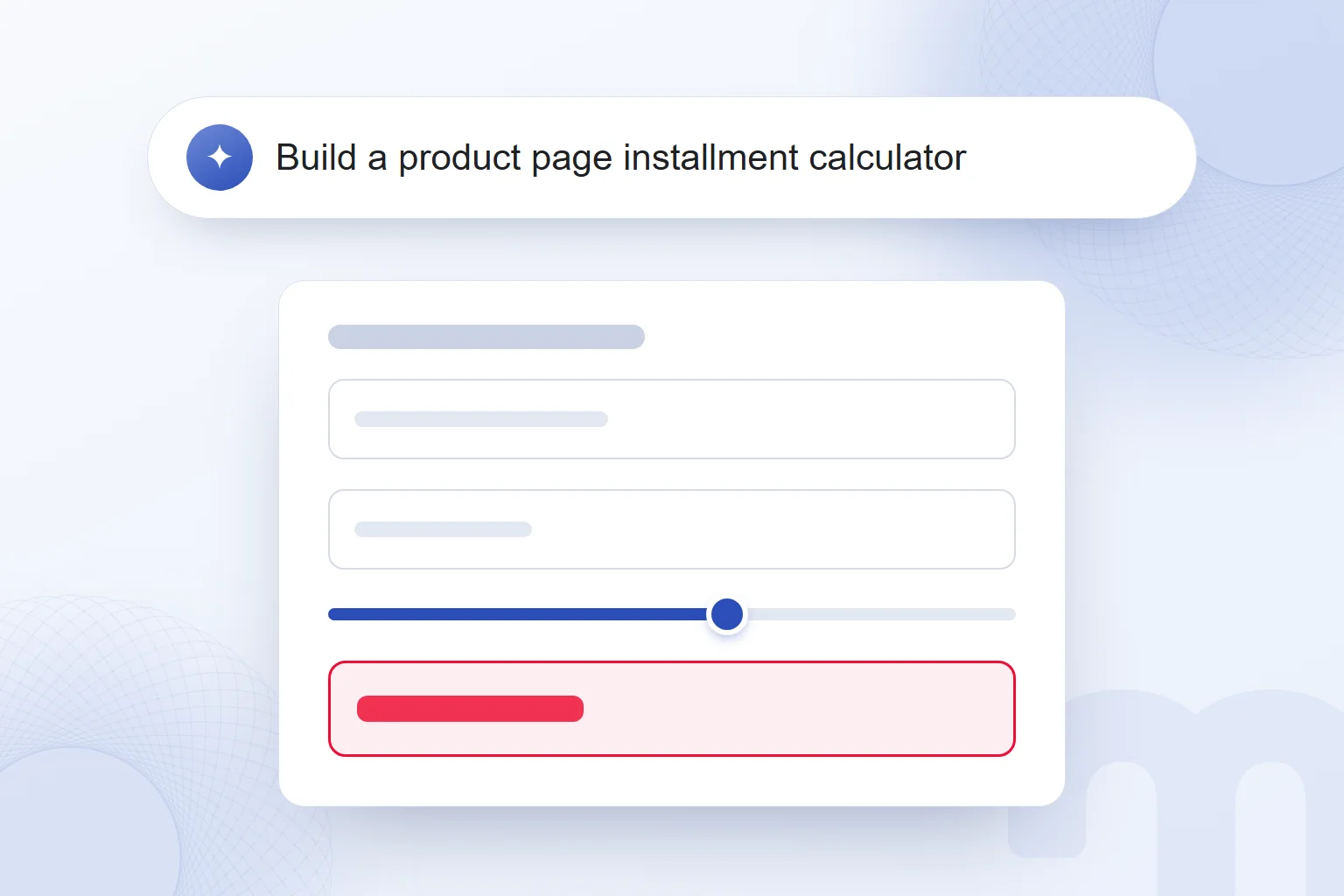
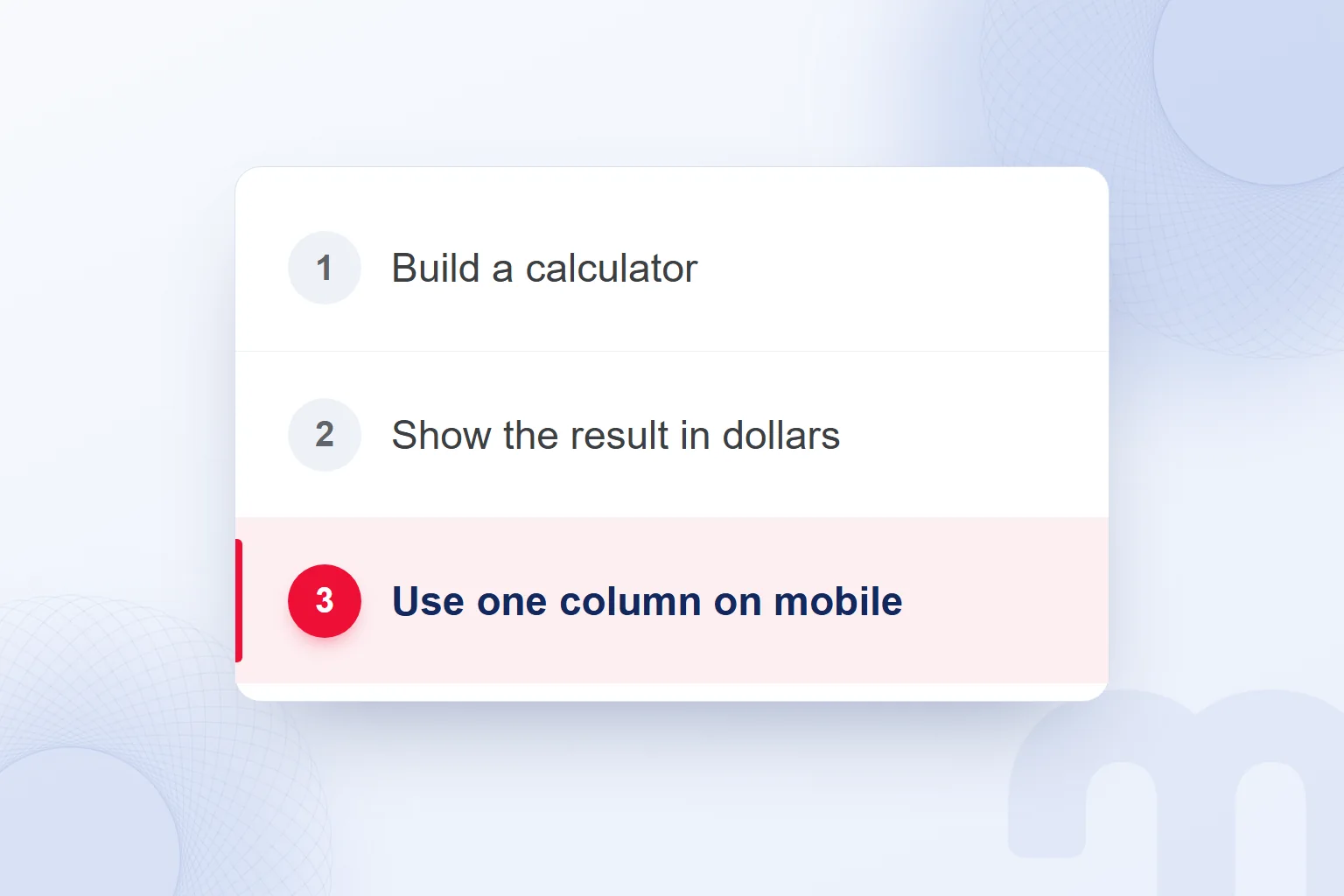
A sample first request: “Build an installment calculator for the product page. Divide the total by the number of installments and show the result.” Then “Show the result in dollars,” then “Use one column on mobile.” We set the calculation rule; the tool adds no interest, fees or promotion terms on its own.
Each logged request notes the expected behaviour. A fix request states the input, the expected result and the error seen; instead of “It didn’t work, fix it,” we describe where the problem appeared.
A good prompt states the goal and the expected output; we run what the large language model generates and check that it behaves as asked.
What is the difference between vibe coding, low-code and no-code?
In vibe coding we generate code through plain language; in low-code and no-code we build from ready-made visual components and drag-and-drop interfaces. Vibe coding gives us real, editable code; the difference lies in how the app is built and where changes are made.
| Criterion | Vibe coding | Low-code / no-code |
|---|---|---|
| How it is built | We give requests in plain language and have code generated | We drag and drop ready-made visual components |
| What comes out | Readable, editable code and a working app | An app assembled from visual components |
| Editing | We continue with new requests or by editing the code | We rearrange components in a visual interface |
| Who it suits | Teams that want to test a small marketing prototype in code | Teams that want to build with ready-made visual components |
| Limit | We check how the code works and whether it is safe to launch | We check whether the ready-made components meet the need |
Take a form draft: we first decide the fields. With components we assess the visual interface; with generated code we describe field behaviour and run it. Either way, we check the data sent and the move to the thank-you page.
We weigh the need, the editing style and who maintains the work after launch. Neither option settles personal data and security decisions; we take those with a specialist before building.
Which tools are used for vibe coding?
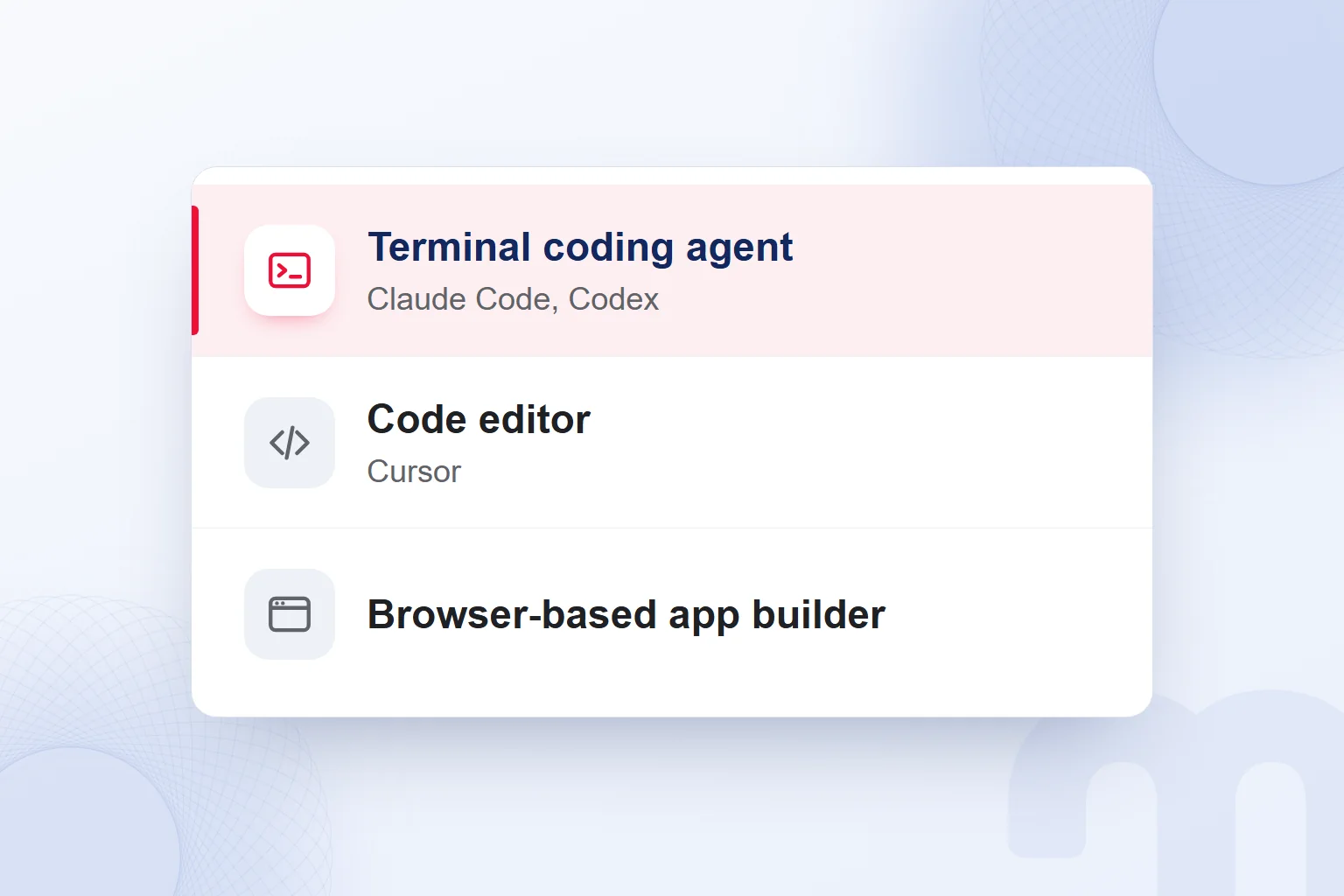
Vibe coding uses terminal , AI-assisted code editors and browser-based app builders. We choose by where we work with the code and how we test the result.
Cursor is an AI-assisted code editor. Claude Code is Anthropic’s terminal coding agent, as is OpenAI’s Codex CLI. Browser-based app builders need no installation and show a live preview where we type the request.
At markention we prepare this blog’s images and publishing scripts with Claude Code and Codex: images are drawn in HTML, converted to PNG with Chrome and checked by eye and on the site. Producing an image and seeing it render correctly are separate checks.
We write the job description before picking a tool. Reading generated files, running results and versioning changes are routine, whichever tool we use.
What do marketing teams use vibe coding for?
Marketing teams use vibe coding for landing page drafts, price or savings calculators, simple forms, thank-you pages, internal reporting tools and small content scripts. The first job covers a single need with a fixed scope.
The next step depends on the situation:
- A one-page trial or an internal tool → We produce a prototype quickly with vibe coding and test whether it gives the expected result.
- Personal data, payments or user accounts → After the first prototype we build the system with a developer and review security and data flow together.
- A long-lived product or code many people will maintain → The developer sets the architecture; we use AI as an assistant within it.
We build the first calculator prototype in this order:
- We define the job in one sentenceA product page calculator that shows the installment amount from the total and the number of installments.
- We give a small first requestWe ask for the input fields and the result first, leaving layout tweaks for later.
- We run and test itWe compare the result with the values we entered and also try leaving fields empty.
- We pass the error on unchangedWe paste the error message as it is and state what we did before it and what we expected.
- We keep versions with GitWe save a version at each step and note which request brought which change.
- We have the code explainedWe have the calculation, data flow and changes explained and read it with the code.
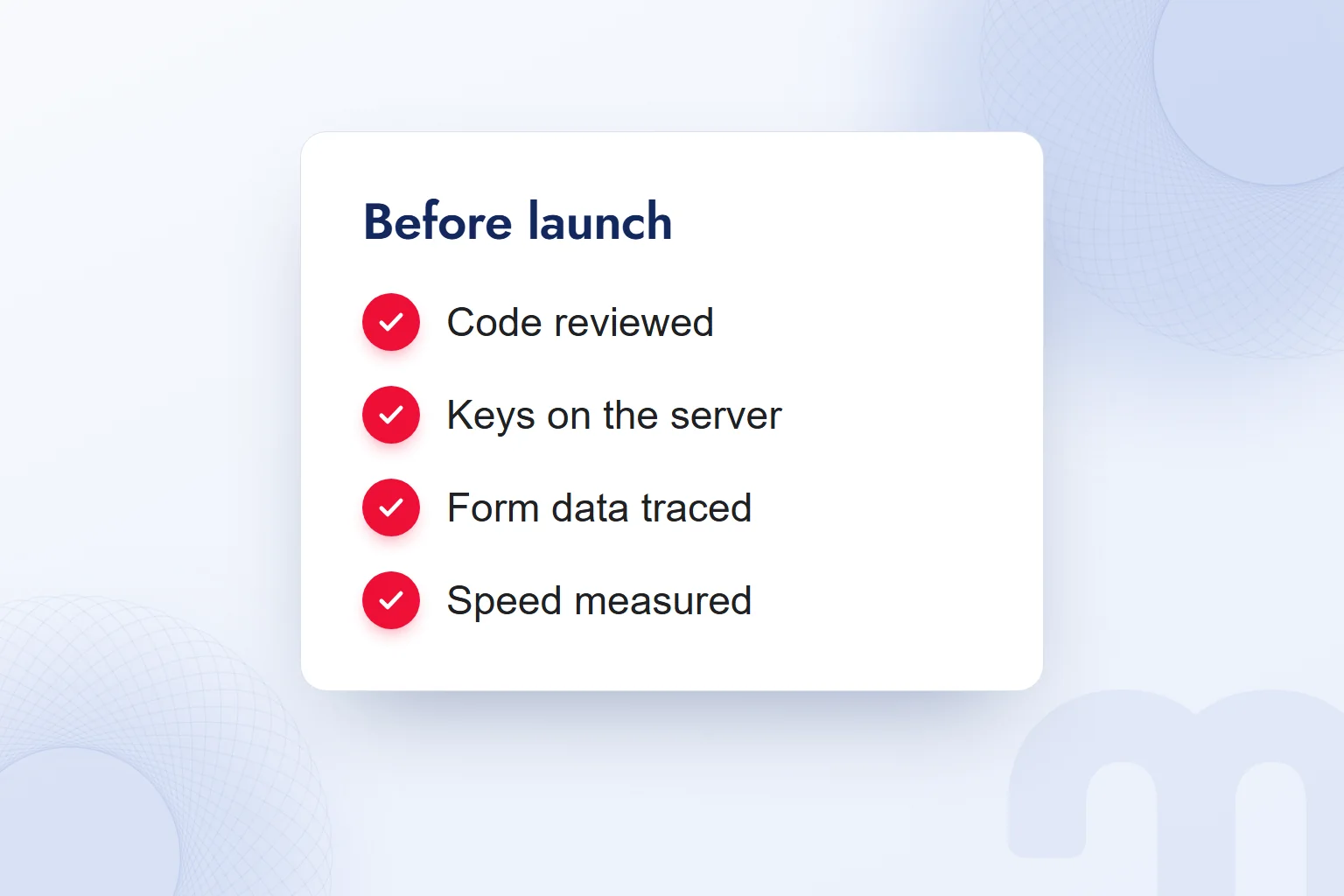
- We check before launchWe check the code, keys, form data, speed and accessibility, and launch only with human approval.
The job description also says when version one is done: a correct result and a usable mobile view. After each request we retest the calculation, including one field filled and the other empty; a result shown with missing input goes into the fix request.
In our vibe coding services we set the marketing need, the prototype’s limits, the launch checks and the point where a developer takes over.
What are the risks of vibe coding?
The main risks of vibe coding are launching unread code, leaving keys in the code, not knowing where form data goes and skipping speed, accessibility or version control. These checks start with the first prototype.
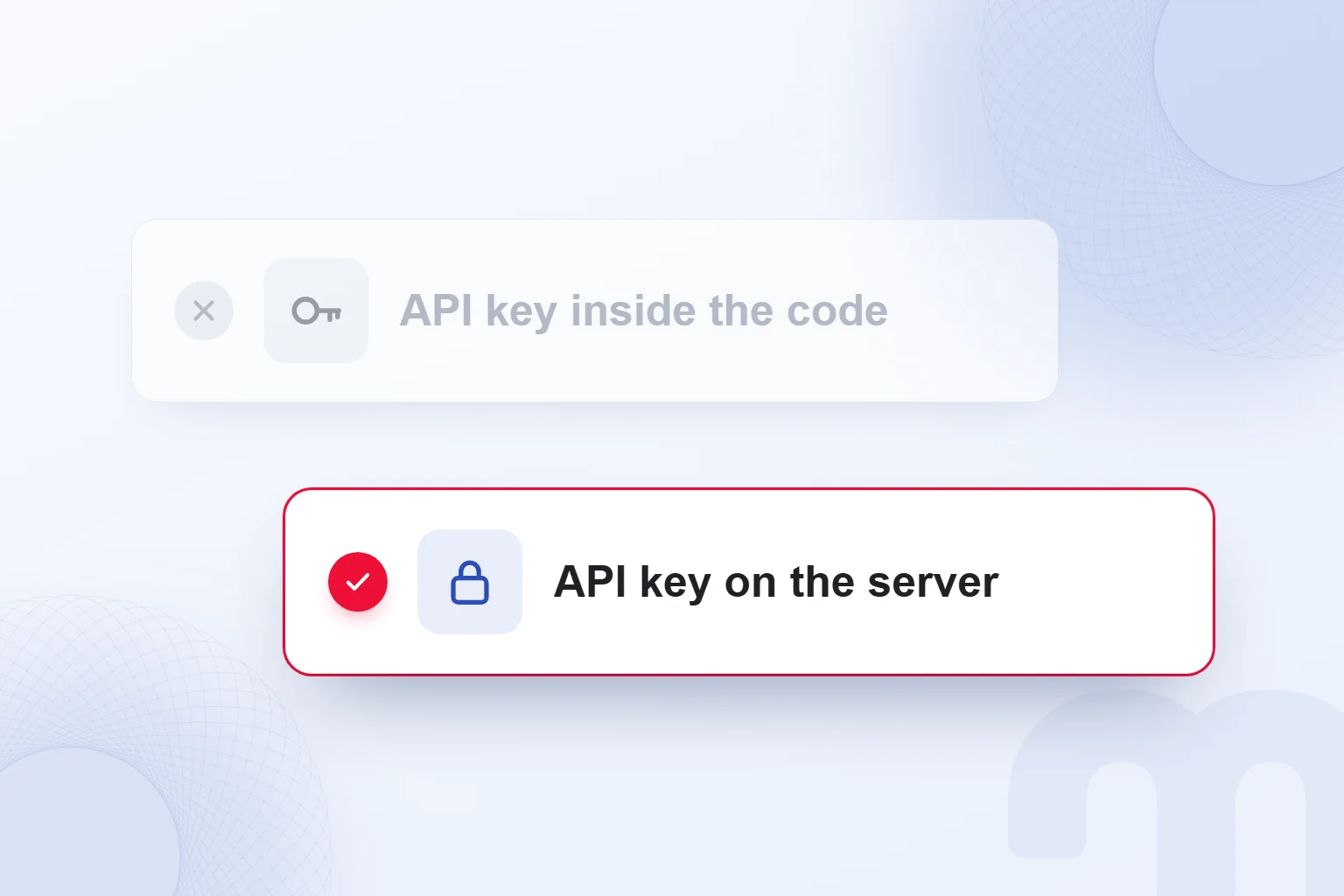
We never write an API key or password into the code; it stays on the server in an . We have the code explain where the key comes from and check it with a developer. A key hidden on screen is not a security check.
We determine which fields the form collects and where submissions go. Flows with personal data are reviewed with a data protection specialist; in Turkey this falls under the personal data protection law, KVKK. A “Sent” message and data reaching the right place are tested separately; an unexplained data flow never goes live.
We also measure speed and accessibility: mobile input fields, readable results, a completable form. One desktop glance never closes the job; after a fix we rerun the action and save the working version.
What do we do when a prototype breaks?
When a prototype breaks, we read the error message, go back to the last working version and make the fix request smaller. We find the change that started the problem, pause new features and rerun the broken action.
This distinction decides the next move:
- There is an error message → We paste it as it is, ask for a fix and repeat the same action to check.
- Every fix breaks something else → We return to the last working version with Git and shrink the request.
- We do not understand what the code does → We have it explained and do not move on unread; parts we cannot explain go to a developer.
If a layout change broke the calculation, we return to the working calculator, limit the next request to layout and retest. The request log stays with the versions.
Before launch, what the code does and where form data goes are settled. Requests, the working version and check notes stay together, so a teammate can repeat the same test. For turning a prototype into a mobile app, see What is Flutter; more on coding agents and prompts is in our AI articles.
Frequently asked questions
What is vibe coding?
A way of having AI write code from plain language, then running the result and correcting it with new requests. We build the first prototype in small steps and check every output.
Do you need to know how to code for vibe coding?
We start from a plain-language description, but we must understand what launched code does; otherwise a developer reviews it.
Are vibe coding and no-code the same thing?
No: vibe coding generates code from plain language, while no-code builds with ready-made visual components. We choose by the job’s needs and the way of editing.
What do we build as a first marketing prototype?
A landing page draft, a calculator, or a simple form with a thank-you page. We keep the first trial small.
Do we build a payment system with vibe coding?
Anything that handles payments is built with a developer after the prototype. We never base security decisions on AI-generated code alone.
Do we launch the generated code straight away?
First we check the code, keys, where form data goes, speed and accessibility. The launch decision is made with human approval.

 What is Gemini? How to use it, the free plan, Gemini Omni and ChatGPTRead article
 What is Google AI Studio? Free use, API keys and your first projectRead article
 What is ChatGPT and how do you use it? Free version, plans, safetyRead article
 What can you do with ChatGPT? Free plan marketing examplesRead article
 What is MCP? Connecting AI to your data with Model Context ProtocolRead article
 What is superintelligence? From AI to SI and what it means for brandsRead article
 What is NotebookLM? Now Gemini Notebook, used with brand documentsRead article
 AI photo editing: remove backgrounds, sharpen and expand photosRead article
Questions & answers
0 commentsNo questions yet; you can ask the first one.