





 Cihat Murat Yüksel
8 min read
Cihat Murat Yüksel
8 min read
What is MCP? Connecting AI to your data with Model Context Protocol
MCP, short for Model Context Protocol, is an open-source standard that connects AI applications to data sources, tools and workflows. How it works and how to connect it safely.Pro
Contents 9 sections
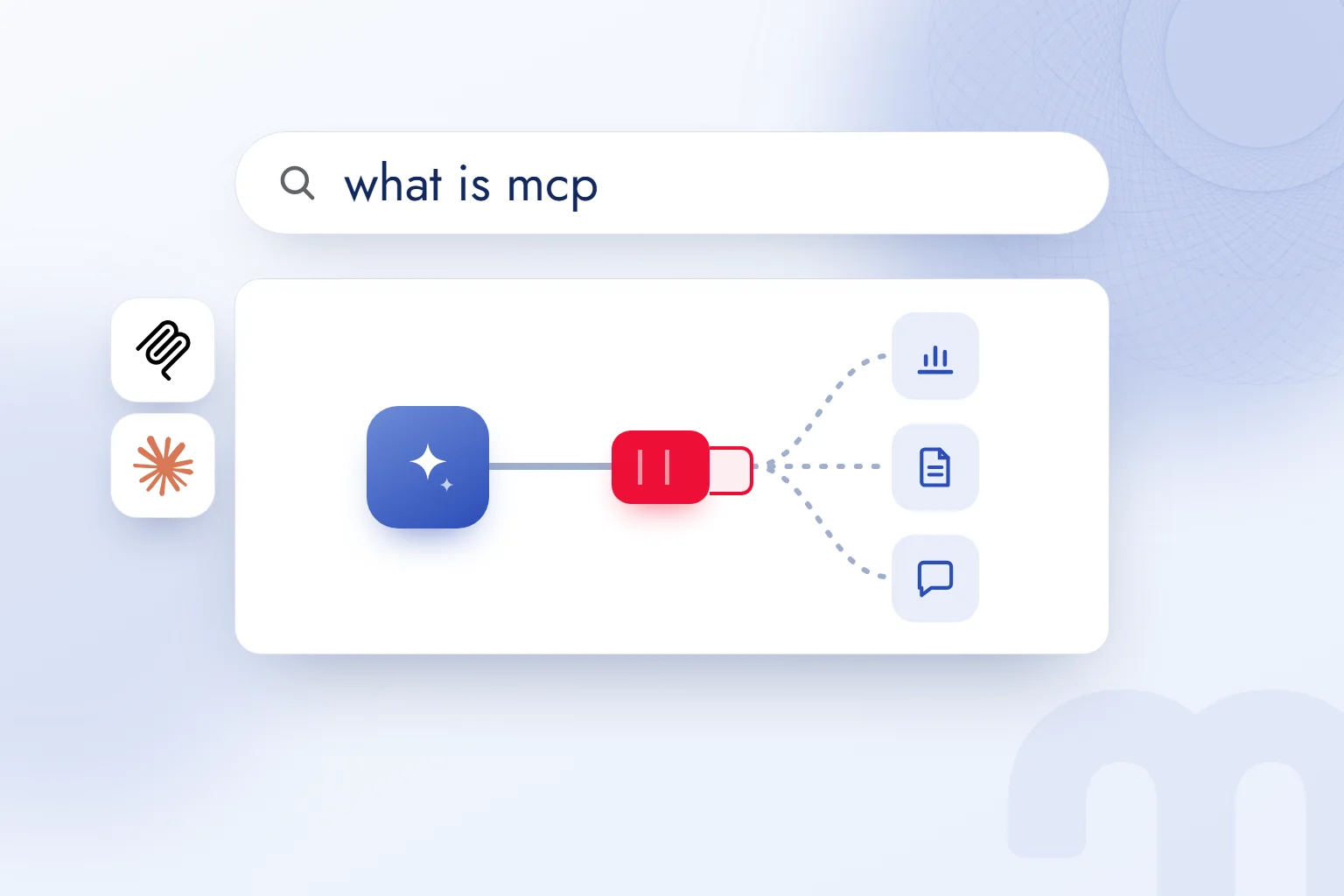
MCP, short for Model Context Protocol, is an open-source protocol that connects AI applications such as Claude and ChatGPT to data sources, tools and workflows through one shared connection standard. We set up this connection through an .
In marketing work the payoff is concrete: we ask for a report, a tool pulls the data from the source, and we check the result. The official documentation compares MCP to a USB-C port for AI applications: one common port between an application and outside systems. We decide up front which data may be accessed and which actions are allowed.
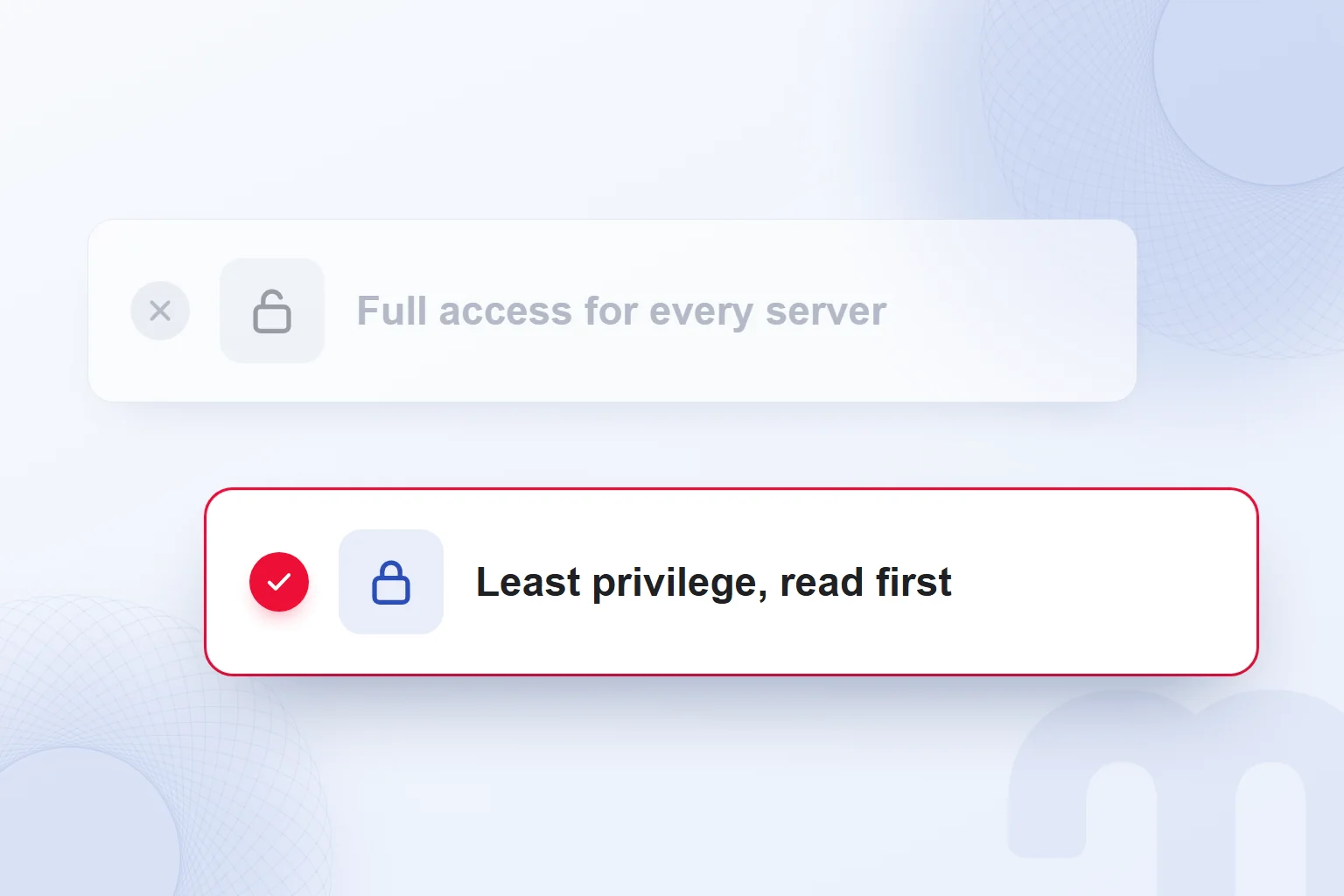
An MCP connection is started with the narrowest permissions; actions taken by tools are carried out only with explicit approval.
What is MCP?
MCP is the open-source standard that connects an AI application to data and tools in outside systems. Local files and databases serve as data sources, search engines and calculators as tools, and specialized prompts as part of the workflow.
We start with one question: “Which information will we use?” For keyword research we pick Semrush data; for brand work, the brand document. That makes the choice of server concrete. Reading a folder and posting to a channel need different permissions, which we assess separately.
We treat the application, the large language model and the MCP connection as separate parts, and check each answer against the connected source. An AI agent is an application that uses tools to work step by step toward a goal; MCP is one way an agent reaches those tools.
How does MCP work: host, client and server?
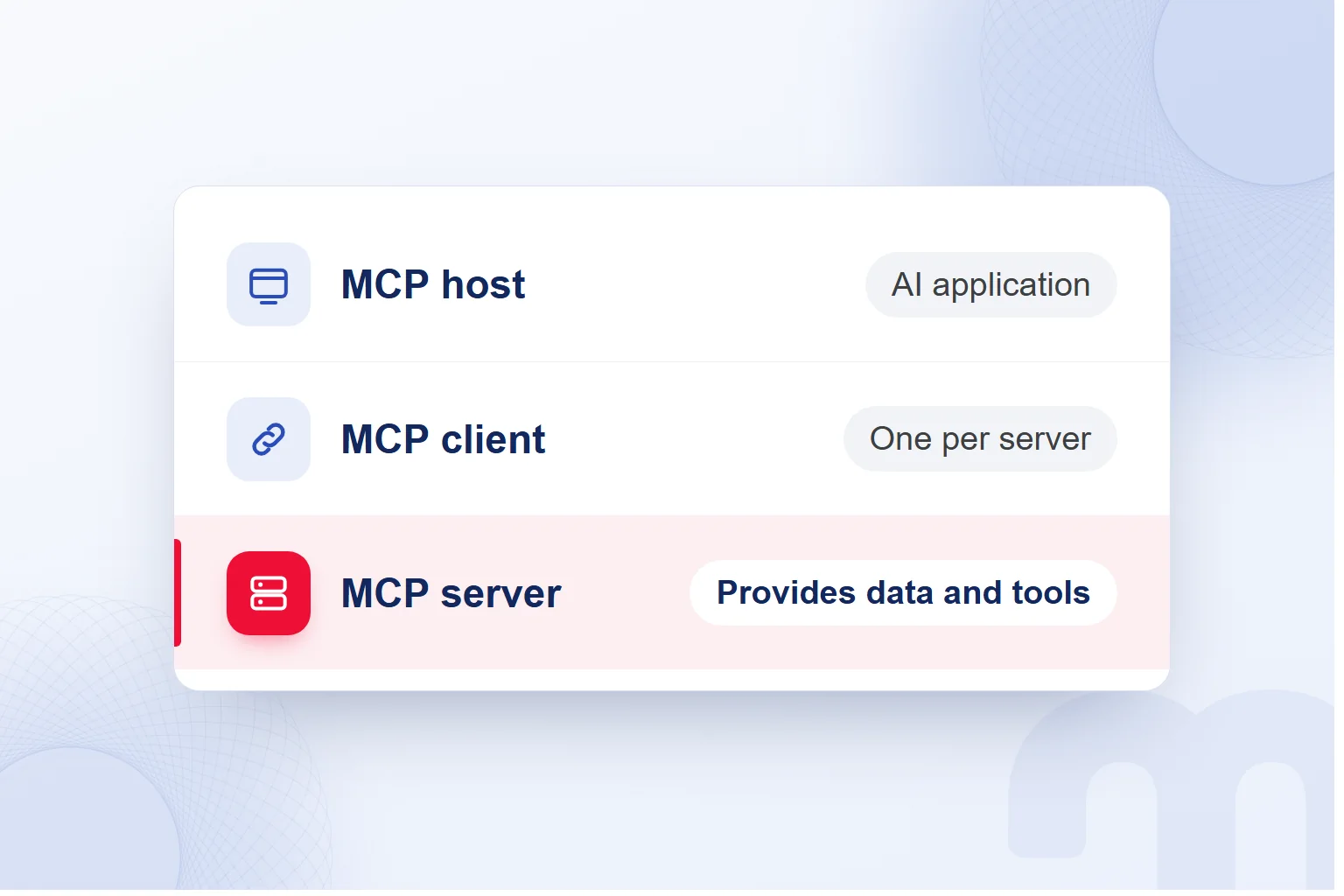
MCP works through a host (the AI application), a client (the connection to each server) and a server (which offers data and tools). Claude Desktop and Claude Code are examples of hosts. The host opens one MCP client per server; the MCP server runs locally or remotely.
Tools do the work: file operations, API calls, database queries. Resources provide context, such as file contents or database records. Prompt templates structure the interaction. When we review a connection, we separate what supplies data from what takes action.
The application first lists the server’s tools, then calls the one it needs. When we ask for a report, we check which tool is called and which data it requests. A server name is not enough; we review the functions behind it.
What is the difference between MCP and an API?
An API is the interface of a single service; MCP is the layer that lets an AI application discover and call tools in a standard way. An MCP server often uses the API of the service behind it, which we also check.
Google’s official Google Analytics MCP server uses the Admin API and Data API, with tools that run reports, funnel reports and realtime reports. It is marked experimental and requires a Google Cloud project and GA4 access.
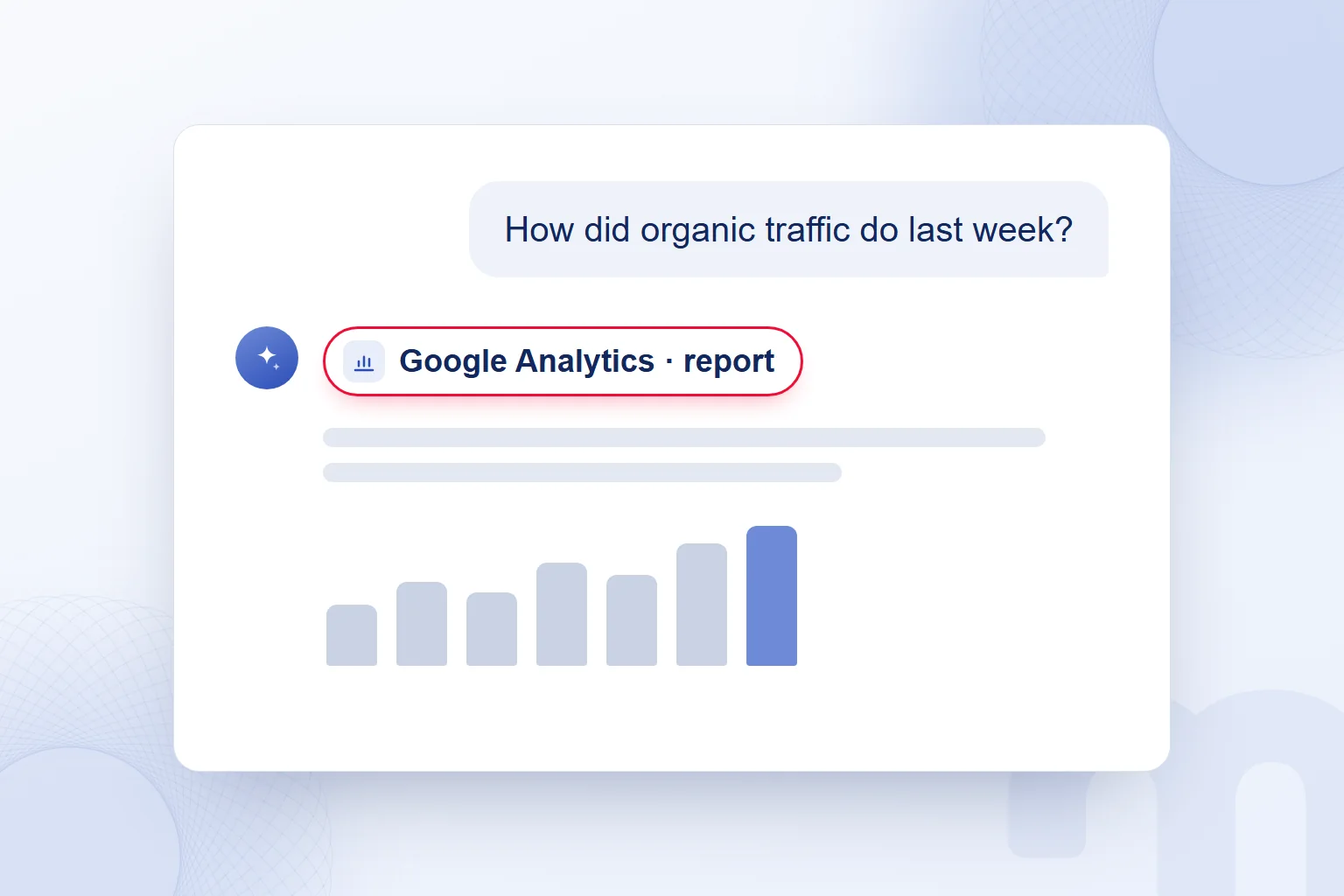
When we ask “How did organic traffic do last week?”, we name the GA4 property and date range. The tool pulls the data from the API, and we verify the report in Google Analytics with the same property and range; results with different scopes do not verify each other.
Which apps support MCP?
MCP support is available in Claude, ChatGPT, Visual Studio Code, Cursor, Gemini and Microsoft Copilot. We choose the application by the job and review the setup steps for the server inside that application.
Introduced by Anthropic, MCP was donated to the Agentic AI Foundation under the . That foundation was founded by Anthropic, Block and OpenAI. Who governs the standard and who provides a server are separate questions; we review each server’s tools and permissions on their own.
Use cases in the official documentation include personal assistants that access Google Calendar and Notion, and enterprise chatbots connected to several databases. In another example, Claude Code generates a web app from a Figma design; in vibe coding work, the tool connection does exactly this.
On a marketing team, daily work sets the first choice: the report source if we read reports, the document connection if we work with documents. Then we assess application and server together.
What can a marketing team use MCP for?
A marketing team uses MCP to read reports, pull keyword data, work with documents and take actions such as sending approved messages. We tie each connection to a specific need and limit permissions to that scope.
| Connection | What it does | Watch out for |
|---|---|---|
| Google Analytics (official, experimental) | Returns reports, funnel reports and realtime reports | Requires a Google Cloud project and GA4 access |
| Semrush | Returns keyword volume and KD data | Every call spends Semrush API units |
| Google Drive or Notion | Brings documents into the working context | Access only to the relevant folder or page |
| Slack | Provides actions such as sending messages | We read the approval for every action |
| Local files | Provides file contents as a resource | Access limited to the files needed |
At markention, the keyword data for this blog comes from a Semrush MCP server connected to Claude, including the volume and KD values in our briefs. Every call spends API units, so we plan which query meets which need. The same workspace has Notion, Slack and Google Drive connectors, and every tool call that takes an action runs with approval.
Each situation has its own answer:
- We only want to read data → We start with an official or trusted read-only server and a narrow question on GA4 or Semrush data.
- We will work with documents → The Google Drive or Notion connector gets access only to the relevant folder or page.
- We need to send a message or create a page → We approve each action and run it in a test space first.
How do you set up your first MCP connection?
We set up the first MCP connection by choosing the need and the data, adding a trusted server, and testing a read-only question with the narrowest permissions. We start with a task we can check in the source interface.
- We choose the need and the dataWe define the question and where the data lives; the first test covers one report or document.
- We find an official or trusted serverWe review the provider and its tools, and pick the connection that fits the need.
- We add the connector to the applicationWe connect the server to our AI application and go through the tools it offers.
- We authorize with the narrowest permissionsWe grant only the access the job needs; the first test stays read-only.
- We test with a read question and verifyWe ask a simple question and check the result in the source interface.
- We read every action approvalWe review the action and its target, and run messages or new pages in a test space first.
If we read a report and then share it on Slack, we verify the report first, then review the message content and its destination. A read test never turns into a sharing action unchecked.
In our vibe coding services, we define the first connection, its data and the test scope together.
Is MCP safe?
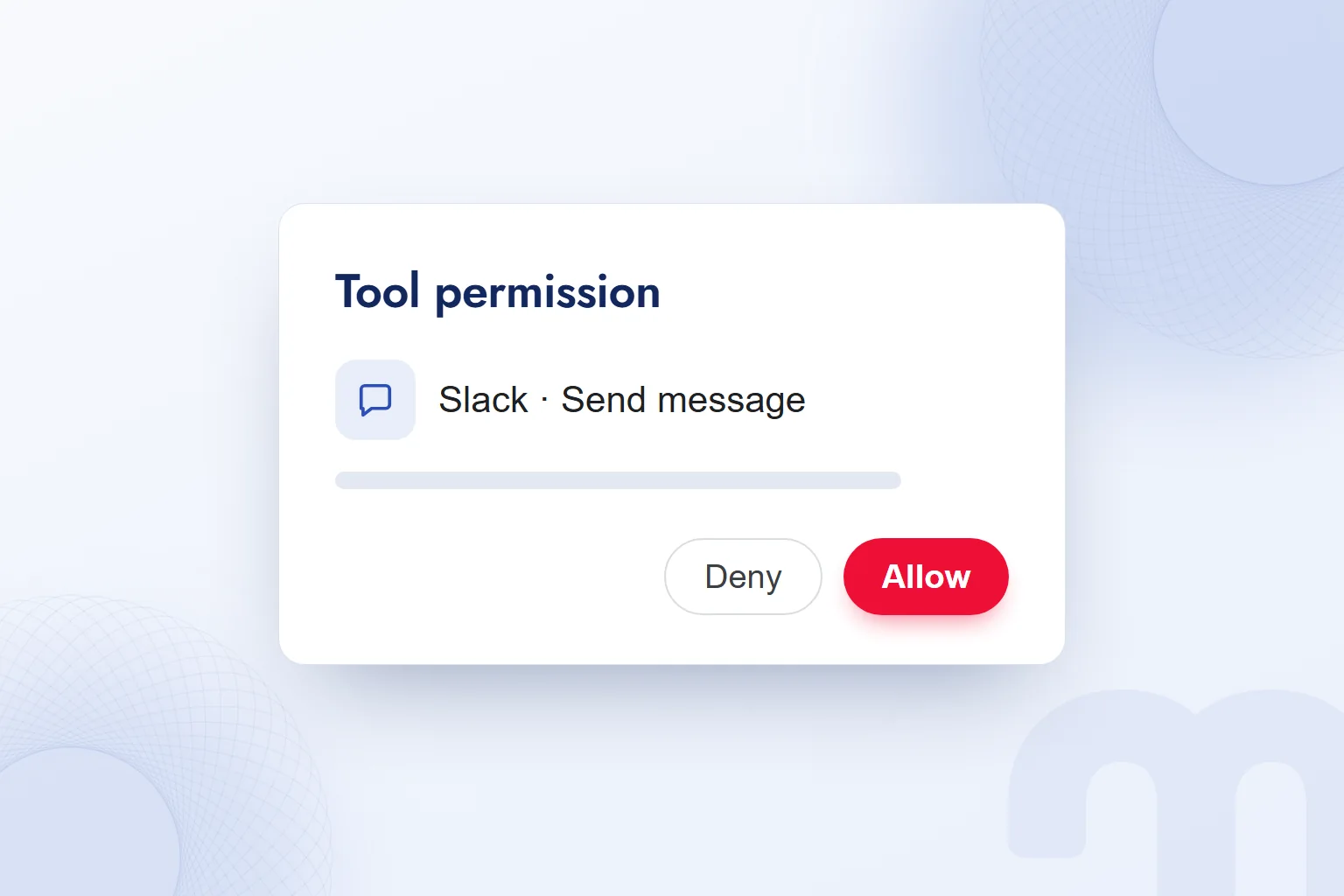
Using MCP safely depends on the trust we place in the server, the permissions we grant and the explicit approvals we give. The MCP specification requires that users understand and explicitly consent to every data access and operation.
The application should get explicit consent before exposing user data to a server or calling any tool. That is a principle of the specification; we check how approvals behave in practice. Because tools can run arbitrary code, we do not trust tool descriptions unless they come from a trusted server.
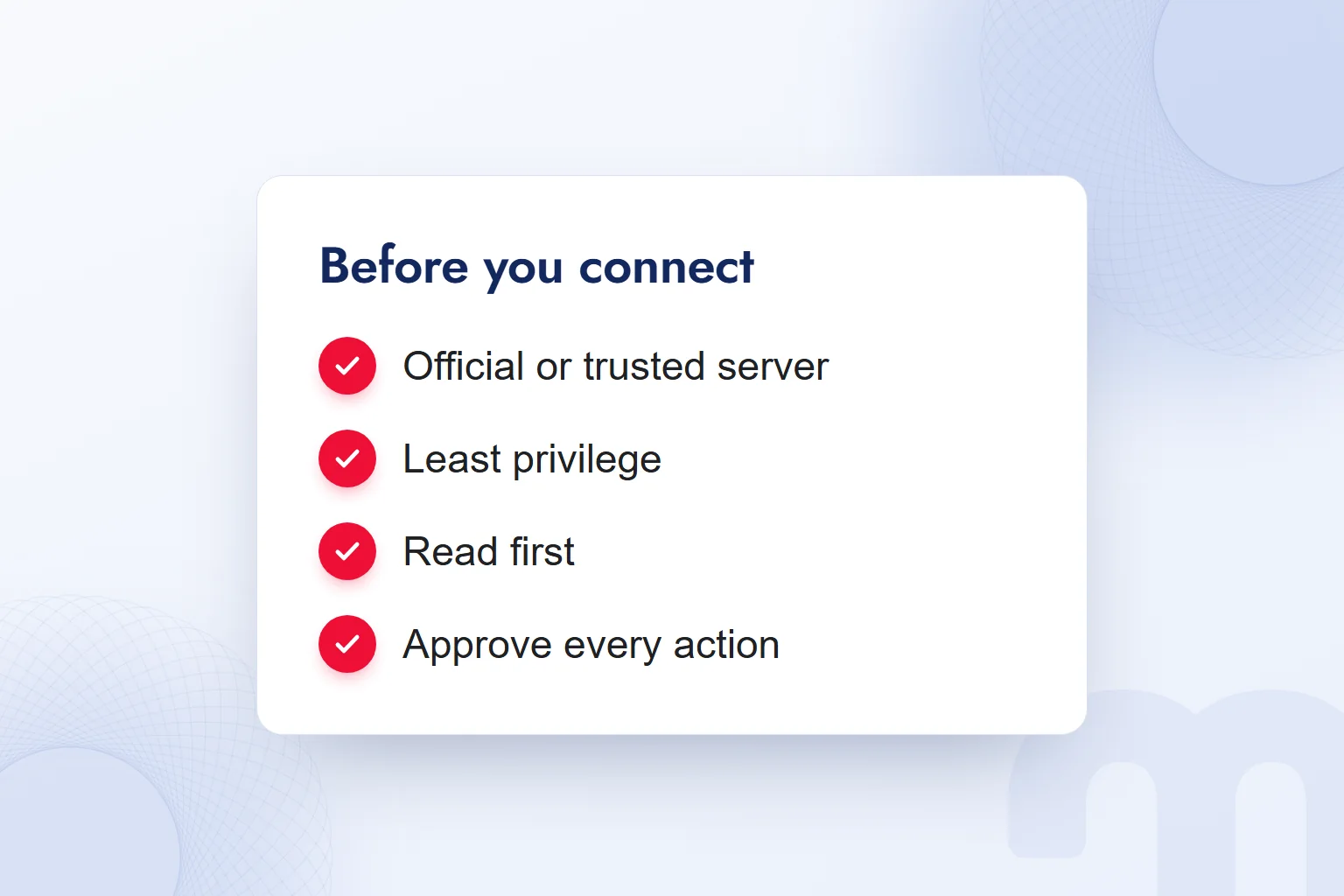
We start with an official or trusted server, grant the narrowest permissions, read before we write, and read every action approval. We never type a password or API key into the chat. MCP recommends using for authentication; during authorization we review the access scope.
If a tool wants to send a message when we asked for a report, we do not approve it; the action must match the task. We still verify the result in the source interface.
What do we do if a connection goes wrong?
If a connection goes wrong, we check the returned data, the requested action and the permissions, and fix it by type, starting with our question versus what the tool wants to do.
The first step is telling the cases apart:
- The tool returns inconsistent data → We run the same query in the source interface and compare results with the same scope.
- The tool asks for an unexpected action → We do not approve it, and we review the server and the permissions granted.
- The connection dropped or authorization expired → We authorize again and repeat the read test, never pasting a key into the chat.
When a report looks off, we check which source and date range the query targeted. With an unexpected action, we stop and check the scope. After reconnecting, a simple read question comes first. Our other guides on working with AI tools are on our blog.
Frequently asked questions
What is MCP?
MCP, short for Model Context Protocol, is an open-source standard that connects AI applications to outside data sources, tools and workflows.
What is an MCP server?
An MCP server is a program that provides data and tools to an AI application. It runs locally or remotely and offers tools, resources and prompt templates.
What is the difference between MCP and an API?
An API is the interface of a service; MCP is the layer an AI application uses to discover and call tools in a standard way. An MCP server often uses that API.
Which apps support MCP?
Claude, ChatGPT, Visual Studio Code, Cursor, Gemini and Microsoft Copilot all support MCP.
Is MCP safe to use?
Safe use depends on the server, the permissions and approvals. We start with the narrowest permissions, read first, and read every action approval.
Do you need to know how to code to use MCP?
A ready-made connector needs no coding; requests are made in natural language. Writing your own MCP server takes software skills.

 What is Gemini? How to use it, the free plan, Gemini Omni and ChatGPTRead article
 What is Google AI Studio? Free use, API keys and your first projectRead article
 What is ChatGPT and how do you use it? Free version, plans, safetyRead article
 What can you do with ChatGPT? Free plan marketing examplesRead article
 What is superintelligence? From AI to SI and what it means for brandsRead article
 What is vibe coding? First prototypes, tools and limits for marketersRead article
 What is NotebookLM? Now Gemini Notebook, used with brand documentsRead article
 AI photo editing: remove backgrounds, sharpen and expand photosRead article
Questions & answers
0 commentsNo questions yet; you can ask the first one.