





 Cihat Murat Yüksel
7 min read
Cihat Murat Yüksel
7 min read
What is Flutter? When to choose it for a mobile app, and its limits
Flutter is Google’s open-source framework for building iOS, Android, web and desktop apps from a single codebase; we build the marketing pages separately in HTML.Pro
Contents 8 sections
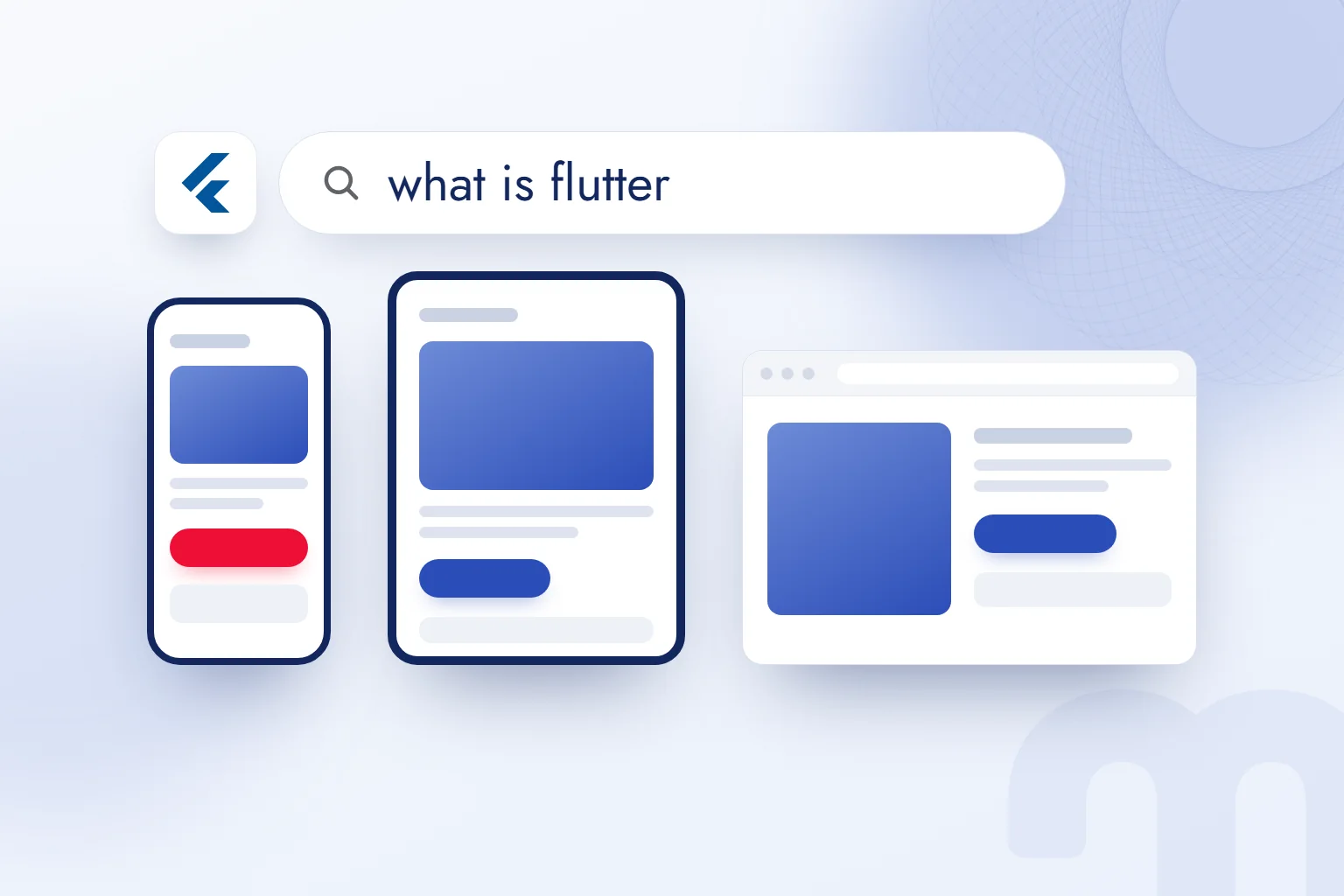
Flutter is Google’s open-source framework for building natively compiled, multi-platform apps for mobile, web, desktop and embedded devices from a single codebase written in Dart. At its core is the approach.
We decide on a mobile app based on the user’s job, the target platforms and the team’s skills. Offering the same interface on iOS and Android calls for different choices than an experience built on deep device features. Alongside development, we plan landing pages, store discoverability and in-app measurement, so the technology follows how the business will use the app.
The Flutter decision is made based on the app’s needs and the team’s skills; landing and help pages in HTML are built separately when search visibility is needed.
What is Flutter, and what is it used for?
Flutter is used to build apps that run on several platforms from one source code. Google develops it, and its language is Dart. On mobile it targets iOS and Android; web, desktop and embedded devices are its other platform groups.
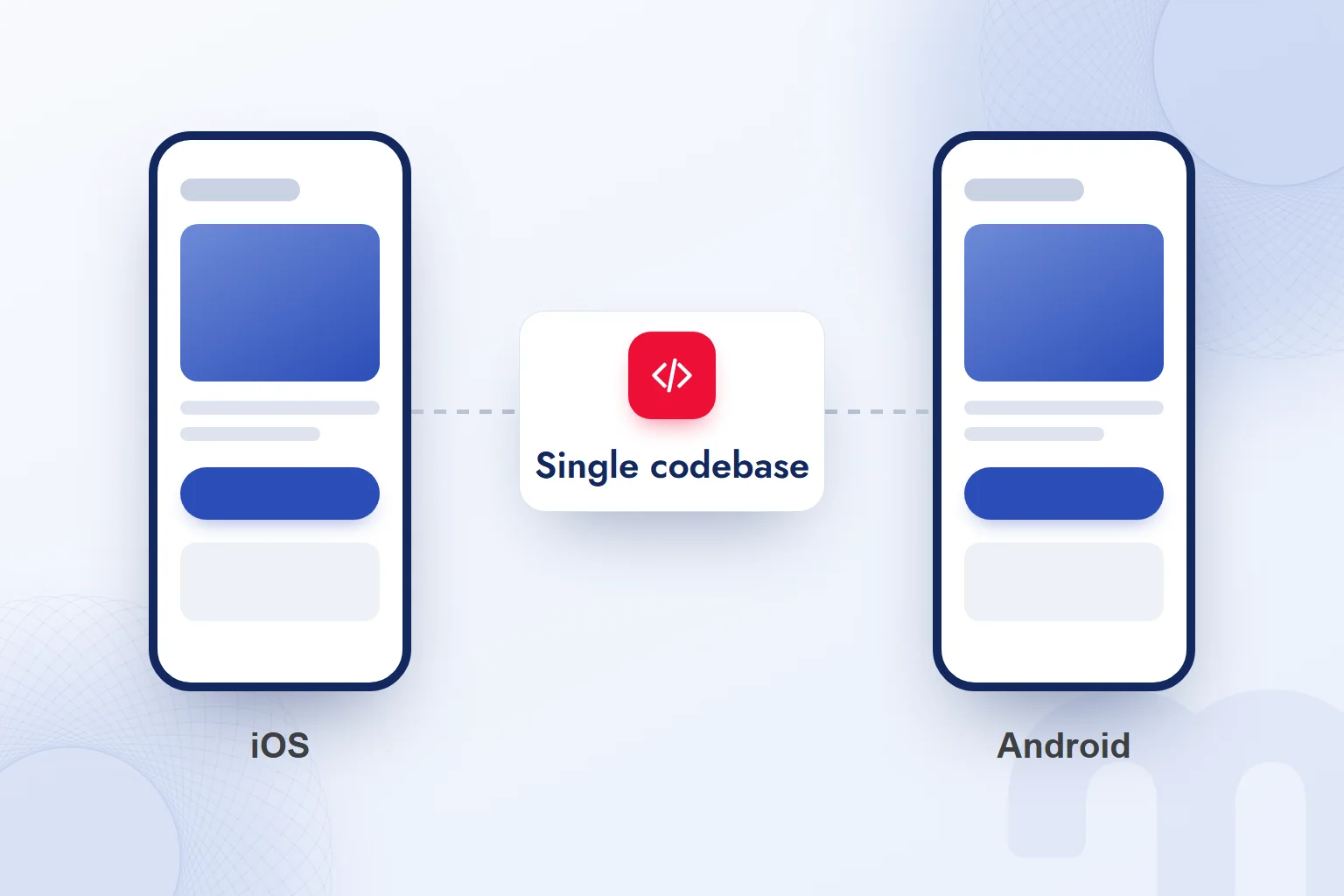
We use a single codebase to develop an app’s shared structure once. Take a service offered on both phones and tablets. We first describe the job the user completes, then design how it looks on each screen. Shared code does not force the same layout everywhere.
Flutter is not a programming language; it is the framework. Dart is the language used within it. When we scope a project, we state which devices are targeted. A mobile app and promoting it on the web are never the same deliverable for us.
What is Dart, and why does Flutter use it?
Dart is a programming language developed by Google, and Flutter apps are written in it. When we choose Flutter, Dart skills go into the plan. We assess the team’s knowledge of the framework and the language separately.
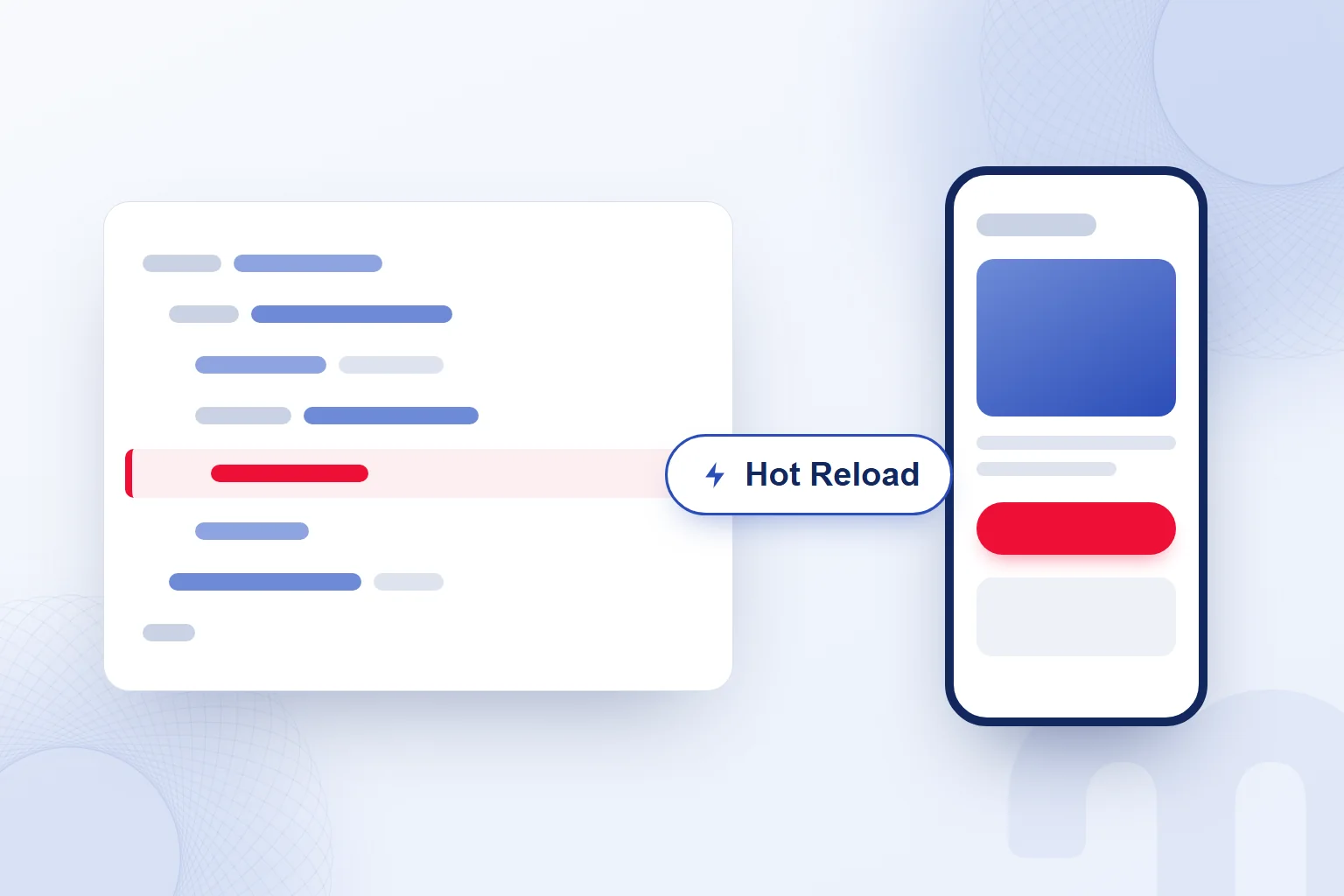
Flutter’s Hot Reload shows a code change almost instantly without losing the app’s state. While working on the interface, we review each change in the preview against the user’s job. Hot Reload helps during development; store release and marketing preparation run as separate work.
What is the difference between Flutter, native, React Native and a PWA?
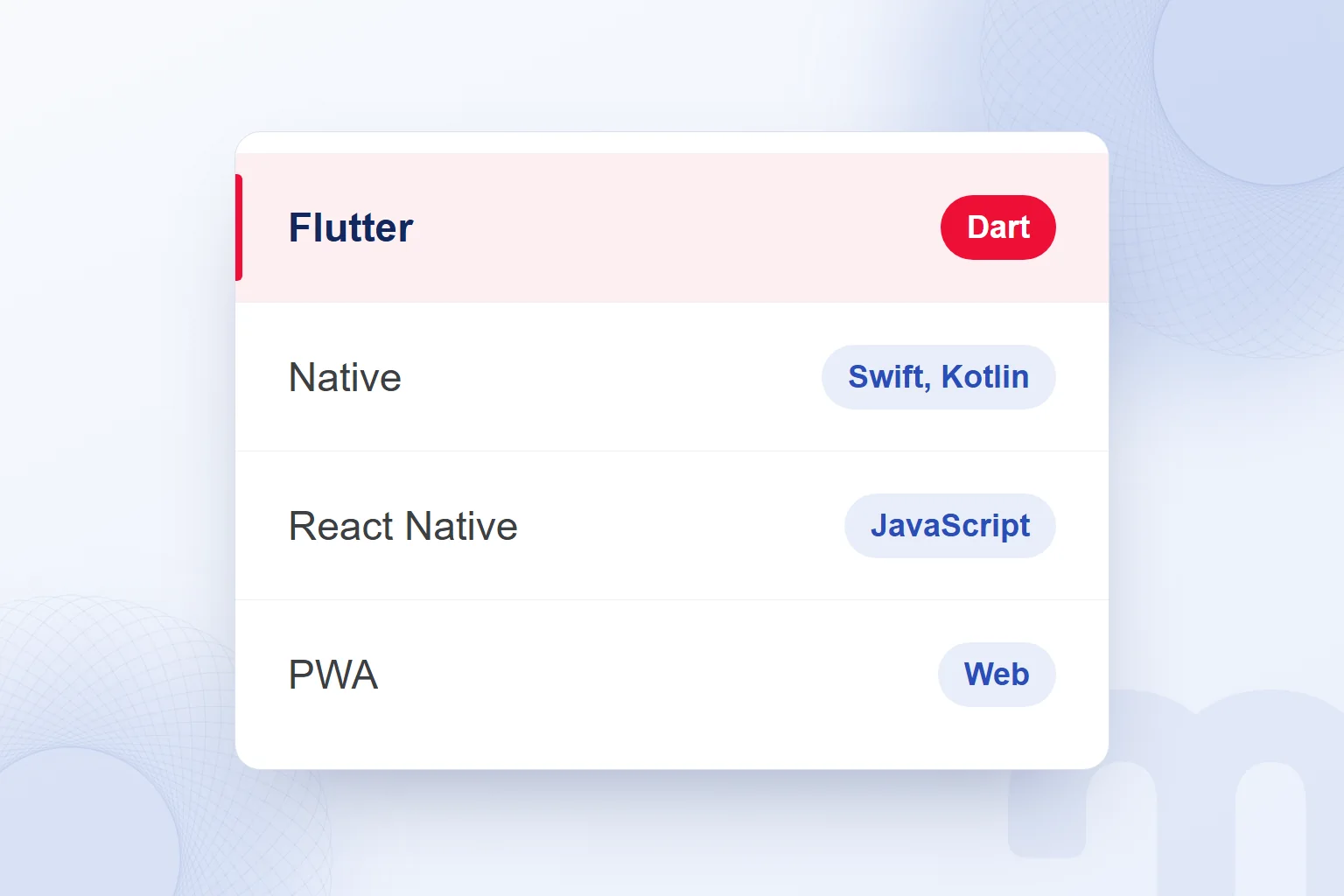
Flutter and React Native are multi-platform frameworks; native development means separate code per platform, and a PWA is a web app that runs in the browser. We compare them by how users access the app, what the device must do and what the team knows.
| Path | Language or technology | When we choose it |
|---|---|---|
| Flutter | Dart programming language | Same interface on iOS and Android with one team |
| Native | Swift for iOS; Kotlin for Android | Deep device features and a platform-specific experience are decisive |
| React Native | JavaScript and React | The team has web and React experience |
| PWA | Web app that runs in the browser | Fast access without an app store, plus search visibility |
Native development uses Swift for iOS and Kotlin for Android, with separate code for each. React Native is Meta’s framework for multi-platform apps in JavaScript and React. Existing React experience in the team is our reason to consider it.
PWA stands for Progressive Web App: a web app that runs in the browser and can be added to the home screen. No app store is required. When users should reach the product directly on the web, we consider a PWA or a website.
In a comparison meeting, we test every option against the same user job. We record the reason as a concrete need: “one team”, “platform-specific experience” or “no app store”.
When should you choose Flutter for a mobile app?
We choose Flutter when one team should build the same interface for iOS and Android. In a mobile app development decision, we also check deep device features, platform-specific experience and the need for a store presence.
The path splits depending on the situation:
- Same interface on iOS and Android, one team → we choose Flutter and plan the shared structure and target screens.
- Deep device features and a platform-specific experience are decisive → we choose native and plan separate code in Swift and Kotlin.
- Fast access without an app store, plus search visibility → we choose a PWA or a website and plan access and content on the web.
We never gloss over deep device needs with a generic feature list. If advanced camera use or background processing is central, we write it down as a reason. Platform-specific expectations go into the same assessment.
In the decision meeting, we first define the user job that cannot be compromised, then check the wish for a shared interface and the team’s skills. The decision record holds the need behind the choice, not just the technology name. Later scope changes are compared against it.
Is Flutter a good fit for websites?
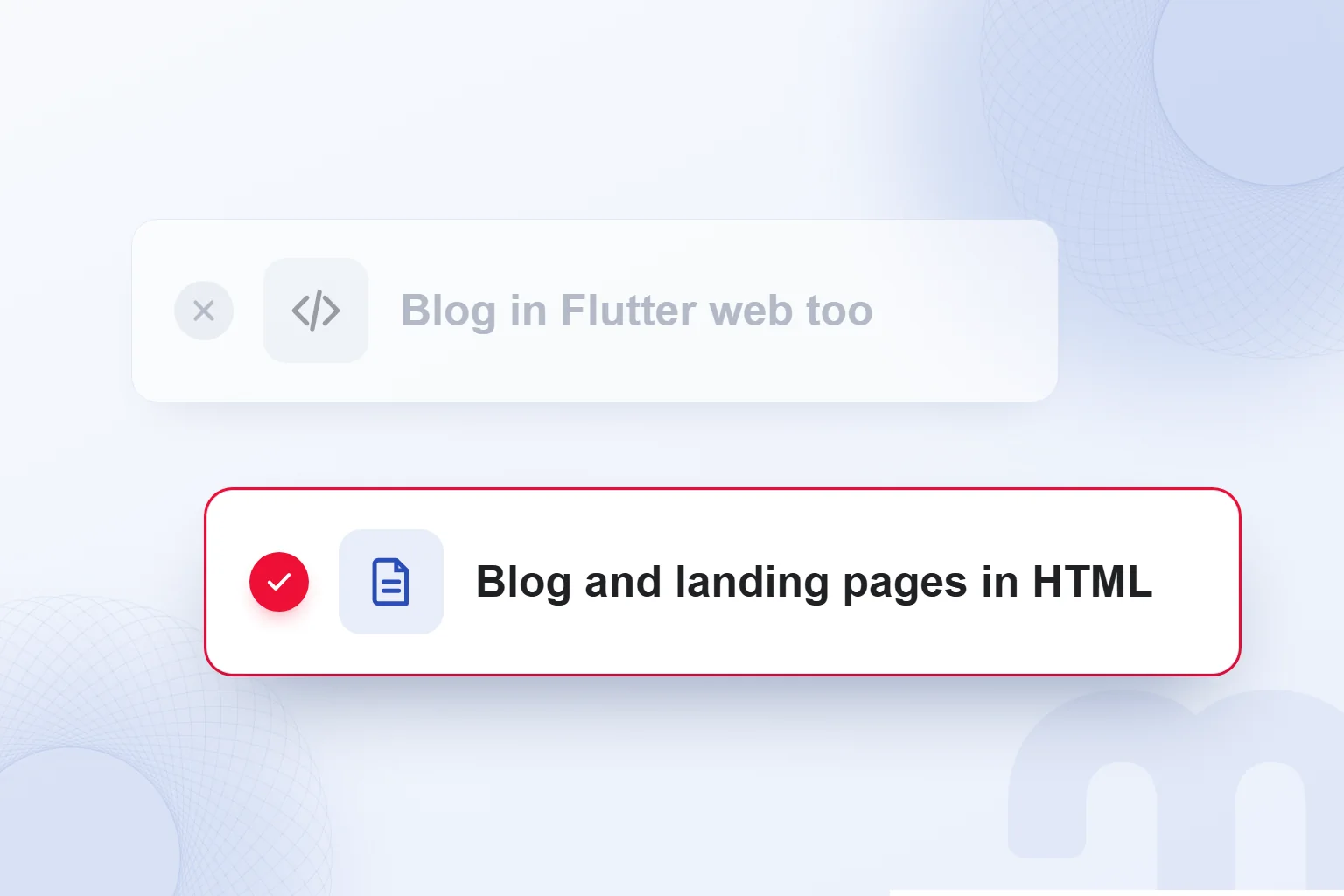
Flutter web suits app-centric experiences, not text-heavy, static websites. An app running on the web and blog or marketing content being found in search are separate needs for us.
The official Flutter Web FAQ lists PWAs, and existing Flutter mobile apps as suitable uses. It notes that blogs benefit from the web’s document-centric model. Embedding interactive Flutter experiences into such sites is another option it describes.
According to the FAQ, Flutter web’s output does not match what search engines need for proper indexing. It recommends keeping marketing and help content that needs SEO apart from the app, in search-friendly HTML. We apply this to the page plan.
For example, the page explaining the app, the help content and the blog are built in HTML; the job completed inside the app stays in the app’s scope. Defining each page’s role shows where content and interactivity belong.
The PWA label alone is not SEO readiness for us. Even with Flutter web for the app, we keep the HTML plan for content that needs search visibility, deciding separately on app technology and content delivery.
How do you build a mobile app?
We build a mobile app by defining the user job, choosing the development path and running the technical work from prototype to store release alongside marketing preparation. Marketing content, measurement and post-launch updates are part of the plan.
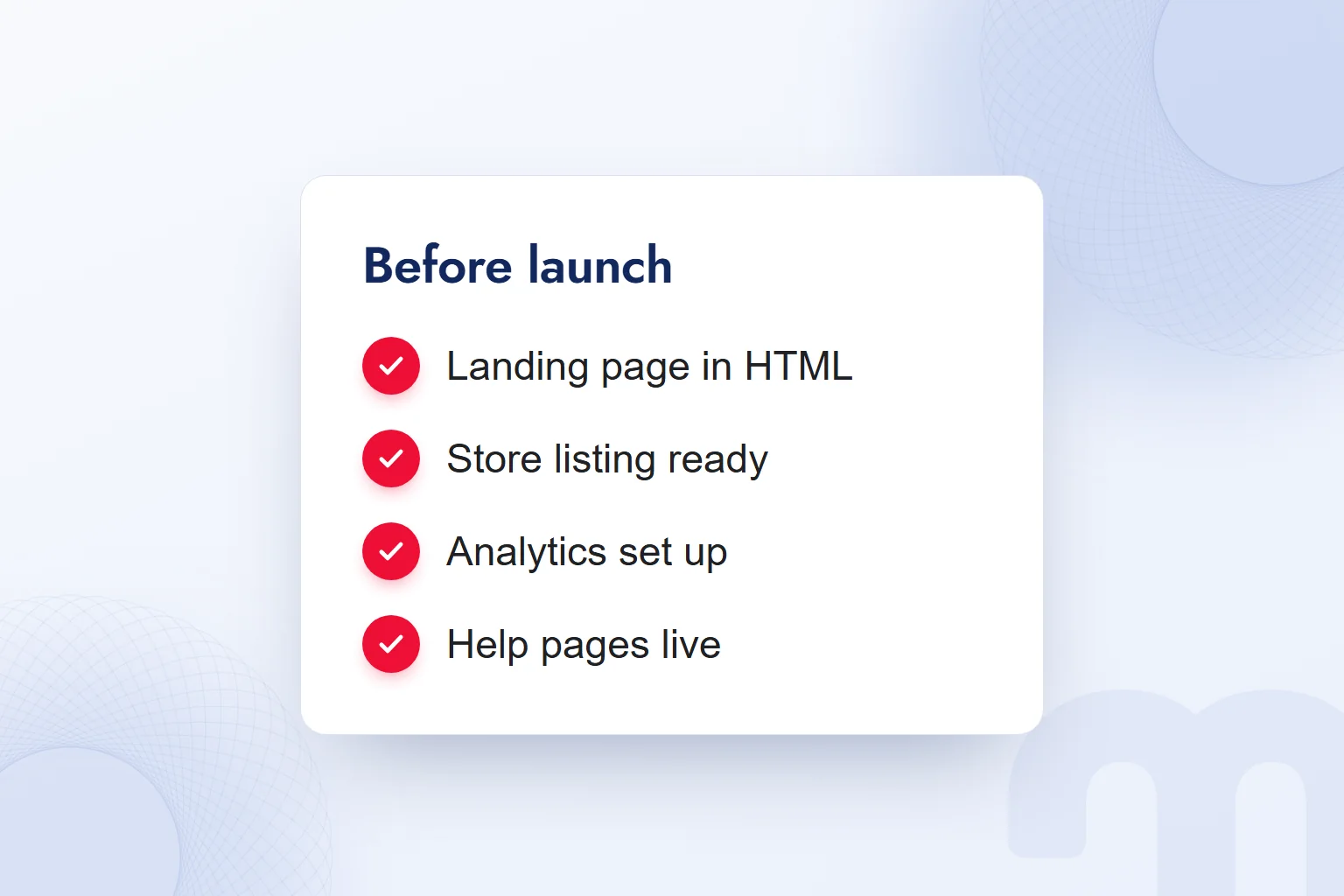
- We define the goal and user jobWho the app serves, which job it completes and on which platforms.
- We choose the development pathFlutter, native, React Native and PWA compared on device needs, team skills and access.
- We build the prototypeThe main user job shown on screens; the flow reviewed and the scope pinned down.
- We set up landing and help pagesContent that needs search visibility, built in HTML apart from the app.
- We set up measurementThe analytics SDK installed and the tracked user job chosen.
- We prepare the store listing and ASOTitle, description and screenshots refined; App Store and Google Play release planned.
- We run post-launch updatesApp changes, help content and the store listing reviewed together, with owners for each task.
The prototype is something the team reviews against the same user job; we cover that approach in our vibe coding article. In the design meeting, we describe what happens at each step of the main flow.
During Flutter development, we review changes through Hot Reload. Before release, we check the app screens, store description and help content side by side, looking for the same job described the same way. Any open task goes into the plan with its owner.
How do you set up marketing for a Flutter app?
We set up marketing for a Flutter app with HTML landing and help pages, a store listing refined through and in-app analytics. Search results, the stores and in-app behaviour are examined separately.
Common situations and our response to each:
| Situation | What we do |
|---|---|
| The app does not appear in search results | We build landing and help pages apart from the app, in search-friendly HTML. |
| The app is not found in the store | We refine the listing’s title, description and screenshots through ASO. |
| We cannot see in-app behaviour | We install the analytics SDK for in-app measurement. |
In our ASO consulting work, we assess the store listing against what the app actually does, checking that title, description and screenshots describe the same app. We also compare the landing page with the store listing.
To send users from an ad, email or landing page to the right screen, we set up deep links. The Flutter documentation says Flutter supports deep linking on iOS, Android and the web; in its example, a shoe ad opens a shopping app straight on that product’s page. For each campaign link, we note which screen opens and how we will see it in measurement.
We decide early which user job to track. After launch, each issue goes to its workstream: search visibility to the content plan, store presentation to ASO, in-app behaviour to analytics. More on planning apps and web pages together is in our web development articles.
Frequently asked questions
What is Flutter?
Flutter is Google’s open-source, multi-platform app framework. It builds apps from a single codebase in Dart.
What is Dart?
Dart is a programming language developed by Google. Flutter apps are written in Dart.
Can you build iOS and Android apps with Flutter?
Yes, from a single codebase. We choose Flutter to offer the same interface with one team.
Do we build a blog or marketing site with Flutter web?
No, we build text-heavy content in search-friendly HTML. Flutter web is for app-centric experiences.
Flutter or native development: which do we choose?
Flutter for a shared interface and one team; native when deep device features and platform-specific experience are decisive.
Does a PWA need to be published in an app store?
No. A PWA runs in the browser and can be added to the home screen.

 What is a user interface (UI)? Meaning, examples and UX differenceRead article
 What is Git? Git vs GitHub and version control for marketersRead article
 What is Shopify? Using it in Turkey, how fees work and vs WooCommerceRead article
 What is a browser? Browser examples and setting a default browserRead article
 What is a URL? Parts of a web address, slugs and their role in SEORead article
 What is a PDF? Uses, and PDFs on your website: indexing and trackingRead article
 Best time to post on TikTok: finding it with your own account dataRead article
 What is Gemini? How to use it, the free plan, Gemini Omni and ChatGPTRead article
Questions & answers
0 commentsNo questions yet; you can ask the first one.