





 Cihat Murat Yüksel
8 min read
Cihat Murat Yüksel
8 min read
What is Git? Git vs GitHub and version control for marketers
Git is an open-source version control system that tracks file changes through described commits, supports teamwork and lets you return to earlier versions.Pro
Contents 9 sections
Git is a free, open-source distributed version control system that tracks file changes through described records, lets us work in our own copy, merges teammates’ changes and supports returning to earlier versions. We save every meaningful edit as a and log what we changed and why.
Git is a tool; GitHub is a cloud service that hosts projects built with it. Our marketing team runs site files, the content calendar and publishing prep this way, and traces why a headline or tracking code changed through the history.
Every change is recorded with a described commit, and secrets are kept out of the repository.
What is Git and what is it used for?
Git keeps a history of file changes, merges separate work and undoes faulty edits. Version control tracks not only a project’s files but how they change. Being distributed, Git lets us work in our own copy and merge with the team.
When we edit landing page copy, we record the changed lines with the reason. When we need the earlier version, we find that record; who changed what, when and why is visible in the history.
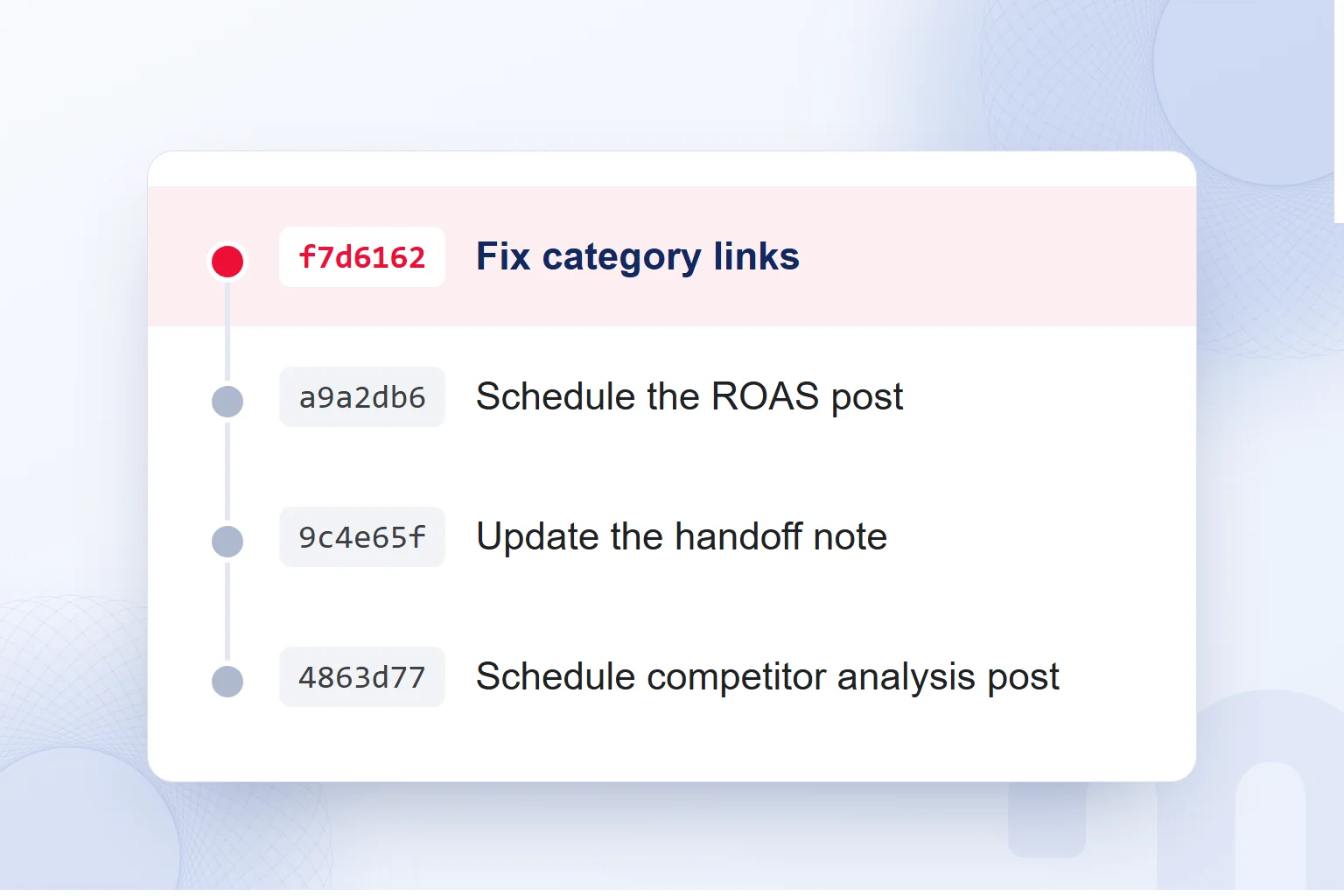
We do the same for the content calendar, briefs and reporting scripts. A clear message such as “Fix category links” shows the work to anyone reading the history; we write it for the teammate opening the file next.
What is GitHub, and how is it different from Git?
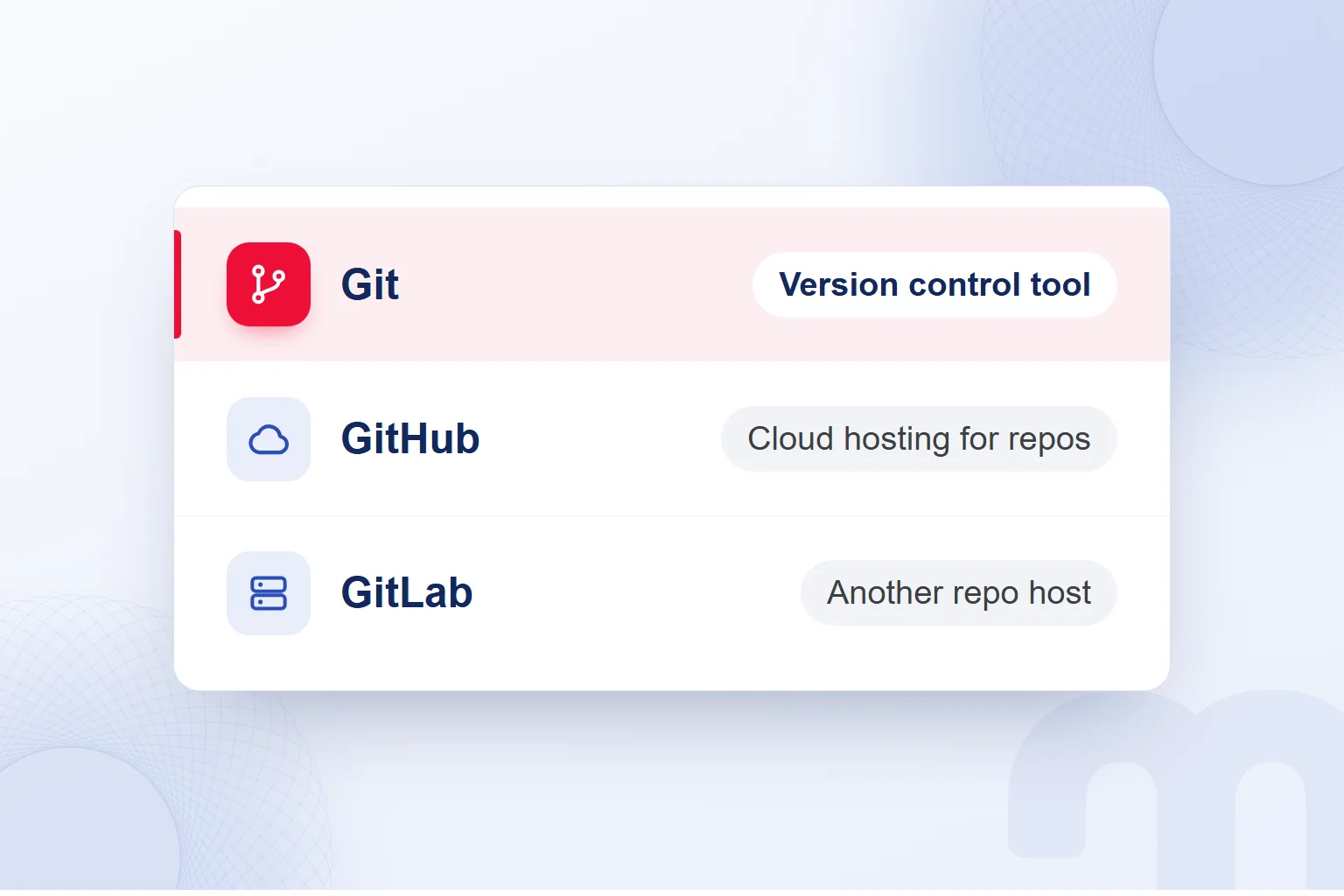
GitHub is a service that hosts Git repositories in the cloud, while Git is the version control tool that tracks file changes. GitHub is where the team shares commits and work; its planning and collaboration tools support development from planning to shipping.
On GitHub we reach a project’s files and history through a repository and review a teammate’s edit before it joins the shared work. We read how a file got to its latest version; described commits are the basis of review.
GitHub Desktop manages changes without the command line; we use it to walk teammates new to version control through a change, its message and sharing. GitLab is another platform that hosts Git repositories.
What are the basic Git concepts?
The basic Git concepts are the repository, commit, branch, merge and revert; for team review we also use the . We learn them by matching them to our own work.
| Concept | What it means | Example in marketing work |
|---|---|---|
| Repository | The project’s files and full change history | We keep blog copy and publishing scripts together |
| Commit | A described record of a change | We save a content calendar edit with its reason |
| Branch | A separate line of work that leaves the main line intact | We edit a landing page on its own branch |
| Pull request | A request to review a branch’s changes and bring them into the main branch | We review new page copy before merging it |
| Merge | Bringing changes from separate work together | We merge a reviewed template edit into the main branch |
| Revert | Undoing a commit’s effect with a new commit | We revert a faulty tracking code change |
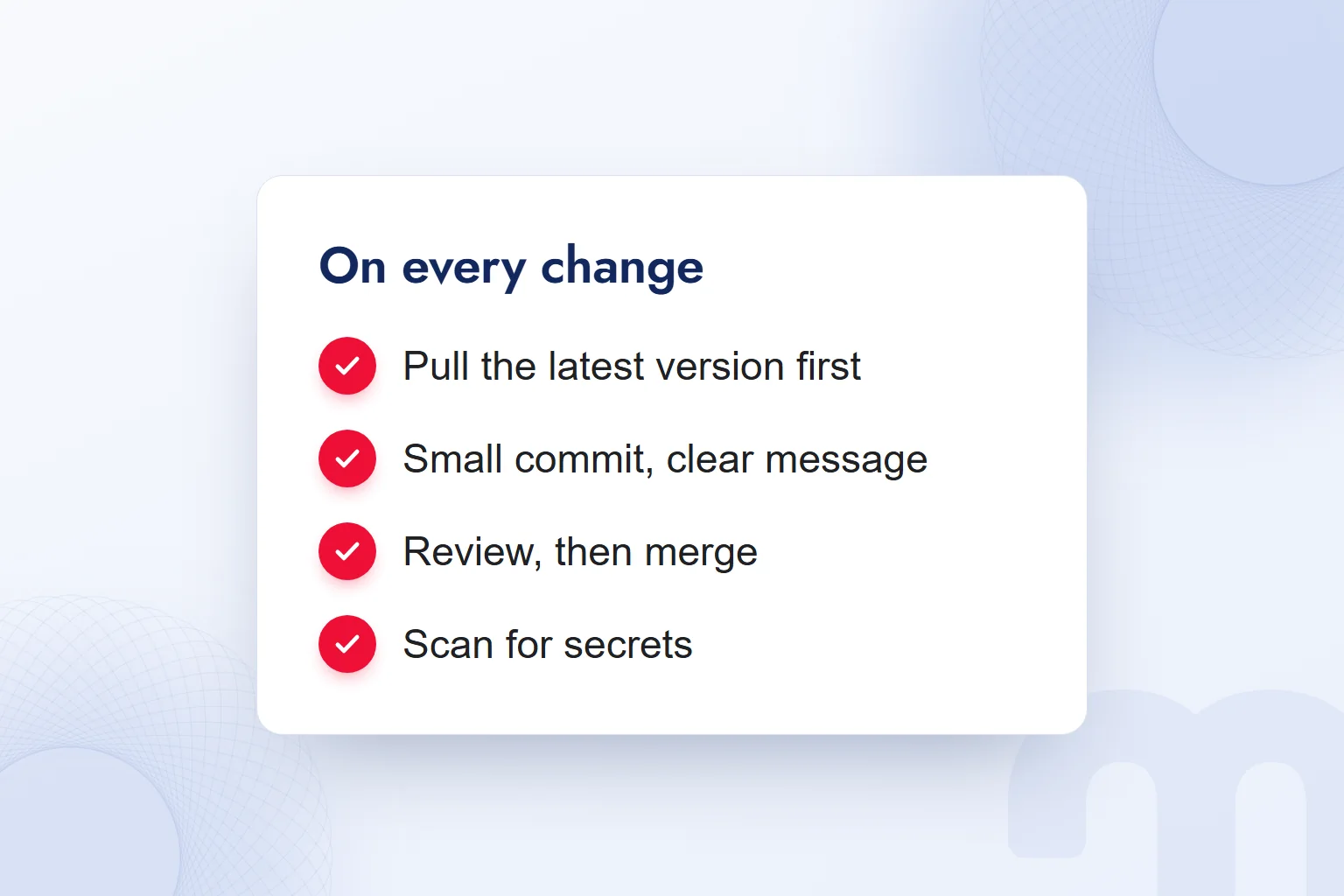
A repository is often called a “repo”. Cloning copies the project into our workspace; pulling brings in shared changes, pushing shares our commits. We pull before work and push after a meaningful commit.
Git commands are the command-line form of these actions: git commit records a change, git pull fetches the latest. We learn the purpose before the command and check which files go in and whether the message describes the work.
Why do marketing teams use Git?
Marketing teams use Git to track changes to site, content and measurement files and to manage shared work. That covers landing page code, templates, tracking and conversion code, the content calendar, briefs, prompt templates and reporting scripts.
At markention, we keep this blog’s copy, briefs, the HTML sources of its images and the publishing scripts in a private GitHub repository. While this post was being prepared, its commits broke down as follows:
Each post’s scheduling is a commit naming the project, session and work done. We work on a personal branch and merge into the main branch, so every publishing edit traces back to its task.
Claude and Codex sessions work in parallel in the same repository. We pull before touching a file and commit and push after each meaningful step; handoffs live in a handoff file. AI coding agents commit each step separately, and we read the change before merging.
How does a marketing team get started with Git?
A marketing team starts with Git by creating a repository, setting file rules and committing a small change with a message. In the first session we review the original file, the edit and the message together.
- We create the repositoryWe set up the space for files and history and define the first scope.
- We install GitHub Desktop or the code editor’s Git panelWe prepare the interface for seeing changes and managing commits.
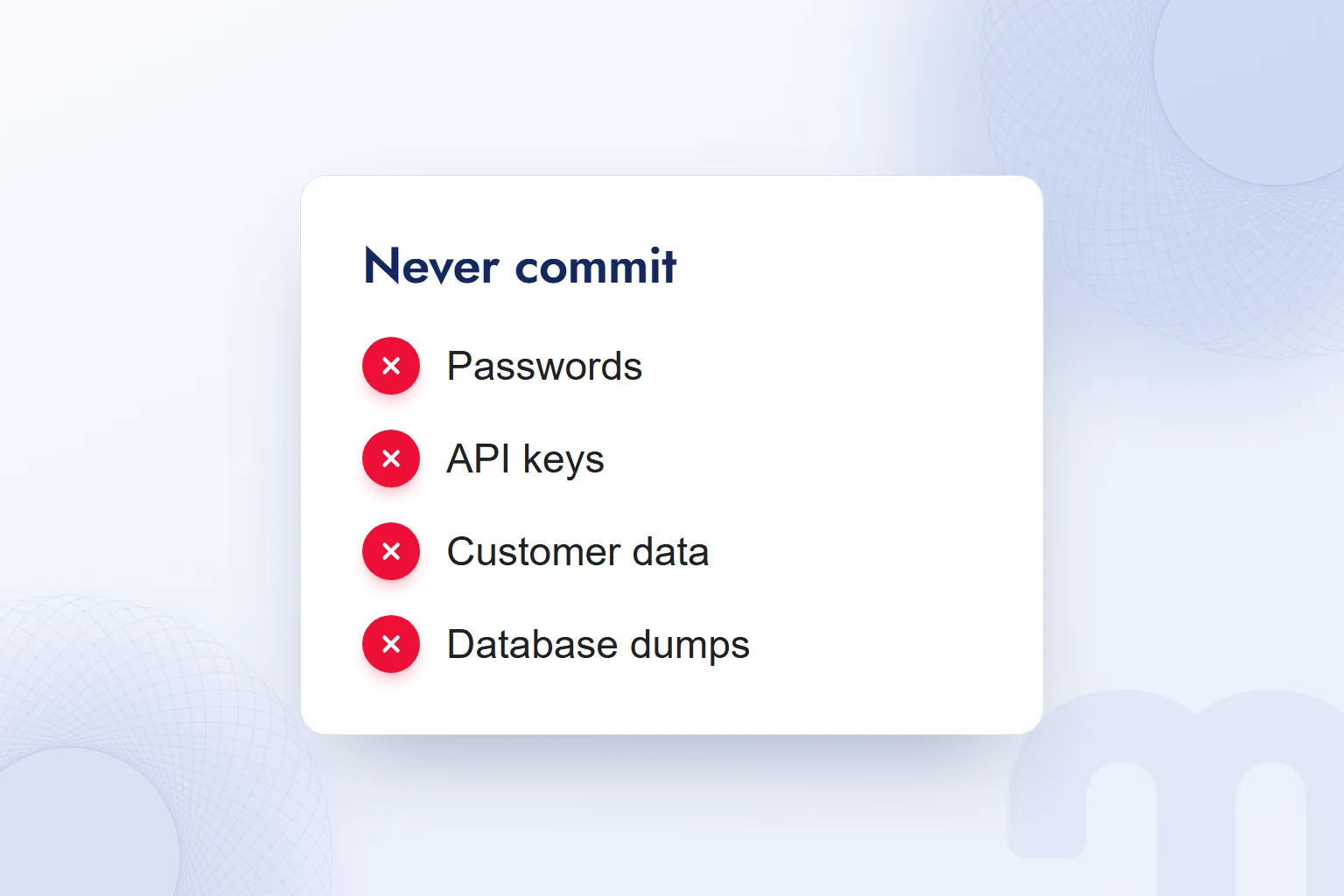
- We write the secrets rule and the ignore listWe keep passwords, API keys, customer data and database dumps out of scope.
- We make the first commit with a messageWe review the files going in and state the work clearly in the message.
- We change things on a branch and merge with a pull requestWe read the changed lines and check them against the goal first.
- We pull the latest version before every releaseWe bring teammates’ shared changes into our working copy.
The starting setup depends on the people and files involved:
- We only want file history and undo → We start on one branch in GitHub Desktop and commit each meaningful change with a message.
- The team works on the same files → Each of us works on our own branch and merges into the main branch after review through a pull request.
- We use an AI coding agent → Each agent step is a separate commit, read before merging.
Our first attempt is a brief edit; we match the commit message to the change. If a teammate understands the work from that commit alone, the message works. Then we keep the order: pull first, review the change.
What should never go into a Git repository?
Passwords, API keys, customer data and database dumps never go into a repository. We write this rule at the start of a project, define the and run a secrets scan before every commit.
Committed information stays in the history, so removing a leaked key from the latest file is not enough. We revoke the key, generate a new one and clean the history with a specialist; a revert does not replace this.
We read a file’s text and the information inside it together. Before committing a reporting script we check it holds no key, and we never carry customer data into a brief or content file. The rule covers teammates and coding agents too; the pre-commit scan is routine.
For the ignore list we weigh whether a file is needed and what it contains, never judging by file name alone.
How do you undo a bad change in Git?
We undo a bad change by reversing the relevant commit’s effect with a new commit, which is called a revert. We find the commit that caused the problem, read its changes and decide what to undo.
Three different needs, three different responses:
- A wrong change went live → We revert the relevant commit and return to the last working version.
- Two people changed the same line → We read the conflicting changes and pick the right one or combine them.
- A password or key got into the repository → We change the password or revoke the key at once, issue a new one and clean the history with a specialist.
A merge conflict means weighing changes to the same line together. If a landing page sentence was edited twice, we read each reason, compare the copy with the page’s purpose and choose the wording.
The revert message says which change we reversed and why. In review we check the files a commit touched, not just its title; small, described commits make fixes easy to find. We add the fix to the handoff note for the next session.
How do we use Git for website work?
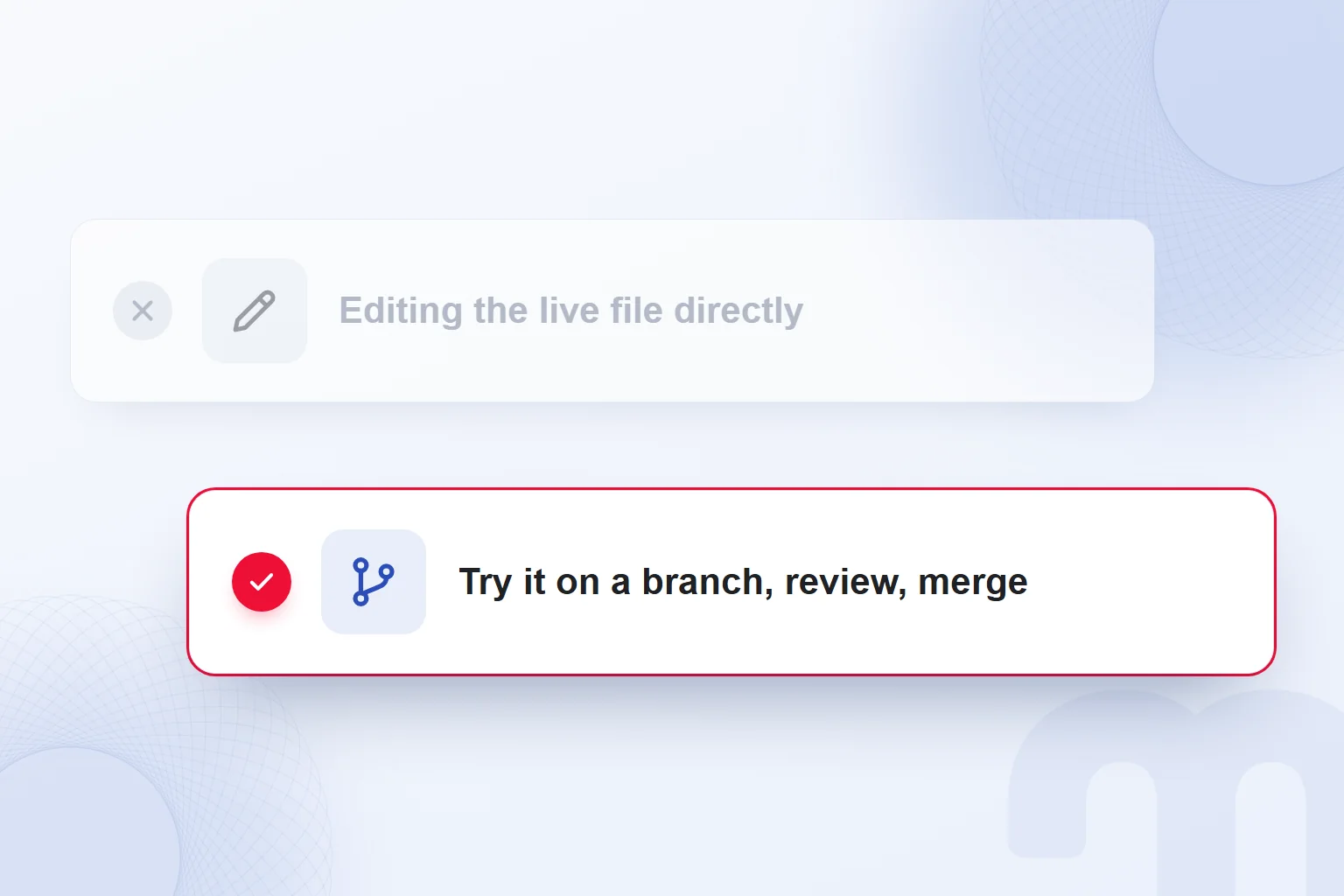
We use Git for website work by trying a change on a branch, reviewing it and merging the reviewed work into the main branch. We start by pulling the latest version and identifying which files the edit will touch.
If a landing page’s copy and conversion code change together, we state what each edit is for. In review we check that the copy says what was intended and the code matches the plan, then decide on the merge.
In corporate website projects, template and content changes go through a branch, review and merge. A vibe coding prototype also gets each meaningful change as a separate version. Before every release we pull the latest version and scan the shared changes for secrets.
At handoff we write the edit and the next step into the handoff file, so the next session sees which commit belongs to which task. Mobile app code lives in the same repository; framework choice is covered in What is Flutter. Our web development posts are tracked in the same history.
Frequently asked questions
What is Git?
Git is a free, open-source distributed version control system. We use it to track history, merge work and undo faulty edits.
What is GitHub?
GitHub is a platform that hosts Git repositories in the cloud. It offers planning and collaboration tools for teams.
What is the difference between Git and GitHub?
Git is the version control tool; GitHub is the cloud service built on it. We commit with Git and share on GitHub.
Do you need to be a developer to use Git?
No, GitHub Desktop manages changes without the command line. We start with file history, described commits and review.
What is GitLab?
GitLab is another platform that hosts Git repositories.
What should you do if a password is committed to a repo?
Change the password at once; revoke an API key and generate a new one. Clean the history with a specialist; deleting it from the latest file is not enough.

 What is a user interface (UI)? Meaning, examples and UX differenceRead article
 What is Flutter? When to choose it for a mobile app, and its limitsRead article
 What is Shopify? Using it in Turkey, how fees work and vs WooCommerceRead article
 What is a browser? Browser examples and setting a default browserRead article
 What is a URL? Parts of a web address, slugs and their role in SEORead article
 What is a PDF? Uses, and PDFs on your website: indexing and trackingRead article
 What is WhatsApp Business? Free app, Platform (API) and how to use itRead article
 What is advertising? How traditional and digital advertising worksRead article
Questions & answers
0 commentsNo questions yet; you can ask the first one.