






 Damla Kütük
8 min read
Damla Kütük
8 min read
What is a title tag? How to write it and how it differs from H1
What a title tag does, how it differs from H1, why Google changes it, and how we write clear page titles and check them in WordPress.Pro
Contents 8 sections
What is a title tag? A title tag is the HTML title element in a page’s head section: it names the page, appears in the browser tab, and can provide the wording for Google’s . Google also uses other sources to generate that link.
We consider the question a page answers, what distinguishes it from other pages, and the heading visitors see when they arrive. We check the tab title and the heading within the page separately, then compare them with the search result.
We write a unique title for each page, keep the main topic near the beginning, and check the title link in search results after publication.
What does title mean in different contexts?
A title names a piece of content; on a website, the title element names the page. The English word also means a job title.
There are three possibilities:
- A title in ordinary writing → we use the context to identify the heading or name of the content.
- A title in a professional context → we identify the role, such as “Marketing Manager.”
- A website’s title tag → we inspect the HTML title and compare it with Google’s title link.
When a task calls for “changing the title,” we first establish whether it means the name in the browser tab or the main heading within the page.
Where does a title tag appear?
The title tag appears in browser tabs, bookmarks, and browsing history, and supplies text for Google’s title links. Many platforms also use it for sharing previews when og:title is absent.
With several tabs open, a specific title helps identify each page. A generic label such as “Home” tells us little about the content. We make the subject clear and account for the same name appearing in bookmarks and history.
Google Search Central lists the title element, the main visual title, heading elements such as H1, og:title, other prominent text styled to look large, text in links on the page, and text in links pointing to it. The title in our source and the search result can therefore differ.
We check both: the browser tab shows the page’s title, while the search result shows the title link Google generated.
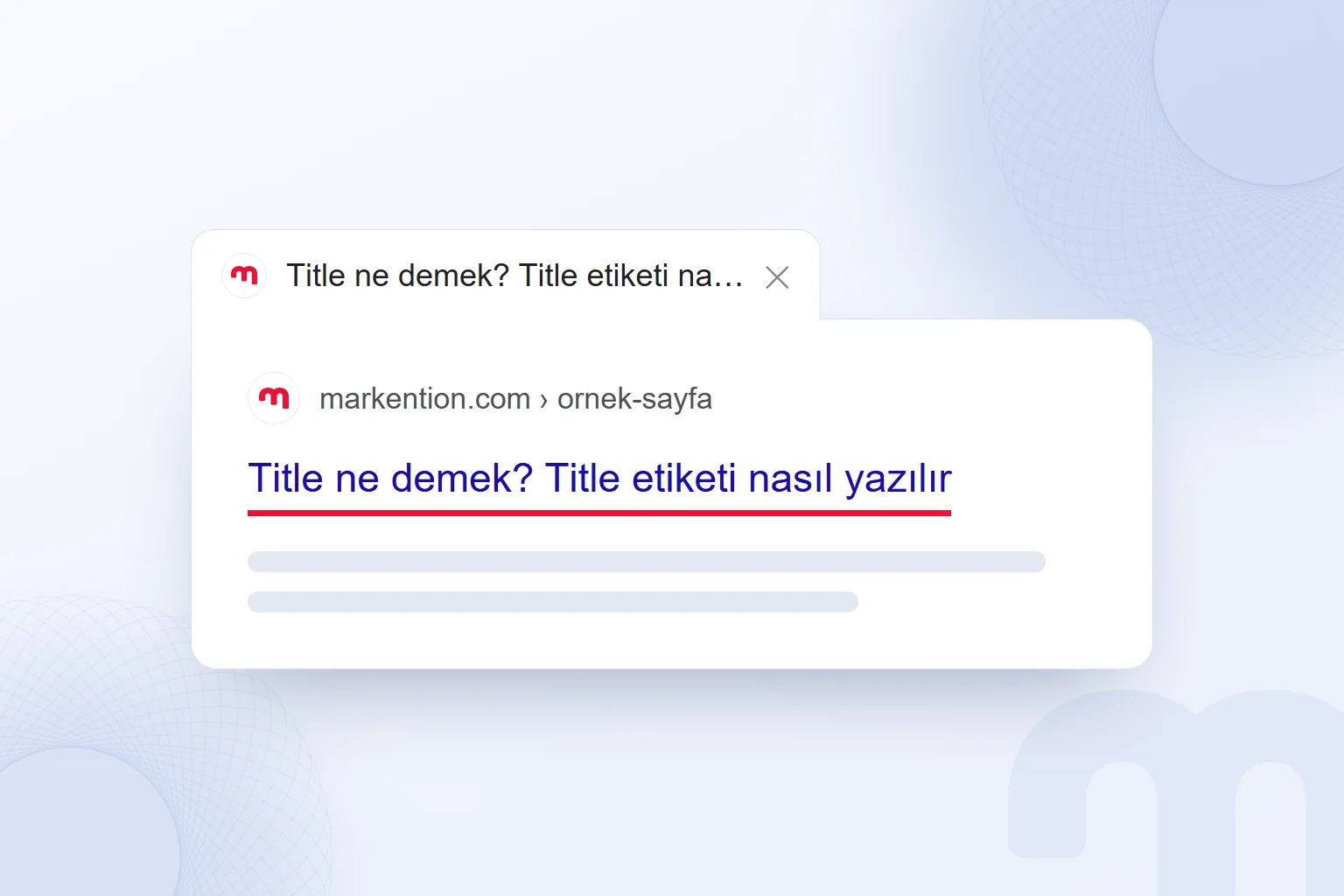
How does a title tag differ from H1?
The title element names the page in HTML’s head section; H1 is the main heading visitors see within the page. The title tag itself does not appear in the page’s content.
| Element | Where it appears | Purpose |
|---|---|---|
| Title | Browser tab; a source for the search result heading | Names the page. |
| H1 | Within the page as its main heading | Identifies the content’s topic. |
| Meta description | May appear below the search result heading | Describes the page. |
Title and H1 should describe the same topic, but their wording can differ. An H1 of “What is a title tag?” can accompany “Title tag guide · markention” in the title element. Google may use H1 to generate the title link if it finds the title inadequate.
A meta description supplies the summary that may appear below the search heading. Google can select other text from the page instead. We assess descriptions separately from titles, considering their influence on the decision to click rather than rankings.
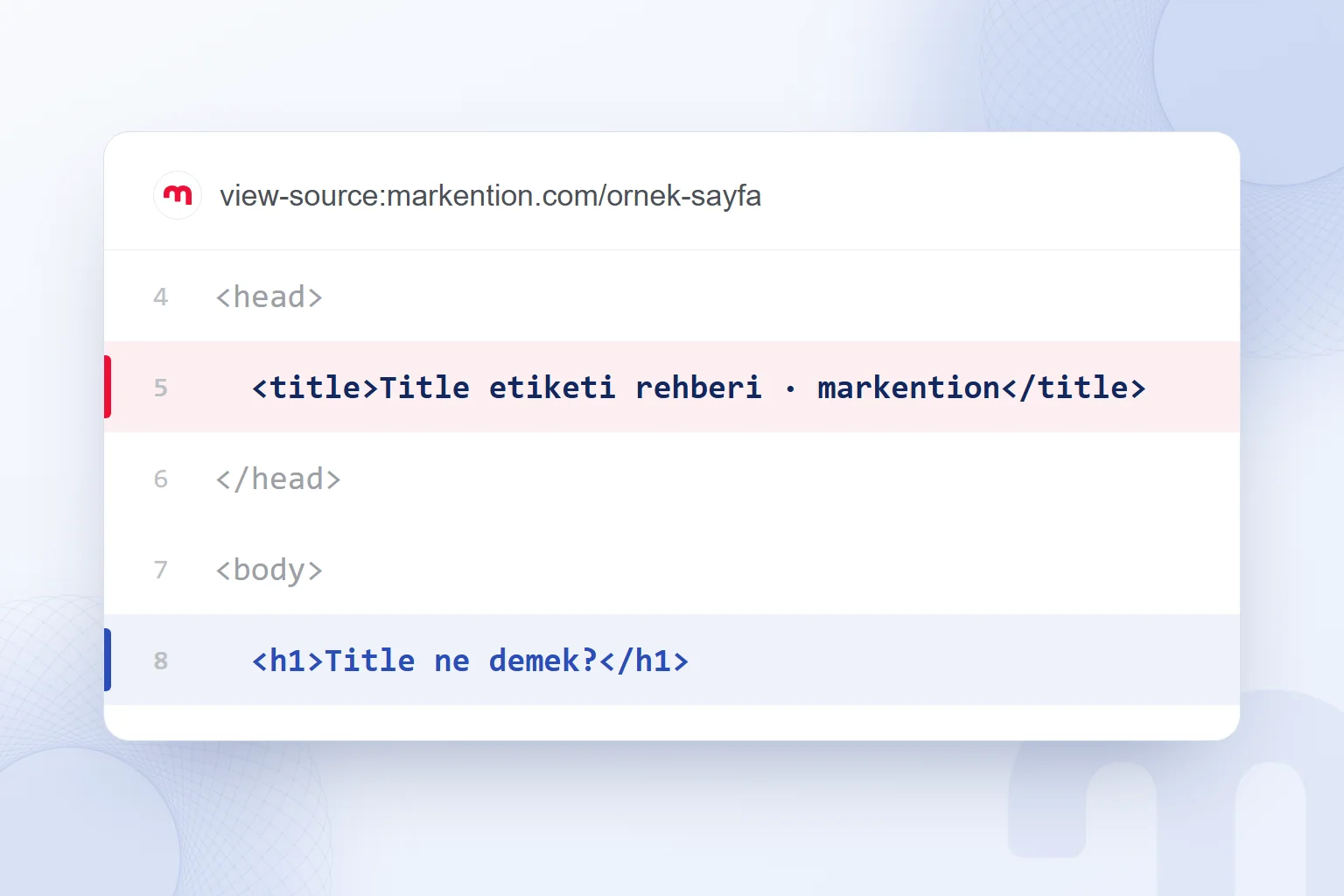
How do we write a title tag?
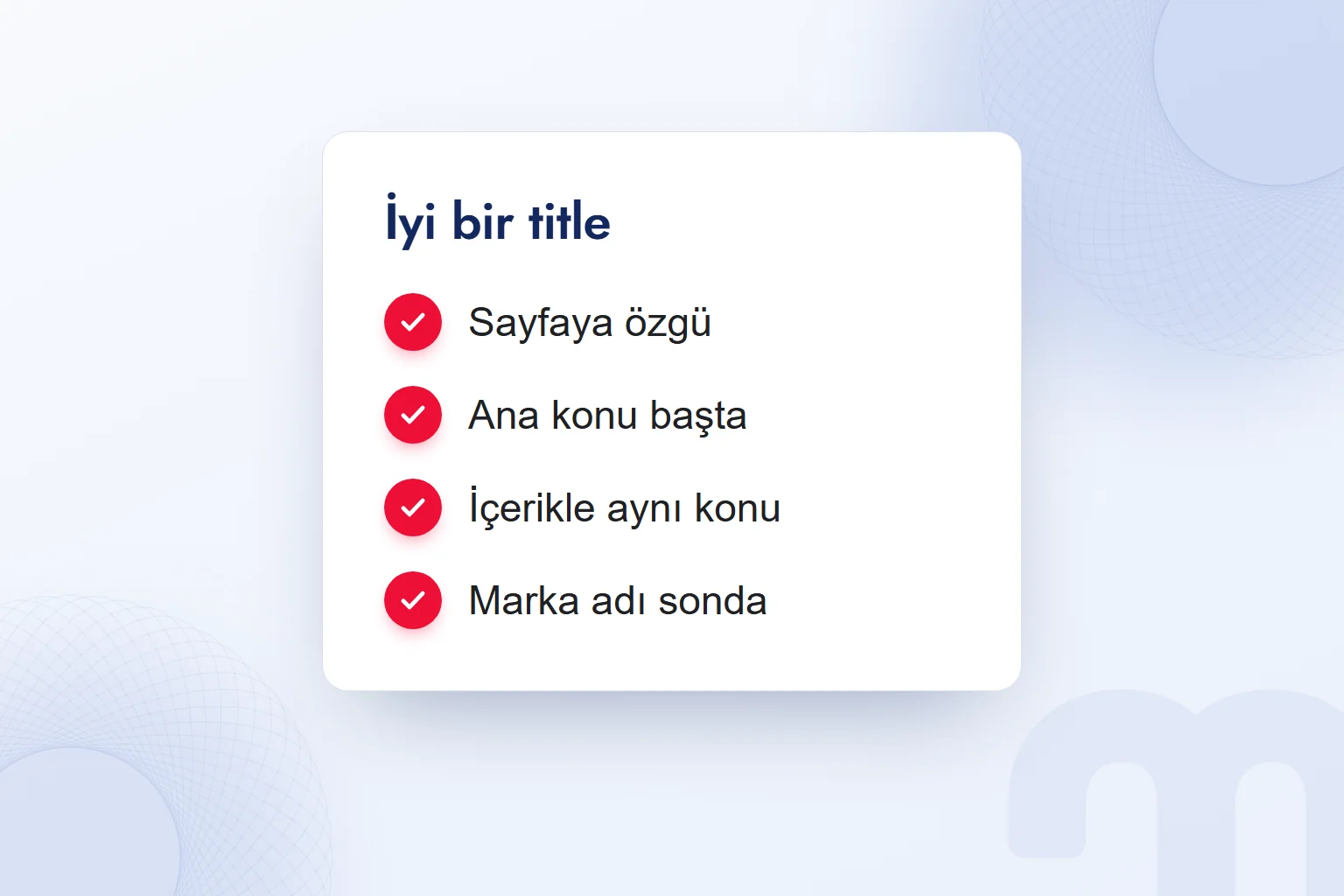
We write a title tag that states the main topic, includes a distinguishing detail, and is unique to the page. We start with the question the content answers, then decide which information deserves emphasis.
- We identify the main questionWe define the page’s central answer and keep the title focused on it.
- We put the topic near the beginningWe make the page’s subject clear in the opening words.
- We add a distinguishing detailWe include information present in the content that sets the page apart.
- We add the brand after a separatorWe place the separator and brand name after the topic.
- We check for duplicate titlesWe replace shared wording that makes different pages sound identical.
- We check alignment with H1We confirm that the tab title and main heading describe the same content.
- We monitor the published resultWe compare Google’s title link with the title we wrote.
Google recommends descriptive, concise titles and discourages vague labels such as “Home” or “Profile.” We avoid repeating variations of the same phrase. “What is a title, title meaning, title tag definition” repeats the subject without explaining what distinguishes the page.
Google suggests separating the site name with punctuation such as a hyphen, colon, or vertical bar. At markention.com, we append “· markention” to article titles. We use the same language and writing system as the main content.
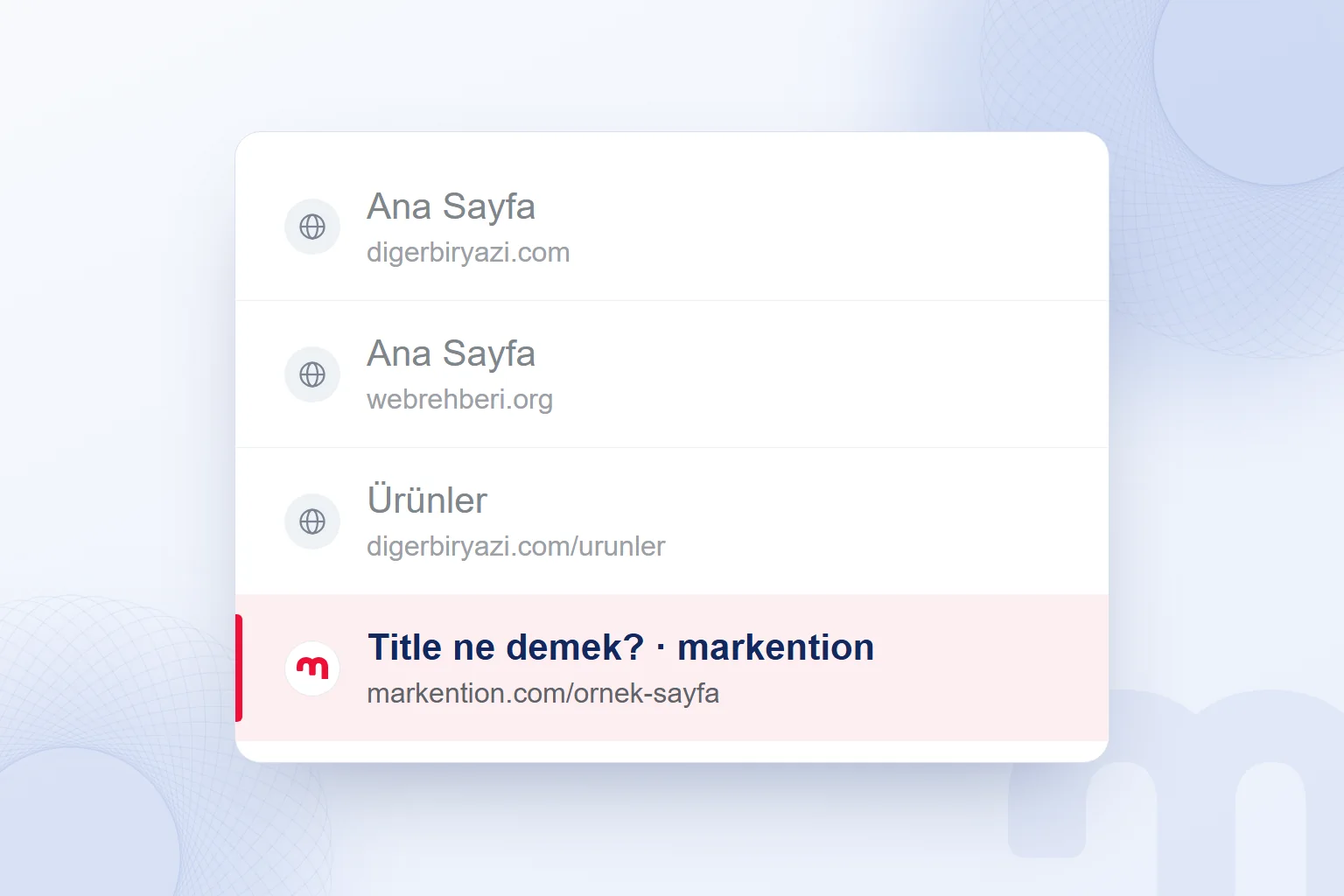
How long should a title tag be?
Google sets no length limit for the title element; it truncates the displayed title link to fit the device’s width. We therefore avoid treating a universal character count as a writing rule.
We keep the main topic and distinguishing detail near the beginning so that the subject remains clear if the title is shortened. Placing the brand at the end supports that order; the absence of a fixed limit does not justify including every subtopic.
When shortening a title, we remove repetition first. Instead of combining “title meaning” with “what is a title,” we name the topic and add “how to write it.” This preserves the page’s answer without cutting meaningful words at random.
Our final check is whether the opening still describes the page accurately. “Guide” or a brand name alone leaves the subject unclear. We also distinguish a truncated title from one Google has generated using another source.
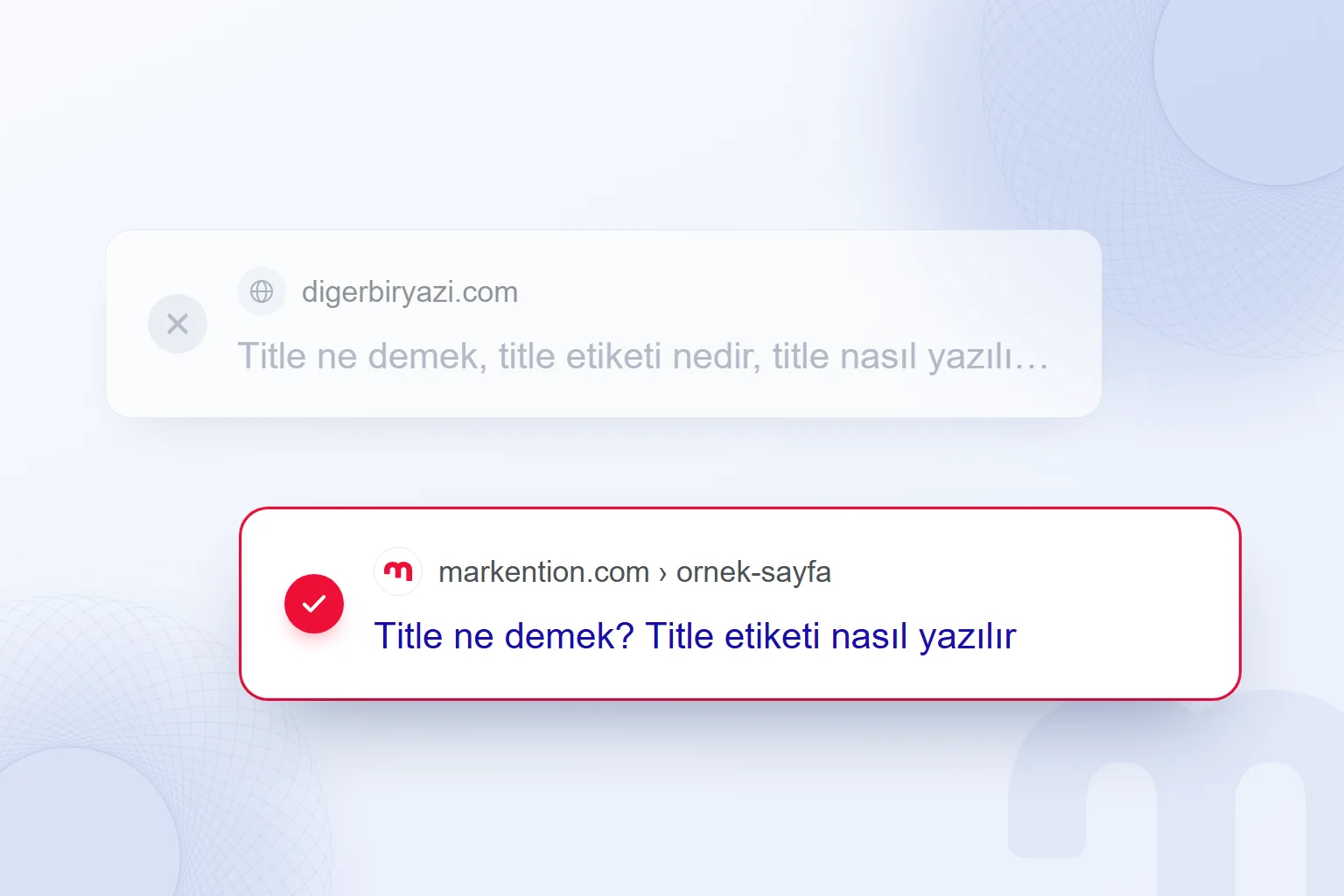
Why does Google change title links?
Google may use other sources when a title is incomplete, outdated, inaccurate, repetitive, or in the wrong language, or when the page lacks a clear main heading. We check the page’s headings when the search result differs.
There are five possibilities:
- The title is incomplete or empty → we supply the missing text and state the topic clearly.
- The title contains an old date or outdated information → we compare it with the content and update it accordingly.
- Several pages share the same wording → we give each page a unique title with a distinguishing detail.
- The title and main heading describe different topics → we establish the content’s subject and align both headings.
- The title’s language differs from the page’s → we match the main content’s language and writing system.
Google also identifies pages without a clear main heading. We make that heading prominent as part of the correction.
For example, a page about writing title tags needs a main heading on that subject. We align the headings and reread the title in the source. Consistency across these sources matters; Google can still choose different wording.
How do we check and change a title tag?
We inspect the title in the page source and, in WordPress, use an SEO plugin’s title field when it needs to differ from the post heading. Hovering over the browser tab reveals the full title, including words hidden by the tab’s width.
We right-click the page and select “View page source.” In Chrome, Ctrl + U opens the same view. We use Ctrl + F to find “<title” and compare its text with the visible H1.
In Search Console’s URL Inspection tool, we open the crawled page’s HTML to examine what Google saw. We compare it with the page source and search result, keeping track of where each title appears.
WordPress often builds the title automatically from the post title and site name. We inspect that combination before changing the SEO plugin’s title field. After saving, we reopen the source to confirm the intended text appears.
The title and URL slug do not have to match. Our SEO consulting checks cover unique wording, topic alignment, language, and search appearance. We cover related topics on our English blog.
Frequently asked questions
What is a title tag?
A title tag is the HTML title element in a page’s head section. It names the page and can provide the wording for Google’s title link.
What does title mean in a professional context?
A job title identifies a role, such as “Marketing Manager” on a business card or LinkedIn profile.
Do the title tag and H1 have to match?
Their wording can differ, but they should describe the same topic. The title appears in the browser tab; H1 is the main heading within the page.
Is there a character limit for title tags?
Google sets no title-length limit. We keep the topic and distinguishing detail near the beginning because displayed title links are shortened to fit the device.
Why does Google show a different title?
Google also uses sources such as headings and link text. We check for incomplete, outdated, repetitive, or inaccurate titles when the result differs.
Can a WordPress title differ from the post heading?
Yes; we use an SEO plugin’s title field to set it separately. We then check the saved text in the page source.

 What is a podcast? How podcasts work for brands and where to publishYazıyı okuEn çok okunan
 Advertising on ChatGPT: Ads Manager, Targeting and Your First CampaignYazıyı oku
 What are URL parameters? UTM, GA4 event parameters and gclidYazıyı oku
 What is a PDF? Uses, and PDFs on your website: indexing and trackingYazıyı oku
 ChatGPT image prompts and Gemini prompt examples for ad visualsYazıyı oku
 What is GEO? How Generative Engine Optimization worksYazıyı oku
Questions & answers
0 commentsNo questions yet; you can ask the first one.