





 Cihat Murat Yüksel
8 min read
Cihat Murat Yüksel
8 min read
WordPress SEO plugins: Yoast vs Rank Math vs AIOSEO compared
A WordPress SEO plugin manages the output a site sends to search engines: titles, meta descriptions, canonicals, schema and sitemaps. How Yoast, Rank Math and AIOSEO compare.Pro
Contents 9 sections
A WordPress SEO plugin is software added to WordPress that controls the technical output a site sends to search engines: titles, meta descriptions, canonical tags, schema data and the XML sitemap. We map where each output comes from, tags included, and choose a plugin by the scope of that work.
For us, the choice has to cover both the guidance writers need and the technical maintenance work. Before replacing a plugin, we list everything it does on the site. Then we know which fields to fill, which data to migrate and what to compare afterwards.
An SEO plugin is chosen by need; when it is replaced, the existing output is compared page by page before and after the switch.
What is a WordPress SEO plugin, and what does it do?
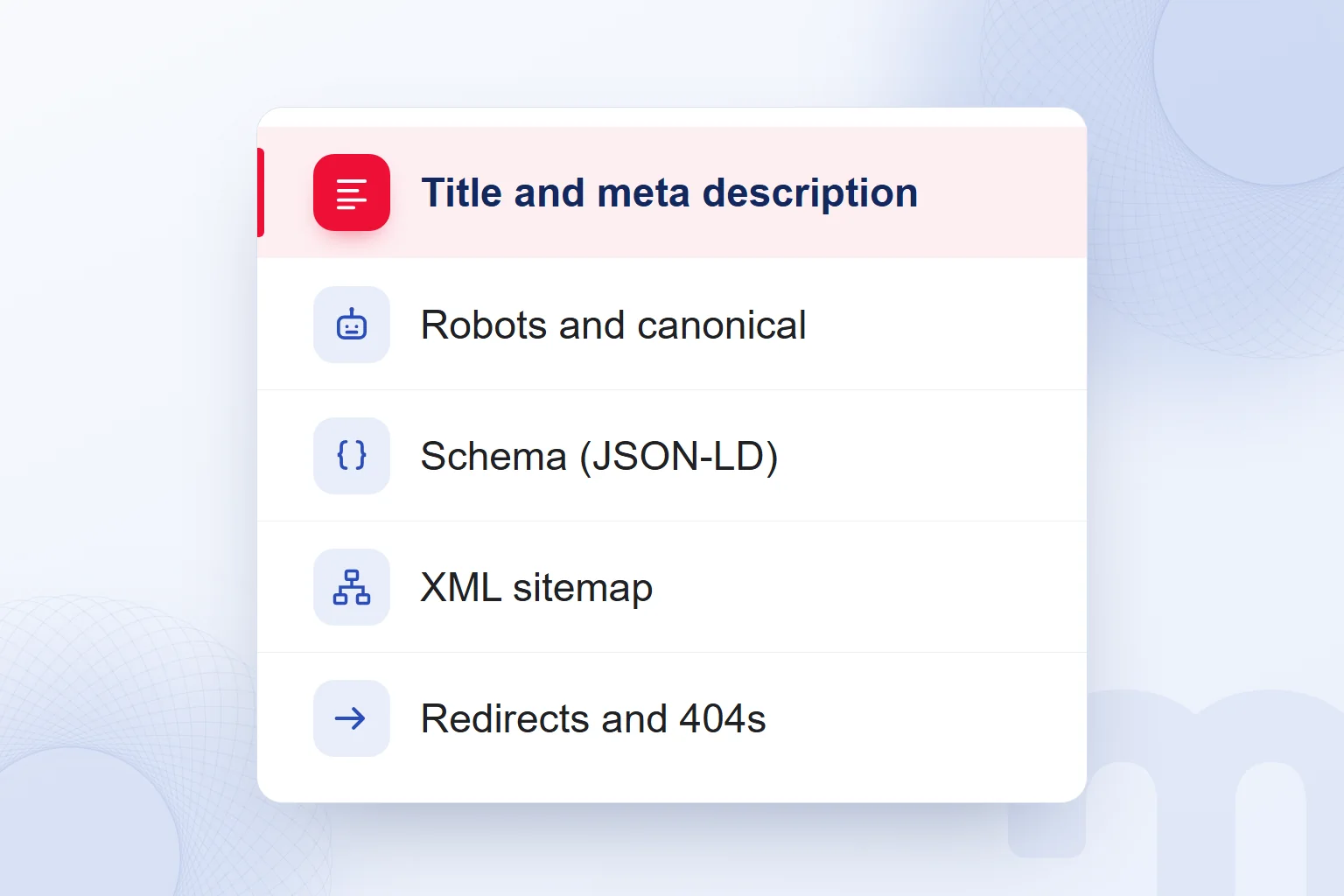
An SEO plugin manages a WordPress site’s technical SEO output: titles, meta descriptions, robots directives, canonicals, schema and the sitemap. When defining its scope, we record every output the live site produces in an inventory.
We assess how the title template joins the page name and the site name using our title tag guide. In the description field, we summarize the page’s main point against the criteria in our meta description guide.
When markention.com ran on Rank Math, our inventory also covered and X cards. The schema graph held organization, website, page, author and article data. The XML sitemap, the virtual robots.txt, 301 redirects for date archives and attachment pages, 404 monitoring, IndexNow pings, Search Console and Analytics connections and the internal link counter all depended on the same plugin.
So a switch is more than moving post titles. We decide where each task will live and check each admin setting against the live page output.
What does WordPress core handle for SEO on its own?
WordPress core serves a basic on its own, but offers no meta description field. The core sitemap lives at /wp-sitemap.xml, so a sitemap alone is no reason to install an SEO plugin.
SEO plugins can switch off the core sitemap and publish their own. We record which tool produces the sitemap. When the plugin changes, we check both that address and the sitemap line in robots.txt; we never assume an old setting adapts to the new sitemap.
A meta description needs its own editing field. We assess the core sitemap separately from descriptions, schema and redirects, so we never conclude that a site with a sitemap has all its SEO fields under control.
What is the difference between Yoast SEO, Rank Math and AIOSEO?
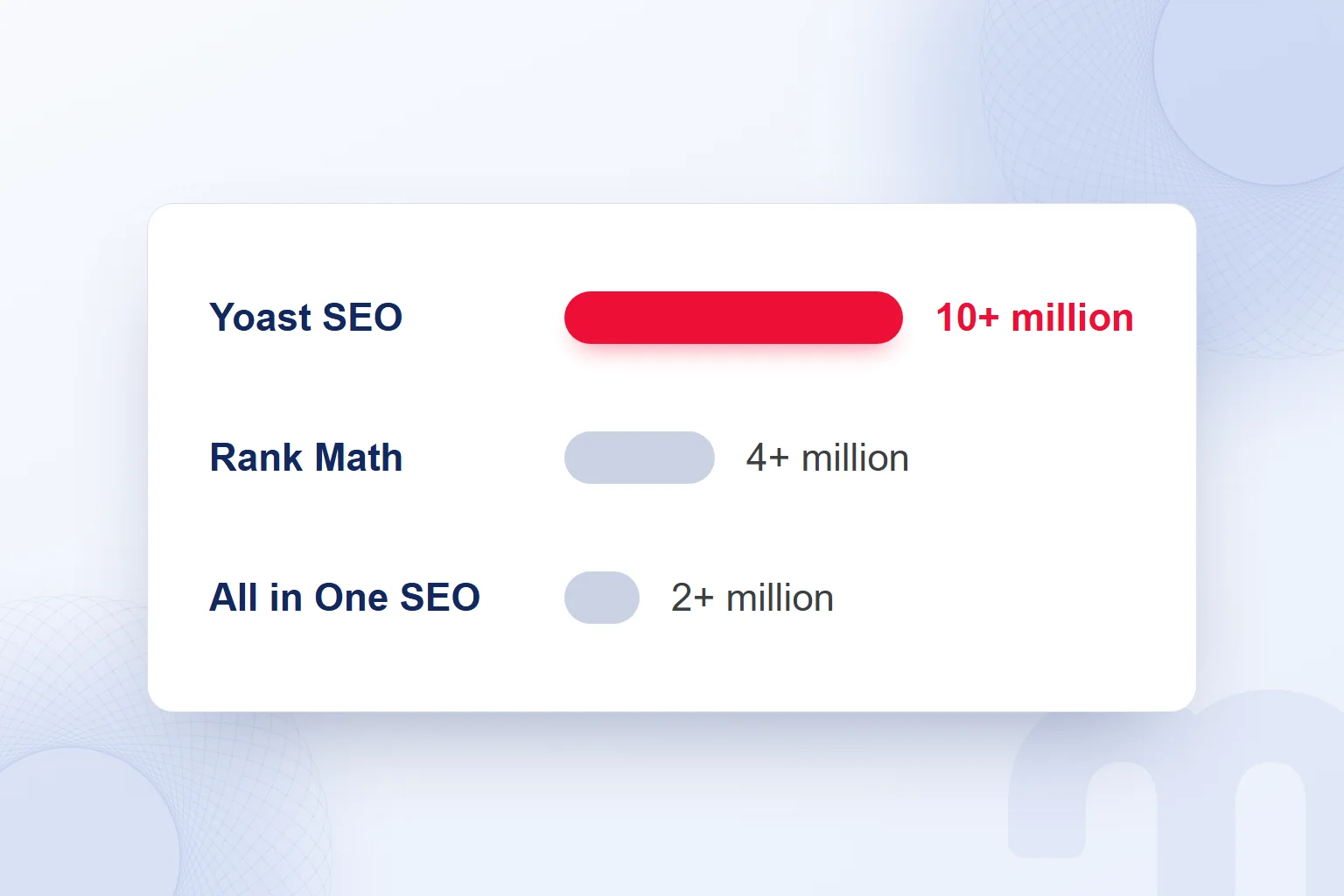
Yoast SEO, Rank Math and AIOSEO differ in their writing analysis and their technical SEO features. We read active installations in the WordPress.org plugin directory as a measure of adoption and match our needs against the features.
| Plugin | Active installations (WordPress.org) | Key free features |
|---|---|---|
| Yoast SEO | 10+ million | Real-time content and readability analysis, XML sitemaps, Schema.org integration, canonical URLs, content map, search result preview |
| Rank Math | 4+ million | More than 16 schema types, Search Console and Analytics integration, XML sitemap, 404 monitor, redirection manager, internal link suggestions |
| All in One SEO | 2+ million | TruSEO on-page analysis, XML sitemaps, schema markup, Search Console integration, local SEO, redirection manager and 404 logs, robots.txt editor |
Yoast’s red, orange and green indicators put content and readability checks front and center while writing. In Rank Math we weigh the schema options, redirects and 404 tracking; in All in One SEO, the TruSEO analysis, local SEO and the robots.txt editor.
Paid editions also exist: Yoast SEO Premium, Rank Math Pro and AIOSEO Pro. We first check whether the free features cover our requirements list.
Which SEO plugin should you choose?
We choose an SEO plugin by how the content team works, the technical tasks to manage and the business information to publish. Before choosing, we decide who does which task and which fields they will use regularly.
The situations separate like this:
- Writers want guidance while writing → We pick strong live content and readability analysis and assess those areas in Yoast SEO.
- Technical tasks belong in one panel → We pick free schema, redirects and 404 tracking and review how Rank Math covers them.
- Local details, branches and opening hours matter → We pick local SEO fields and assess All in One SEO against that need.
We write the features in use down as concrete tasks; readability checks and redirect tracking are different needs, and we show where the chosen plugin handles each. A high installation count never makes up for a task missing from our list.
Can you use two SEO plugins at the same time?
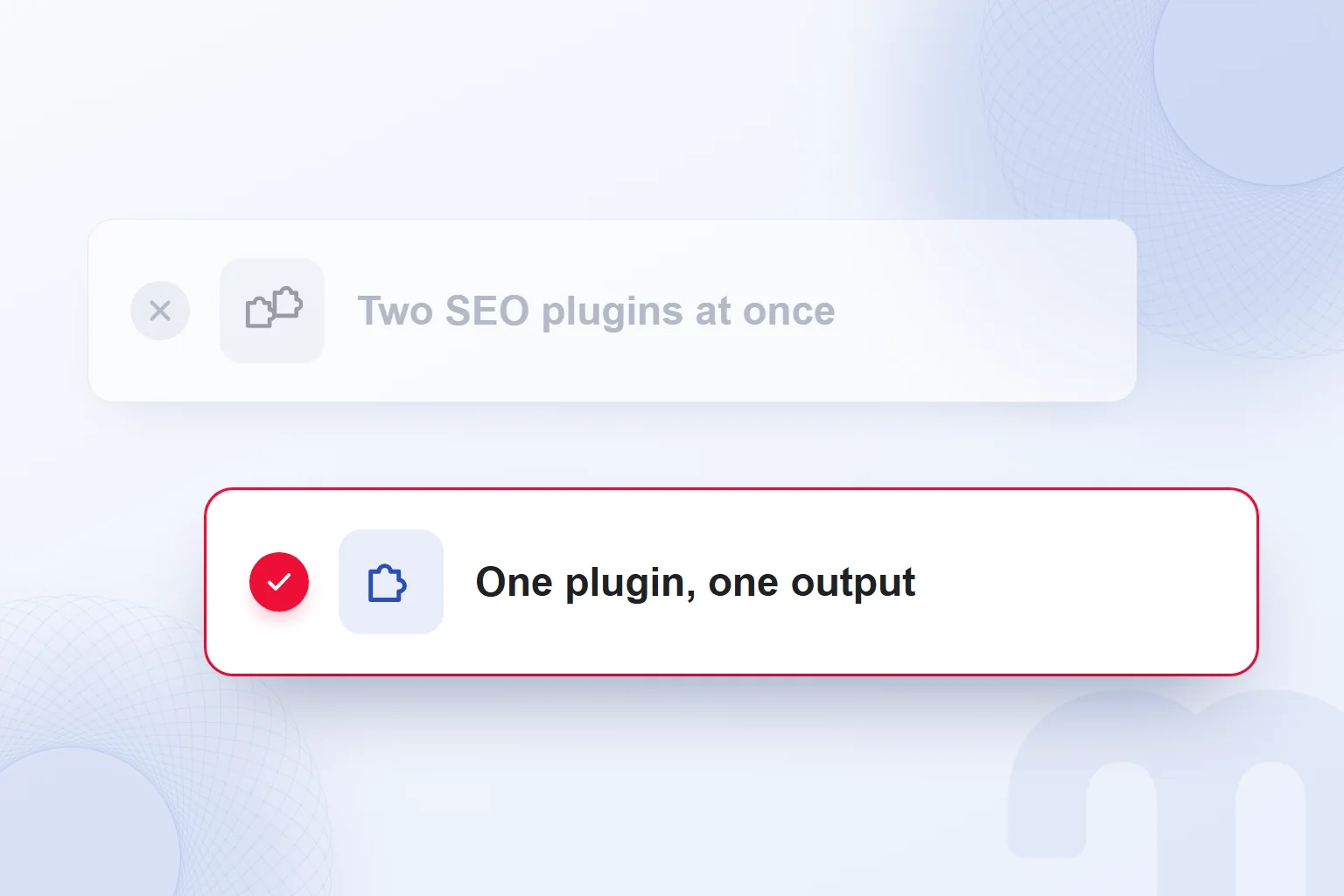
We never keep two SEO plugins producing output at once; titles, meta descriptions, canonicals, schema and sitemaps get duplicated or conflict. Each piece of technical output is managed in one plugin.
For a new feature, we assess a switch instead of activating a second full SEO plugin; two title or canonical settings for one page blur which output we keep. In an audit, we confirm each field comes from a single source.
We run the switch on a staging copy first; while the new plugin imports the old one’s data, their output can overlap. On the live site, we deactivate the old plugin right after the import and review the same URLs. In our own switch, the new plugin installed in a standby mode that produces no output while another SEO plugin is active, then took over after importing the data.
How do you switch SEO plugins?
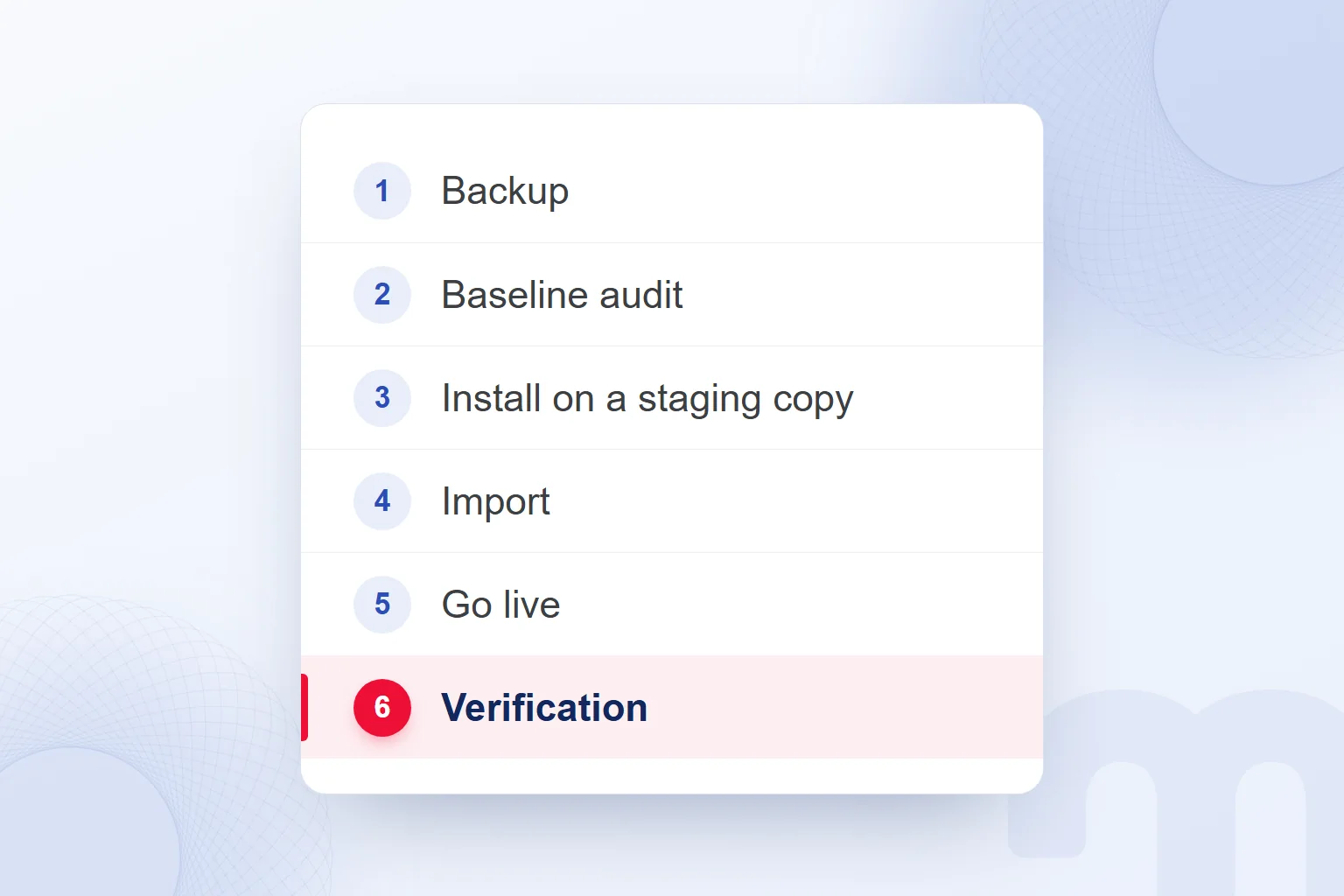
We switch SEO plugins by backing up settings, measuring current output, migrating the data and comparing live results. The old plugin stays in place for a rollback.
- We take a backupWe back up the plugin settings and meta records and keep a database dump on the server.
- We record a baselineWe record title, description, robots, canonical, Open Graph and schema types for the homepage, service, blog, post, category, tag, author, search and 404 pages, and review the sitemap and robots.txt.
- We install and import on stagingWe install the new plugin on a staging copy, migrate settings and meta records, and compare the output.
- We deactivate the old pluginRight after the live import, we deactivate the old plugin without deleting it; two plugins never output at once.
- We refresh the live outputWe clear the cache, keep the sitemap path or 301-redirect the old one, update the sitemap line in robots.txt, resubmit the sitemap in Search Console and verify the IndexNow key.
- We compare the same URLsWe review the baseline pages again and note differences in title, description, robots, canonical, Open Graph and schema.
- We roll back if neededWe deactivate the new plugin, reactivate the old one and return to the previous setup with its data intact.
- We clean up old data laterWe remove the old plugin’s data only after the new setup has run cleanly for at least two weeks.
Our inventory also held one term meta key. These numbers show the scope of migrated data fields, not the number of posts.
The inventory surfaced the site name’s spelling in titles, a stale sitemap cache, an empty person node in the schema of a page without an author and a robots.txt rule blocking an unused path. We logged these as fixes; recording current output does not mean preserving faulty fields.
Today markention.com runs on our own GEO & SEO plugin, which covers AI answer engines as well as search engines.
What should you check after the switch?
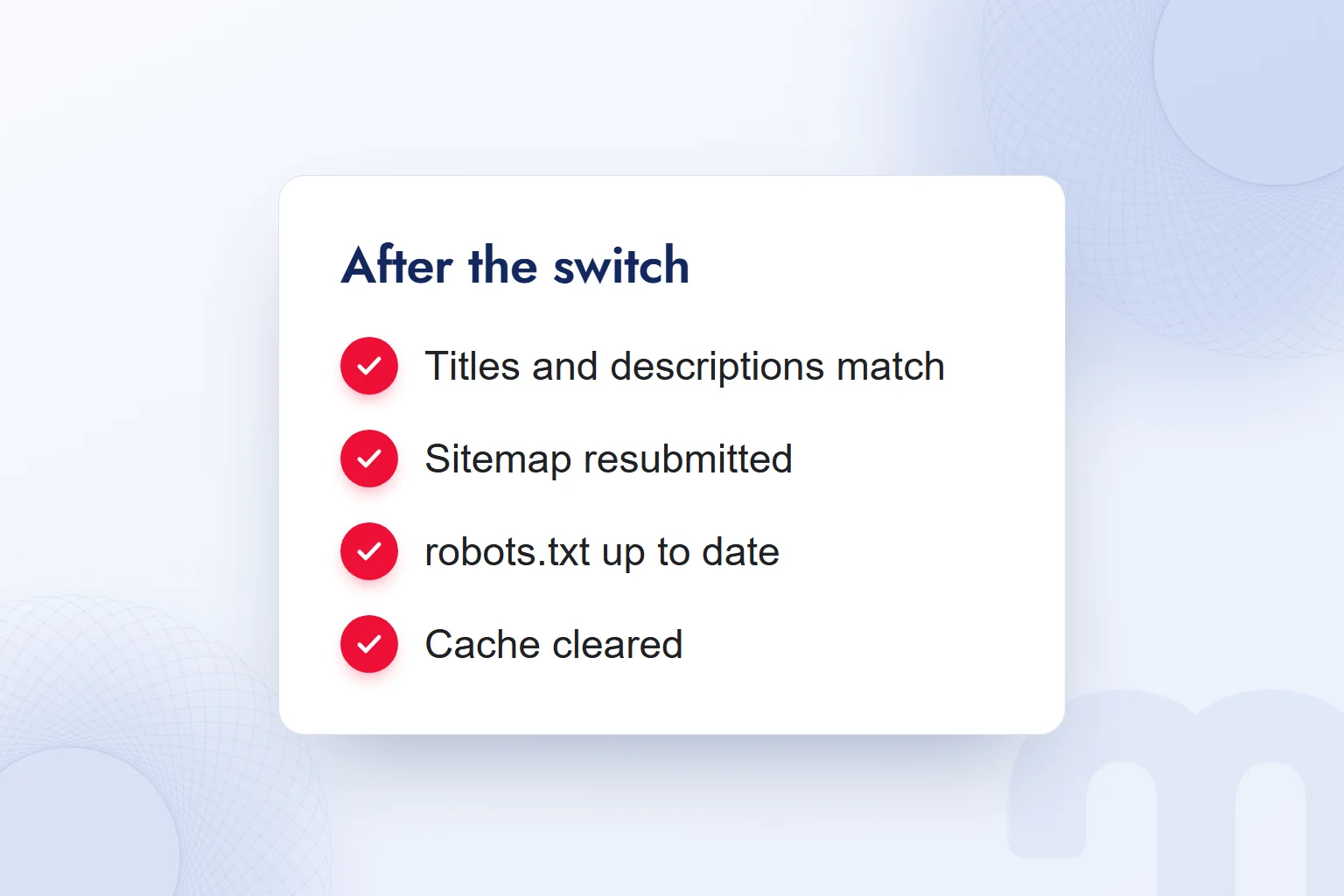
After the switch, we compare titles, descriptions, robots, canonicals, social cards and schema with the baseline, then check the sitemap, redirects and cache. When something differs, we fix the setting and review the same URL again.
Common situations and our response:
| Situation | What we do |
|---|---|
| The title or description changed | We enter the unimported template by hand in the new plugin and compare the page output again. |
| A schema type or organization details are missing | We complete the organization and author settings and validate the schema again. |
| The sitemap URL changed | We 301-redirect the old URL to the new sitemap and resubmit it in Search Console. |
A correct homepage is never enough for us. We check the baseline’s category, tag, author, search and 404 pages in the same order. Planned fixes stay apart from unexpected differences, so a site name spelling fix never counts as a migration loss.
In our SEO consulting work, we run the migration audit on this inventory and comparison and tie every missing field to a task.
Is an SEO plugin enough on its own?
An SEO plugin is not enough on its own; while it handles technical output, we run content, speed and link work separately. Filled-in plugin fields never mean that work is done.
A title and description do not replace the page’s answer to the reader’s question. With schema settings complete, we still handle content, site speed and link structure as separate workstreams. The plugin choice helps manage that work. For us, a sufficient setup produces the output we need correctly and stays maintainable. The rest of search visibility is covered in our SEO articles.
Frequently asked questions
What is a WordPress SEO plugin?
It is software that manages technical SEO output such as titles, meta descriptions, canonicals, schema and the sitemap. We choose one by our needs in these areas.
What is the most popular WordPress SEO plugin?
By active installations on WordPress.org, Yoast SEO leads these three with 10+ million. Rank Math has 4+ million and All in One SEO 2+ million.
Can you use two SEO plugins at the same time?
We never run two SEO plugins that both produce output. Titles, descriptions, canonicals, schema and sitemaps get duplicated or conflict.
Does WordPress have a sitemap without an SEO plugin?
Yes, WordPress core serves a basic XML sitemap at /wp-sitemap.xml. SEO plugins can switch it off and publish their own.
Does switching SEO plugins affect rankings?
Rankings can shift if technical output changes. We compare titles, robots, canonicals, schema and the sitemap with the baseline and roll back if we see a problem.
Is the free version enough?
Yes, if it covers the tasks on our requirements list. We match content analysis, schema, redirects and other required areas against the chosen plugin’s free features.

 What is a meta description? Length, writing rules and effect on clicksRead article
 What is a keyword? Types of keywords and how to choose themRead article
 What is a title tag? How to write it and how it differs from H1Read article
 What does optimize mean? Optimization on phones, websites and adsRead article
 What are search engines? Google, Bing, Yandex and AI searchRead article
 What is “People also search for”? How to use it in SEORead article
 What is Flutter? When to choose it for a mobile app, and its limitsRead article
 Advertising on ChatGPT: Ads Manager, Targeting and Your First CampaignRead article
Questions & answers
0 commentsNo questions yet; you can ask the first one.