





 Cihat Murat Yüksel
7 min read
Cihat Murat Yüksel
7 min read
What is WhatsApp Business? Free app, Platform (API) and how to use it
The free WhatsApp Business app, how it differs from the Platform (API), and setting up a business account; the order we follow for catalog, messages, labels and campaign consent.Pro
Contents 8 sections
WhatsApp Business is a free messaging app built for small businesses to talk to customers one to one, with a business profile, a product and service catalog, automated messages, quick replies and chat labels. We present the business’s key details through the .
Before opening the account, we decide why customers will write and who will answer. We prepare the details for product questions, service requests and orders in progress. A small team’s one-to-one chats and a setup with many agents are assessed separately; we choose the app, the Platform or a channel by that need.
The choice of WhatsApp Business is made by communication need; customer support and campaign messages are assessed separately.
What is WhatsApp Business?
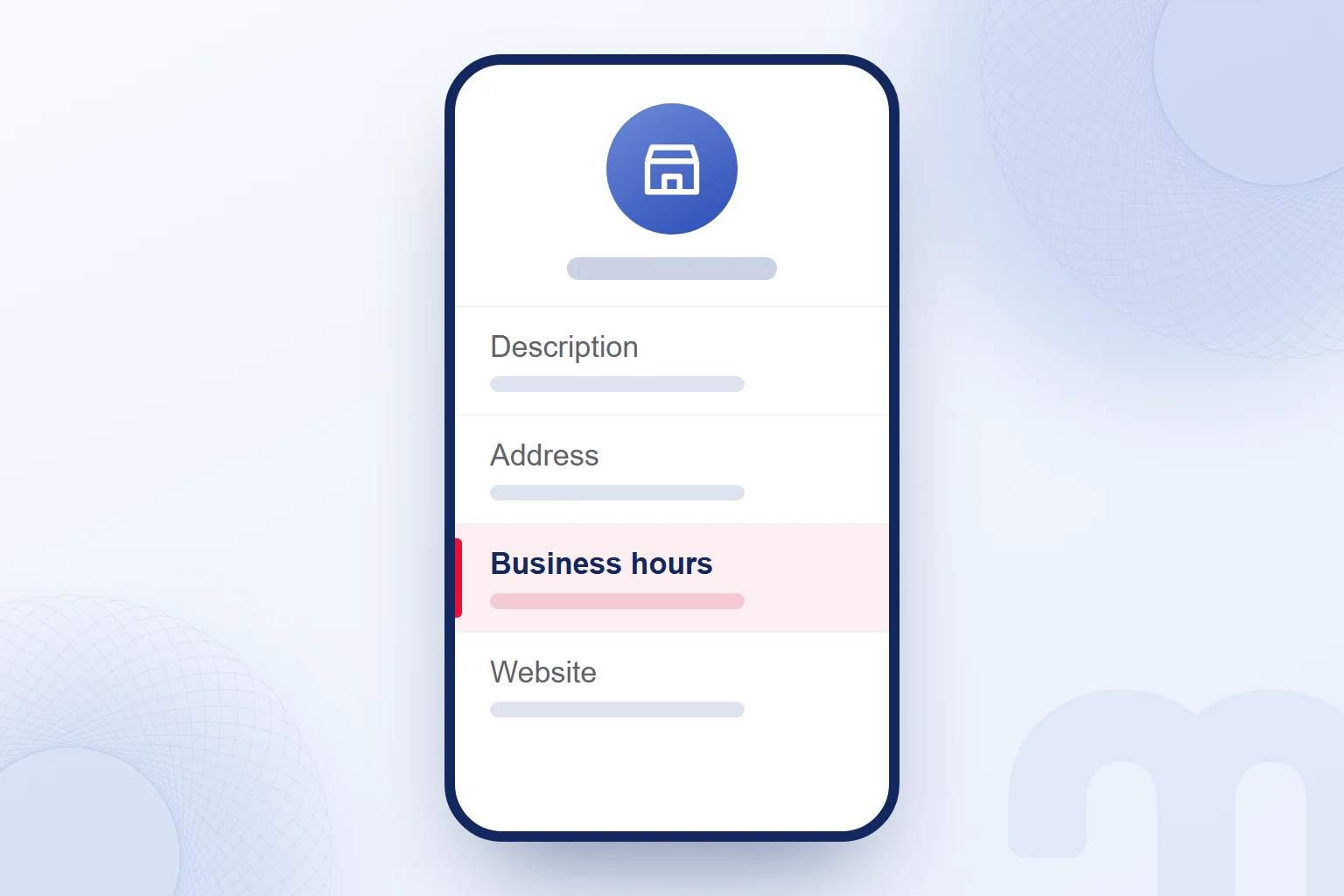
WhatsApp Business is an app that lets businesses manage customer chats with a business profile, a catalog and messaging tools. Customers see the address, business hours, description and website on the profile. We fill these fields with the basics a customer needs before getting in touch.
We also think about what the chats will contain: at a service business, customers ask what is done; at a shop, about a product. We prepare the service description or the catalog details accordingly.
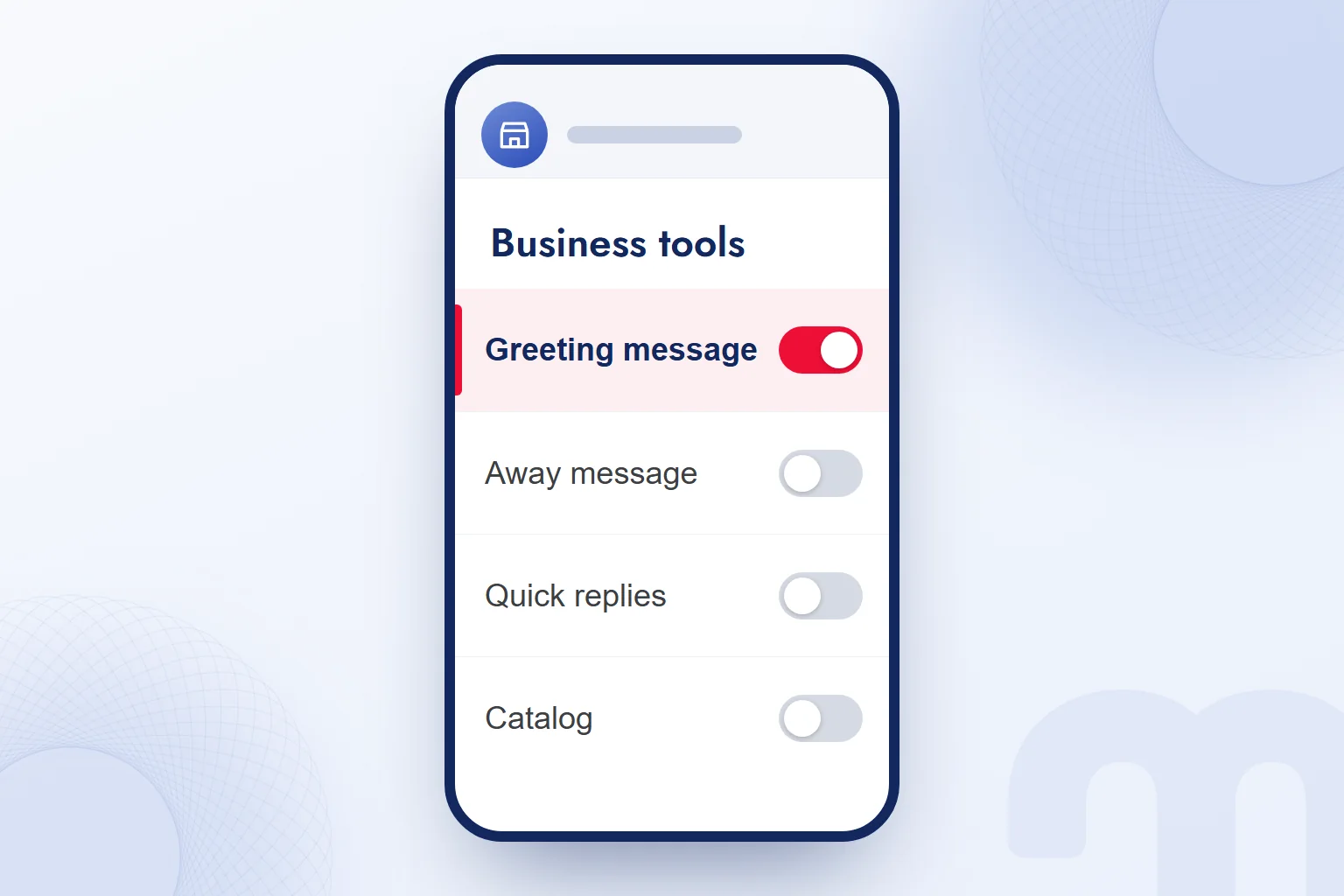
We tie the messaging tools to how the team works. The greeting message covers first contact, the away message covers times we cannot reply, and quick replies cover repeated questions. When business details change, we review the profile and replies together.
What is the difference between WhatsApp Business and regular WhatsApp?
WhatsApp Business differs from regular WhatsApp through business tools such as the business profile, the catalog and automated messages. With them, the business no longer has to explain itself again in every chat. The profile says what the business does; the catalog shows what it offers.
The same phone number cannot run a personal WhatsApp account and a WhatsApp Business account at the same time. We settle the one number, one account rule before setup, weighing personal use against the number customers already know when deciding whether to move the existing number or pick a new one.
When switching from a personal to a business account, chat history can be transferred; WhatsApp shows this step during setup. We then complete the profile and read the description, address and business hours the customer will see, confirming the website represents the same business.
Is WhatsApp Business free?
Downloading and using the WhatsApp Business app is free; the WhatsApp Business Platform is paid. We first make clear which product we mean. The app serves a small business’s one-to-one communication; the Platform is an API-based solution for large businesses and messaging at scale.
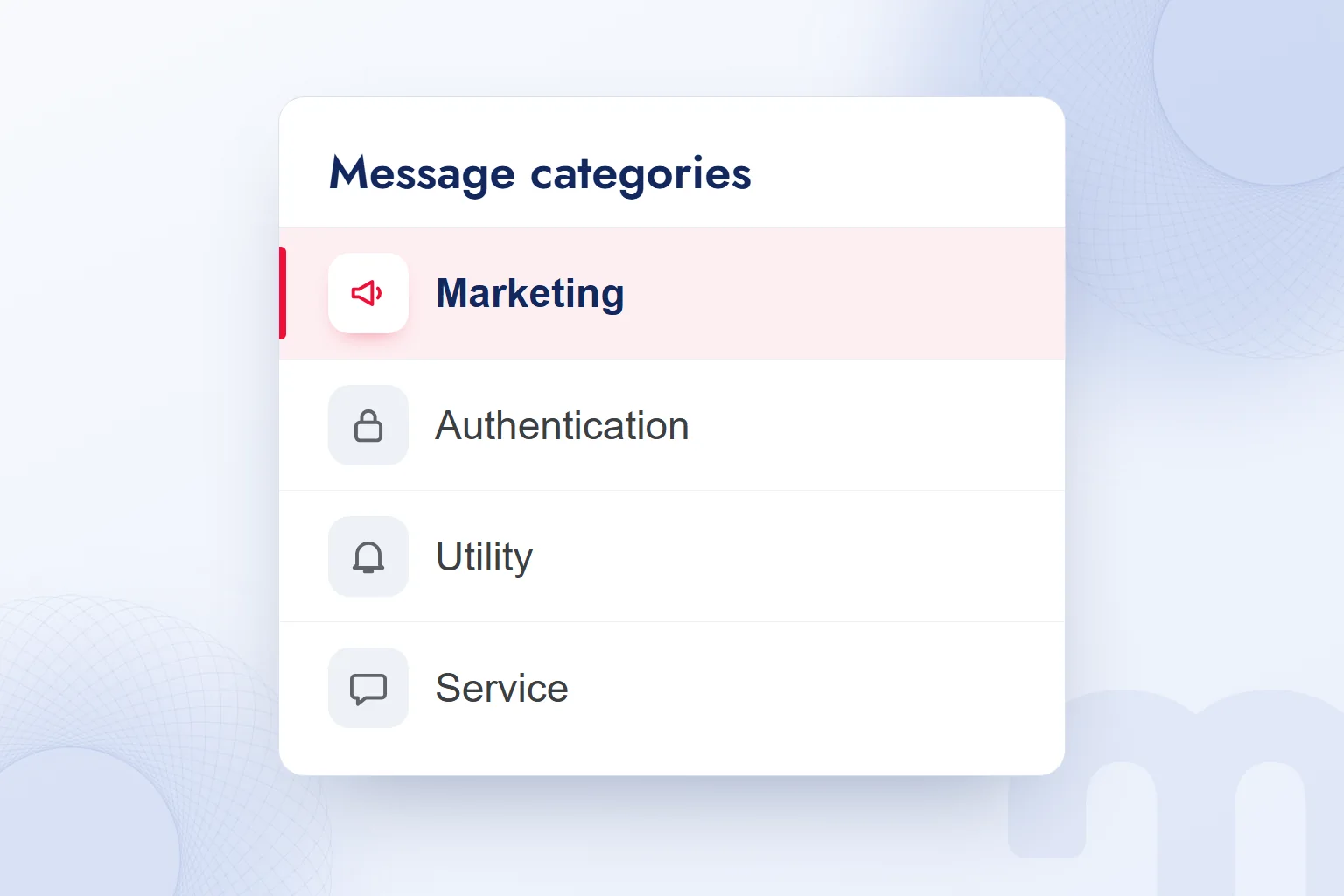
For the Platform, we take into account that messages fall into marketing, authentication, utility and service categories. We tell the partner setting up messaging what each communication is for.
With the free app, we still plan content and reply responsibility. Filling in the profile, organizing the catalog and following up on questions are the team’s job, so the ready-made messages describe the service the team really provides.
WhatsApp Business app or Platform: which one do you need?
We choose the WhatsApp Business app for a small team chatting one to one, and the Platform for a business that needs many agents, a connection and automated notifications. We decide by how customer requests will be handled: first the team, then the connections it needs.
| Criterion | App | Platform |
|---|---|---|
| Who it is for | Small businesses and one-to-one customer communication | Large businesses and messaging at scale |
| Price | Free | Paid |
| Setup | We install the app and prepare the business profile | We plan the API-based setup with a partner |
| Message types | One-to-one chats, greeting and away messages | Marketing, authentication, utility, service |
| Automation and CRM | Greeting and away messages | Built for CRM connections and automated notifications |
The next step depends on the situation:
- A small team chats one to one from a single phone → We choose the WhatsApp Business app and prepare the profile and messaging tools.
- We need many agents, a CRM connection and automated notifications → We plan the WhatsApp Business Platform through a partner.
- We only make announcements → We choose a WhatsApp channel and prepare the announcement content.
We describe the Platform choice in concrete tasks: which customer data the CRM handles and which notifications run automatically. For the app, we check whether the catalog and quick replies answer the questions we already get.
How do you set up a WhatsApp Business account?
We set up a WhatsApp Business account by choosing a number and installing the app, then prepare the business profile and messaging tools. Beforehand, we gather the description, address, business hours and website, and decide which products and services go in the catalog.
- We choose the numberWe pick the business number, keeping in mind that one number cannot run a personal and a business account at once.
- We install the app and prepare the profileWe follow WhatsApp’s setup steps and complete the description, address, business hours and website.
- We build the catalogWe show the products and services customers will ask about and prepare what we will share in chats.
- We write the greeting and away messagesWe write the first-contact greeting and the text for times we cannot reply, based on how the business works.
- We prepare quick repliesWe collect repeated questions and write a short, clear answer for each.
- We organize labelsWe define the labels for following chats so each label means the same status for the whole team.
- We use the WhatsApp link on the site and in adsWe send customers to the business account and check that the link opens the right chat.
We treat a small business’s communication with local customers as part of our local SEO work, so customers find the same service and details on the site and in the chat.
In the setup check, we ask a product or service question as a customer would and review whether the catalog item and our reply answer it. We fix vague wording and name who keeps the replies current.
How do you use WhatsApp Business?
We use WhatsApp Business to share product and service details through the catalog, answer repeated questions with quick replies and organize chats with labels. We check that ready-made content fits each question rather than sending the same reply everywhere.
The greeting message introduces the business and asks customers what they need, for example: “Hello, which product or service would you like to know more about?” The away message explains when the business cannot reply. We never add a response time we cannot keep.
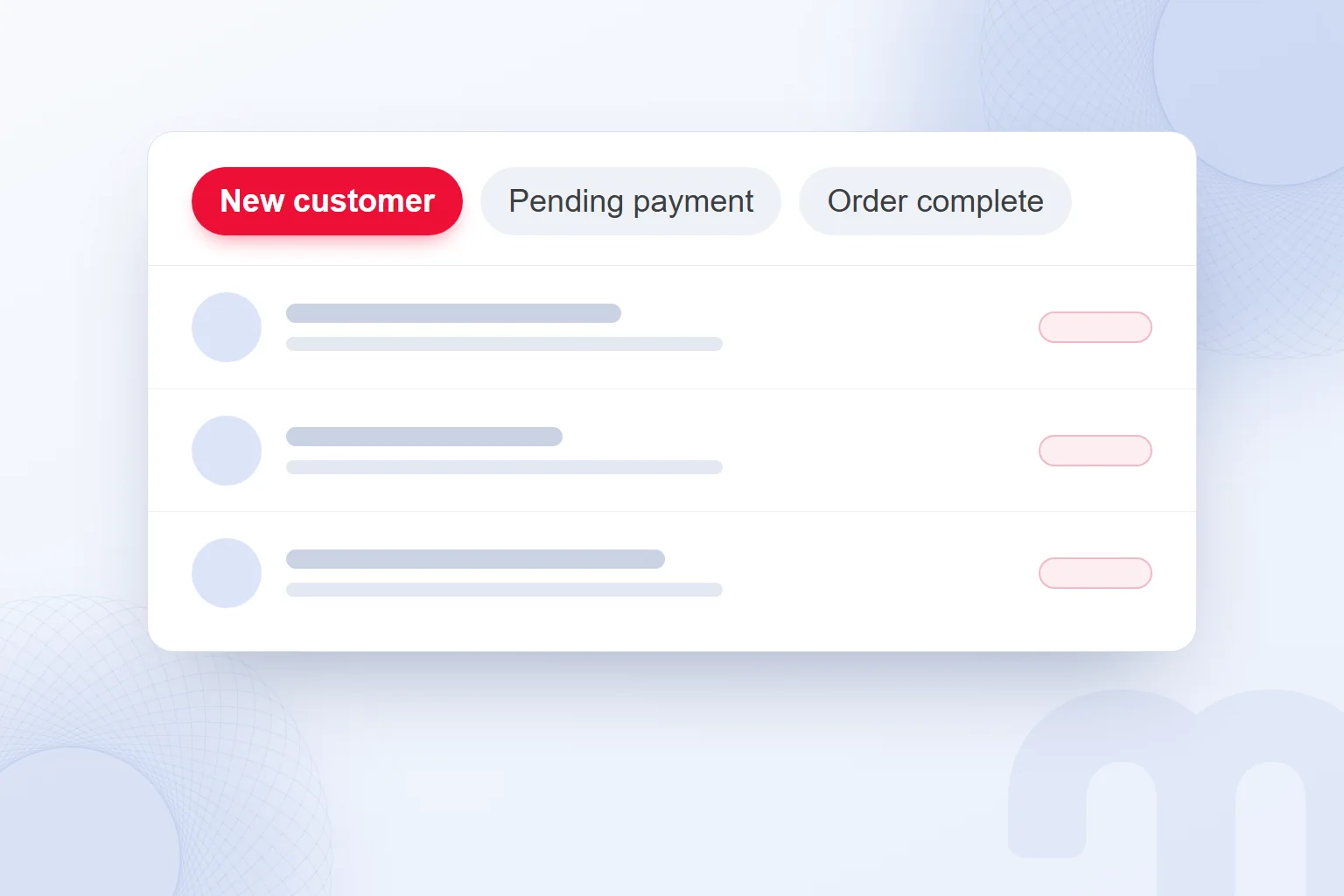
When a customer asks about a service, we share the catalog item and pick the quick reply that fits. Labels sort chats into statuses such as “New customer”, “Pending payment” and “Order complete”, which we link to a segmentation approach.
If customers write but conversations stall, we look at where the problem arises:
- Replies are slow → We set up the greeting and away messages and prepare quick replies.
- We keep answering the same questions → We use the quick reply and the related catalog link.
- It gets unclear who wants what → We separate chats with labels and track each conversation’s status.
In Meta ads, we use the destination that opens a WhatsApp chat on click and plan who the ad reaches with the audience concept.
WhatsApp channels are a one-way announcement tool; followers see the posts but not the owner’s number. We plan community announcements in the channel and answer one-to-one questions in the chat, keeping the two purposes apart.
What do we check before sending campaign messages on WhatsApp?
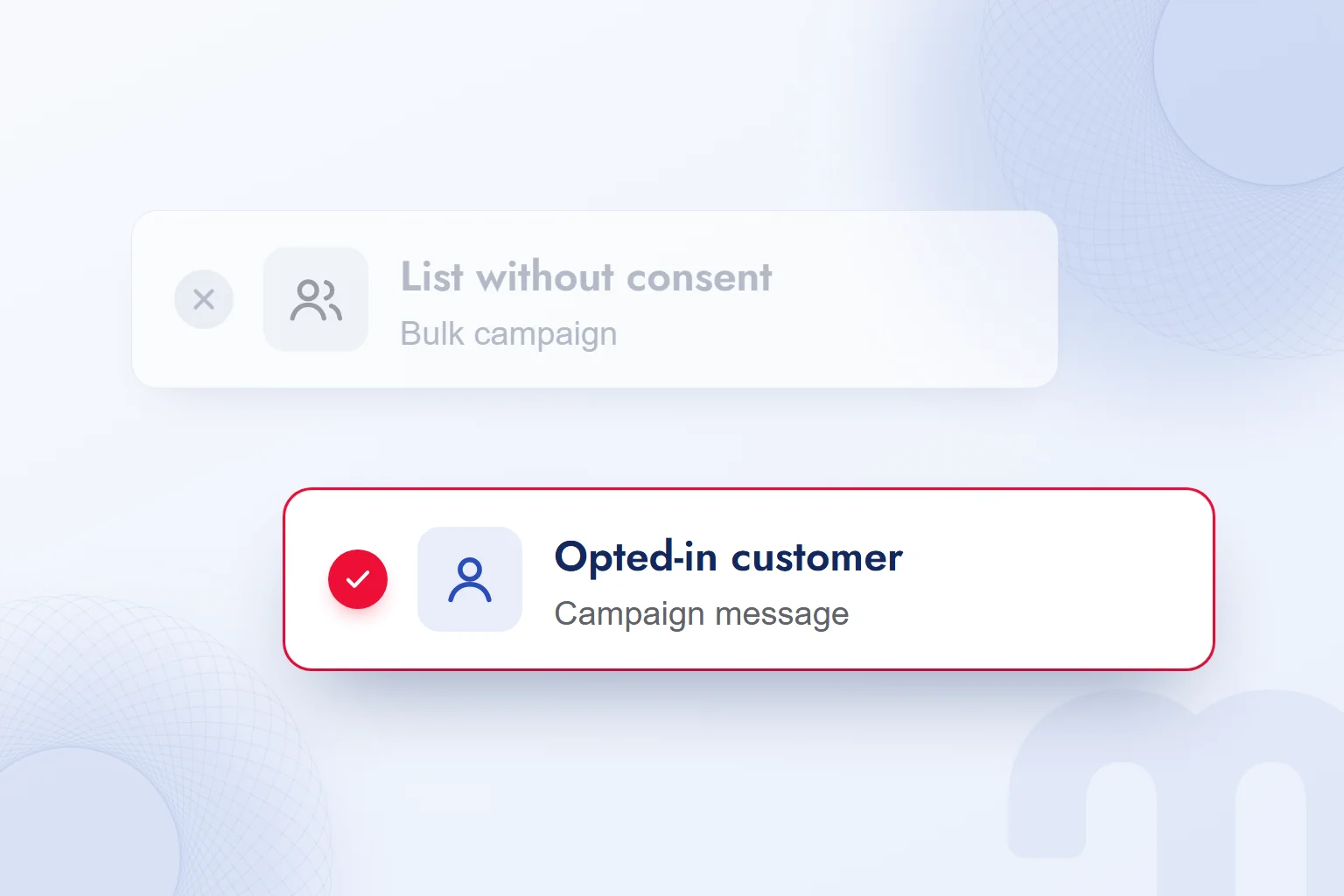
Before sending WhatsApp campaign messages, we check the recipient’s prior consent with legal counsel, along with, in Turkey, the obligations under and the KVKK privacy notice. In Turkey, prior consent for commercial electronic messages falls under Law No. 6563, and we include WhatsApp campaigns in that assessment.
A support chat started by the customer is assessed separately from a campaign announcement. Answering a product question does not settle consent for a later campaign. We state whether each message is support or a campaign and assess the actual content.
We check obligations such as registration with the Message Management System (İYS) with legal counsel, and handle the privacy notice required under KVKK, Turkey’s personal data protection law, in the same preparation. A list of phone numbers alone is never enough to send; we plan the campaign only after checking consent.
We write the site’s message button text using the criteria in our call to action article, and put the business on the map with our Google Business Profile guide. More on choosing channels to reach customers is on our blog; on WhatsApp, support and campaign preparation stay separate jobs.
Frequently asked questions
What is WhatsApp Business?
A free app built for small businesses to talk to customers one to one. It offers a business profile, a catalog and messaging tools.
Is WhatsApp Business free?
The app is free to download and use. The WhatsApp Business Platform is paid; we choose by the business’s messaging needs.
Can one number run a personal and a business account?
Not at the same time. When switching from a personal to a business account, chat history can be transferred during setup.
Who is the WhatsApp Business Platform for?
It is an API-based solution for large businesses messaging at scale. When many agents, a CRM and automated notifications are needed, we plan it with a partner.
How is a WhatsApp channel different from a customer chat?
A channel is a one-way announcement tool; followers do not see the owner’s number. One-to-one questions are answered in the chat.
What do we check before a WhatsApp campaign message?
Prior consent, and in Turkey İYS obligations and the KVKK privacy notice, with legal counsel. Support chats are assessed separately from campaigns.

 What is a buyer persona? How to create one, with a templateRead article
 What is Affiliate Marketing? Commission Models and Building a ProgramRead article
 What is a podcast? How podcasts work for brands and where to publishRead article
 Best time to post on TikTok: finding it with your own account dataRead article
 How to create a barcode: EAN-13, Code 128 and QR codesRead article
 What is MCP? Connecting AI to your data with Model Context ProtocolRead article
 How to advertise on YouTube: campaign types, targeting and costRead article
 What is an audience in advertising? Audience types and how to chooseRead article
Questions & answers
0 commentsNo questions yet; you can ask the first one.