





 Oğuzhan Altun
7 min read
Oğuzhan Altun
7 min read
What is an audience in advertising? Audience types and how to choose
What audience means, the audience types in Google Ads and Meta, building audiences from our own data, and how to choose between “Targeting” and “Observation.”Pro
Contents 8 sections
An audience is a group of viewers, listeners or spectators; an audience in advertising is the group of people we select in a campaign on ad platforms to show ads to or to track separately. Google Ads calls this group an , and Meta calls it an audience.
We start by defining the people we want to reach and the data we have. A product researcher and a past site visitor are chosen for different reasons: research intent versus an existing relationship with our business. When adding a group to a campaign, we also decide whether to show ads to it or only review its performance separately.
An audience is chosen according to the data available, and the decision to limit reach is made together with the campaign’s goal.
What does audience mean in advertising?
Audience describes a group of viewers or listeners, while target audience in marketing means the people we want our message to reach. In an ad account, we look at the name the platform uses and at how the group was built.
Three different needs, three different meanings:
- Understanding the word in everyday writing → we read audience, by context, as viewers, listeners or spectators.
- Deciding whom a marketing plan addresses → we use target audience and define who the message should reach.
- Selecting a group on an ad platform → we review audience segments in Google Ads and audiences in Meta, and decide whether the group serves ad delivery or performance tracking.
We first write the target audience as a plain sentence: “people researching our service” describes intent, “people who visited our site” a past relationship. Then we find its platform equivalent, never picking an audience name just because it sounds familiar.
What is an audience in advertising used for?
In advertising, an audience lets us define who an ad reaches, or track the performance of selected groups separately. We separate the two uses by the campaign’s goal; seeing a group’s results does not mean limiting reach to it.
We choose the audience together with the ad message: researchers are weighing a purchase, past visitors already know us. Next to every selection we note the relationship or interest it relies on, and write the message around it.
Audience Network is an ad placement where Meta ads appear in partner apps, not an audience type. The audience sets whom we reach; the placement sets where the ad appears. Seeing it does not mean a group of visitors or similar people was selected, so we review audience and placement separately.
What are the audience segment types in Google Ads?
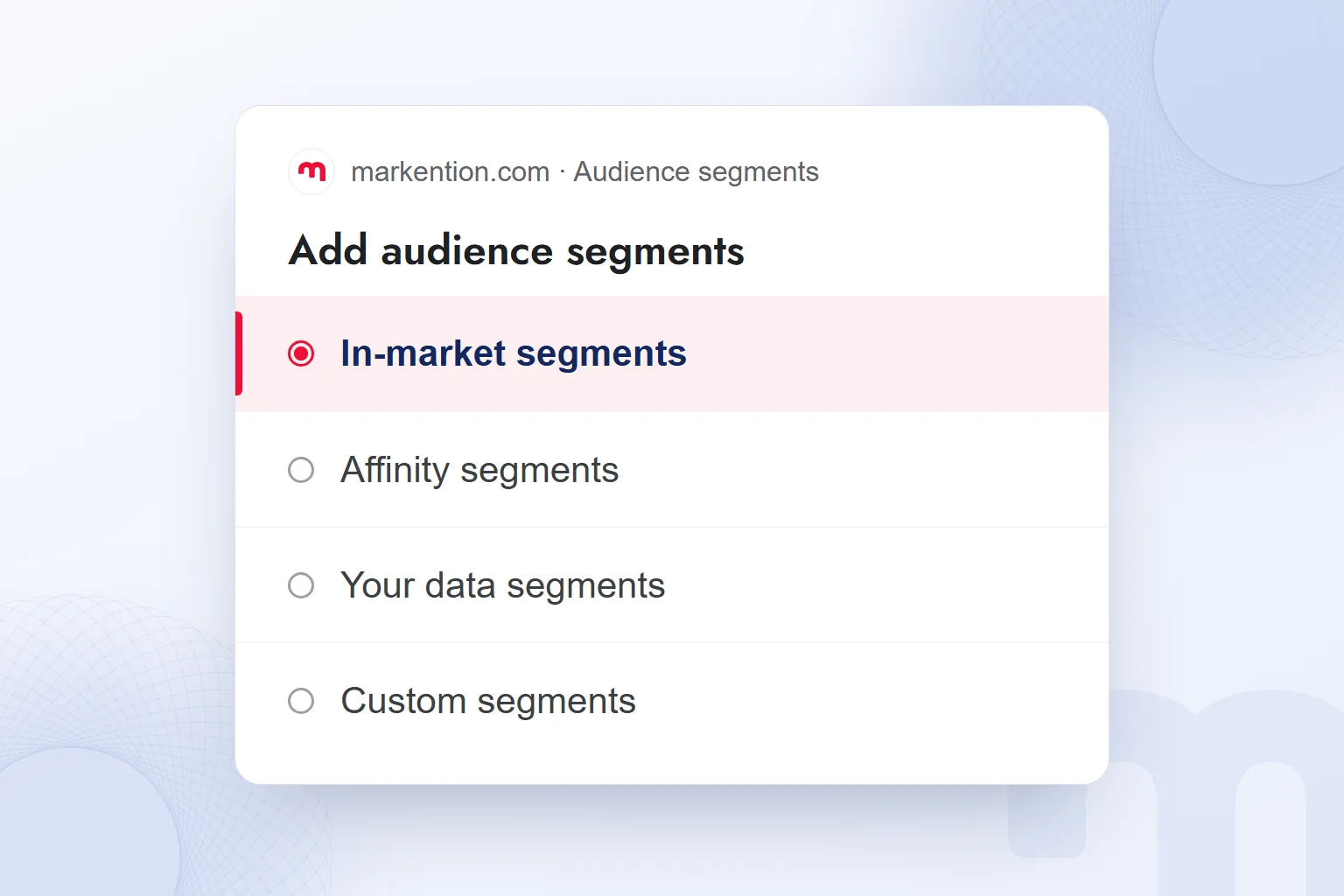
Google Ads has six types of audience segments: affinity, custom, detailed demographics, life events, in-market and your data segments. We make the first choice according to the source of the information the campaign will use.
In-market segments cover people researching a product or service and considering a purchase. Affinity segments describe people with a long-term interest in a topic. We keep research intent and lasting interest apart; not everyone interested in a product is at the same purchase stage.
| Type | Name on the platform | What it is based on |
|---|---|---|
| Research intent | Google Ads: In-market segments | Researching a product or service, considering a purchase |
| Long-term interest | Google Ads: Affinity segments | Long-term interest in a topic |
| Our own data | Google Ads: Your data segments; Meta: Custom Audience | Website and app visits, consented customer data; on Meta, engagement as well |
| Similar people | Meta: Lookalike Audience; Google Ads: lookalike segments, Demand Gen only | On Meta, a source Custom Audience; on Google Ads, our own data |
| Custom definition | Google Ads: Custom segments | Keywords, websites and apps we specify |
In custom segments, we tie keyword, website and app choices to the people we want to reach. Your data segments cover website and app visitors, Customer Match and lookalike segments. Lookalike segments work only in , so we do not assume the option exists in other campaign types.
What are the audience types in Meta?
On Meta, a Custom Audience is built from our own sources, a Lookalike Audience from people similar to a source audience, and Advantage+ audience uses our suggestions as a starting signal and expands with AI. We define what each option relies on before setup.
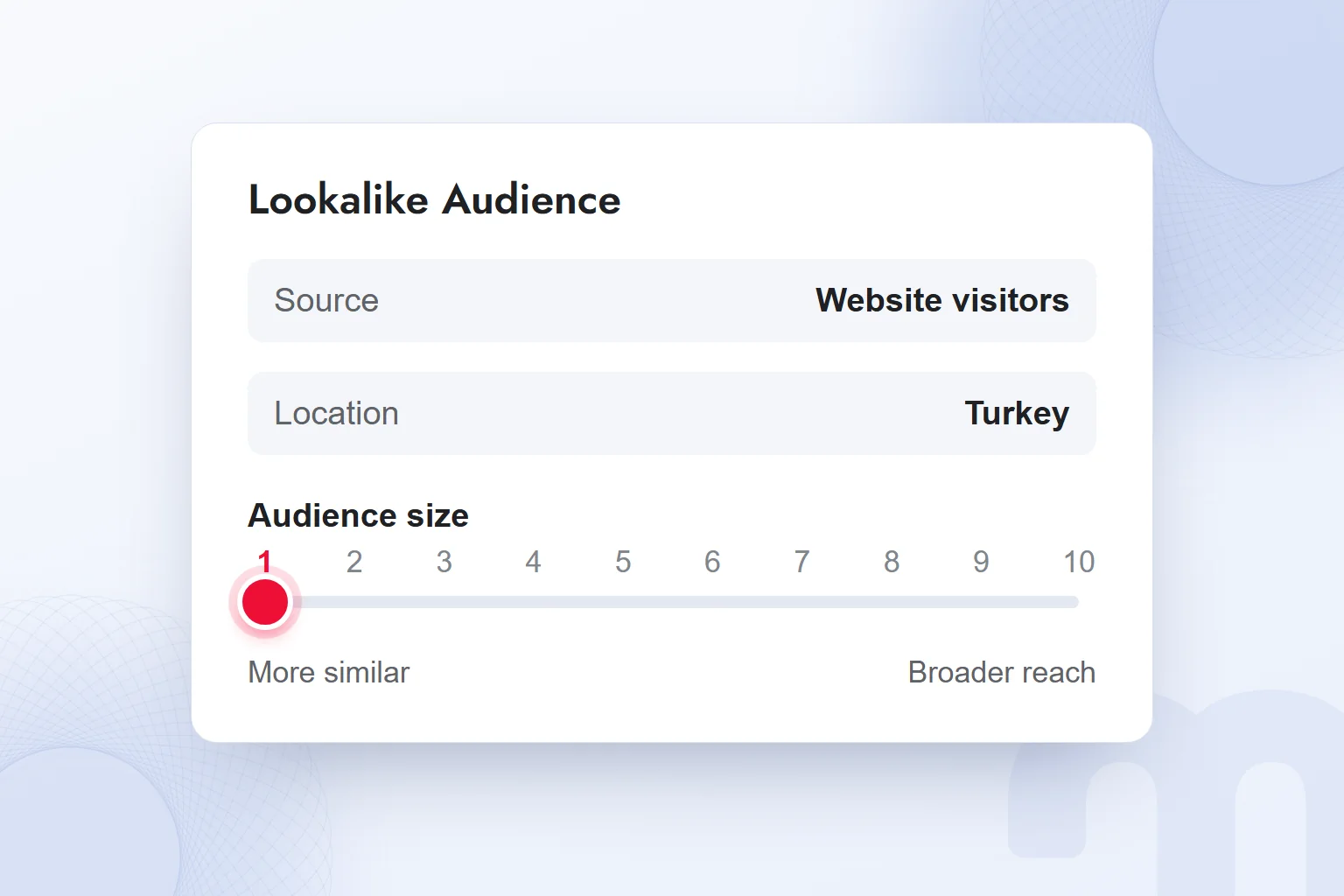
A Custom Audience can use website visitors, app users, a consented customer list or engagement. For a Lookalike Audience, the source Custom Audience needs at least 100 people; we pick the source new people should resemble.
In Lookalike Audience size, 1% is the group most similar to the source. As the percentage grows, reach increases and similarity falls; only the selected country is covered. We decide country and size together and never pick the widest percentage just for its size.
With Advantage+ audience, our suggestion is a starting signal from which the system expands. In our Meta Ads consulting work, we set the source group, similarity and expansion together with the campaign’s goal.
How do we build an audience from our own data?
We build audiences from our own data using website or app visits and customer data collected with consent. We first choose the source, then the people we want to reach with it, handling visitor audiences and customer lists separately.
Remarketing means showing ads again to people who have visited a website or app. It requires the relevant tag, such as the Google tag or the Meta pixel, and the visitor’s . We check both before using a visitor audience.
Customer Match, like a Meta Custom Audience from a customer list, is built from consented customer data. We check the list’s source and permission; having a record is no reason to use it in advertising.
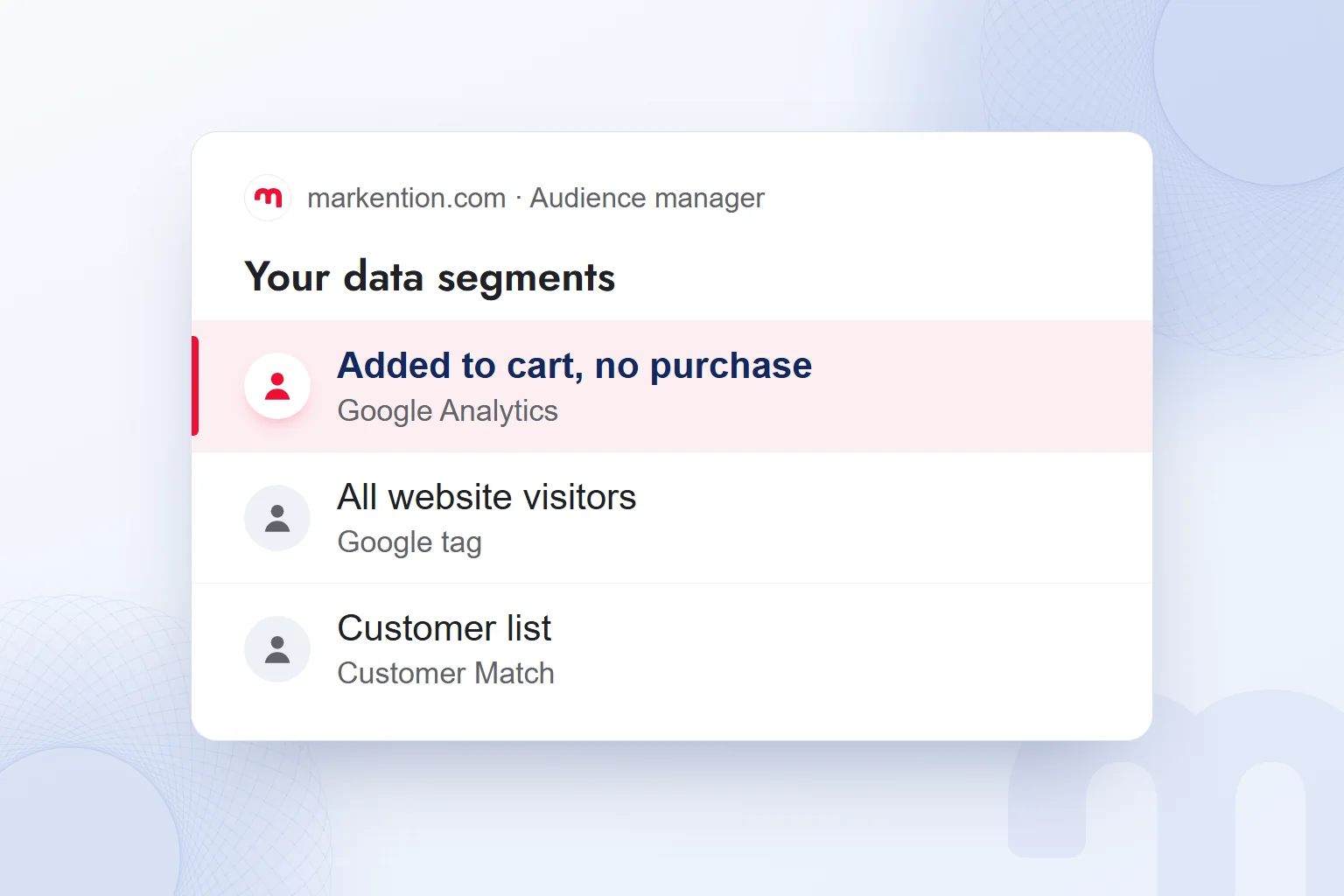
With Analytics and Google Ads linked, GA4 audiences appear in Google Ads under your data segments; the setup is in our segmentation article. We record each group’s definition with its source. “Added to cart but didn’t purchase” and “all website visitors” are different groups with different messages.
How is an audience added to a campaign: Targeting or Observation?
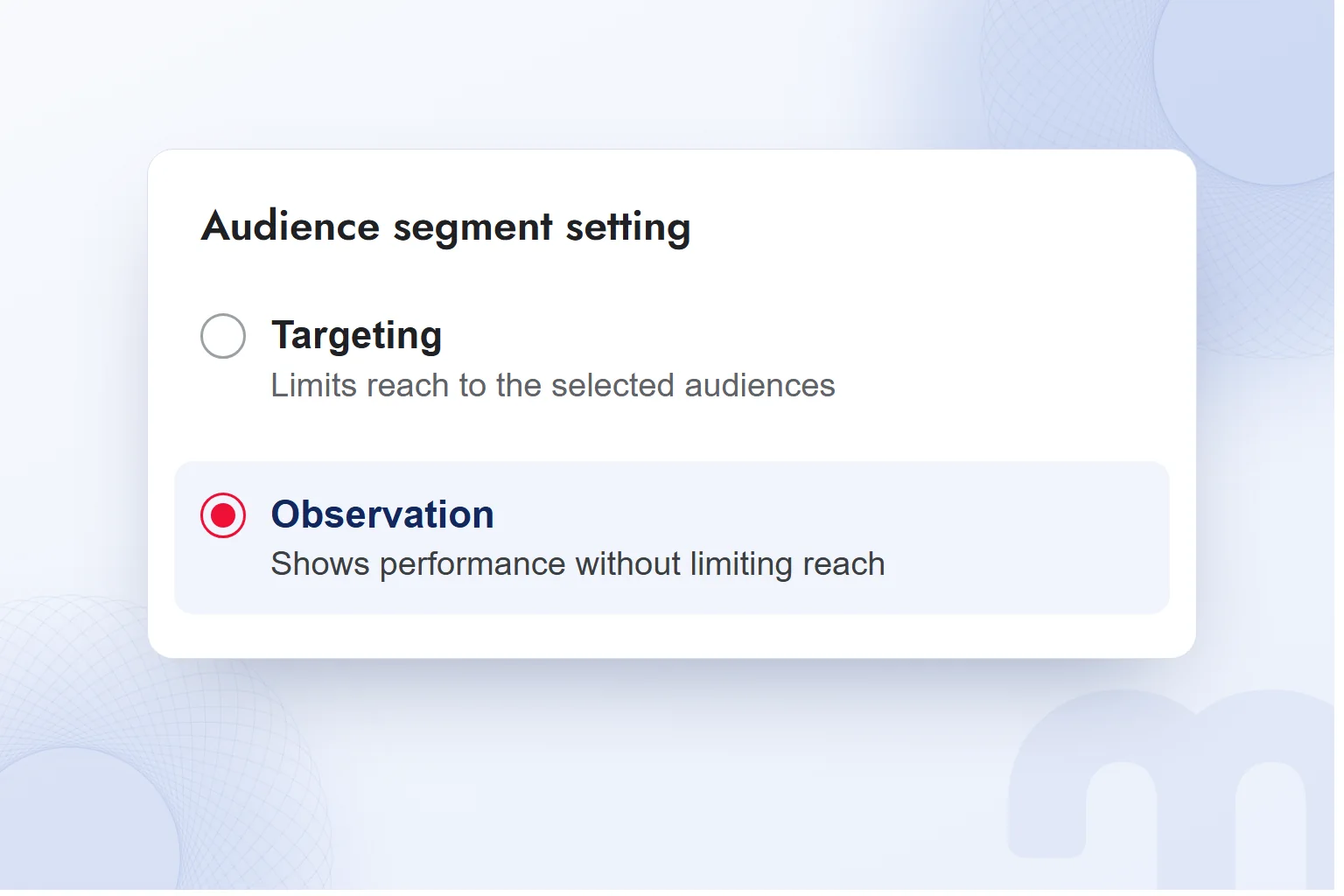
We add an audience with “Observation” to track its performance without limiting reach, or with “Targeting” to limit the ad to the selected group. At the start, to understand an audience’s effect, we use “Observation”; narrowing reach is a separate decision.
We add audiences after completing the campaign setup described in our article on advertising on Google. In a Google Ads campaign that starts without limiting reach, the order is:
- We open the campaign’s audience sectionWe select the campaign and go to its audience section.
- We search for the segmentWe find the segment matching the group we want to reach or track.
- We add it with “Observation”We track the group’s performance without limiting reach.
- We compare as data builds upWe compare the groups’ results and decide which audience to focus on.
- We switch to “Targeting” if neededWe change the setting to limit reach to the selected group.
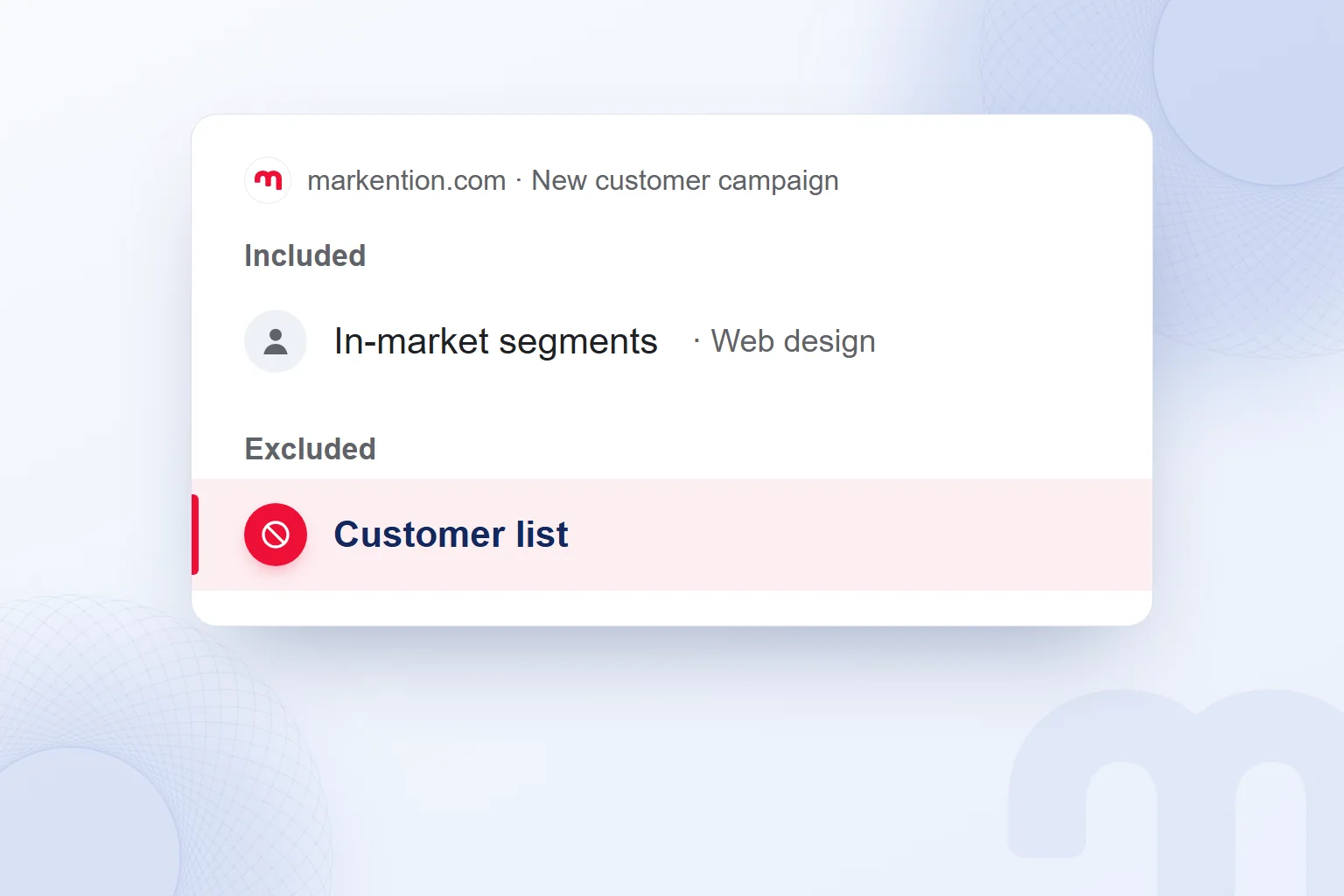
- We exclude the existing customer listIn a new customer campaign, we leave existing customers out.
Common situations and the path we take in each:
| Situation | What we do |
|---|---|
| The site has measurement and enough visitors | We start with your data segments in Google Ads and a Custom Audience on Meta. |
| We have a consented customer list | We use Customer Match; on Meta, a Lookalike Audience if the source has at least 100 people. |
| No data yet, we are a new brand | We choose suitable in-market and affinity segments. |
| We want to see an audience’s effect without narrowing reach | We track performance with “Observation” and decide on limiting reach separately. |
A group added with “Observation” does not have to move to “Targeting.” If reading its performance separately serves the campaign’s goal, we keep the setting; the deciding question is whether the ad should reach only the selected people.
What are common mistakes when choosing an audience?
The main mistakes are a group that is too narrow, an unchecked old list, skipped consent, and existing customers left in a new customer campaign. We review each selection by scope, data source and role.
With an audience that is too narrow, we first ask why we limited it. If the goal is only to see performance, “Observation” tracks it without narrowing reach. If narrowing is necessary, we recheck that the group describes the people we want to reach.
With an old customer list, we check whether the records still represent the group we want. Beyond the list’s name, we assess its source, freshness and permission. For visitor audiences, we check the tag setup alongside cookie consent.
Without excluding existing customers, a new customer campaign’s exclusions are incomplete. We exclude the customer list and review included and excluded groups together. Audience selection in ChatGPT ads is covered in our article on advertising on ChatGPT; other campaign decisions are in our advertising articles.
Frequently asked questions
What does audience mean?
An audience is a group of viewers, listeners or spectators. In advertising, it is the group of people an ad is shown to or whose performance is tracked.
Is Audience Network an audience type?
No, it is a placement where Meta ads appear in partner apps. The audience sets whom we reach; the placement sets where.
What is the difference between “Targeting” and “Observation”?
“Targeting” limits reach to the group we select. “Observation” lets us track the performance of selected audiences without limiting reach.
How many people does a Meta Lookalike Audience need?
The source Custom Audience needs at least 100 people. The size is set between 1% and 10% of people in the selected country.
What is needed for remarketing?
Remarketing to website or app visitors requires the relevant tag and the visitor’s cookie consent. A customer list must be built from consented data.
Which audience do we start with if we have no data of our own?
In Google Ads, we start with in-market or affinity segments, depending on whether we focus on purchase research or long-term interest.

 How to advertise on YouTube: campaign types, targeting and costRead article
 What is ROAS? Formula, ROAS vs ROI and how to set target ROASRead article
 What is advertising? How traditional and digital advertising worksRead article
 Advertising on ChatGPT: Ads Manager, Targeting and Your First CampaignRead article
 How to advertise on Google: account, first campaign, budget, trackingRead article
 What are ads? How Google, Meta and ChatGPT ads work alikeRead article
 What is an ad library? Competitor ads on Meta, Google and TikTokRead article
 What is a dashboard? Marketing dashboards, KPIs and Looker StudioRead article
Questions & answers
0 commentsNo questions yet; you can ask the first one.