





 Oğuzhan Altun
8 min read
Oğuzhan Altun
8 min read
What is an ad library? Competitor ads on Meta, Google and TikTok
An ad library is a free tool that publicly shows live ads together with their advertisers. We bring Meta, Google, TikTok and LinkedIn together in one table.Pro
Contents 12 sections
An ad library is an tool that lets anyone search the ads running on a platform without an account; Meta, Google, TikTok and LinkedIn each have their own. We use these screens to study what an advertiser says, which visual it uses and where it sends visitors.
We compare four platforms in one table and show which notes we take on an ad.
Ad libraries do not show performance data; an ad creative remains the advertiser’s copyright, so it is used for review and never copied.
What is an ad library, and why is it free?
An ad library is a search tool in which a platform publicly lists ads with the advertiser’s name; it is free because its purpose is transparency. For ad teams, it is the starting point for competitor monitoring and creative research.
We treat the ad copy, visual and video together as the “creative”. No payment or ad account is needed; some detailed screens ask you to sign in. Visibility does not prove an ad works.
Which platforms have an ad library? Four libraries in one table
Meta, Google, TikTok and LinkedIn each have an ad library; all four are free with a public search screen, and the level of detail varies by platform.
| Library | Address | What it shows | Search and filters | Limit |
|---|---|---|---|---|
| Meta Ad Library | facebook.com/ads/library | Active ads on Facebook, Instagram, Messenger and Audience Network; advertiser, date, platform, number of ads using the same creative | Country, ad category, advertiser name or keyword, platform, media type, active status, date | In Turkey, performance, spend and targeting of commercial ads are not shown; a paused ad drops off the list |
| Google Ads Transparency Center | adstransparency.google.com | Ads from verified advertisers on Search, YouTube and the Display Network; format and period shown | Advertiser name or domain, region, format (text, image, video), date range | No keyword search inside ad copy; no clicks or spend |
| TikTok Creative Center (Top Ads) and TikTok Ad Library | ads.tiktok.com/business/creativecenter and library.tiktok.com | Top Ads: highlighted ad videos by region and industry, with engagement metrics; Ad Library: a transparency record of ads shown in certain regions | Region, industry, campaign objective, period, keyword | Top Ads is a curated sample; signed out, only a few ads are listed, and the full list and details need an account. Ad Library covers only ads shown in the European Economic Area, the UK and Switzerland; Turkey is out of scope |
| LinkedIn Ad Library | linkedin.com/ad-library | Ads published by company pages; advertiser, date | Company name or keyword, country, date | No performance; targeting details only in certain regions |
For filters, fields and regional access, the platform’s current documentation is the reference.
How do you access the Meta Ad Library, and what can you see?
The Meta Ad Library opens at facebook.com/ads/library without an account; the Facebook Ad Library and the Meta Ad Library are the same tool, and Instagram ads are listed there too.
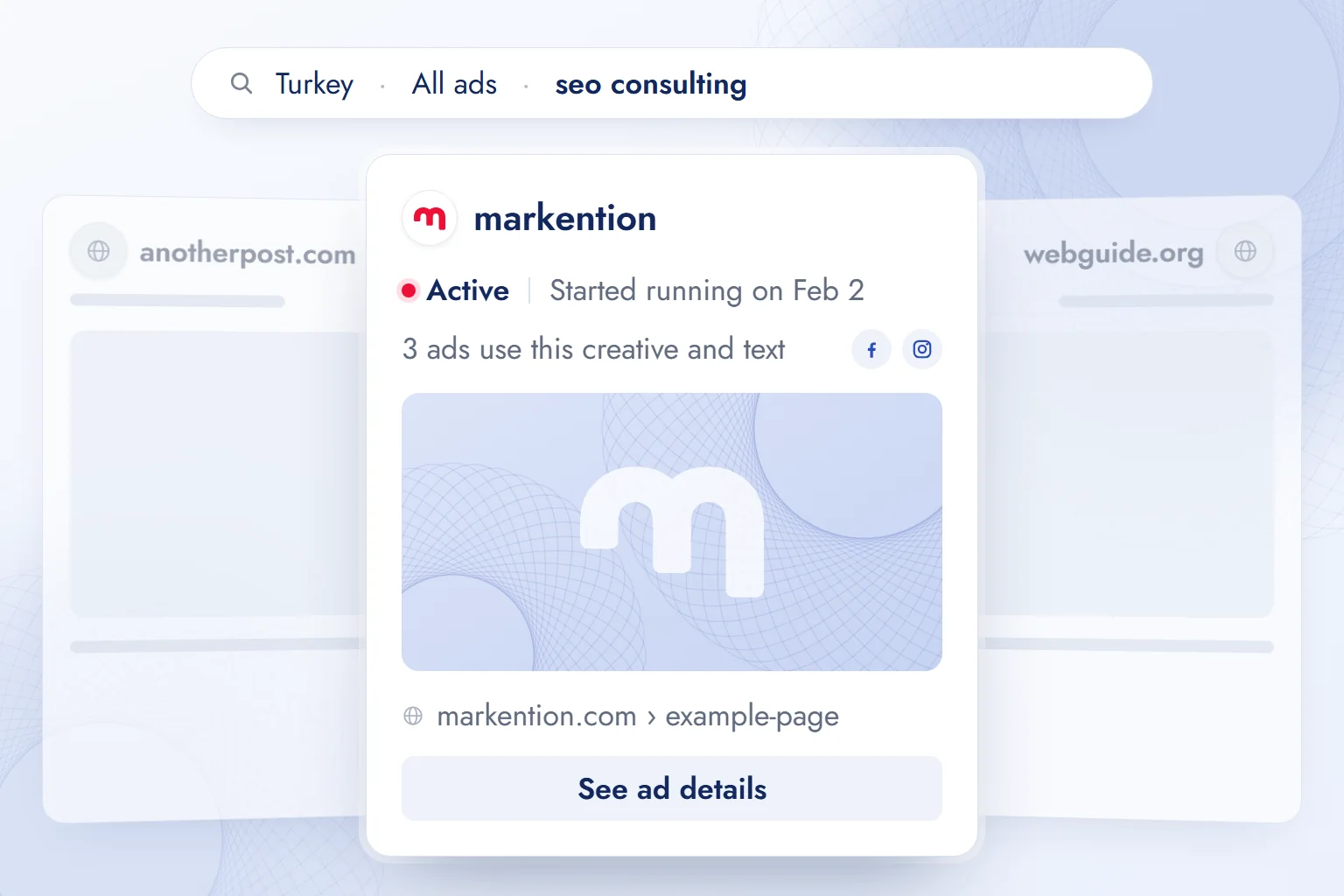
We select the country, Turkey in our case, and “All ads”; political ads have their own category. We type the advertiser’s name or a word from the ad copy, then narrow by platform, media type, active status and date; for Instagram ads we change the platform selection.
The active label, start date, platform icons and the number of ads using the same creative are our first notes.
In Turkey, a general commercial ad is visible while running and drops off the list once it stops. Political and social issue ads are the exception; for archive coverage in certain regions, the platform’s current documentation is the reference.
How do you find a competitor’s ads in the Google Ads Transparency Center and on TikTok?
On Google, competitor ads are found in the Transparency Center by advertiser name or domain; on TikTok, they are searched by keyword, region and industry in the Creative Center’s section, but as Top Ads is a curated sample, not every competitor ad appears there.
Google’s ad library: the Ads Transparency Center
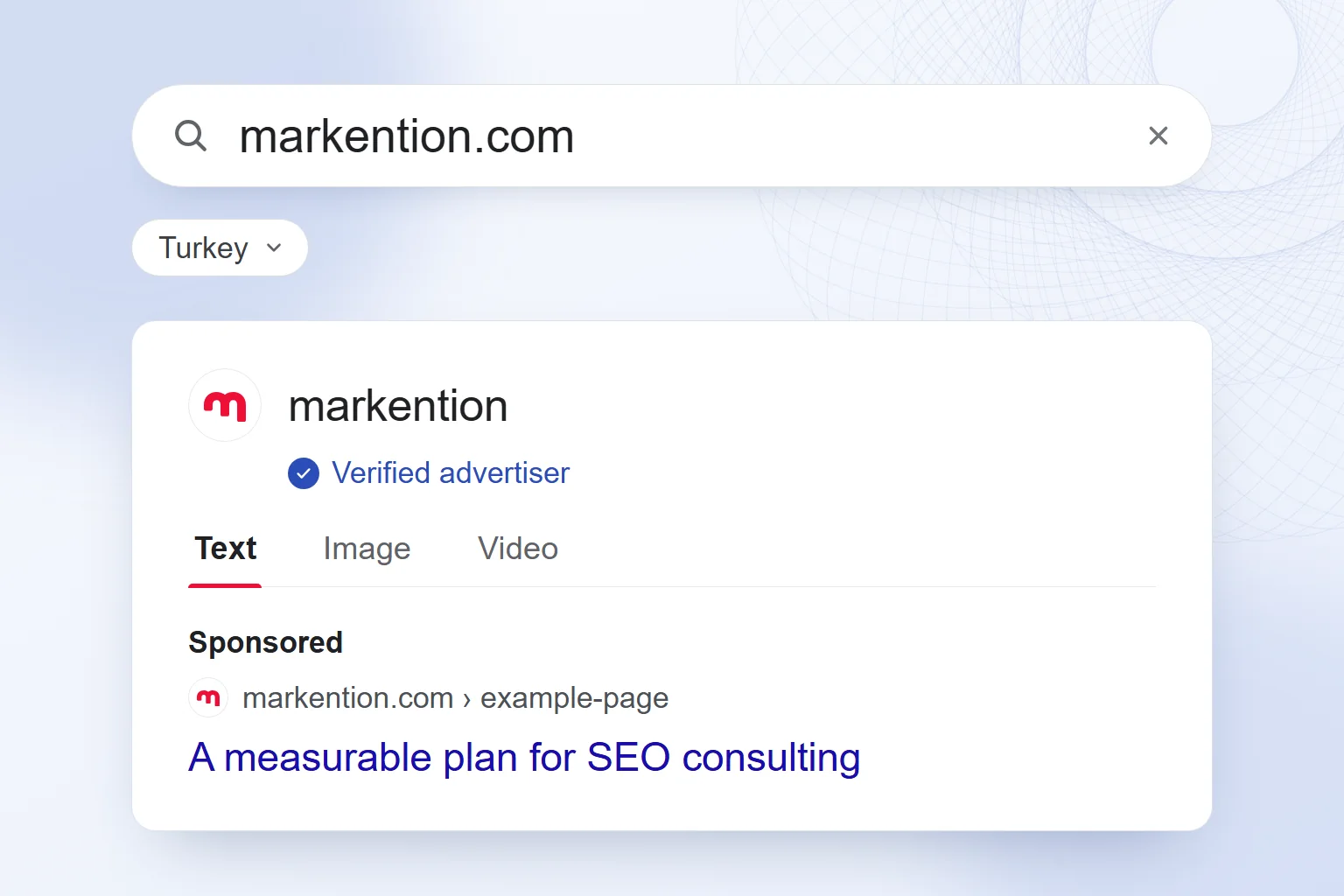
We open the Transparency Center (adstransparency.google.com) without an account, search the advertiser name or domain, and pick the region and date range. The format filter (text, image, video) separates the messages. We see when an ad was shown, not clicks, spend or conversions. Searching by a word in the ad copy is not possible. The date filter also covers past ads; appearing today does not prove an ad is still running.
TikTok Creative Center and Ad Library
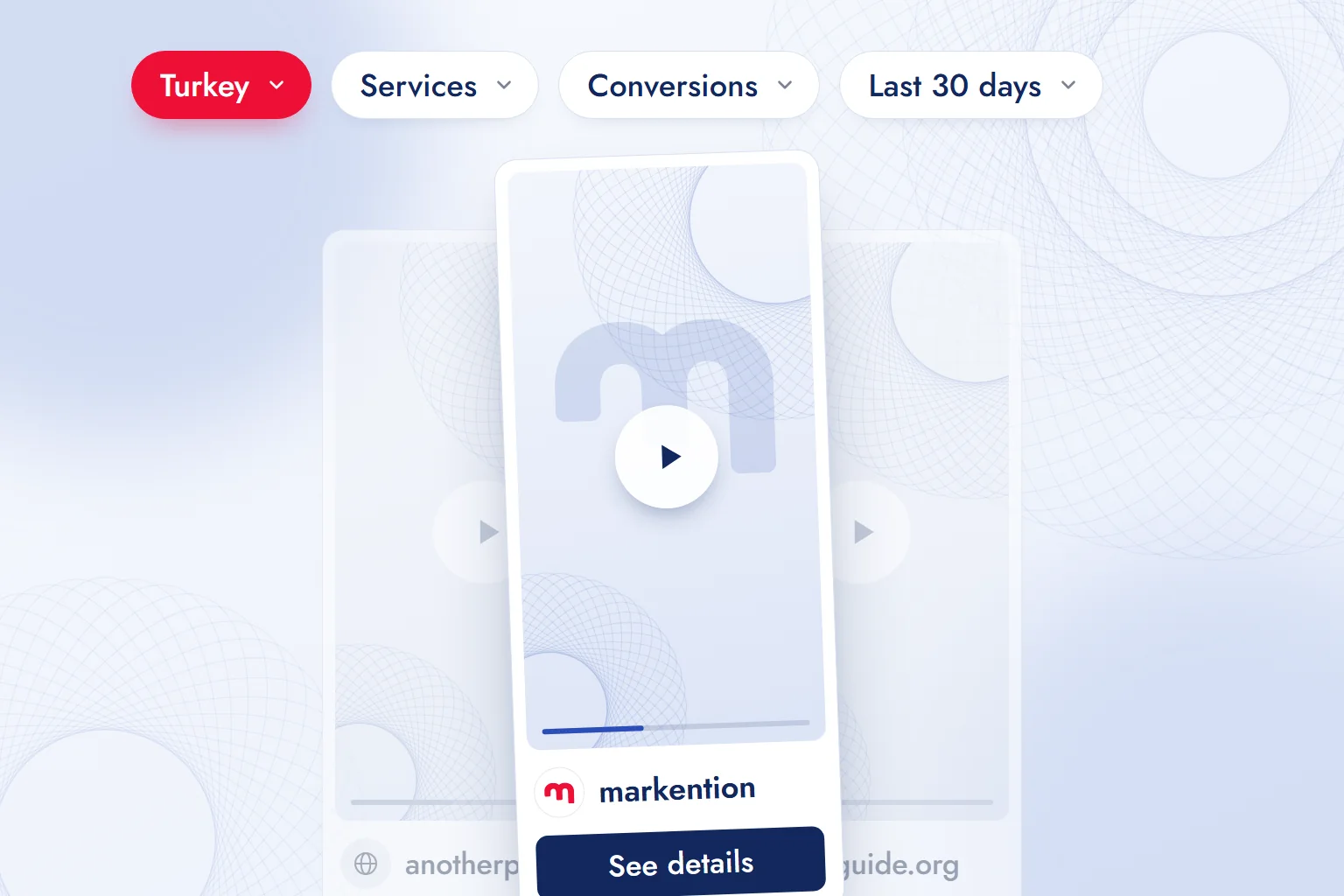
In Top Ads we type a keyword and narrow by region, industry and campaign objective. We study the opening, the message and the metrics shown. Signed out, only a few ads are listed; the full list and details need an account. Top Ads shows curated ads, not all of a competitor’s ads. The Ad Library records only ads shown in the European Economic Area, the UK and Switzerland; a TikTok ad shown in Turkey does not appear there.
LinkedIn Ad Library
In the LinkedIn Ad Library we search by company name and filter by country and date. We see the offer and destination, not performance; targeting details vary by region.
How do you read a competitor’s ad? Five steps
We read a competitor’s ad in five steps: find the advertiser, pick the longest-running ad, check the variations, note the promise, hook, call to action and landing page, and turn it into our own test.
- We find the advertiserWe choose Turkey as the country and search by name or domain, depending on the platform.
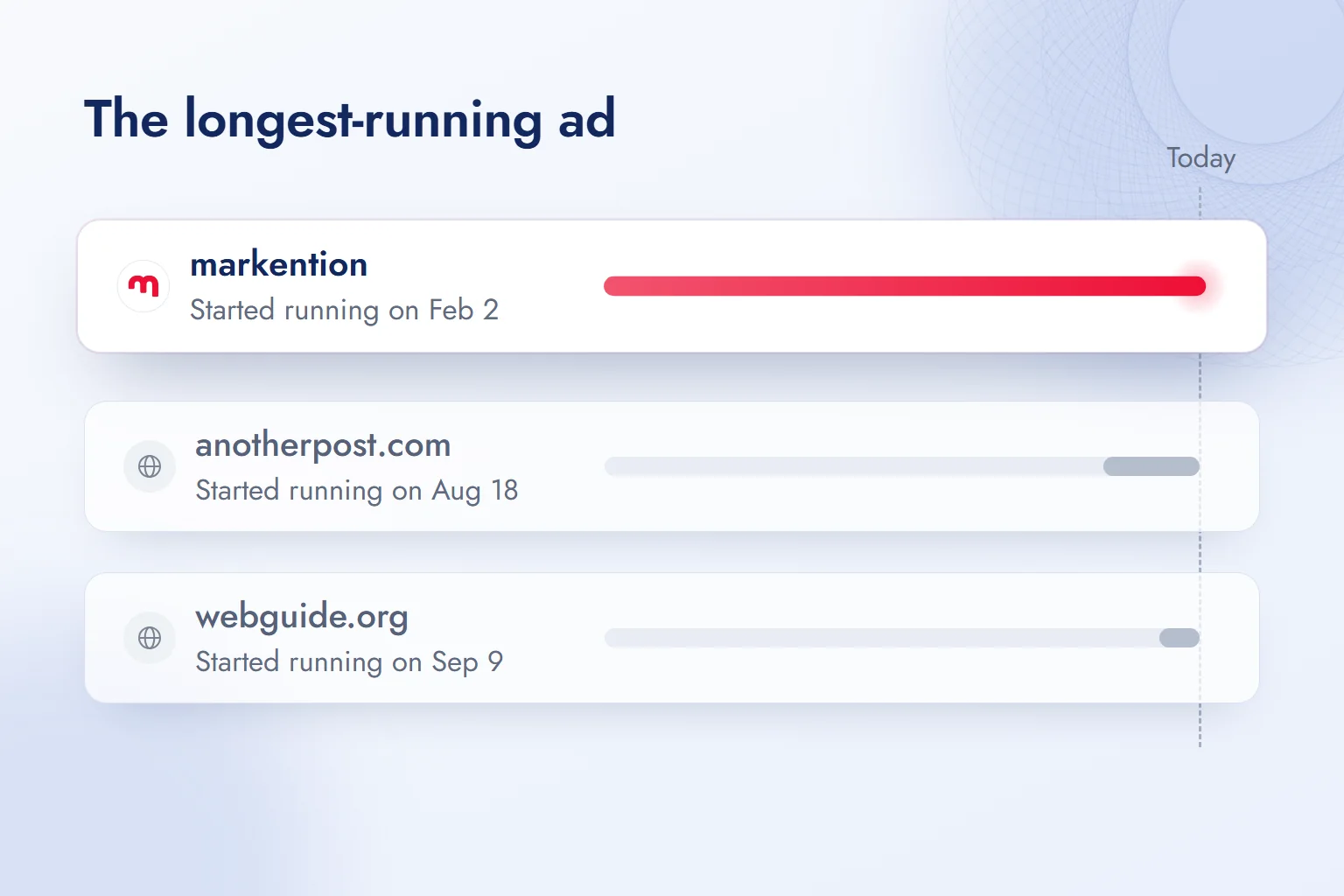
- We pick the longest-running adThe active ad with the earliest start date is the one kept running longest. Duration sets our review priority; it is not proof of success.
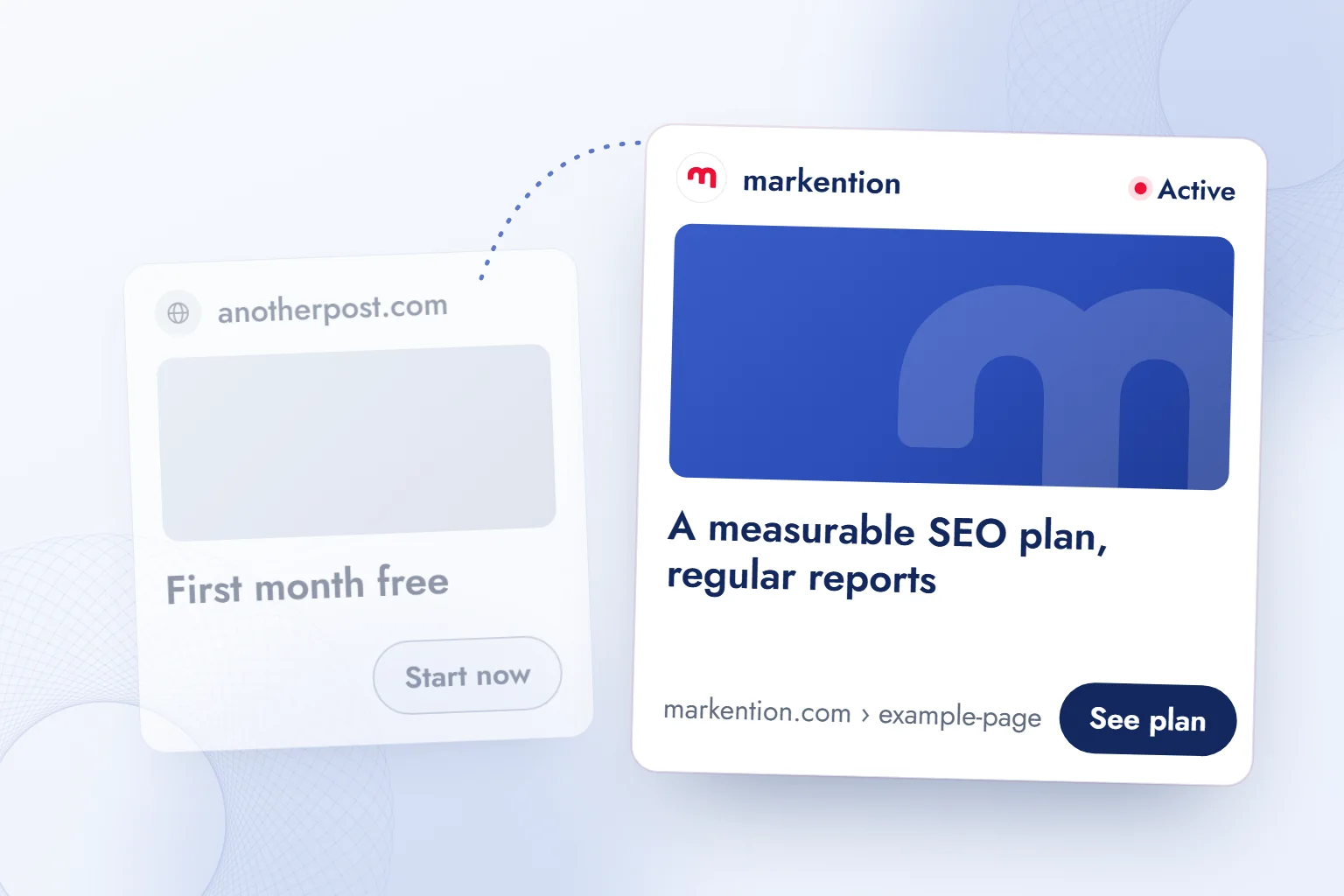
- We check the variationsWe compare the number of ads using the same creative and the different visuals behind one promise. Variety shows the testing approach, not the winning variant.
- We note promise, hook, call to action and landing pageWhat does it promise, say in the first three seconds, write on the button, link to? Each answer gets its own line.
- We turn it into our own testWe do not copy the promise; we test the need it leaves unmet in our own ad, one variable at a time.
We refresh findings weekly, tracking new messages, vanished ads and changed landing pages in one note; a one-off look does not make a lasting decision.
Downloading videos, searching by keyword and finding products: three intents, three answers
Three intents stand out here: downloading an ad video, finding ads by keyword and discovering products that sell; each gets its own answer:
1) Downloading a video → Reviewing ads in the library is the use platforms open to everyone; the line is downloading and republishing a creative. There is no common download button for every ad, and the creative is the advertiser’s copyright. Our rule: we screen-record for review and keep it in an internal note, never in our own ads or site. 2) Searching by keyword → Meta and LinkedIn search the ad copy; TikTok Top Ads keyword search works once signed in; Google searches only advertiser name or domain. We find the advertiser through the keyword, then narrow by advertiser. 3) Finding products → A product promoted for a long time with several variations is a signal worth reviewing. We narrow with Meta’s video and active filters or Top Ads’ industry filter. We do not infer sales from these signals.
What are the limits of an ad library, and why is an ad not showing?
An ad library does not show campaign performance, total spend or detailed targeting; when an ad is missing, four situations decide the next check:
1) The ad was paused or its budget ran out → In Turkey, a general commercial Meta ad drops off the list; the next observation confirms it. On Google we search past impressions with the date filter; on LinkedIn an ad leaves the library a year after its last impression. We do not treat archive coverage as equal. 2) Wrong country or wrong name → We switch to the country where the ad was shown and to the advertiser’s page name or domain. 3) The advertiser is not on that platform → We check the other libraries in turn. Top Ads is a curated sample; absence there does not mean the ad is not running. 4) No impression yet → Drafts and ads under review stay out until the first impression; we repeat the search the next day.
Meta’s Ad Library Report and cover political and social issue ads; there is no API access for commercial ads in Turkey, and the coverage list is in the platform’s current documentation.
Our observation: active ad count does not reveal budget; a small budget can run many ads, a large one a single ad.
Where does competitor analysis go wrong, and how do findings become campaigns?
We most often go wrong in four places: copying the creative, mistaking active ad count for budget, deciding on one observation and ignoring the landing page.
- Instead of copying the creative, we identify the unmet need and test our own promise.
- Instead of reading active ad count as budget, we compare messages and variations.
- Instead of deciding on one observation, we compare weekly records.
- Instead of skipping the landing page, we check that the ad’s promise matches the page.
A finding becomes a single-variable test: change the promise, keep the visual and call to action fixed. The method that also covers a competitor’s moves beyond ads is in our guide on how to do competitor analysis, and we present our own results in the case study format. In Meta Ads consulting we connect this research to campaign setup; more on ad management is on our blog.
Frequently asked questions
What is an ad library?
A search tool that publicly shows ads with their advertisers. Meta, Google, TikTok and LinkedIn all offer one.
Are the Facebook, Meta and Instagram ad libraries the same tool?
Yes. The Facebook Ad Library and the Meta Ad Library are the same address; Instagram ads are listed there through the platform filter.
Do you need to log in to use an ad library?
Meta, Google and LinkedIn need no account for public search. TikTok Top Ads shows only a few ads signed out; the full list and details need an account.
Can you download videos from an ad library?
There is no common download button for every ad; the creative’s copyright stays with the advertiser. We keep review notes and screen recordings for internal work only.
Can you search Google’s ad library by keyword?
Not inside ad copy; you search by advertiser name or domain. For keywords we use Meta, LinkedIn and, signed in, TikTok Top Ads.
Does an ad library show an ad’s performance?
No; duration and variation count are review clues. Spend ranges appear only for political and social issue ads, engagement metrics only in TikTok Top Ads’ curated sample.

 How to advertise on YouTube: campaign types, targeting and costRead article
 What is ROAS? Formula, ROAS vs ROI and how to set target ROASRead article
 What is advertising? How traditional and digital advertising worksRead article
 What is an audience in advertising? Audience types and how to chooseRead article
 Advertising on ChatGPT: Ads Manager, Targeting and Your First CampaignRead article
 How to advertise on Google: account, first campaign, budget, trackingRead article
 What are ads? How Google, Meta and ChatGPT ads work alikeRead article
 How to do a competitor analysis: stages and an action planRead article
Questions & answers
0 commentsNo questions yet; you can ask the first one.