





 Cihat Murat Yüksel
8 min read
Cihat Murat Yüksel
8 min read
How to advertise on Google: account, first campaign, budget, tracking
How to open a Google Ads account, build a first Search campaign, choose match types, set a daily budget and track form and phone call conversions, in that order.Pro
Contents 9 sections
Advertising on Google is the process a business runs to promote its product or service through Google Ads with a chosen goal and budget, show ads on relevant searches and measure results with conversion tracking. In search advertising, is one of the measures we use to assess a budget.
We start the first campaign from the customer’s need: the service, the location and the action we expect on the site. Account, ad copy and tracking follow those decisions. For a business that wants form submissions, we judge results by leads; clicks alone are never enough.
The first campaign is built around the customer’s search intent, and budget decisions are made on measured conversions.
How do you start advertising on Google?
We start advertising on Google by defining the result the business expects, preparing conversion tracking and choosing the campaign objective that fits. Before opening the account, we write down which result we will track: a sale, a form submission or a phone call.
The first campaign’s objective follows one of three situations:
- A service business wants forms and phone calls → We choose the “Leads” objective and prepare lead and call tracking.
- An ecommerce business wants product sales → We choose the “Sales” objective and judge the campaign by sales.
- No conversion tracking exists yet → We set up tracking first, then launch the campaign.
“Website traffic” is also an objective, but wanting visitors and wanting leads are different decisions. Our starting note lists service, location and expected action together: for a locksmith serving Istanbul, the location is Istanbul and the action a phone call.
How do you create a Google Ads account?
We open a Google Ads account with a Google Account and set the payment settings and billing country at sign-up. We go to ads.google.com and sign in with the Google Account we will use. When a new account starts in the Smart campaign flow, we switch to Expert Mode for full control.
We check payment details and campaign decisions separately. The billing country follows the business’s details; objective, location and daily budget are decided on their own. An open account is not a ready campaign: ad copy, landing page and tracking complete the setup.
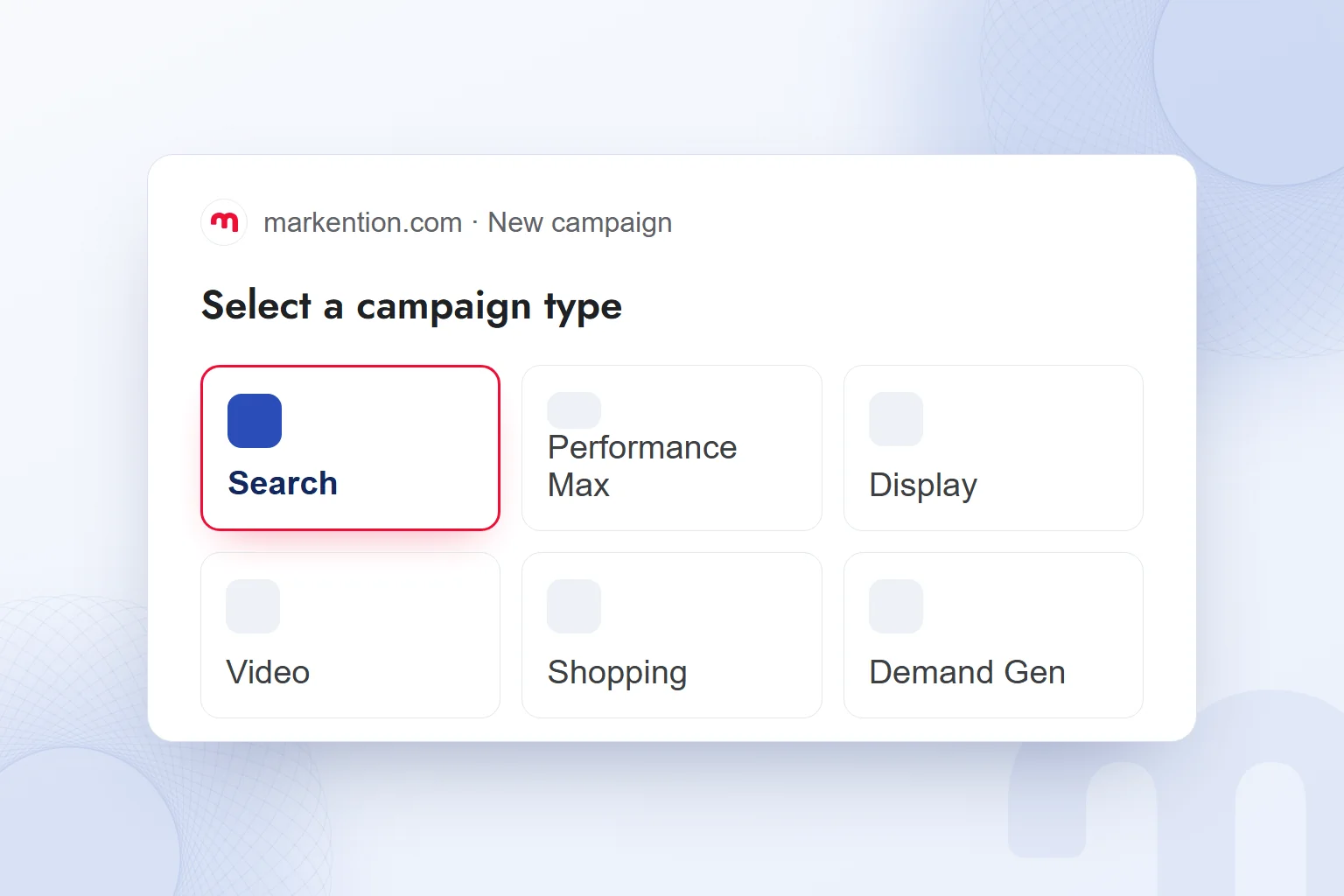
Campaign types include Search, Performance Max, Display, Video, Shopping, Demand Gen and App. To reach customers who state their need in a search query, we choose Search for the first campaign. We record objective and type as separate decisions: “Leads” is the result we expect, “Search” the campaign type.
How do you set up your first Google Ads campaign?
We build the first Search campaign in an order that links the objective, networks, location, budget, keywords, ad and tracking. We first decide which search we will meet with which bid.
- We choose the objective and typeWe set the objective that fits the expected result and choose “Search” as the type. We define the form, call or sale we will measure.
- We set the networksWe assess Search Network partners and the Display Network separately and turn them off to keep the first budget on search results.
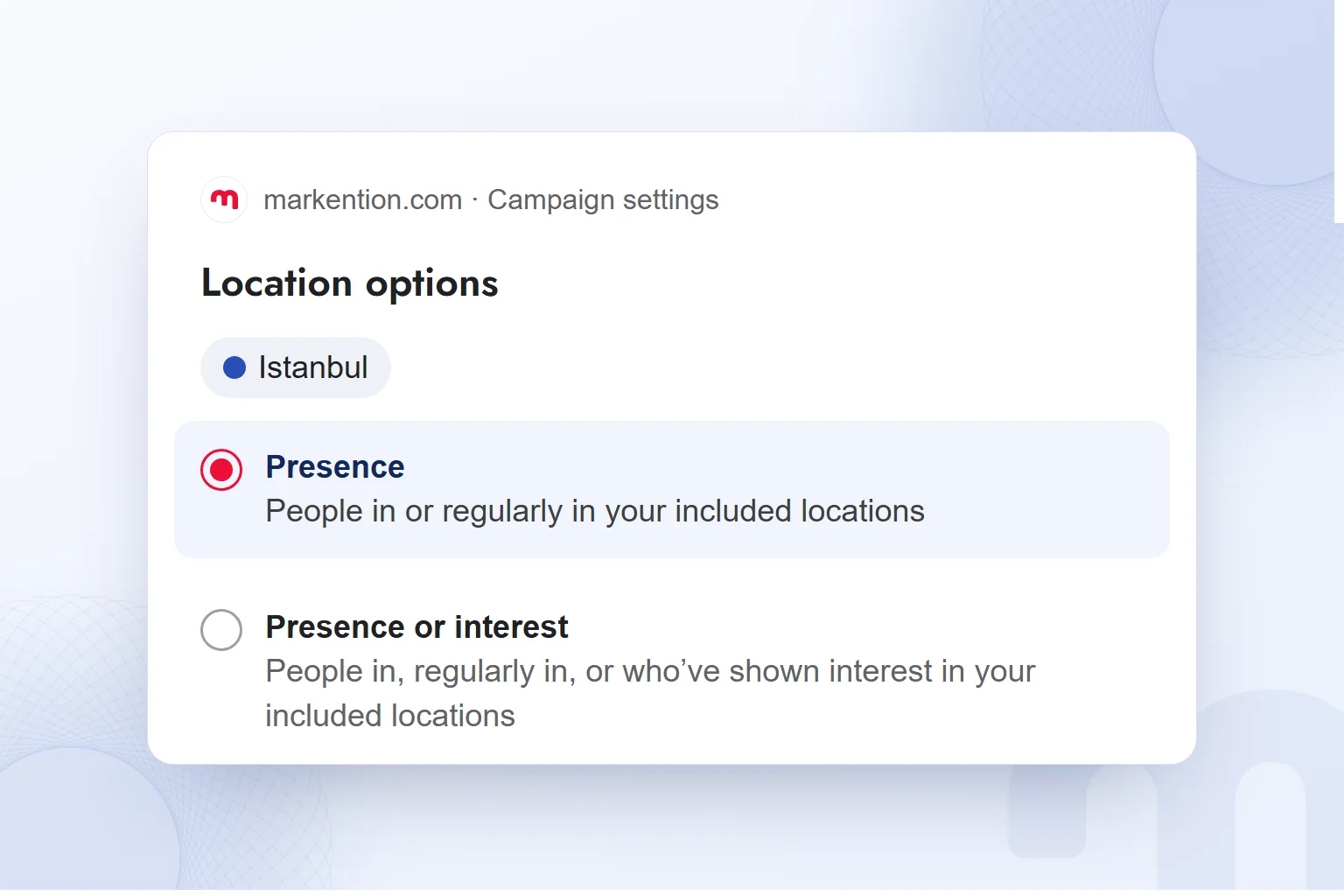
- We set the locationWe select the area the business serves. For a local business, we choose “Presence”: people in or regularly in the target location.
- We choose budget and biddingWe set the average daily budget. With conversion tracking in place we choose “Maximize conversions”; without it we consider “Maximize clicks”.
- We organize the keywordsWe add service-related keywords with their match types and choose negatives such as “free” and “jobs” where they fit.
- We prepare the ad and pageWe write headlines and descriptions and add the landing page address. The service and expected action must appear clearly on that page.
- We complete assets and trackingWe add sitelinks, callouts and a call asset as needed, check that the conversion is recorded and review the primary and secondary split.
- We run the final checkWe review objective, networks, location, budget, keywords and tracking together, submit the ad for review and follow its review or disapproval status.
The “Presence or interest” option also covers people interested in the target location. For a local service, we choose based on the service area. We check the landing page URL and confirm the ad leads to the right service page.
What are the keyword match types?
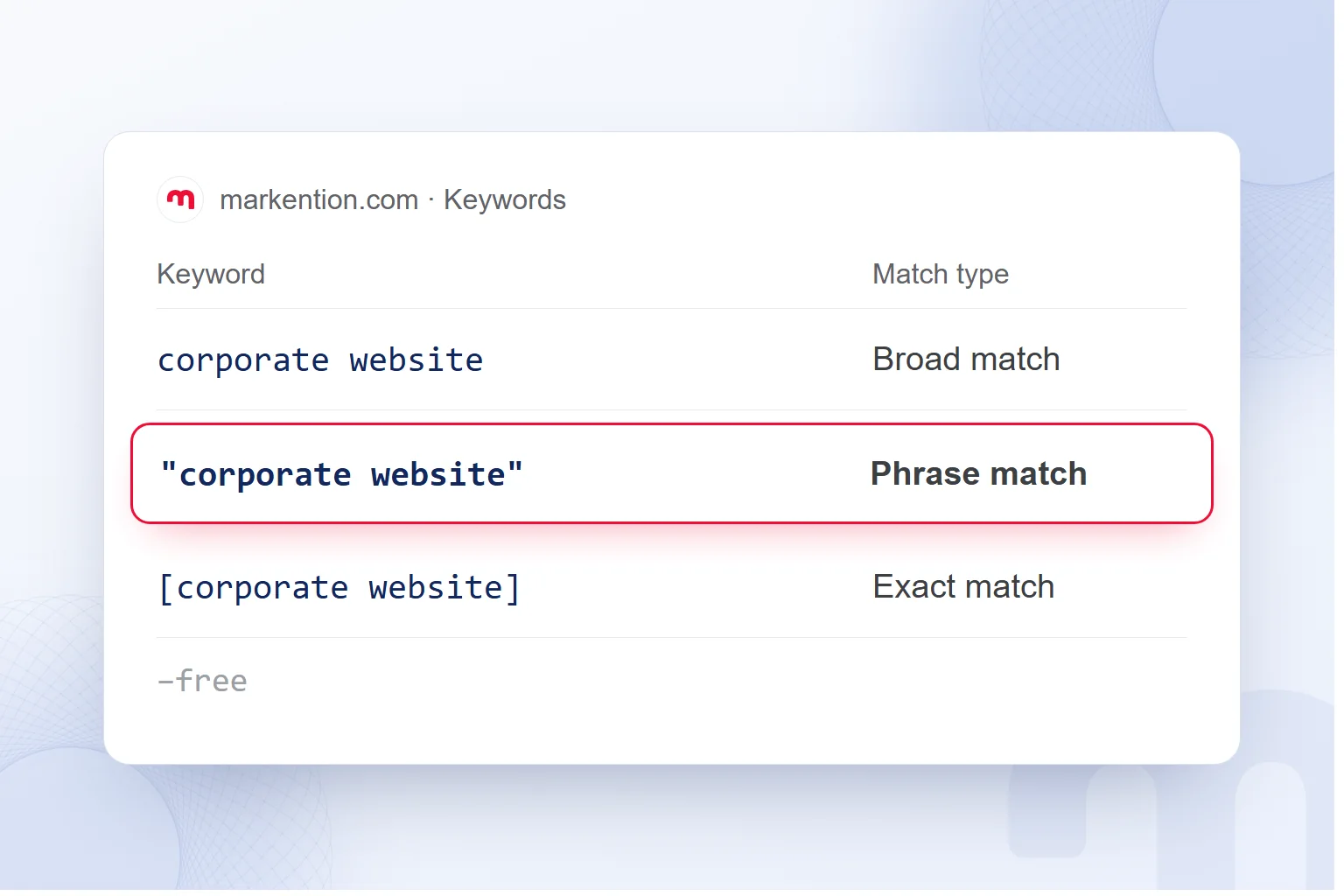
The keyword match types are broad, phrase and exact match; they decide which searches an ad can match. When adding a keyword, we choose its match type and check how it is written.
| Match type | How it is written | Which searches it can show on |
|---|---|---|
| Broad match | corporate website | Searches related to the keyword |
| Phrase match | “corporate website” | Searches that include the keyword’s meaning |
| Exact match | [corporate website] | Searches with the same meaning or intent as the keyword |
Phrase match uses straight double quotes, exact match square brackets. We never treat match type as punctuation alone; it sets the scope of searches we want to reach.
Negative keywords keep unwanted searches out, so we consider “free” for a paid service and “jobs” for campaigns seeking customer leads. Negatives follow the offer: if a free service genuinely exists, we do not exclude that word.
How much does it cost to advertise on Google?
The cost of advertising on Google is set in an auction; cost per click varies with the bid, ad quality and competition. There is no fixed Google Ads price list and no mandatory minimum budget. We make spending decisions through the average daily budget.
An average daily budget does not mean the same amount every day: Google can spend up to twice it in a day, while the month stays within 30.4 times. We calculate the monthly equivalent and read any single day within these limits.
The budget sets the spending plan, the bid strategy our approach in the auction; we record them separately. Click costs change, so we never derive a fixed click count from a budget and judge spend by the chosen conversion.
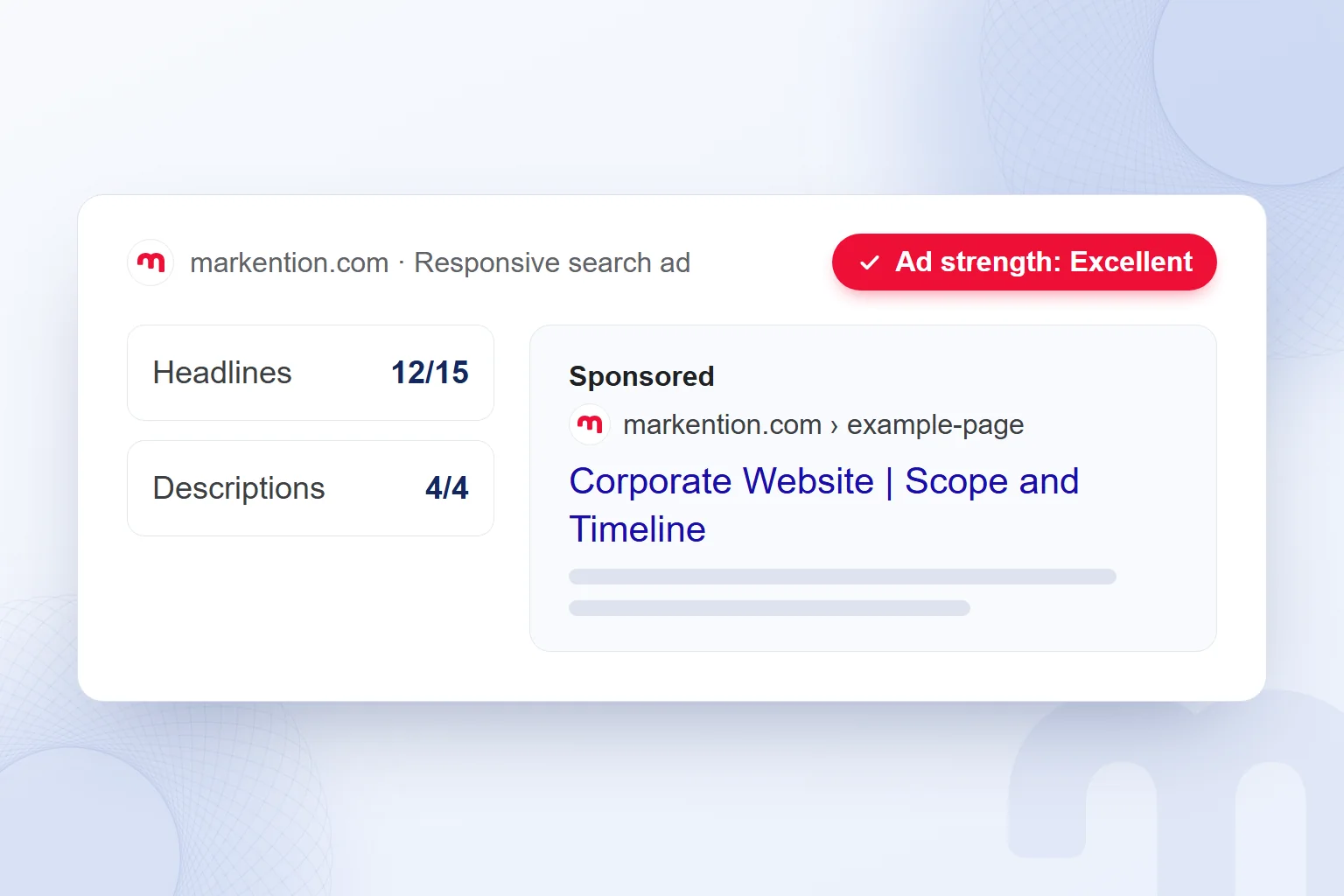
In a responsive search ad, the system tests headline and description combinations. Instead of small variations of one sentence, we write distinct lines on the service, its scope and the expected lead. We use ad strength to assess the copy and follow conversion tracking separately.
We consider a strategy as conversion data builds up. In our Google Ads consulting work, budget and bid decisions follow measured results; we never suggest the same starting amount to every business.
How do you set up conversion tracking?
We set up conversion tracking with the or by importing GA4 key events into Google Ads. We first define which action represents a business result, then measure it. Form submissions and phone calls are typical conversions for service businesses.
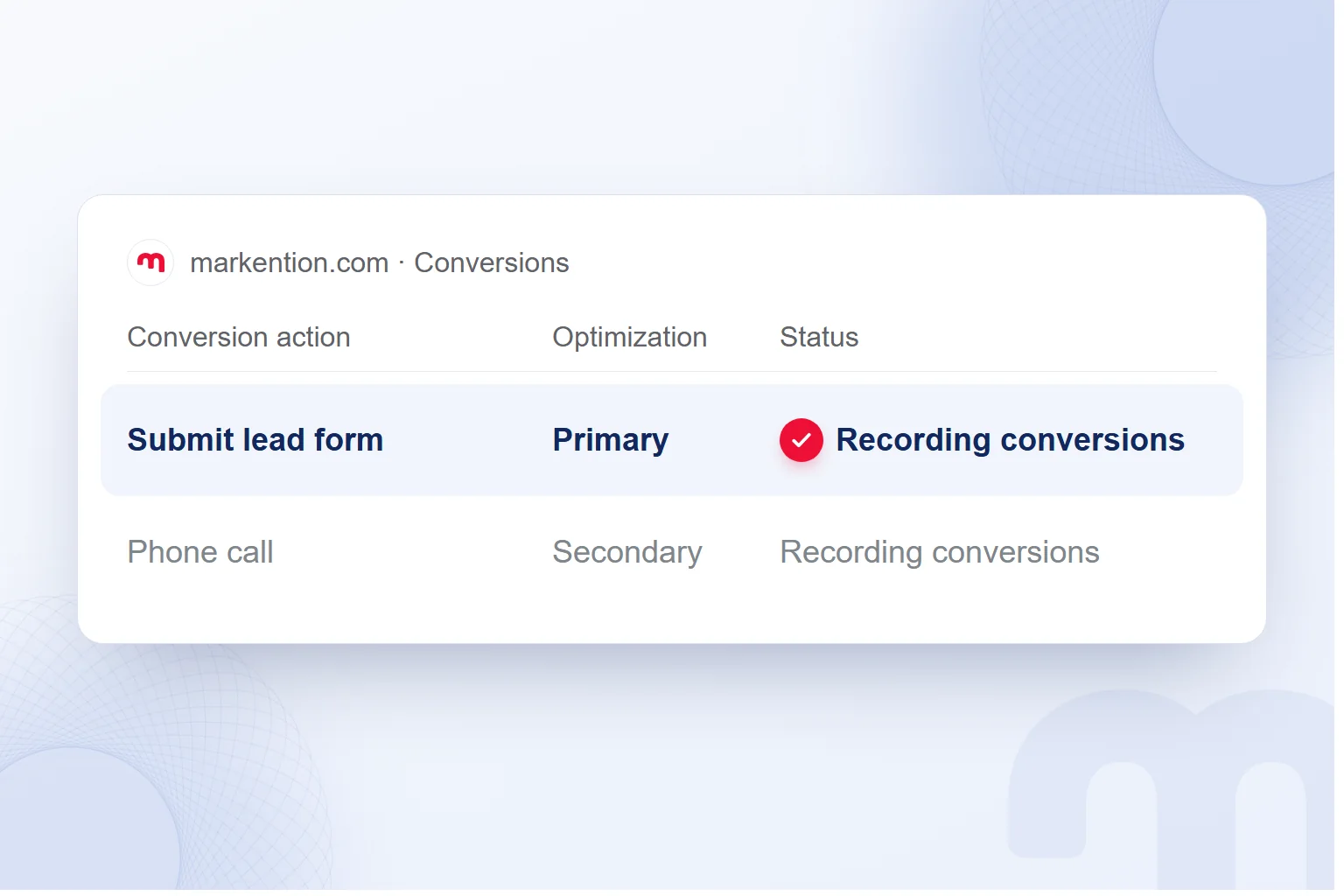
In a form-led campaign, we set the form submission as primary and the phone call as secondary. For a business that collects requests by phone, we set priority by its goal. We never apply one primary and secondary split to every account.
After setup, we perform the action and check the conversion record: a form is tested by submitting it, not by a page load. Phone calls are assessed through their own conversion action.
Before tracking is ready, we make no conversion-based assessment; after a click-focused start, completing tracking is a separate task. When editing a campaign, we first see which result is recorded, then which bid decision it supports.
What should you do if your Google ads get no impressions?
If an ad gets no impressions, we check the review status, the budget and bid, then keyword search volume. We never read missing impressions as a budget problem alone.
The next step depends on the case:
- The ad is under review or disapproved → We open the policy status in the account, review any stated reason and fix the issue.
- The budget or bid is low → We assess the budget and the selected bid strategy together and base any change on them.
- Keywords have low search volume → We check for the “Low search volume” status and reconsider the keyword selection.
Ads pass a policy review before they run. With a disapproved ad, we address the stated reason first; a budget change never fixes a policy issue. This order stops us from changing the wrong setting.
What are the common Google Ads mistakes?
Common Google Ads mistakes are a vague objective, an unchecked location option for a local service, skipped negatives and budget decisions without conversion data. We recheck these decisions in every campaign.
Opening the account, writing the ad and completing tracking are separate jobs. With the headlines, we also decide on sitelinks, callouts and a call asset by the campaign’s purpose. For Google Ads training, Google Skillshop offers free courses and certifications.
We read the targeted action, conversions and spend together and choose the next change from that relationship.
Related topics: our advertising articles.
Frequently asked questions
Where do you start when advertising on Google?
We open a Google Ads account with a Google Account. Before the first campaign, we define the expected result and conversion tracking.
What is the minimum ad budget on Google Ads?
There is no mandatory minimum. We set the average daily budget by the business’s goal and the results we will assess.
Does Google spend the set budget every day?
No; the daily budget is an average. One day’s spend is capped at twice the average daily budget, the month at 30.4 times.
Which location option do we use in the first campaign?
For a local business, “Presence”. We target people in or regularly in the target location.
How many headlines and descriptions go into a responsive search ad?
Up to 15 headlines and 4 descriptions. Headlines are limited to 30 characters, descriptions to 90.
Where can you see why an ad was disapproved?
In the Google Ads account. We review the stated policy issue and make the fix.

 How to advertise on YouTube: campaign types, targeting and costRead article
 What is ROAS? Formula, ROAS vs ROI and how to set target ROASRead article
 What is advertising? How traditional and digital advertising worksRead article
 What is an audience in advertising? Audience types and how to chooseRead article
 Advertising on ChatGPT: Ads Manager, Targeting and Your First CampaignRead article
 What are ads? How Google, Meta and ChatGPT ads work alikeRead article
 What is an ad library? Competitor ads on Meta, Google and TikTokRead article
 What is a URL? Parts of a web address, slugs and their role in SEORead article
Questions & answers
0 commentsNo questions yet; you can ask the first one.