





 Oğuzhan Altun
7 min read
Oğuzhan Altun
7 min read
What is Microsoft Clarity? Heatmaps and session recordings explained
We use Microsoft Clarity heatmaps and session recordings to diagnose page problems; setup, masking, the consent signal and the GA4 integration are covered together.Pro
Contents 8 sections
Microsoft Clarity is Microsoft’s user behavior analytics tool that shows how people interact with a website through session recordings, heatmaps and machine-learning insights. With a we follow the path a visitor took.
We start each review with one page and one question: does the visitor find what they came for, and does the button respond as expected? We pick the area where activity clusters on the heatmap and watch what happened before and after it in the recordings. The result names the element, the problem and the fix.
In Clarity, a behavior signal is confirmed with the related session recording, and each finding is tied to a fix on the page.
What does Clarity mean, and what is Microsoft Clarity?
Clarity means clearness; Microsoft Clarity is the analytics tool that lets us study visitor behavior through recordings and heatmaps. Its machine-learning insights help us decide which behaviors to look at.
If an image on a service page is clicked again and again, we check whether it suggests a link and choose the change from what the recordings show.
Microsoft states that Clarity is free forever, has no traffic limits and never forces an upgrade. Cost is only one part of the decision; we also decide which pages to review and who carries out the resulting work. Regular reviews go into the work plan.
What is a heatmap, and what does it show?
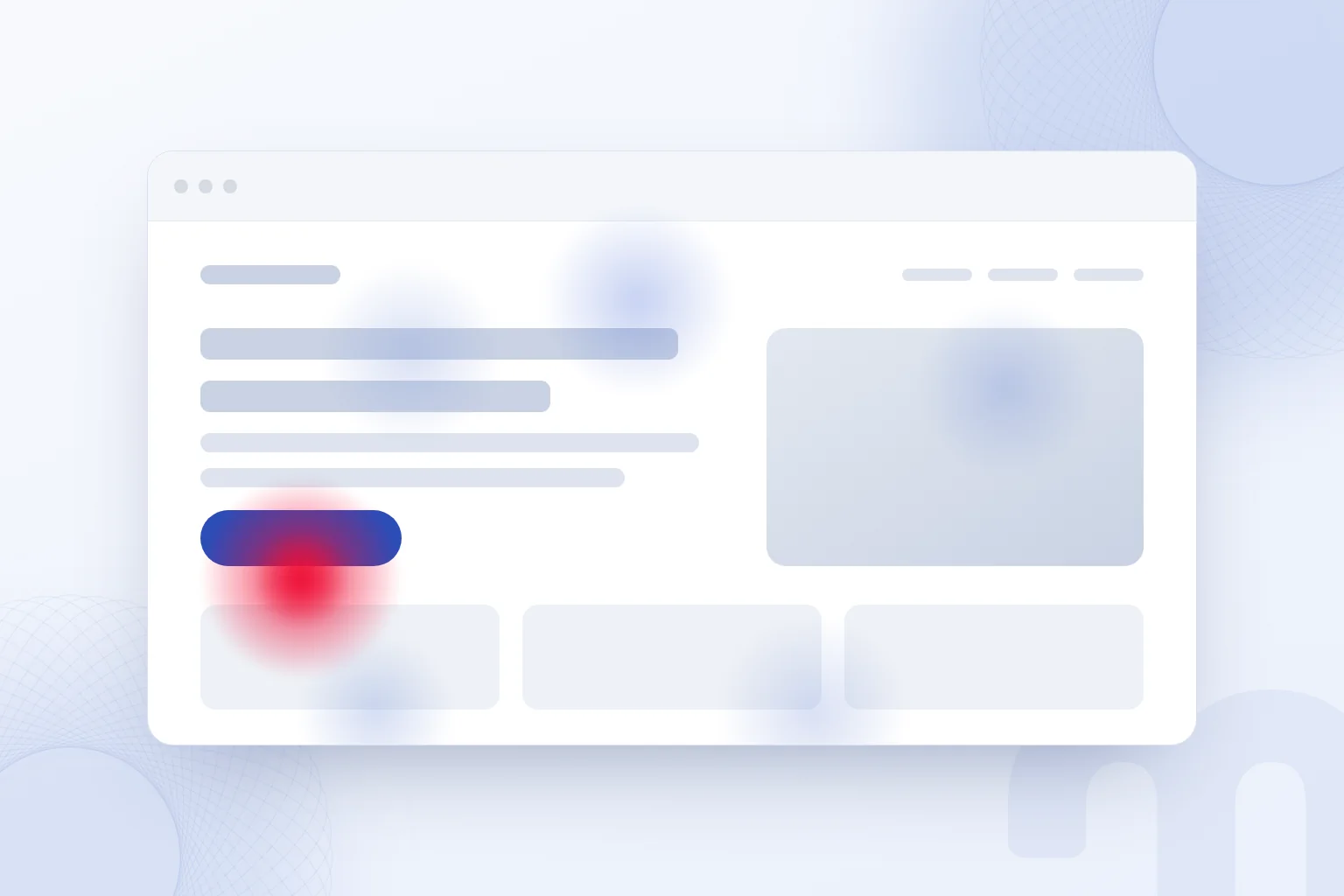
A heatmap uses color to show clicks, scroll depth and the attention each area of a page receives. We compare the area that stands out with the purpose of the page.
With click density, we first identify which element the density sits on, then match it with that element’s function. If an image is read as a link, we watch the moments after the click in the recordings and consider a change that meets that expectation.
With scroll depth, we look at where the information needed for a decision sits. If the scope of a service is placed far down, we assess its position by watching related recordings. We never read a color as satisfaction or purchase intent; the diagnosis comes from what the visitor did next.
The review note lists the page, the area and the question to check, which keeps us from redesigning the whole page without a reason.
What is a session recording, and how do you watch one?
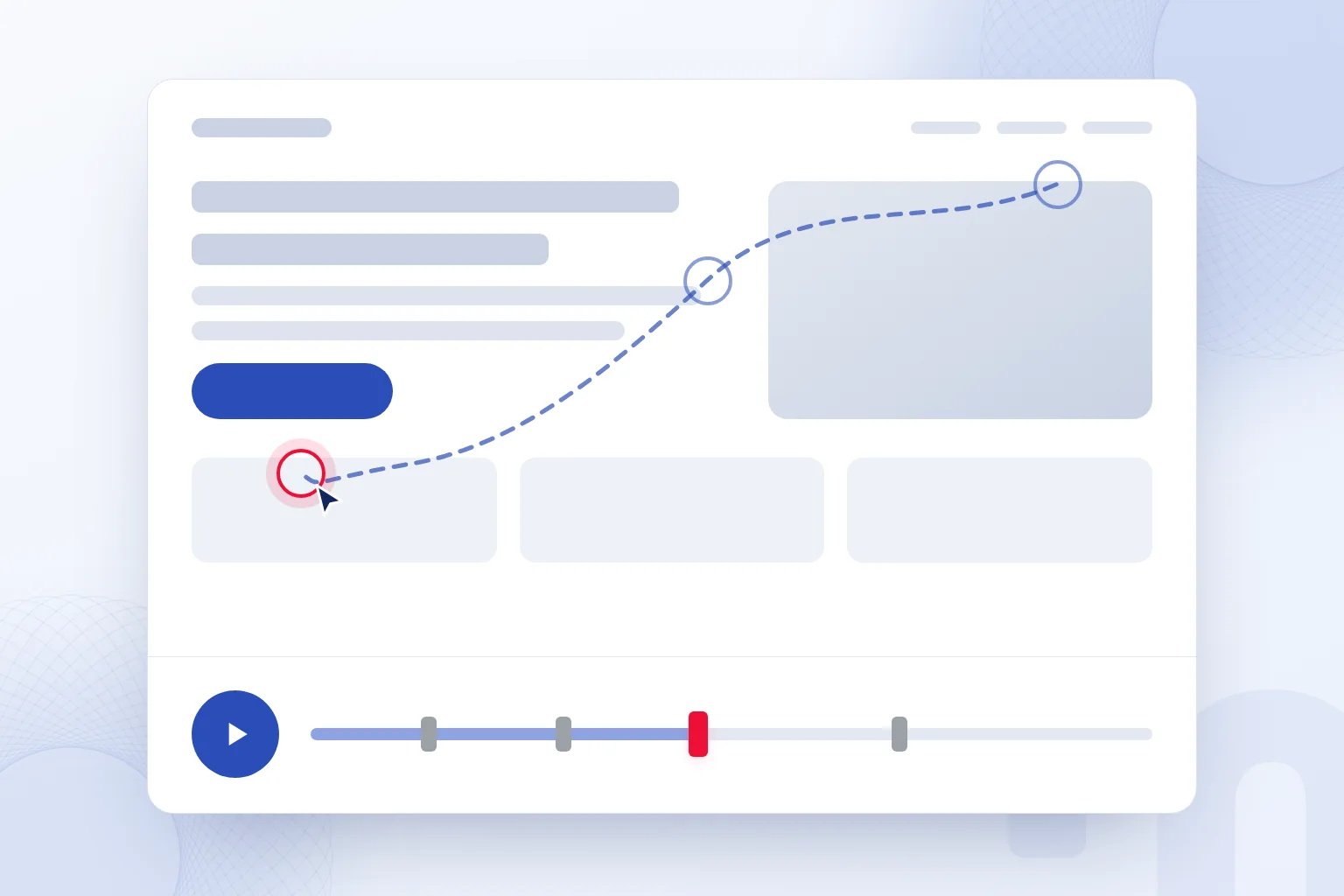
A session recording is a replay of a visitor’s mouse movements, clicks and scrolling; we watch it around a specific behavior, before and after. The replay is not real video but a redrawing of recorded interactions.
First we identify which element the visitor moved toward. Then we watch whether a click happened, how the page responded and how the movement continued. For a link that does not open, we also read the description before it. Instead of a vague note such as “the user is struggling”, we write down the clicked element and the movement that got no response.
According to Microsoft Learn, recording data is kept for up to 30 days. We tie reviews to a weekly routine and log findings before that period ends; a postponed review can mean the recording is gone by the time we make the fix.
We compare related recordings on the same page with one question: which element did the visitor try to use, and what did the page do?
Which signals does the Clarity dashboard show?
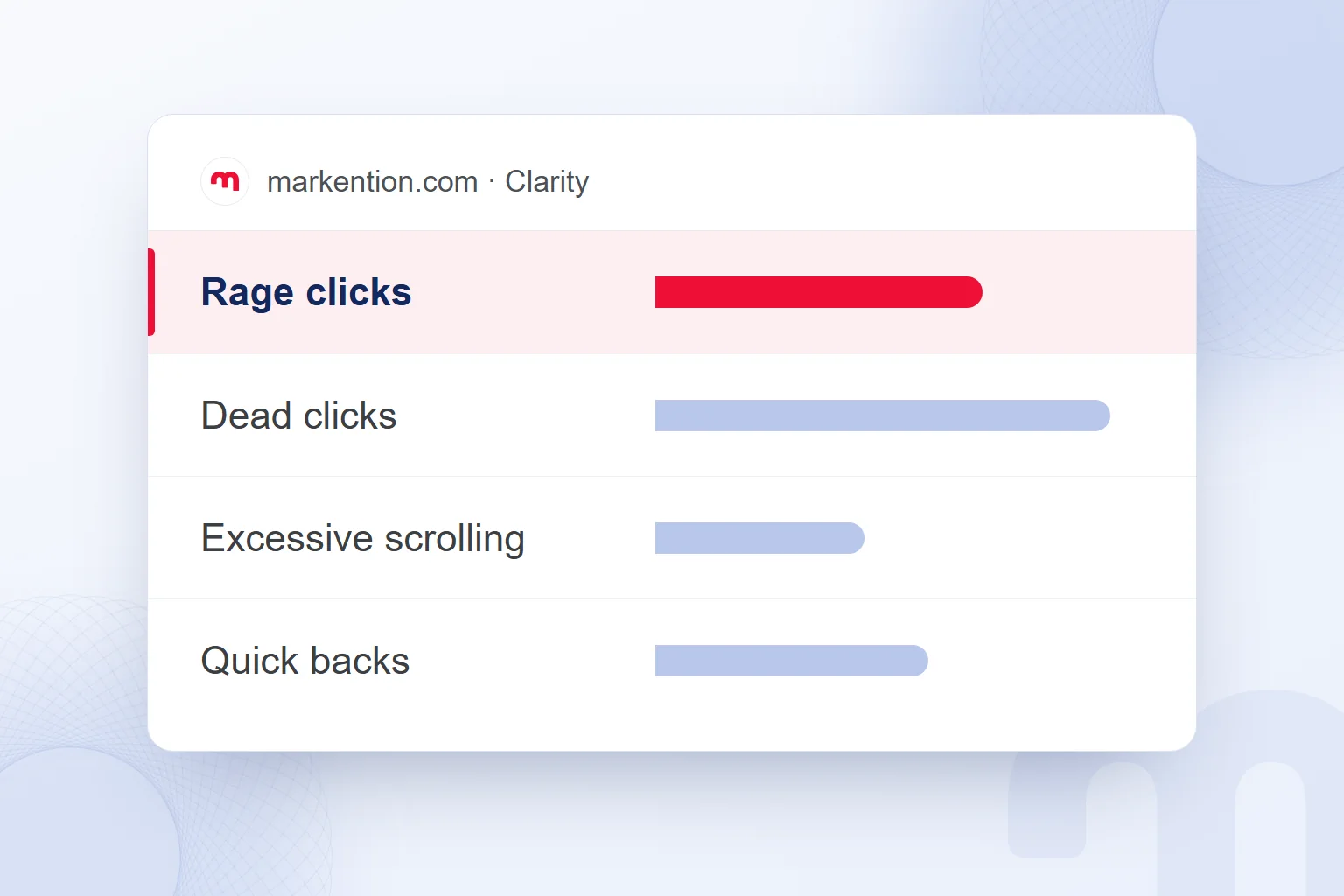
The Clarity dashboard tracks Rage clicks, Dead clicks, Excessive scrolling, Quick backs and JavaScript errors. We review the behavior behind a signal in the recordings, then check the element.
| Signal | What it means | First check |
|---|---|---|
| Rage clicks | Repeated clicks on one small area in a short time | Is the element clickable, is a link expected |
| Dead clicks | The page does not respond to a click | Does the element work |
| Excessive scrolling | Fast scrolling as if searching for content | Where the sought information sits |
| Quick backs | Opening a page and returning quickly | Does the link text match the target page |
The cases separate like this:
- We see Rage clicks → We make the element clickable or add the expected link.
- We see Dead clicks → We fix the element that looks clickable but does not work.
- We see Excessive scrolling → We move the sought content higher and add a table of contents.
- We see Quick backs → We align the link text with what the target page delivers.
- We see a JavaScript error → We send it to the developer with the related recording.
We open tasks only for problems confirmed in recordings. For a quick back, we read the link text first and the target page’s description second; if they set different expectations, we name the text to correct.
How do you set up Microsoft Clarity?
We set up Microsoft Clarity by creating a project, adding the tracking code and completing the masking and consent settings. After checking the first recording and heatmap, we tie it to a weekly review.
- We create the projectWe create a Clarity project for the site and choose the pages to review.
- We add the tracking codeWe install through Google Tag Manager (GTM), the WordPress plugin or the site’s head section.
- We choose the masking modeWe set the masking mode and check how sensitive content appears.
- We set up the consent signalWe pass the consent choice through the Consent API V2 or a cookie consent tool.
- We connect GA4We set up the Google Analytics integration and check the custom dimension limit.
- We review the first dataWe check interactions and masked areas and confirm the behavior we want appears in recordings.
- We plan the weekly reviewWe assess signals with recordings and tie each finding to a task and an owner.
According to Microsoft, the tracking code runs asynchronously and does not affect page speed. In the setup check we confirm that the code is in place, data appears and consent choices are passed on, then complete any missing setting.
We follow this order in our Microsoft Clarity work. We track the weekly review in a dashboard layout and record which page and task each finding belongs to.
How are privacy and consent managed in Clarity?
We manage privacy and consent in Clarity by checking the masking settings and passing the visitor’s consent choice through a valid consent signal. We audit what masking hides and how consent is passed on as separate checks.
Content in form input fields is masked in every masking mode, and this cannot be changed. We choose the masking mode in the settings; for masking URL parameters we contact support. Stylesheet content is not masked, so sensitive information never goes into CSS. We check every place on the page where sensitive content appears, not only forms.
According to Microsoft Learn, visits from the European Economic Area (EEA), the United Kingdom and Switzerland need a valid consent signal for full functionality. Without consent, Clarity uses no cookies, gives each page view a separate ID and does not stitch the session across pages.
We pass consent through Clarity’s Consent API V2 or a cookie consent tool. A visible consent option is not enough; we check that the choice reaches Clarity.
In Turkey, we check cookie consent and the privacy notice under , Turkey’s data protection law. Masking does not replace this check; hiding form content and processing consent are separate setup tasks.
How do you use Clarity and GA4 together?
We use Clarity and GA4 together by reviewing, in Clarity recordings, how visitor groups measured in GA4 behave on the page. The question we want to answer decides which data we open.
Common situations and our response:
| Situation | What we do |
|---|---|
| How many came, from where, and did they convert | We review GA4 data. |
| What they did on the page and where they got stuck | We review Clarity heatmaps and recordings. |
| How a specific audience behaves | We use the GA segment in Clarity via the GA4 integration. |
After installing Clarity, we connect Google Analytics. Clarity tries to create a in the Analytics property. If the connection fails, we check the property’s custom dimension limit; a full limit is one possible cause.
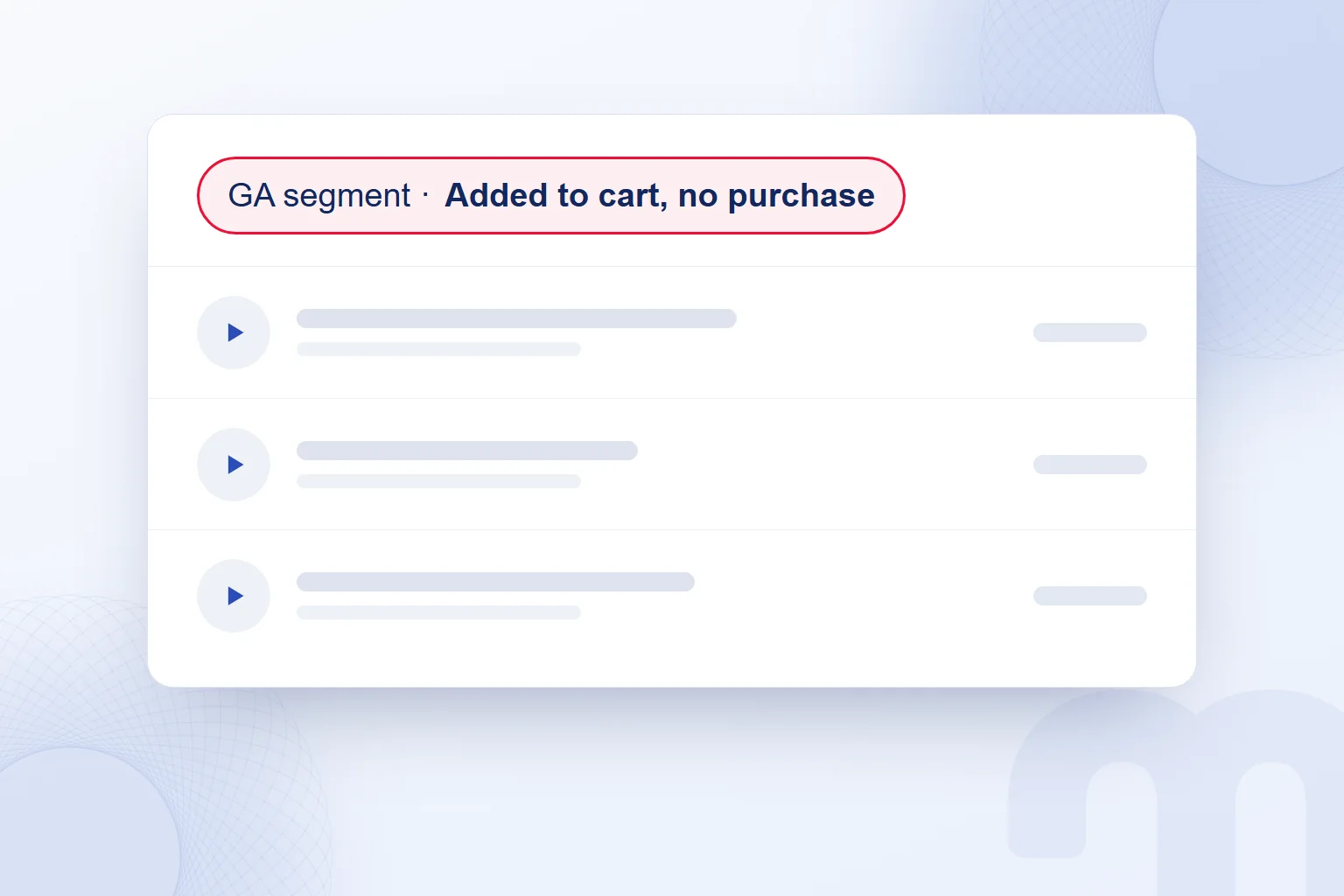
GA segments appear in Clarity’s Recordings tab. We define the group with a segmentation criterion, such as visitors who added to cart but did not purchase, then review which elements they moved toward and how the page responded.
Each resulting task belongs to a page: fixing a broken element, moving the description people look for, or matching link text to its target. We cover the wider measurement setup in our other web analytics articles.
Frequently asked questions
What does Clarity mean?
Clarity means clearness. Microsoft Clarity is an analytics tool that studies visitor behavior on a website.
Is Microsoft Clarity free?
According to Microsoft, Clarity is free forever with no traffic limits, and it never forces an upgrade.
How long are Clarity session recordings kept?
Recording data is kept for up to 30 days. We turn findings into tasks through a weekly review.
Does Clarity show what people type into forms?
No. Content in form input fields is masked in every masking mode, and this cannot be changed.
What happens in Clarity without consent?
Clarity uses no cookies and gives each page view a separate ID, so sessions are not stitched across pages.
Does Clarity replace GA4?
No. We use GA4 for visitors, sources and conversions, and Clarity for behavior on the page; the GA4 integration links the two.

 How to do a competitor analysis: stages and an action planRead article
 What is segmentation? Market segmentation types and GA4 audiencesRead article
 What is a dashboard? Marketing dashboards, KPIs and Looker StudioRead articleMost read
 What are URL parameters? UTM, GA4 event parameters and gclidRead article
 What is NotebookLM? Now Gemini Notebook, used with brand documentsRead article
 What is Affiliate Marketing? Commission Models and Building a ProgramRead article
 What is robots.txt? How to create it and allow AI crawlersRead article
 What is advertising? How traditional and digital advertising worksRead article
Questions & answers
0 commentsNo questions yet; you can ask the first one.