





 Cihat Murat Yüksel
8 min read
Cihat Murat Yüksel
8 min read
How to advertise on YouTube: campaign types, targeting and cost
Advertising on YouTube means bringing a YouTube-hosted video to a chosen audience through a Google Ads video campaign and measuring the results it delivers.Pro
Contents 9 sections
Advertising on YouTube is bringing a YouTube-hosted video to a chosen audience through a Google Ads video campaign to build awareness and lead viewers to consider a product or act on a website. In view-focused work, we use to judge which viewer behavior we are actually paying for.
We start a campaign from the result we expect. Introducing a brand, showing a product in use and collecting form submissions are separate goals, and format, targeting and measurement follow the goal. Our YouTube Ads plan sets where the ad plays, when payment occurs and which result we read after launch, so views are never confused with the action the business expects.
In YouTube advertising, the format is chosen by the goal, and spend is judged together with the payment condition and the measured result.
How do you advertise on YouTube?
To advertise on YouTube, we upload the video, link the channel to a Google Ads account and set up a video campaign. According to Google Ads Help, ad videos must be hosted on YouTube, while account and billing are handled in Google Ads.
We treat preparation as three parts: video, account link and campaign decisions. A video on the channel does not settle targeting or budget; who sees the ad, in which format and with what expected action are decided separately. If we want sales or forms, conversion tracking comes first.
What are the YouTube ad formats?
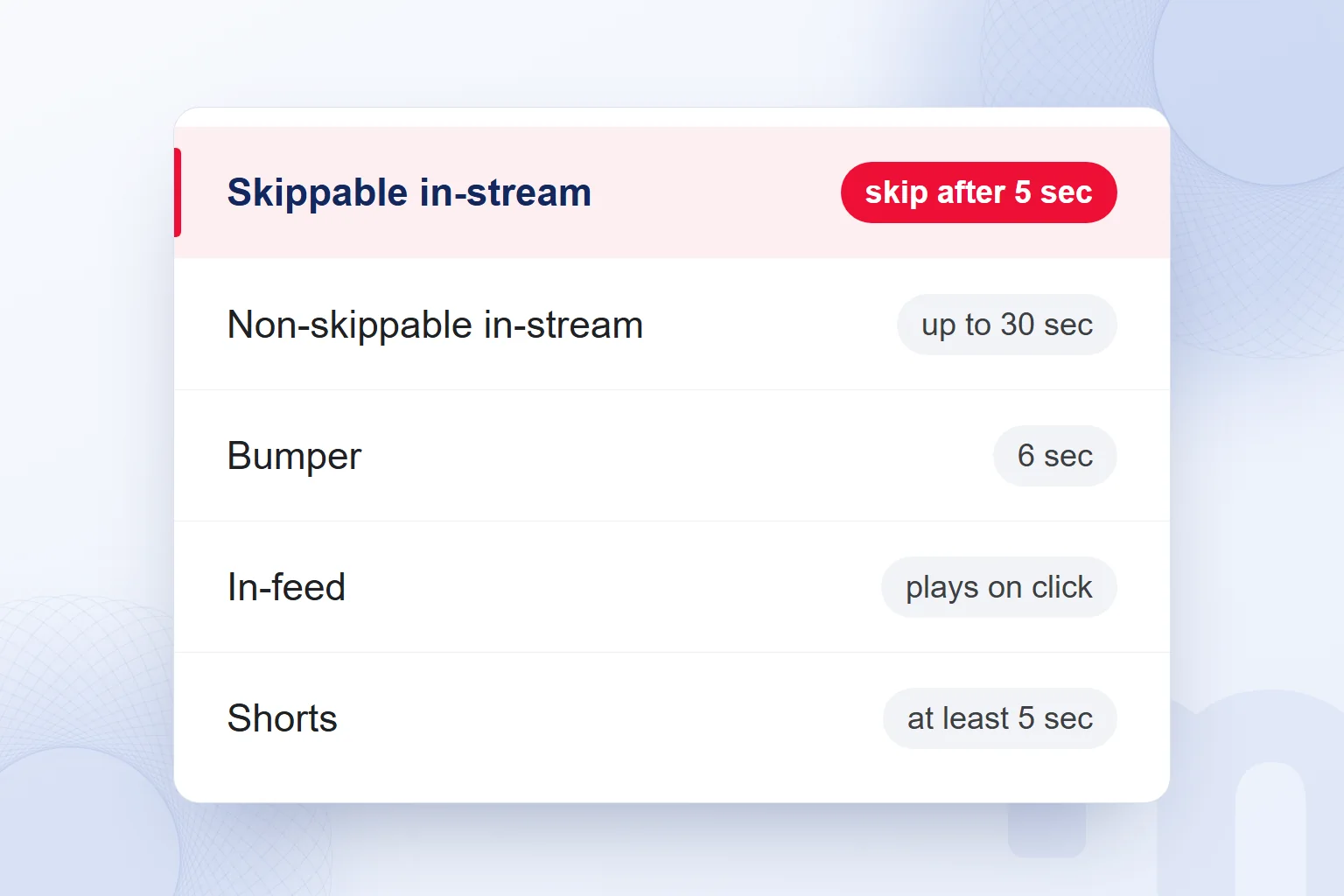
The YouTube ad formats are skippable in-stream, non-skippable in-stream, , in-feed, Shorts and masthead ads. We choose between YouTube ad types by where the ad plays, how skipping works and when payment is triggered.
| Format | Where and how it plays | Payment |
|---|---|---|
| Skippable in-stream | Before, during or after a video; skippable after 5 sec | CPV, on a view or interaction |
| Non-skippable in-stream | In-stream; up to 30 sec, no skip option | CPM, on impressions |
| Bumper | In-stream; 6 sec, no skip option | CPM, on impressions |
| In-feed | In YouTube search results and the feed; the viewer clicks to watch | CPV |
| Shorts | In YouTube Shorts; at least 5 sec, skippable at any time | Depends on the bid strategy |
| Masthead | Prominent placement on YouTube and Google TV for broad reach | Bought on a reservation basis |
In-feed viewers choose to watch by clicking, so we shape the story around that choice.
Length shapes the message: a bumper gets a short story with one promise, Shorts a vertical edit whose payment condition we check during setup. The masthead serves broad reach and awareness; we note its reservation buying separately in the plan.
When do you pay for a YouTube ad?
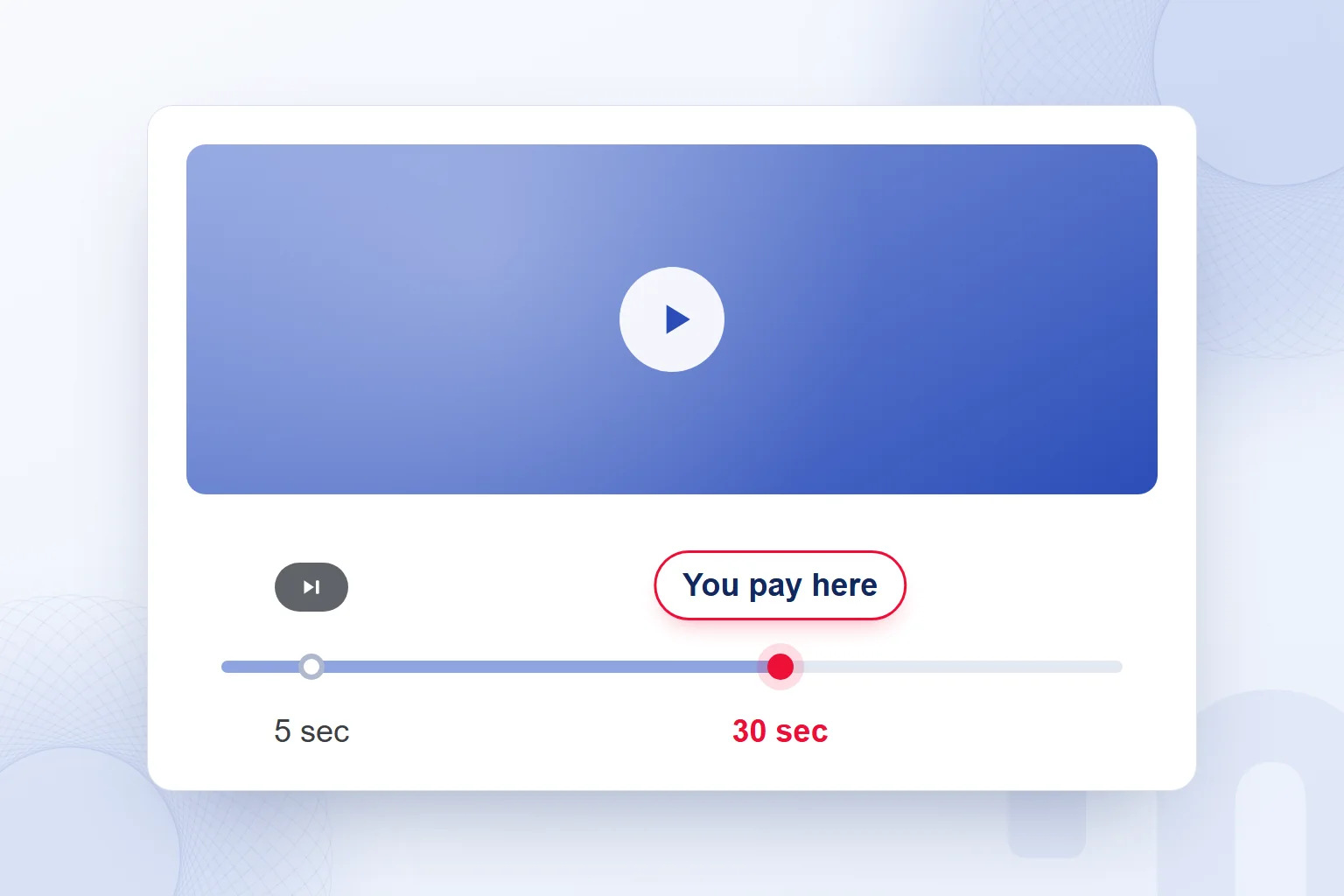
You pay for a YouTube ad on a view or interaction with CPV, and on impressions with CPM. CPV is cost per view, CPM cost per thousand impressions. Before interpreting any amount in a report, we check which payment condition the campaign uses.
In a skippable in-stream ad on CPV, payment occurs when the viewer watches 30 seconds or interacts with the ad, whichever comes first. If the video is shorter than 30 seconds, the condition is the whole video. Given this rule in Google Ads Help, we never conclude that every skipped ad is free.
When a viewer skips after 5 seconds, we check whether a paid interaction already happened; the skip button alone does not set the moment of payment, and we keep the two events apart when planning the opening seconds.
Non-skippable in-stream and bumper ads are paid on impressions, with CPM. We never compare their spend directly with a skippable ad’s CPV; we first establish which behavior we buy, then how close it brings us to the goal.
What determines the cost of YouTube ads?
The cost of YouTube ads is set in an auction by targeting, competition, timing and ad quality. YouTube ad prices are not fixed; we decide the budget with these factors and the expected result in mind.
We assess audience, timing and video together. Another campaign’s view cost is never a ready-made price for our account; when audience and competition change, the same spend need not bring the same result. Comparing with earlier work, we check that goal and payment model match.
The budget is our spending plan; CPV or CPM is the measure we read it through. A low view cost alone is never sales success. To explain the product, we look at viewing; for action on the site, at conversions. Spend is judged against the ad’s promise, the audience reached and the expected result.
How do you set up targeting for YouTube ads?
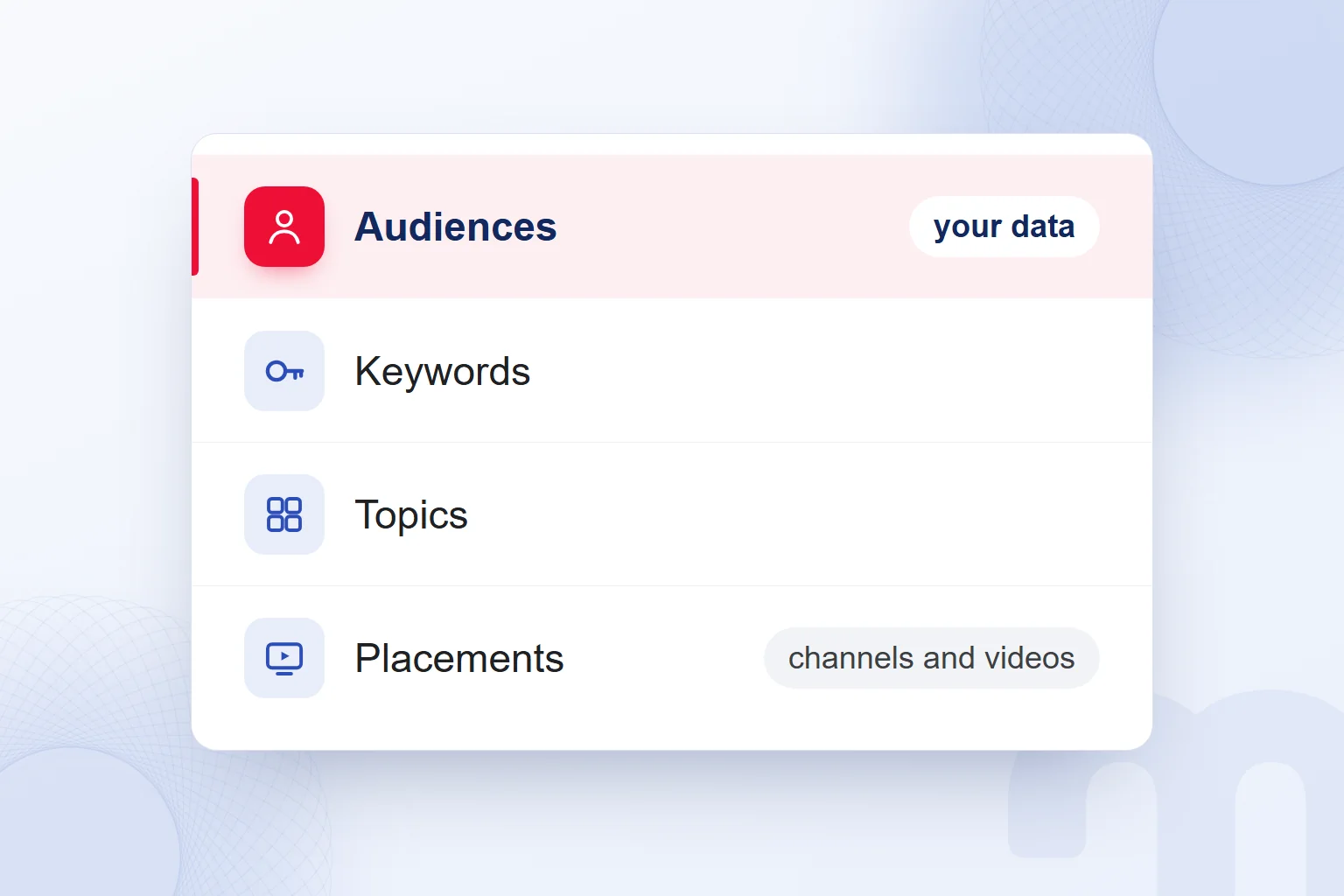
We set up targeting for YouTube ads by the audience we want to reach and the content where the ad appears. For audiences we consider demographics, interests, intent and our own data; for content, keywords, topics, and channel and video placements.
With our own data, we tie site visitors, customer lists and channel viewers to the goal, and plan the message for people who know the brand apart from a new audience. Audience selection rests on the distinction in our audience article.
With content targeting, keywords, topics and specific channels or videos serve one aim. The audience decision answers “Who will we reach?”, the content decision “Next to which content will we appear?”
A frequency cap limits how often one person sees the ad. When an ad reaches someone too often, we revisit the cap and audience scope.
Which format do we choose for which goal?
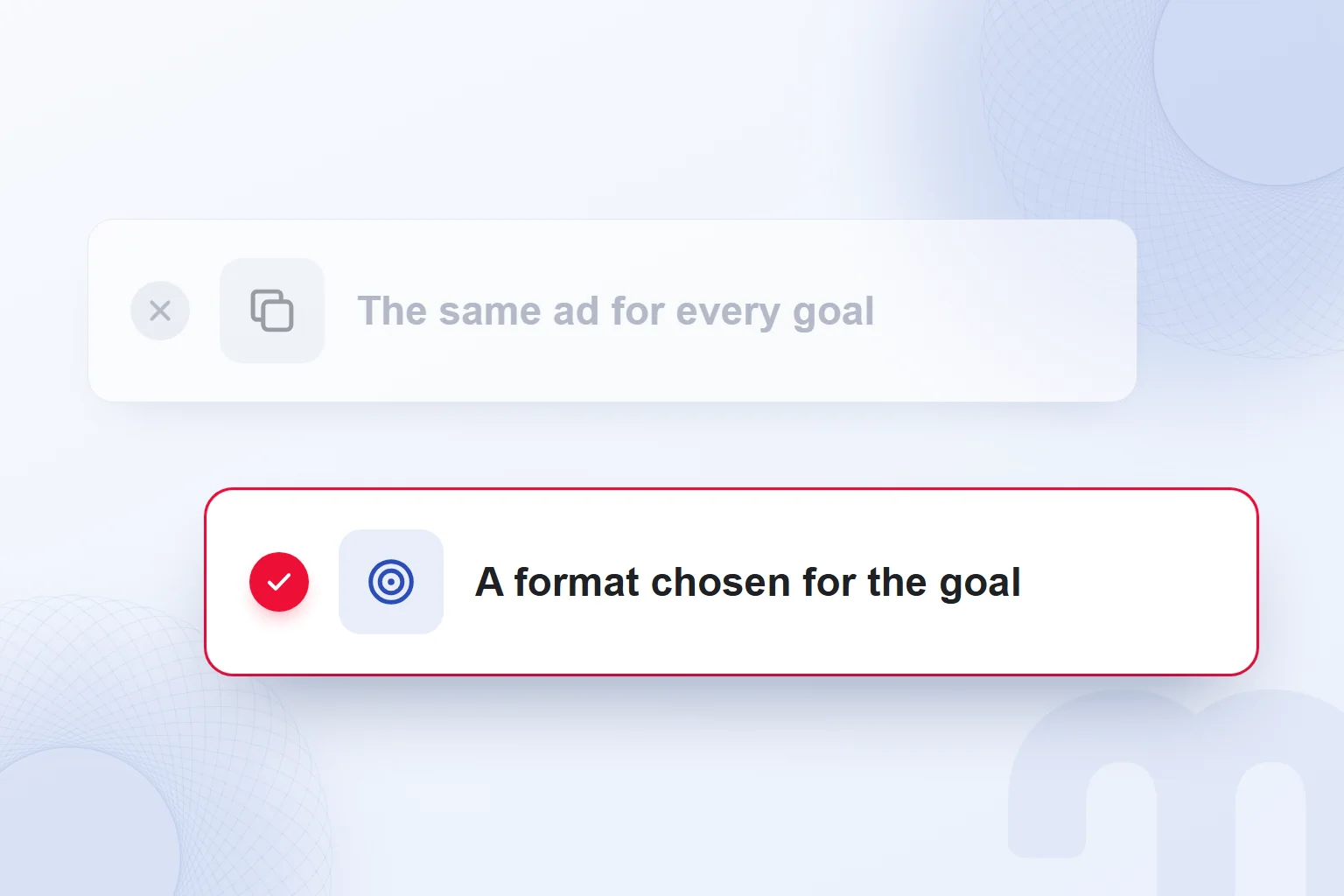
For awareness we choose bumper and non-skippable ads, for consideration and views skippable and in-feed ads, and for action on the site a conversion-focused campaign, matching the expected result with the payment condition.
The next step depends on the situation:
- We want to introduce the brand to a new audience → We plan reach with bumper and non-skippable ads on CPM and fit brand and promise into a short story.
- We want to explain how the product works → We aim for views with skippable in-stream or in-feed ads on CPV and show the product in use.
- We want sales or forms on the site → We set up conversion tracking and prepare a conversion-focused campaign with a landing page that carries the video’s promise.
Demand Gen and Performance Max campaigns also serve on YouTube; we choose the campaign type by format and expected action. Work that seeks forms is never judged on views alone; for product consideration we look at how much of the story viewers watch. Scenes and call to action suit the chosen format, and one video never carries the same expectation for every goal.
What are the steps to advertise on YouTube?
We run the steps to advertise on YouTube in this order: goal and measurement, video upload, account link, campaign choice, targeting, budget and results review, all around what the video says and what we want from the viewer.
- We define the goal and measurementWe choose awareness, views or action on the site; if we expect sales or forms, we set up conversion tracking.
- We upload the video to YouTubeWe host the ad content on YouTube and check that brand and promise suit the chosen format.
- We link the channel to Google AdsWe connect the channel to the ad account and complete account and billing setup in Google Ads.
- We choose the video campaign and formatWe assess the format that fits the goal, the viewing behavior and the payment condition together.
- We set up targetingWe define audience and content choices and manage repeat impressions with a frequency cap.
- We set the budget and bid strategyWe match the spending plan to the goal and check CPV versus CPM against the chosen format.
- We read views and results after launchWe compare views, video played percentages, clicks and conversions with the starting goal.
To open the account, we follow the steps for advertising on Google and set the video campaign’s goal separately. In our Google Ads consulting, goal, video, budget and measurement form one setup.
How do you read YouTube ad results?
We read YouTube ad results through views, , video played percentages, clicks and conversions against the campaign goal. Played percentages at each quarter show how far people keep watching.
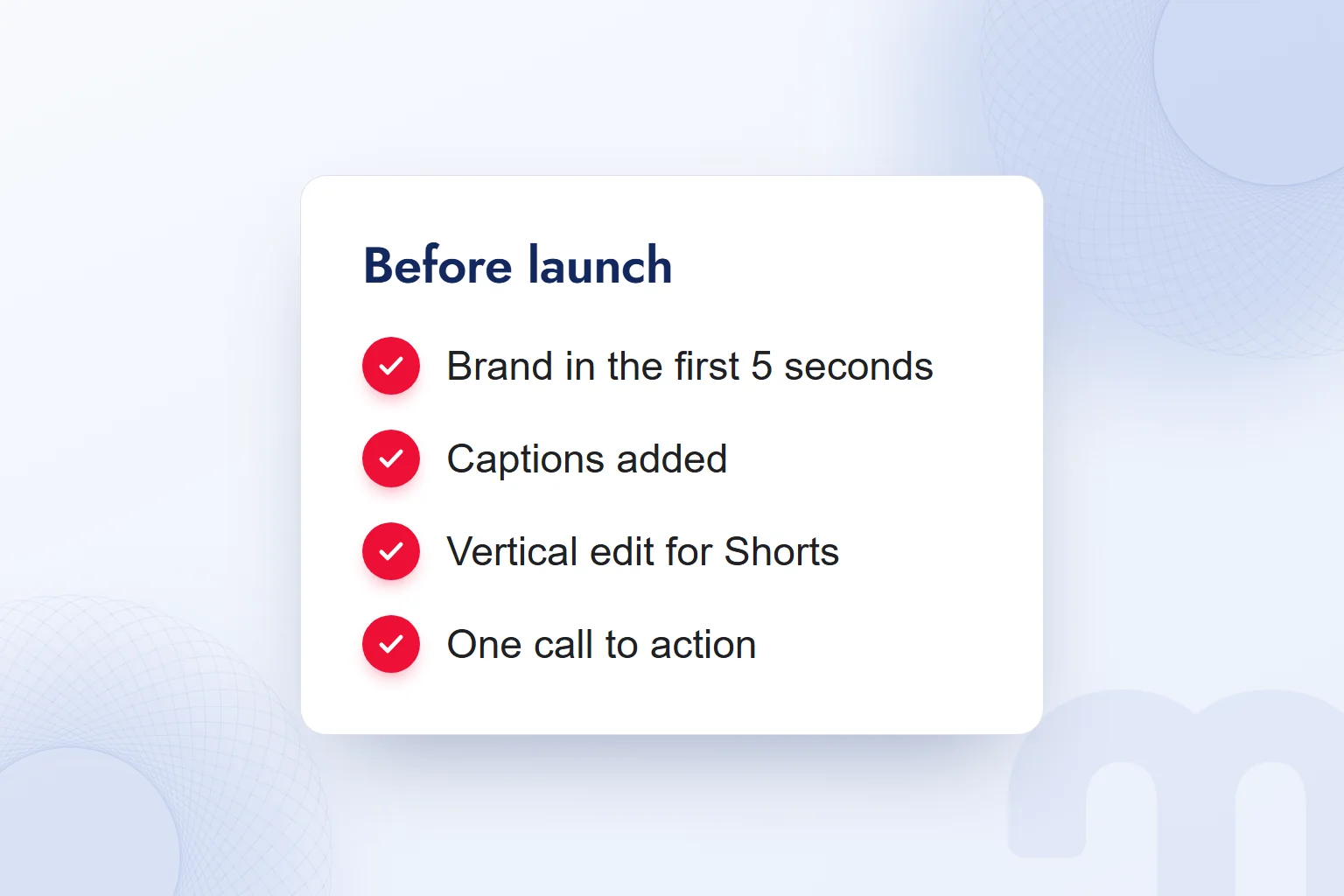
In a skippable ad, we put brand and promise in the first 5 seconds, add captions for sound-off viewers and use a vertical edit for Shorts. The video has one call to action, and the landing page keeps its promise. We return to these decisions when assessing results.
The decision follows this split:
- View rate is low → We re-edit the first 5 seconds and bring the brand and promise forward.
- Views are high but there is no action on the site → We check the landing page and call to action and confirm the video’s promise continues on the page.
- The ad reaches the same person too often → We set a frequency cap, widen the audience and reassess repeat impressions.
We never measure YouTube ads by last click alone; branded searches and direct traffic are read too, and after any video, targeting or page change we recheck the same measures.
We read a video campaign’s return with the calculation in our what is ROAS article. More guides on ad structure and measurement are on our blog.
Frequently asked questions
How do you advertise on YouTube?
We upload the video, link the channel to Google Ads and set up a video campaign, defining goal, format, targeting, budget and measurement before launch.
What determines YouTube ad prices?
Prices are set in an auction by targeting, competition, timing and ad quality. We judge cost with the payment condition and the result achieved.
Do you pay for a skipped YouTube ad?
On CPV, a skippable ad is paid after 30 seconds, a full view of a shorter video or an earlier interaction; skipping before that without interacting costs nothing.
Do you need a channel to run YouTube ads?
Yes, the ad video must be hosted on YouTube. We upload it to the channel and link the channel to Google Ads.
What is a bumper ad?
A bumper is a non-skippable video ad format up to 6 seconds long. It is paid on impressions with CPM; we use it for brand awareness.
Which goals are YouTube ads suited to?
Brand awareness, product consideration, views and action on a website; we choose format and measurement by the expected result.

 What is ROAS? Formula, ROAS vs ROI and how to set target ROASRead article
 What is advertising? How traditional and digital advertising worksRead article
 What is an audience in advertising? Audience types and how to chooseRead article
 Advertising on ChatGPT: Ads Manager, Targeting and Your First CampaignRead article
 How to advertise on Google: account, first campaign, budget, trackingRead article
 What are ads? How Google, Meta and ChatGPT ads work alikeRead article
 What is an ad library? Competitor ads on Meta, Google and TikTokRead article
 What is ChatGPT and how do you use it? Free version, plans, safetyRead article
Questions & answers
0 commentsNo questions yet; you can ask the first one.