





 Oğuzhan Altun
8 min read
Oğuzhan Altun
8 min read
What is segmentation? Market segmentation types and GA4 audiences
Segmentation types, the criteria of a good segment, customer grouping with STP and RFM; building segments and audiences in GA4 and the conditions for sharing with Google Ads.Pro
Contents 9 sections
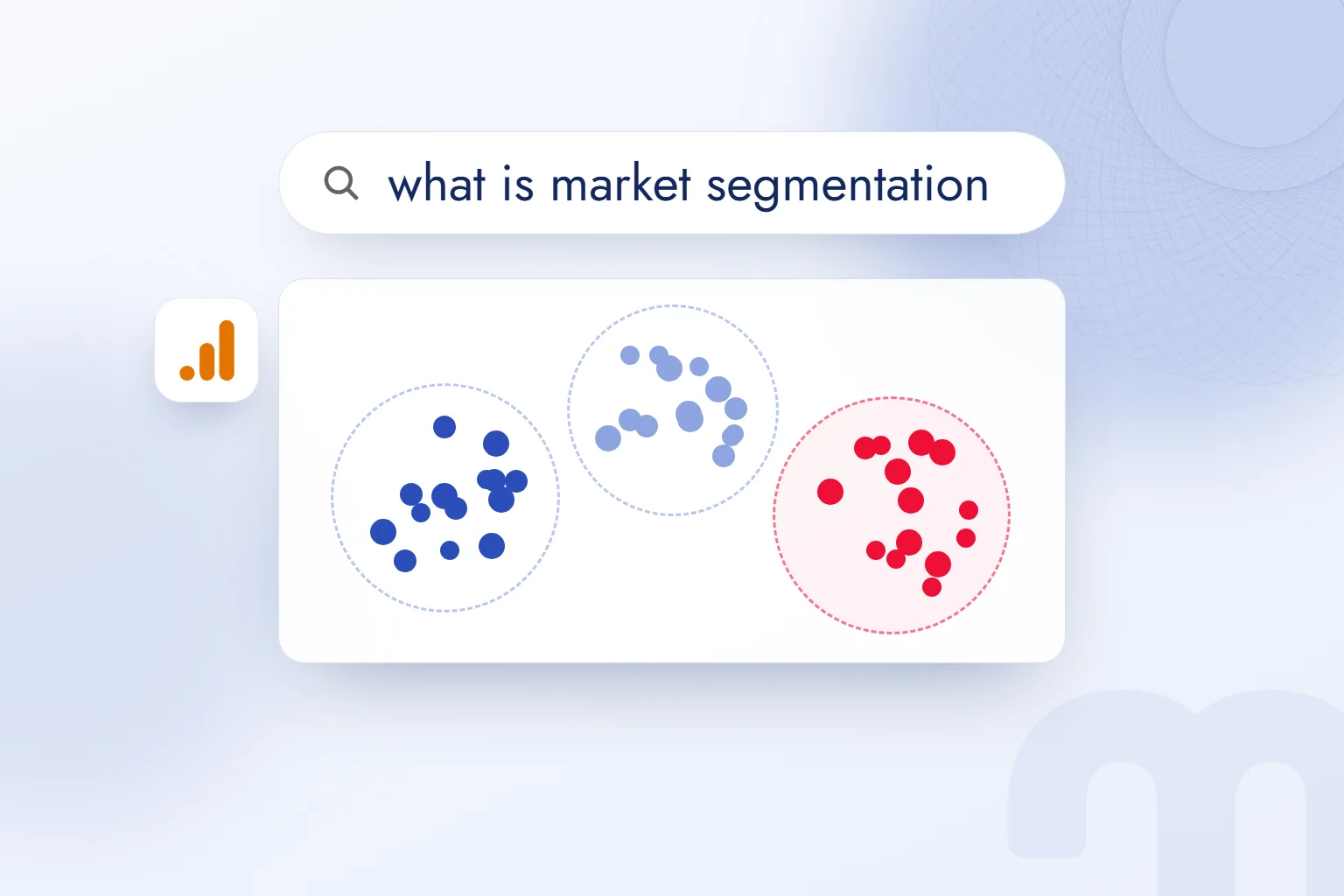
Market segmentation is the method of dividing a market or customer base into groups by shared characteristics and needs, so we can decide how to reach each group and what message to offer it. We call each group a .
We start by naming the decision ahead; a new market, existing customers and on-site behavior each need different data. In biology, segmentation is the cleavage stage of a fertilized egg, a separate concept. In marketing, we define shared traits and pick the groups we will address separately.
A segment is built from the data at hand, and the action for each group is defined from the start.
What is segmentation, and what does segment mean?
Segmentation is the process of dividing people into groups; a segment is a group sharing the characteristics we identify. In everyday English, a segment is a part of something larger, and market segmentation applies the idea to a market.
A segment definition states who belongs. We narrow “our customers” with criteria such as last purchase, purchase frequency or city. The criterion also tells us which data will find the group, so everyone on the team reads the same segment name as the same conditions.
We also record the decision each segment serves: lapsed customers get win-back communication; people who added to cart without buying get a message about that behavior. Name, membership condition and action belong together.
What are the types of market segmentation?
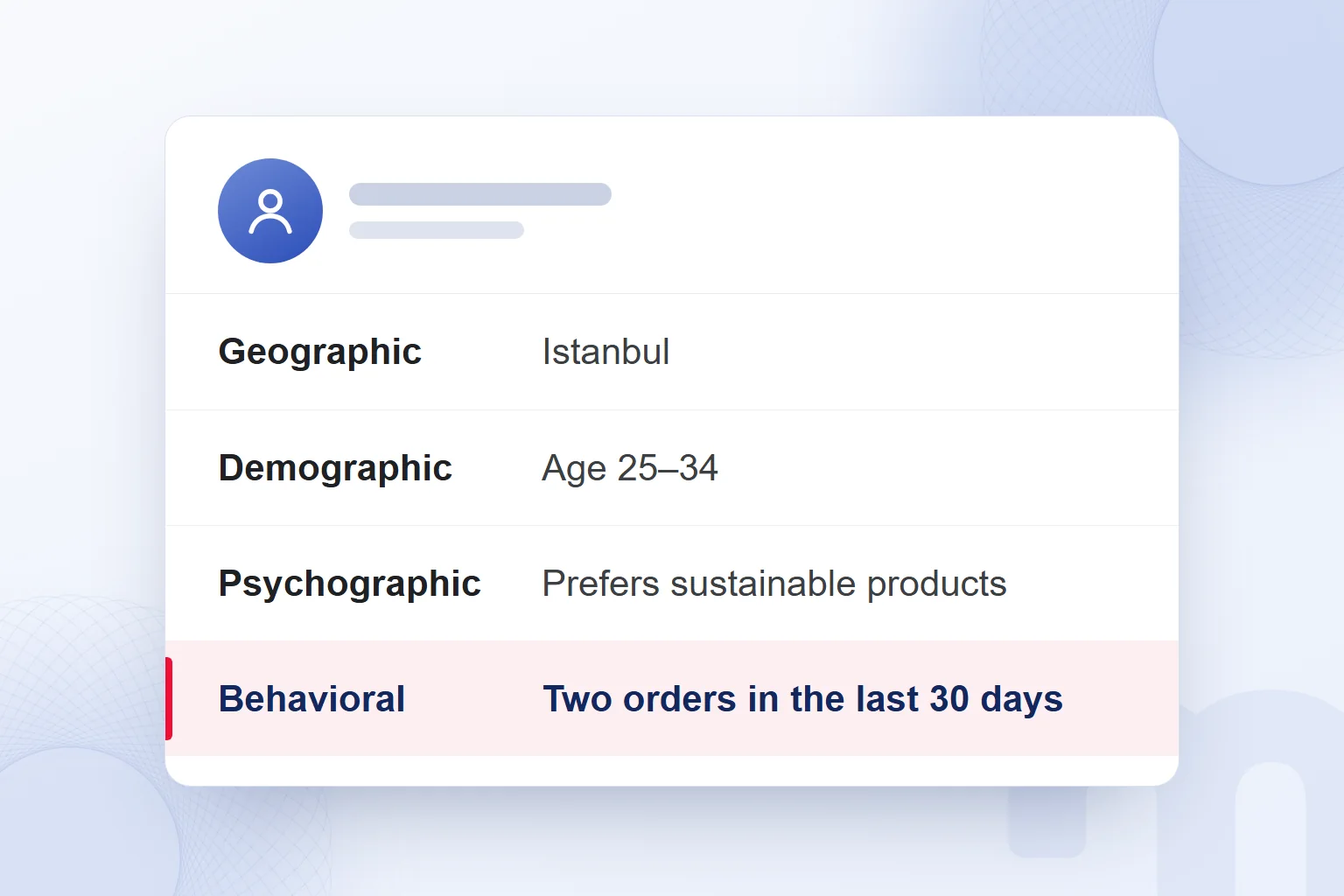
The four core bases of market segmentation are geographic, demographic, psychographic and behavioral; in B2B sales we add firmographic criteria. We pick the type by the question we want answered and the data we can access.
Geographic segmentation uses country, city and region. Demographic segmentation groups by age, gender, income and occupation. Psychographic segmentation looks at lifestyle, values and interests. Behavioral segmentation looks at purchase frequency, last purchase, usage and loyalty.
In B2B work we build firmographic segmentation on industry, employee count and revenue; the unit is the business. To decide which companies to focus on, we match the record against the chosen criterion.
| Criterion | Example | Where it is read |
|---|---|---|
| Geographic | City, region | GA4 city and country breakdown, order address |
| Demographic | Age, gender | GA4 demographic reports (with Google signals on), survey |
| Psychographic | Values, lifestyle | Survey, customer interview |
| Behavioral | Frequency, last purchase, cart | GA4 events, order and CRM data |
| Firmographic (B2B) | Industry, employee count | CRM record |
We choose the data source with the criterion. Values come from surveys and interviews; purchase behavior comes from order and event records. We never treat one field as evidence of a different trait.
How do you know a segment is good?
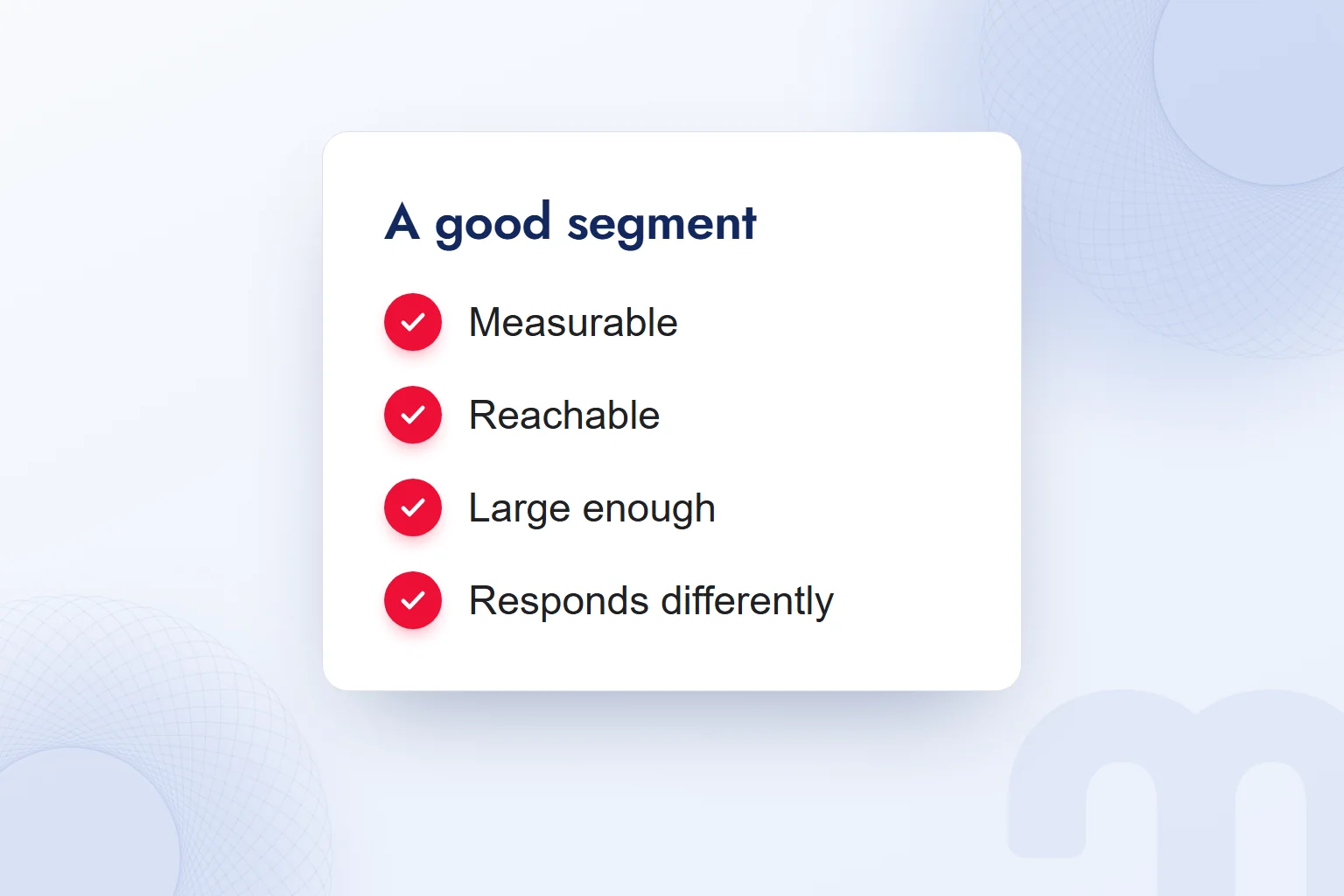
A good segment is measurable, reachable, large enough, responds differently and is actionable. Before using a segment, we check all five.
- Measurable: We can read the group’s conditions from data and identify who meets them.
- Reachable: We define how we will reach the group in ads or email.
- Large enough: We weigh its size against the work involved and the need to evaluate results.
- Responds differently: We compare how groups respond and check whether the split works.
- Actionable: We can prepare a message and an action specific to it.
Each check gets a concrete answer: data source, channel, result to evaluate, communication to prepare. A segment split out in a report is not yet a segment we act on; the actionability check asks whether we can do that work.
We follow segment breakdowns on a marketing dashboard and compare how groups respond in one review. If separately named groups respond the same way, we revisit the criterion.
What is STP in marketing?
STP is the marketing approach that combines segmentation, targeting and positioning, in that order. We divide the market into groups, choose the segment or segments to focus on, then decide how the brand should sit in that group’s mind.
Targeting is choosing the segment we will work with; the chosen segment is our target audience. Once the segment list is ready, we name the group we will focus on. Positioning is how we define the brand against that group’s needs and expectations.
We write down each stage’s outcome: what the group shares, which group we chose, how we want it to see us. The message is built on these answers.
How is customer segmentation done with RFM?
Customer segmentation with RFM splits existing customers by time since last purchase, purchase frequency and total spend. We choose the starting method by the data we have.
Where to start depends on the data:
- No customer data, entering a new market → We start with geographic and demographic criteria and use search data.
- Sales data exists → We run RFM analysis and read purchase history alongside it.
- Site traffic exists, conversions are low → We build behavioral segments in GA4 on source, device and engagement.
In RFM, Recency is time since the last purchase, Frequency is how often a customer buys, and Monetary is total spend. Each dimension is usually scored 1 to 5, and we read the three together.
Customers who bought recently, buy often and spend a lot form the most valuable group. Customers who used to buy often but have stopped go into the win-back group.
We score RFM from order data and group customers by their score combination. Win-back needs two conditions together: frequent past purchases and a long gap since; a long gap alone does not qualify.
How do you create a segment in GA4?
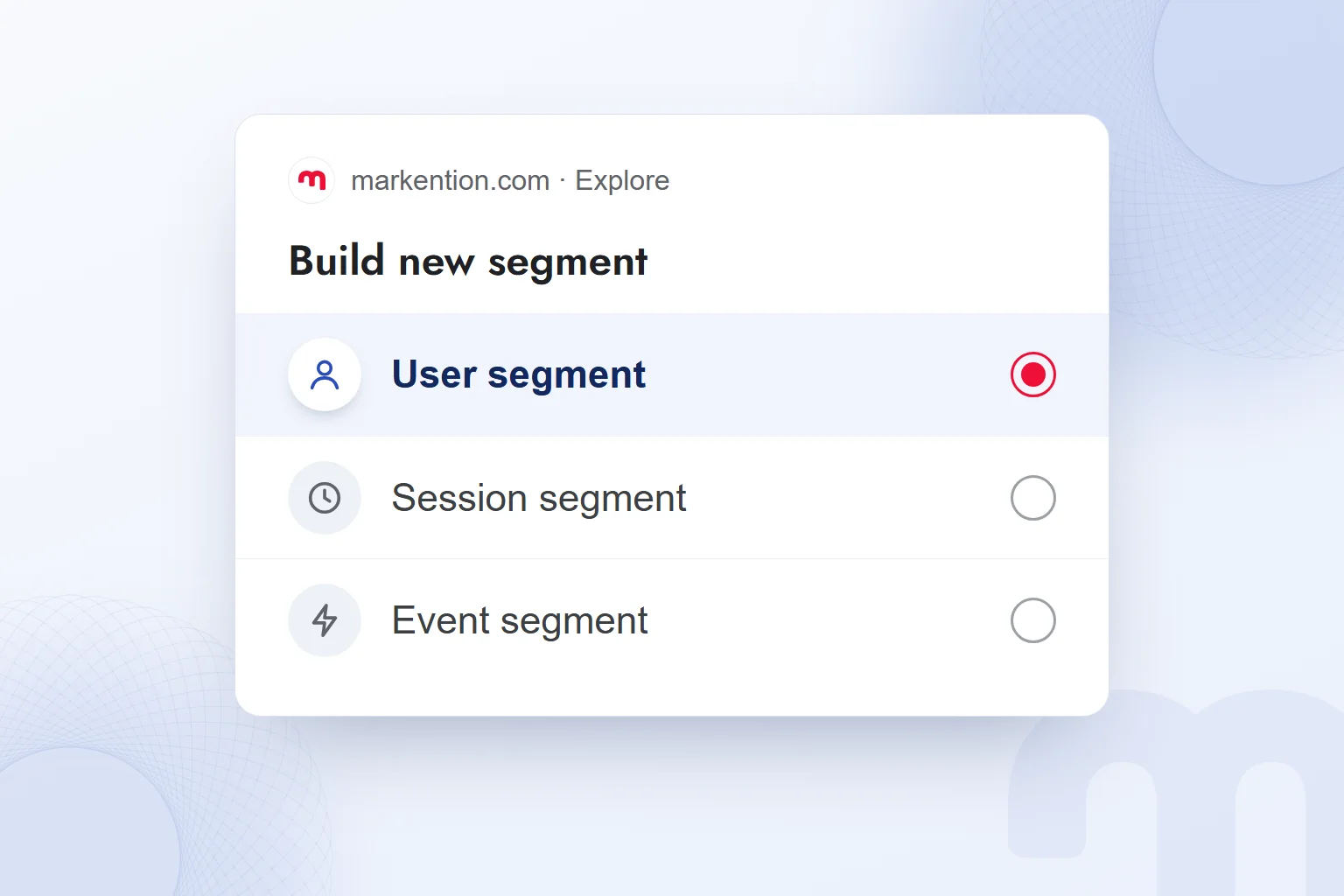
In GA4, we create a segment by opening an exploration under “Explore” in the left menu, choosing a segment type and defining the group’s conditions. First we decide whether to split users, sessions or events.
A user segment splits users, a session segment splits sessions and an event segment splits events. To study users who added to cart without buying, we choose a user segment, which fixes the scope of our conditions from the start.
A segment is a set of conditions applied to historical data in the selected date range. An audience is a user list that changes over time and is used in advertising and personalization. We use a segment to study past behavior and an audience for ongoing communication with users who meet the conditions.
For a traffic source segment, we handle UTM usage with parameter definitions. In Google Analytics 4 work, we set the condition, date range and segment type together.
How do you build an audience in GA4?
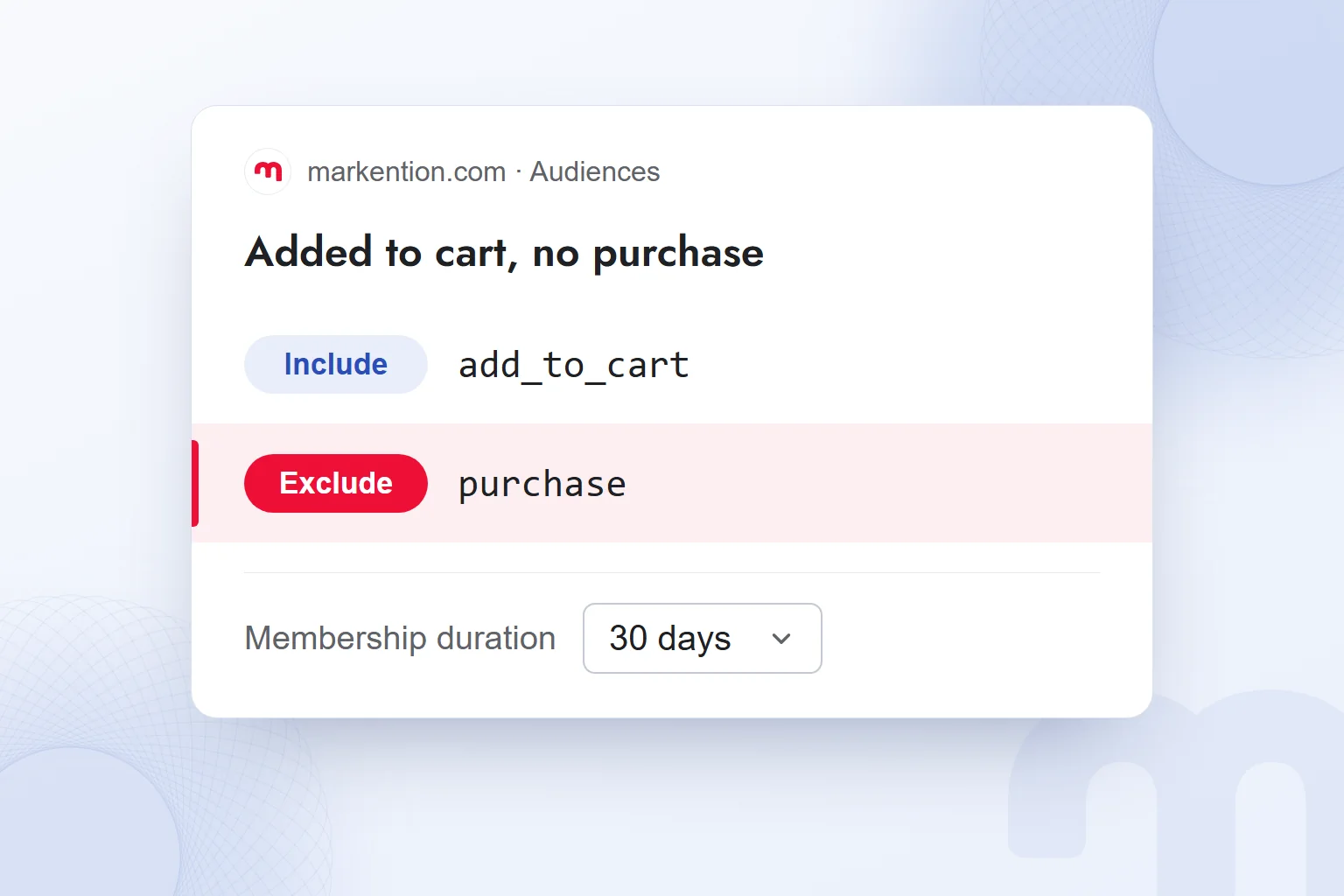
In GA4, we build an audience under “Admin › Data display › Audiences” by setting user conditions and a membership duration. When we carry a segment’s behavior into an audience, we write include and exclude conditions separately.
In our example, we select users with an add_to_cart event and no purchase event; both are GA4 recommended ecommerce events. We move from segment to audience in this order:
- Open an explorationWe open an exploration under “Explore” and set the date range.
- Choose a user segmentWe use a user segment to separate users who added to cart without buying.
- Set the conditionsWe include the add_to_cart event and exclude users with a purchase event.
- Review the segmentWe check that the user group in the date range matches the behavior we are after.
- Create the audienceUnder “Admin › Data display › Audiences”, we set the same include and exclude conditions.
- Set the membership durationHere we choose 30 days and save the audience as “Added to cart, no purchase”.
- Check the ad linkTo use it in Google Ads, we link Analytics to Google Ads and leave personalized advertising on.
A new audience starts with users who met the criteria in the last 30 days, then updates going forward. This window is separate from membership duration, which here is also 30 days (maximum 540).
When sharing with Google Ads, we check the account link and the personalized advertising setting together. An audience existing in GA4 does not mean it is ready in Google Ads.
What do we do when a segment does not work?
When a segment does not work, we check its size, whether it responds differently from other groups and which channels reach it. The fix follows the problem we see.
It is usually one of these:
- The segment is too small → We merge it with a similar segment and assess results in the larger group.
- Segments respond the same way → We change the splitting criterion and re-examine behavior differences.
- We cannot reach the segment → We switch to a criterion with a counterpart in ads and email.
With Google signals or demographics, GA4 may apply to protect privacy. Thresholded rows are hidden, so we check this when rows are missing.
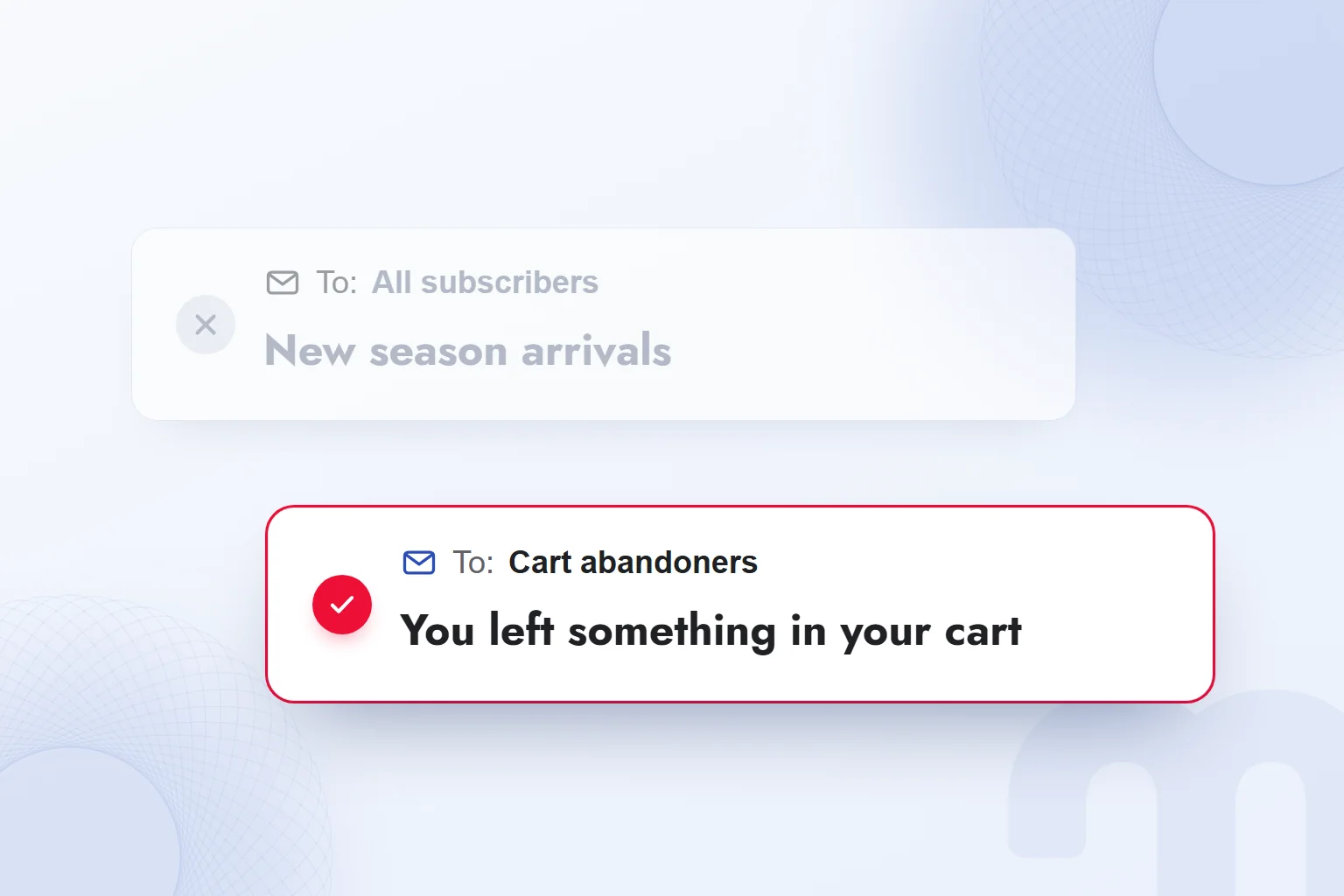
Our observation: Decisions are not made on results that swing week to week in very small segments; we merge the group with a similar one and decide after a new review. When we write a separate email for cart abandoners, we tie the message to the chosen behavior. The bigger picture segmentation sits in, product, price, place and promotion, is in our what is marketing article. Other measurement topics are in our web analytics articles.
Frequently asked questions
What is market segmentation?
Market segmentation is dividing a market or customer base into groups by shared characteristics and needs. We call each group a segment.
What are the main types of segmentation?
Geographic, demographic, psychographic and behavioral. In B2B work we also use firmographic criteria such as industry and employee count.
How is the target audience chosen in STP?
Segmentation identifies the groups; in targeting we choose the segment or segments to focus on. That group becomes our target audience.
What data does RFM analysis use?
Time since last purchase, purchase frequency and total spend. Each dimension is usually scored 1 to 5.
What is the difference between a GA4 segment and an audience?
A segment filters historical data in the selected date range. An audience is a user list that starts with eligible users from the last 30 days and updates going forward.
What is needed to use a GA4 audience in Google Ads?
Analytics must be linked to Google Ads, and personalized advertising must stay on. We check both conditions together.

 How to do a competitor analysis: stages and an action planRead article
 What is Microsoft Clarity? Heatmaps and session recordings explainedRead article
 What is a dashboard? Marketing dashboards, KPIs and Looker StudioRead articleMost read
 What are URL parameters? UTM, GA4 event parameters and gclidRead article
 ChatGPT image prompts and Gemini prompt examples for ad visualsRead article
 What are search engines? Google, Bing, Yandex and AI searchRead article
 What can you do with ChatGPT? Free plan marketing examplesRead article
 What is superintelligence? From AI to SI and what it means for brandsRead article
Questions & answers
0 commentsNo questions yet; you can ask the first one.