





 Cihat Murat Yüksel
14 min read
Contents 13 sections
Key takeaways
- A blog is a website, or a section of one, where a person or organization publishes regular posts.
- Google Search Central states that AI Overviews and AI Mode have no additional requirements and need no special optimization.
- AdSense applicants must be 18 or older, and younger users can apply through a parent's or guardian's account.
- The word blogger describes a person, while Blogger is the Google service for setting up and managing blogs.
A blog is a website, or a section of one, where a person or organization publishes thoughts, experiences and knowledge in regular posts online; Cambridge Dictionary lists as its synonym.
On a brand blog, we start from the reader’s question, choose the platform by topic and publishing rhythm, and build each post around a clear answer, with a byline, visible publication date, category and internal links. Visibility in search and AI answers runs through the same page: its accessibility and content.
Every blog post is published with a byline and a visible publication date; key information is written in the text.
What is a blog?
A blog is a place online where thoughts, experiences and knowledge are published as regular entries. Cambridge Dictionary defines it as a regular record of your thoughts, opinions or experiences put on the internet for others to read; its American English definition describes a website where a person or group regularly adds new information, often every day.
In Turkey, the Turkish Language Association (TDK) redirects “blog” to a native term meaning “web diary”: a diary-like social media site where people write what they want, as they choose, without technical knowledge. The definitions share one idea: regular publication.
A blog is not only a diary of personal memories; an organization sharing its knowledge uses the same format. A vlog, the video form of a blog, tells its story through video.
For us, regularity does not mean writing every day. We plan the work to research, draft and check each post, and decide which questions we will answer before setting a frequency, so every post on the calendar has a purpose.
What does blogger mean?
A blogger is a person who writes a blog; Cambridge Dictionary defines the word exactly that way.
Blogger, with a capital B, is also Google’s service for creating and managing blogs; Blogger Help explains the steps. The word blogger describes a person, while Blogger names the service where a blog is set up and managed.
Who a post belongs to is shown in the byline, with details on an author page. In the content plan, we keep the blog’s name separate from the writer’s name. The platform decides where we publish; checking sources, writing and the final read are part of preparing the post.
What are the types of blogs?
In a publishing plan, we divide blogs into personal blogs, corporate blogs and topic (niche) blogs. We look at who is speaking, who they write for and which topics they cover. These groups are not mutually exclusive; a personal blog can also stick to one topic.
- Personal blog: The person’s thoughts, experiences and observations are central. We state the limits of the experience and separate personal judgment from sourced information; in an illustrative learning diary, the method tried and the notes on it sit in separate paragraphs.
- Corporate blog: We match the brand’s knowledge with the reader’s questions, weighing what readers want to learn as much as what the organization wants to say. Author details and sources stay visible.
- Topic or niche blog: The scope narrows to one field. In an illustrative plan on blog writing alone, topic selection, drafting and pre-publication checks become separate posts. Before adding an outside idea, we ask which question of the same reader it answers.
Our first-hand example is the markention blog: WordPress on our own hosting, in the /blog section of markention.com, with each post’s short name after /blog. Our plan divides digital marketing questions into topic headings. The type is corporate, the software WordPress, the location our own domain; writing these three decisions down separately keeps blog type and platform name apart.
What is the difference between a blog and a website?
A blog can be a separate website or a section of one; a website is the broader structure that can contain the blog. On markention.com, the blog is the /blog section, so posts live inside the site on our own domain name.
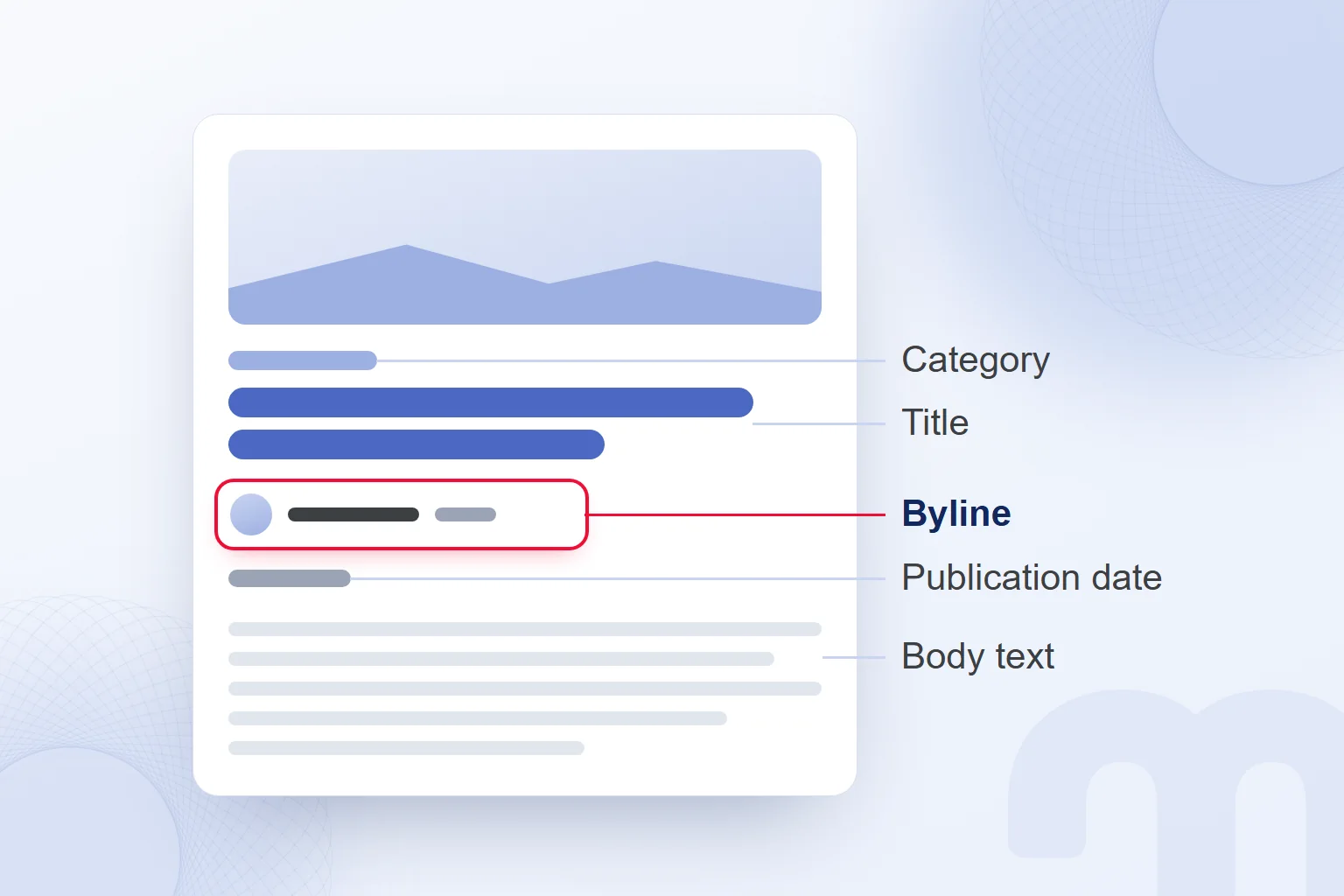
A blog post differs from a service page by its byline, publication date and category, which accompany every post in our blog: who prepared it, when it was published, which topic group it belongs to. Internal links lead to related posts. When planning a blog site, we define this layout separately from pages such as services or contact.
These are not mere layout details. The author page lets readers get to know the author, and the labeled date tells them when the text was written; we review both along with the content.
Why do brands use a blog?
Brands use a blog to answer readers’ questions and to show who prepared the information and how. The answer sits at the center of the post, with the author’s identity and sources clearly beside it.
According to Google Search Central, Google’s automated ranking systems are designed to prioritize helpful, reliable information created primarily to benefit people. We judge a post’s purpose in this frame: a clear answer, the method explained and sources named.
We run the blog plan with the content calendar as part of organic marketing, setting each post’s question, source and method. In an illustrative plan, “What is a blog?” serves definition, “How do you start a blog?” setup, and “How do you write a blog post?” drafting; even within one post, each gets its own section.
Next to each calendar heading, we note what decision the reader can make afterwards: a platform post needs the differences between options, a writing post an example to apply. If a source supports only a definition, we draw no claims of results from it; topic scope and evidence scope are checked together.
How do you start a blog?
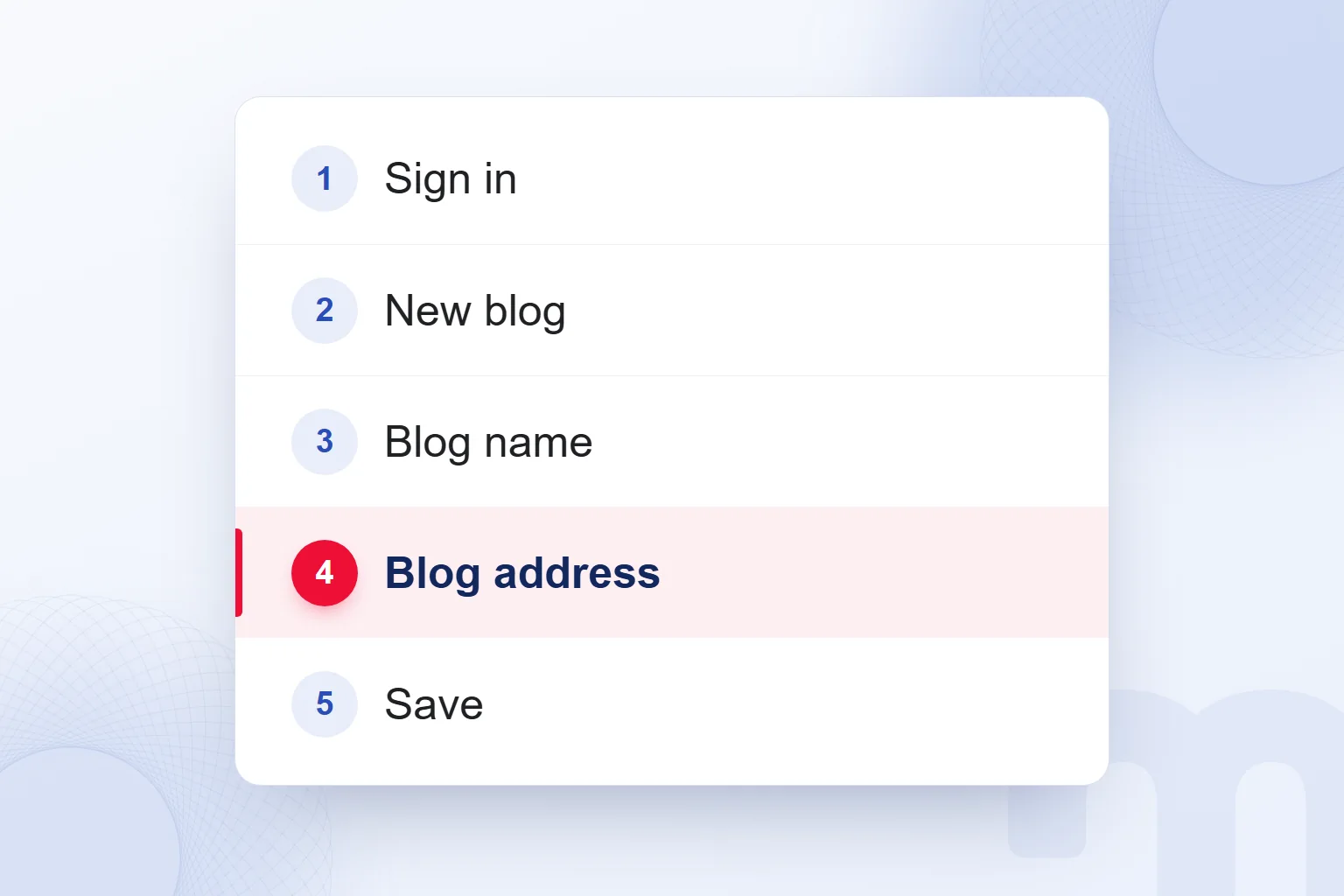
To start a blog, we sign in to Blogger, create a new blog, choose its name and address, and save. These actions make up the creation steps in Blogger Help. We can also manage the blog’s access and design.
- We sign in to BloggerWe sign in to the service to create and manage the blog.
- We click the Down arrow on the left, then New blogWe start creating a new blog.
- We enter the blog’s name and click NextWe type the chosen name and move on to the address.
- We choose the blog address and saveWe set the address and click Save.
- We set access and designWe decide who can read and edit the blog and how it looks.
- We follow the content policyWe publish content in line with the Blogger Content Policy and Terms of Service.
A custom domain can be set up on Blogger. Name, address and access are separate decisions: the name identifies the blog, the address places it on the internet, access decides who can read and edit it. We check access separately while editing the design.
We set up a brand blog as a section of the site on our own domain, where every post carries a byline, visible date, category and internal links. Setting the blog’s address and completing each post’s publishing details are separate jobs.
How do you start a free blog, and which platform should you choose?
For a free blog, we first define the topic and the reader, then follow Blogger’s creation steps. A hosted service and software on our own hosting are separate options, and a platform name does not replace a publishing purpose.
According to the WordPress documentation, WordPress is free, open-source publishing software that can be downloaded and installed on a host, released under the GPL license. WordPress.com is a commercial hosted blogging service run by Automattic. Sharing a name does not make them the same product. Free software does not mean every publishing need, including the domain and hosting, is covered for free; we evaluate the software separately from those needs.
We narrow the choice by purpose:
- We want to try writing → we pick a topic and a sample post, then start with Blogger’s creation steps, setting design and access by who will read it.
- A blog on the brand’s site → we plan it as a section of the existing site and handle category, author and internal link structure with the site.
- Our own domain and full control → we consider installing WordPress software on our own hosting and decide up front which setup and publishing tasks we take on.
Since Blogger supports a custom domain, wanting a domain alone is not a reason to pick a platform. We plan name, address, and reader and editor access on separate lines, and treat WordPress.com as a hosted service, not the downloadable software. For every option, we describe the need first, then decide where it is met.
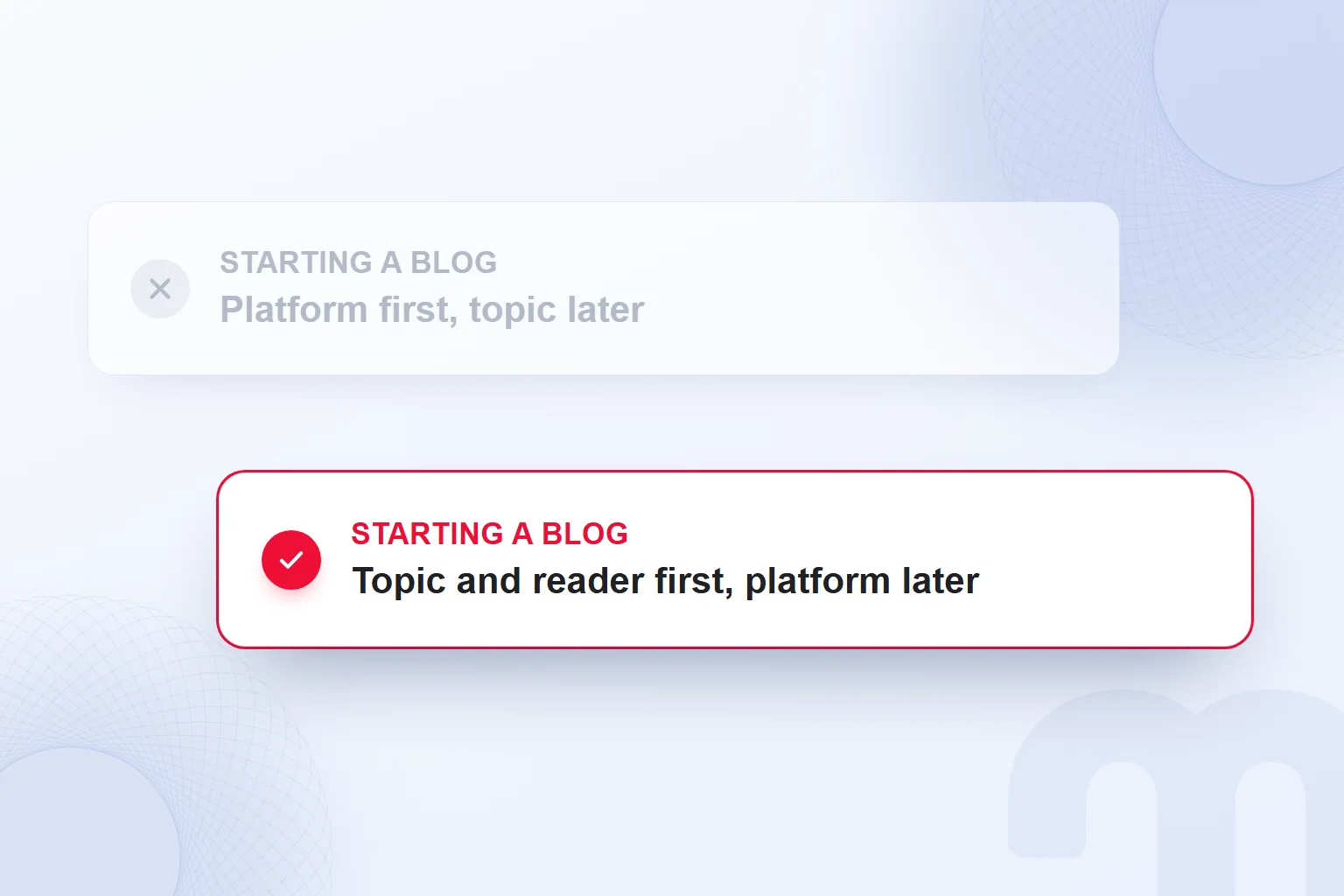
Our pre-setup note holds the topic, the target reader and the first post’s question, then who writes, who checks and which related pages it links to. It comes before any theme or design decision. A personal post and an organization’s sourced guide use the same questions; only the answers change.
In the first draft, we check that the headline matches the answer, that key information exists outside images, and that the post’s identity is clear. The platform decides where we publish; the content plan decides what we say.
How do you write a blog post?
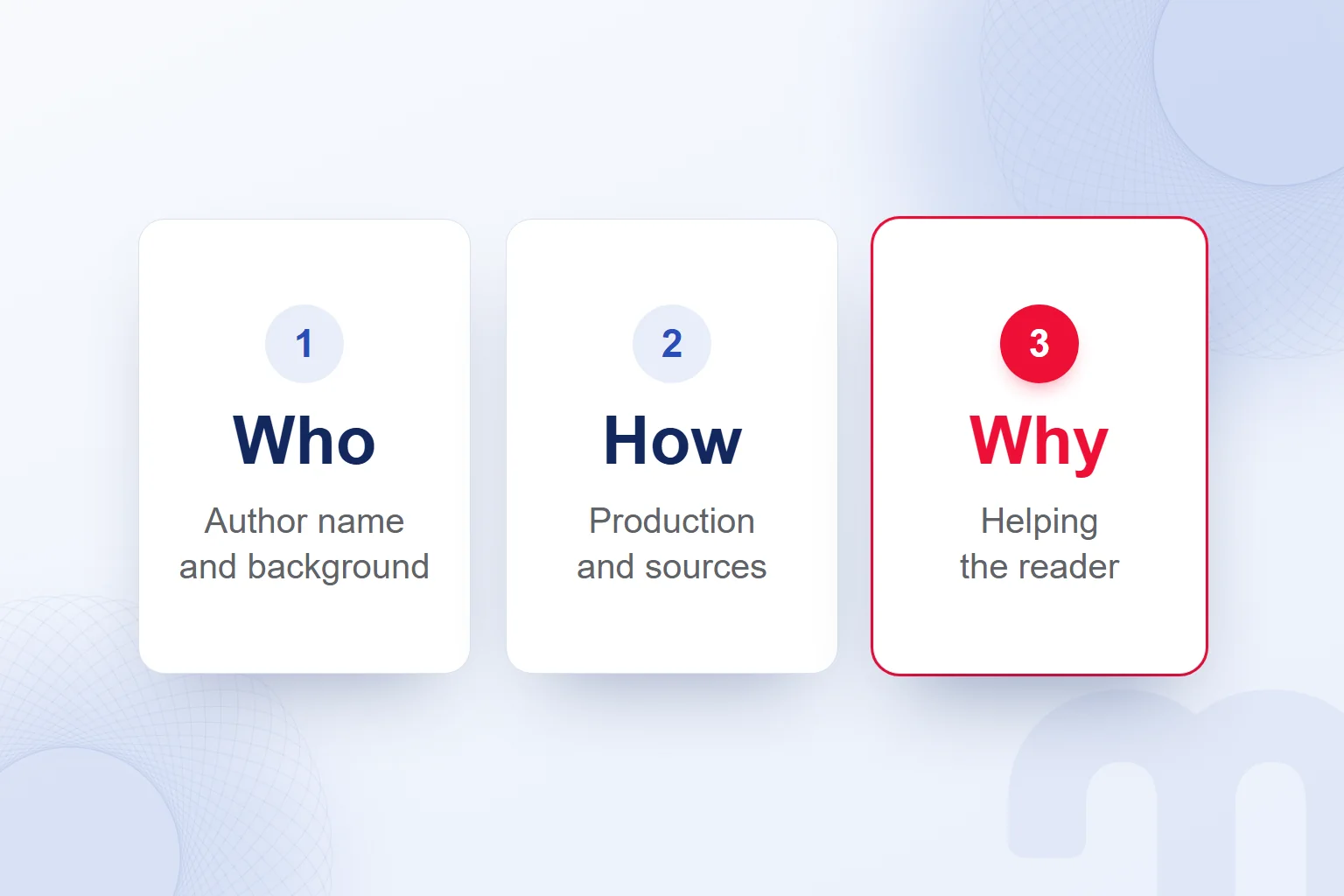
We write a blog post by answering the reader’s question directly and explaining who wrote it and how it was prepared. We base this on the “Who, How and Why” questions Google Search Central recommends for content, which let us assess a post’s source, production path and purpose together.
| Question | What Google asks | Where it shows in the blog |
|---|---|---|
| Who | Is it clear to visitors who wrote the content? | Byline and a page about the author |
| How | Is it clear how the content was produced? | Method, sources and, where used, an explanation of automation |
| Why | Was the content created primarily to help people? | A direct answer to the reader’s question |
Google calls “Why” perhaps the most important question to answer about content. We create content primarily to help site visitors: under each heading we write what the reader expects and state what the answer rests on. We describe how the content was produced; if automation or AI was used, we explain it where readers would expect it.
In the draft, we write the reader’s question in one sentence and put the direct answer in the introduction. Each subheading does a separate job: opening up the definition, separating options or showing the practice. We merge repetitive paragraphs, keep the source apart from our own method, and never present an illustrative example as a real result.
We link the byline to a page about the author and mark the visible date with a “Published” or “Last updated” label, which tells readers what the date refers to. We keep the visible date and the date in the the same; we never use a future date or the date of an event in the text as the publication date.
Google does not rely on a single factor to determine a date and does not guarantee showing it in results, so visible information and structured data are checked together; a correct date and a displayed date are separate matters.
A short blog post example
For short blog post examples, we focus on one question, answer it in the introduction and explain the method in subheadings. The text below is an illustrative example we wrote; it does not describe real client work or an achieved result.
How do you choose the topic of your first blog post?
We choose the topic of a first post by deciding who we are writing for and which of their questions we will answer. We start with one question we can explain rather than a long topic list. When the post has clear limits, we can plan what goes in the introduction and what in the subheadings. Suppose we keep a learning diary; instead of the whole learning experience, our topic is how to organize the first study note.
Narrowing the question
First we write the reader’s need in one sentence. For “What should my study note include?”, the topic, the source and our own assessment are separate fields; the draft keeps personal comments apart from sourced information. Unrelated details wait for future posts.
Getting the draft ready to publish
We read the headline and introduction together; if the introduction does not answer the headline, we rework it. Then we check the source name, author information and visible date. With an image, the key explanation stays in the text too. In the final read, we ask how each paragraph serves the question.
Here the introduction answers, the first subheading narrows the scope and the second prepares publication. Reusing this structure, we swap in our real topic and evidence. Length follows what needs explaining; we never add sections just to make a post longer.
How do blog posts appear in search and AI answers?
To appear as a supporting link in Google’s AI answers, a blog post must be indexed and eligible to be shown in Google Search with a . According to Google Search Central, AI Overviews and AI Mode have no additional requirements and need no special optimization. The SEO practices that apply to Search apply to these features too.
We check crawl access, internal links to the post and key information presented as text. Crawl access is reviewed in both robots.txt and content delivery network settings. Google also recommends a good page experience and text supported by suitable images or videos.
Structured data must carry the same information as the visible text. AI features need no new machine-readable file, separate AI text file or special schema; for Google’s AI Mode, the same conditions apply: indexed and eligible for a snippet.
The path splits like this:
- The post is not in the index → we verify the site in Search Console and check that robots.txt allows crawling.
- No internal links point to the post → we add links from related posts and the category page.
- Structured data does not match the visible text → we align both on the same information.
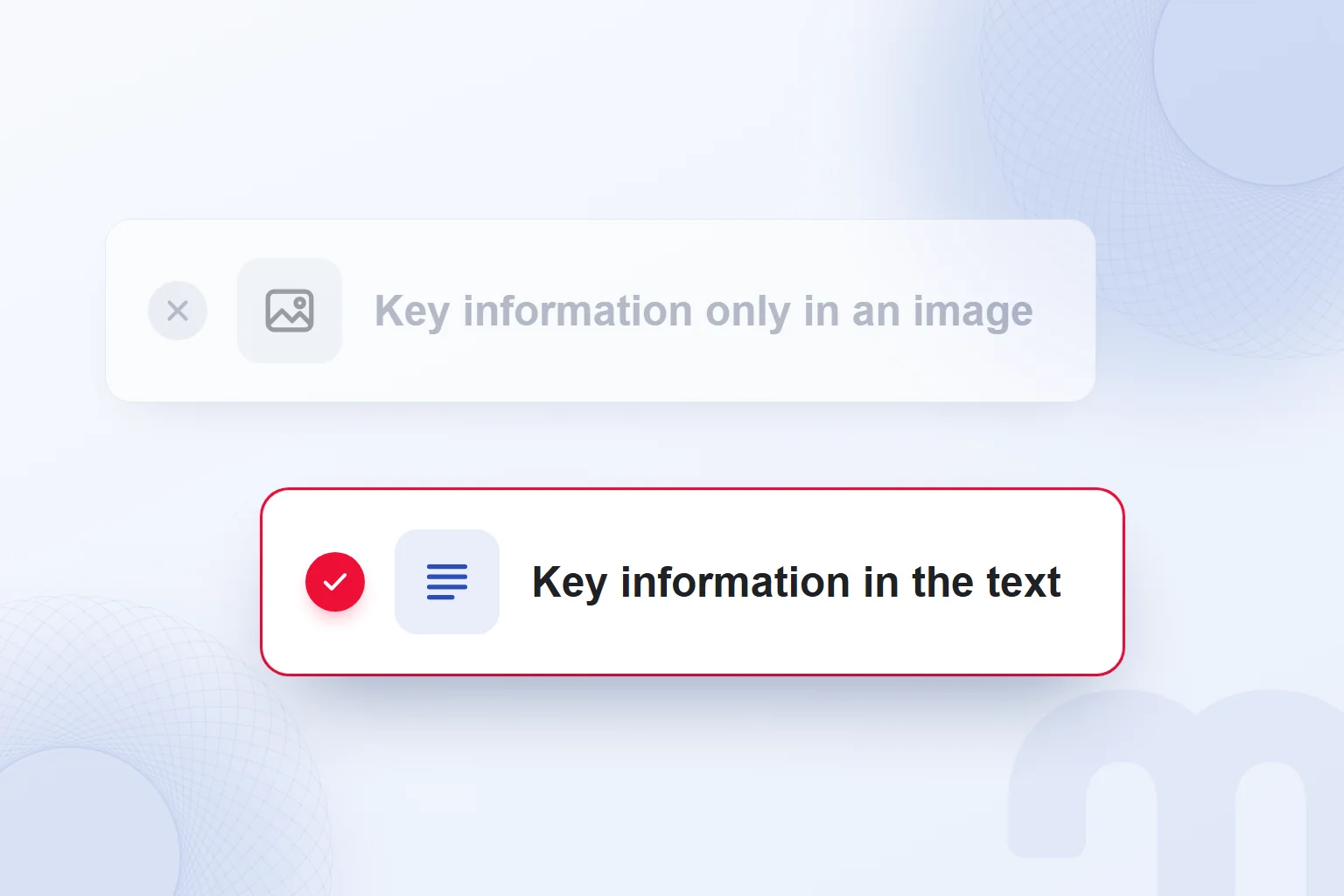
Traffic from these features falls under the “Web” search type in the Search Console Performance report, and we read it with that scope. Google does not guarantee indexing, and neither crawl access nor internal links change that. When an image supports key information, the same information must be in the text.
Can you make money from a blog?
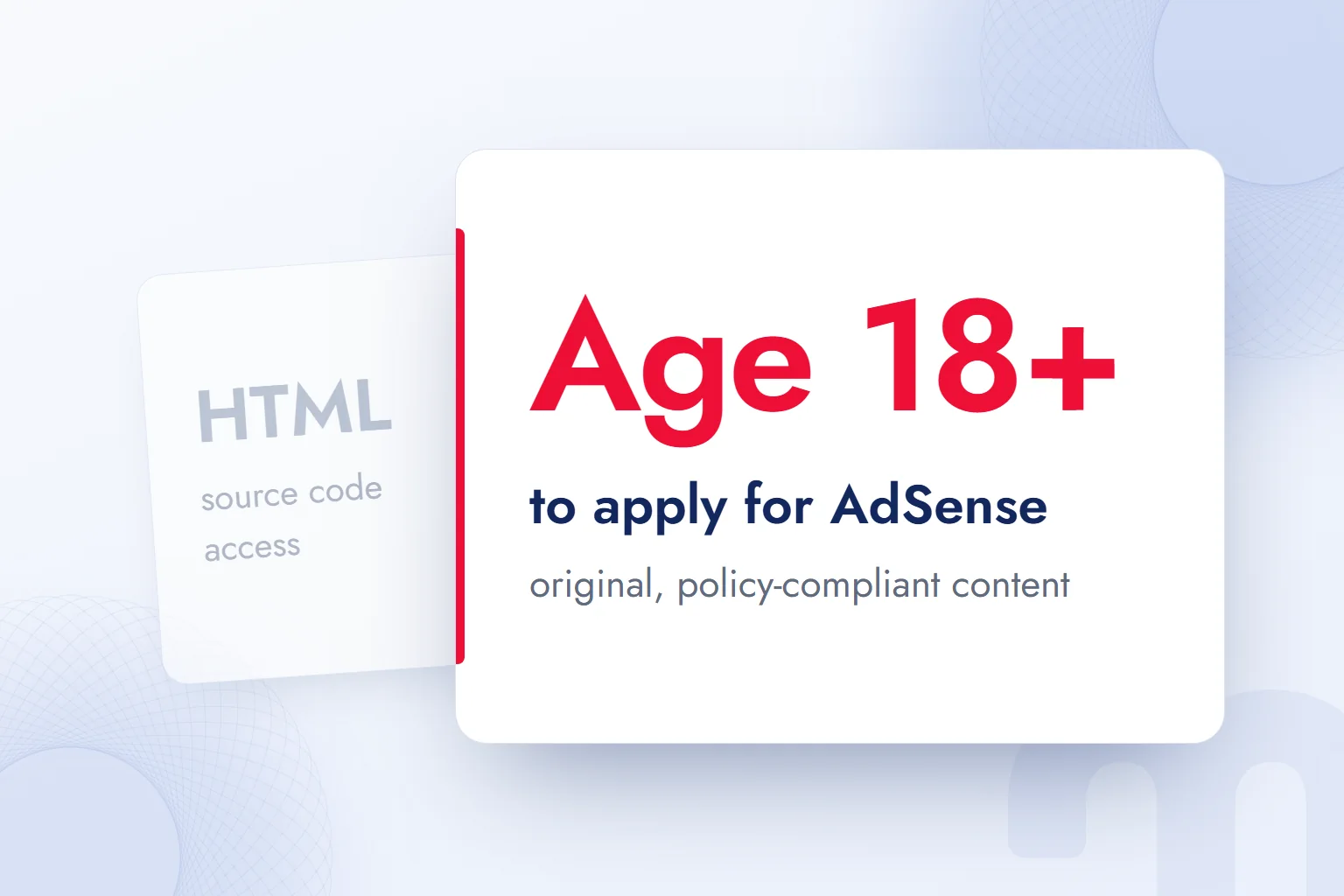
Yes, a blog can earn advertising revenue through AdSense; applying requires meeting content, age and access requirements. Google AdSense Help requires applicants to have their own original content that complies with its policies. We plan advertising together with these requirements.
Applicants must be 18 or older; those under 18 can apply through a parent’s or guardian’s account. Access to the site’s HTML source code is also required, so content eligibility and source code access are separate checks.
AdSense can also be used through hosting partners such as Blogger. Creating a Blogger blog and applying for AdSense are separate steps; a ready blog does not replace reviewing the requirements. We note the ad plan when choosing a platform and return to the requirements when applying.
For originality, we check that the post is ours and its sources are clear in the text. Blog identity, author information and preparation method stay in our checks, but they do not replace AdSense’s requirements; for the application, we rely on Google’s policy statements.
Policies can change, and keeping track of them is the user’s responsibility, so we reread the requirements in force when applying. We weigh running ads against the answer the post gives, and never present expected revenue as a publishing outcome.
If a post is prepared under an advertising or partnership arrangement, we disclose that relationship plainly and how it relates to the post. We cover this alongside our post What is an influencer, so source disclosure and commercial disclosure are checked separately.
What are common blogging mistakes?
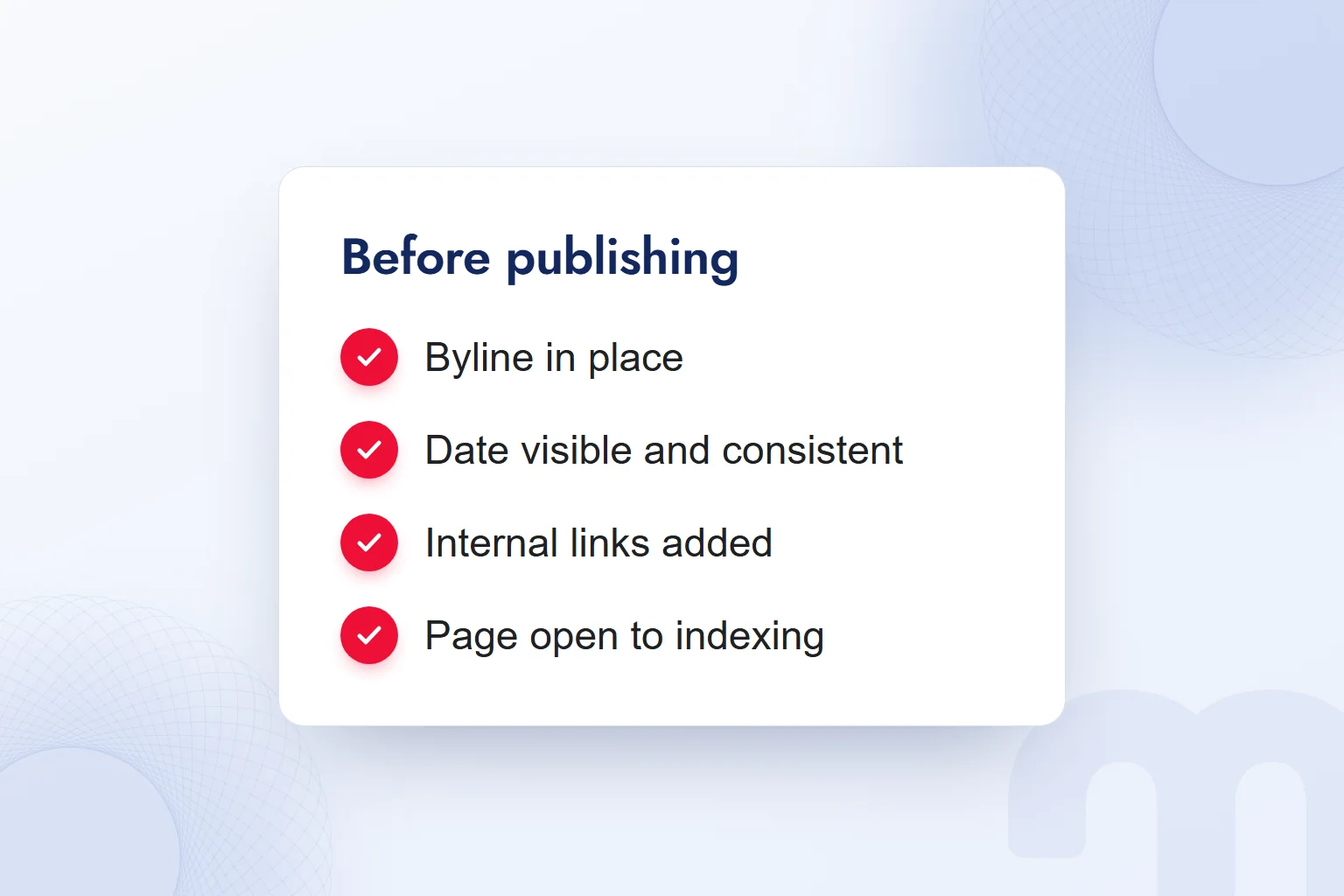
Common blogging mistakes are leaving out author information, not showing the date visibly and consistently, and putting key information only inside an image. Pre-publication checks cover the post’s identity and date along with the text.
This distinction decides the fix:
- The post has no author name → we add a byline and a page about the author.
- The date is hidden or conflicts with the markup → we align a visible date labeled “Published” or “Last updated” with the structured data.
- Key information is only inside an image → we write the same information as text too.
In the final check, we confirm that related pages link to the post and the page is open to indexing. A caption in an image does not make up for a missing byline or date; each part is completed in its own place, and visible information and markup are matched separately. To find post topics, we read the suggestion box Google shows below results with the method in our people also search for post. More guides on blog preparation and content planning are on our blog.
Frequently asked questions
What is a blog?
A blog is a website, or a section of one, where a person or organization publishes thoughts, experiences and knowledge online in regular posts.
What does blog mean?
Cambridge Dictionary defines a blog as a regular record of thoughts, opinions or experiences shared on the internet, and gives “weblog” as a synonym.
What does blogger mean?
A blogger is a person who writes a blog. Blogger, Google’s service, is used to create and manage blogs.
How do you start a blog?
Sign in to Blogger and choose New blog from the Down arrow on the left. Enter the blog’s name, click Next, choose its address and save.
How do you write a blog post?
Answer the reader’s question directly and explain who wrote the post and how. Keep a visible, labeled publication date consistent with the structured data.
Do blog posts appear in AI answers?
A post must be indexed and eligible for a snippet; there are no extra requirements or special optimization, and indexing is not guaranteed.
How do you start a free blog?
Define the topic and reader, then create a new blog on Blogger, save its name and address, and set access and design. With WordPress, free software and domain and hosting needs are separate questions.
Can you make money from a blog?
Yes, through AdSense; applying requires original, policy-compliant content, HTML source code access and being 18 or older (or a parent’s or guardian’s account). Following current policies is the user’s responsibility.

 How to make a presentation: AI tools, PowerPoint and proposal decksRead article
 How to make money on Instagram: eligibility requirements and toolsRead article
 What is a slogan? How to write one, and how it differs from a taglineRead article
 What is Pantone? Color palettes, color codes and brand colorsRead article
 What is a SWOT analysis? How to do one, and how it differs from PESTRead article
 What is a case study? How to write a client case study, with templateRead article
 Instagram post size: square, portrait, story and Reels dimensionsRead articleMost read
 What is a hashtag? How to use hashtags and how many to addRead article
Questions & answers
0 commentsNo questions yet; you can ask the first one.