





 Cihat Murat Yüksel
7 min read
Contents 9 sections
Key takeaways
- A tweet is a message shared on Twitter, now X, which the current interface calls a post.
- According to the X Help Center, a post can be up to 280 characters long.
- A post can include up to four photos, or a single GIF or a single video.
- An undone repost leaves the profile timeline but may still appear in cached timelines or on third-party sites.
A tweet is a message of up to 280 characters shared on Twitter, now called X; in X’s current interface it is called a , and it can contain text, photos, video or a link.
When preparing a post, we first decide what to say and which source to share. Our own message is a post; another account’s message shared as it is becomes a repost; with our own comment added, it is a quote post. Then we check the text, the image and the linked page together.
A shared link is read first; a post is planned and published once the link card has been checked.
What is a tweet?
A tweet is a message published on X, which the current interface calls a post. In everyday speech, “tweeting” still means publishing it. The X Help Center covers the action under “Posting”, and the composer button reads Post.
A post can contain text, photos, GIFs, video and links. We pick the format by what we want to explain: text for an explanation, a photo or video for a detail worth showing. When sharing an article, we make sure the post describes it accurately.
Writing short, we keep the meaning intact and state the page’s topic clearly rather than leaving the reader guessing. An added image must say the same thing as the text, and no sentence is left unfinished.
Did Twitter become X, and is a post the same as a tweet?
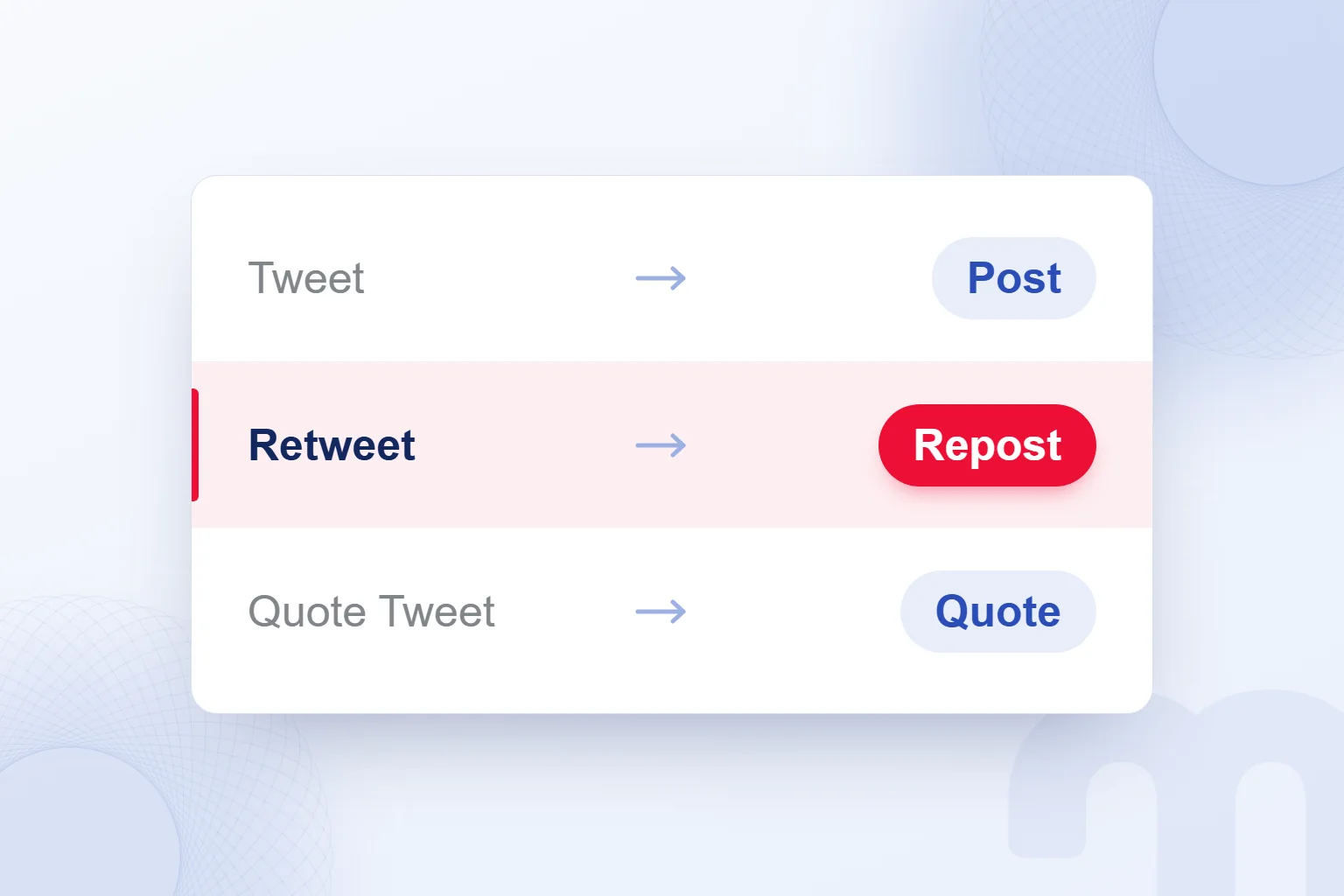
Twitter is now called X, and a post is the same thing as a tweet: X’s help pages use post instead of tweet, repost instead of retweet and quote instead of quote tweet. Tweet and retweet remain common in everyday language.
We keep both sets of words in mind: “retweet this” points to the Repost action, “quote tweet” to the Quote option, where we add our own words. An older word never hides which kind of sharing is meant.
Our publishing plan uses post, repost and quote post, so the calendar shows which items need original text and which are re-shares. Each task names the exact action, not just “share”.
What does retweet mean, and how do you repost?
A retweet means sharing a post publicly again with your followers; on X, we repost by selecting the repost icon under the post and choosing Repost. The X Help Center’s definition rests on re-sharing a post that is already published.
Without a comment, the post reaches our followers exactly as it is; to add an assessment, we use a quote post instead.
We can also repost our own older posts. First we reread the text and check that the link still goes to the intended page; having shared it before does not skip the review.
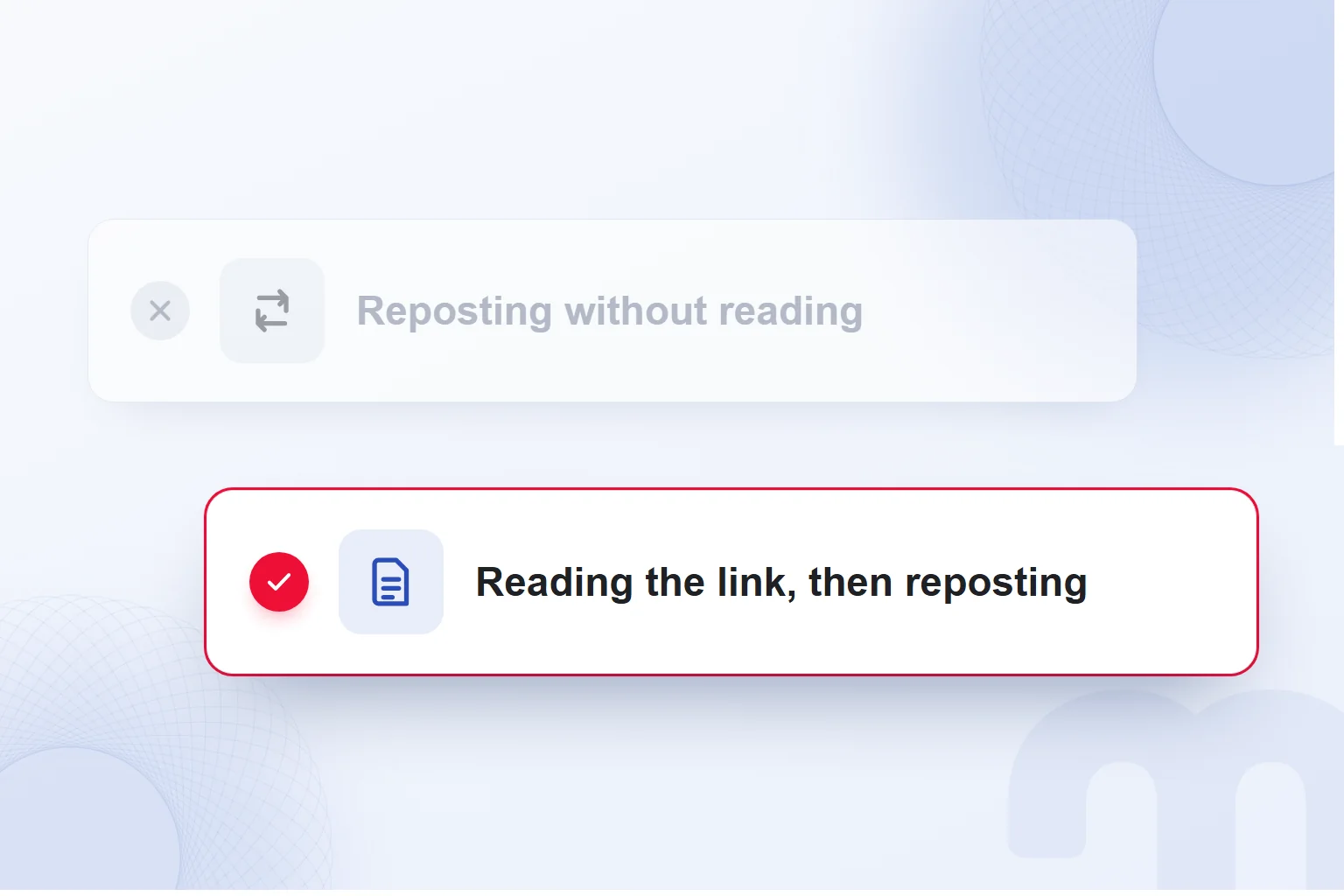
X may ask whether we want to read an article first when we repost a link we have not opened recently. We do not wait for that prompt; we read the article. We never repost on the headline alone, and we check that it matches the piece’s conclusion.
How do you tweet, or share a post?
To tweet, we write our text in the post composer, check the media and the link, and share it with the Post button. The X Help Center sets these limits for text and media.
- We open the post composerWe decide on the topic and move to the writing field.
- We write within 280 charactersWe keep the core message and cut repetition.
- We add an image or videoUp to 4 photos, one GIF or one video; we check the media.
- We check the link and its cardWe open the link, confirm the page and review the card.
- We schedule it if neededWith the calendar icon we choose the date and time.
- We press PostFor a post going out now, we finish the final read and share it.
If the text is not ready, we save a draft and finish it later. Once the time is set, we schedule the post with the calendar icon and confirm the date and time in the final check.
Longer posts are an feature. Within 280 characters we complete a single idea; if the text runs over, we rebuild the meaning in a shorter sentence rather than cutting essentials.

What is a quote post, and how is it different from a repost?
A quote post shares a post again with an added comment or media, while a repost shares the post exactly as it is. We choose depending on whether we want to add our own words.
| Action | What it does | Keep in mind |
|---|---|---|
| Repost | Shares the post with our followers as it is | Points to the shared post |
| Quote post | Shares the post with an added comment or media | The original author is not automatically added to replies; the original post does not count toward the character limit |
| Undo repost | Removes the post from our profile timeline | It may still appear in cached timelines or on third-party sites |
Since the original post does not count toward the character limit, we never retype it. Our added sentence explains why we share it and keeps the original’s words and our assessment apart.
The original author is not automatically added to replies on a quote post; to include them, we mention their username.
When we quote a post announcing an article, we write the idea we took from it in our own words and check that the article really supports it.
How do brands use X?
Brands use X to publish their own posts, share links and repost users’ posts; we run this content with a publishing plan that sets the topic, text, media and time for each share.
According to X’s developer documentation, the summary card with large image shows a wide, prominent image with the post, and clicking it takes the user to the site. We assess the card’s image and the post’s sentence side by side.
Our pages define this card, so a link to them shared on X appears with a wide image; we include that appearance in the content check.
Before reposting posts in which users mention a brand, we read the user-generated content in full. We look at how a post spreads through reposts in the context of going viral and choose what to re-share.
Posts created with the X Ads composer may show a source label such as “X for Advertisers”. This label does not mean the post is paid; paid content carries an “Ad” label in every ad format.
We run a brand’s X content plan together with its organic marketing plan, deciding for each item who writes the copy and when the final check happens.

What do we check before posting on X?
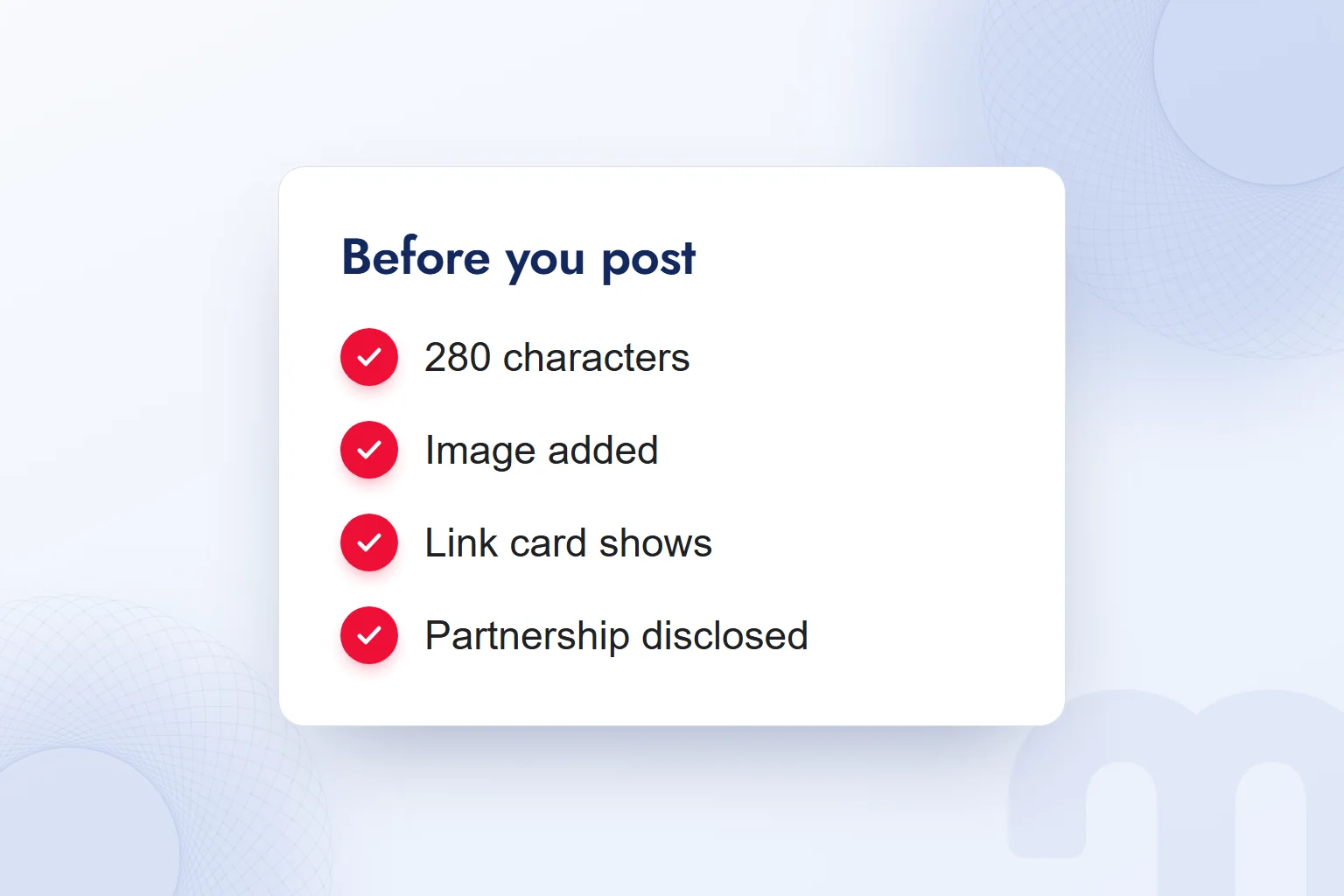
Before posting on X, we read the content behind the link, disclose any partnership clearly and keep the paid “Ad” label separate from organic posts. Text, media and link card are checked together.
The path depends on the situation:
- We have not yet opened the article we want to share → we read it first, then repost.
- The post involves a partnership with a brand → we disclose it clearly; in Turkey, we use the Ministry of Trade guide’s wording, such as “#Reklam” (#Ad) or “in partnership with @…”.
- We are running paid ads → we know the “Ad” label X uses for paid content and keep it apart from organic posts.
In Turkey, the Ministry of Trade’s guide for social media influencers requires advertising in brand-partnership content to be clear and recognizable at first glance. We add the disclosure while writing and check its visibility in the final read.
Reading the link and checking the card are separate tasks: one assesses what we share, the other how it appears.
Can you delete a tweet or undo a repost?
We can delete our own posts and undo our reposts; we cannot delete another account’s post. We first establish whether we want to remove our own message or our re-share.
Undoing a repost removes the post from our profile timeline. The X Help Center notes that it may still appear in timelines or on third-party sites, so it is not the end of the share’s visibility everywhere.
Common situations and our response:
| Situation | What we do |
|---|---|
| Our own post contains an error | we delete it and share the corrected version. |
| We reposted a post by mistake | we undo the repost. |
| Another account’s post bothers us | we cannot delete it; we unfollow, mute or block the account. |
When correcting our own post, we read the text, media and link together rather than fixing only the wrong word.
More of our guides on social media terms and content planning are on our blog.
Frequently asked questions
What is a tweet?
A tweet is a message shared on Twitter, now called X. In X’s current interface it is called a post.
What does retweet mean?
A retweet means sharing a post publicly again with your followers. On X this action is called a repost.
Is a post the same as a tweet?
Yes. Twitter is now X, and its help pages use post, repost and quote instead of the older terms.
How many characters can a tweet have?
A post can be up to 280 characters. Longer posts are an X Premium feature.
What is a quote post?
A quote post shares a post again with an added comment or media. The original post does not count toward the character limit.
Can you undo a repost?
Yes; the post leaves your profile timeline. It may still appear in cached timelines or on third-party sites.

 What is a call to action (CTA)? CTA text and button examplesRead article
 What is copywriting? What a copywriter does and how to write ad copyRead article
 What is network marketing? How it differs from pyramid schemesRead article
 What is a buyer persona? How to create one, with a templateRead article
 What is Affiliate Marketing? Commission Models and Building a ProgramRead article
 What is WhatsApp Business? Free app, Platform (API) and how to use itRead article
 What is a podcast? How podcasts work for brands and where to publishRead article
 Best time to post on TikTok: finding it with your own account dataRead article
Questions & answers
0 commentsNo questions yet; you can ask the first one.