





 Cihat Murat Yüksel
7 min read
Contents 9 sections
A repost is sharing another account’s post again from your own account on social media; on Instagram and TikTok it is done with the “Repost” button, and the shared content appears in your followers’ own .
Before we repost, we look at the post’s owner, its content and its sharing permission. We judge how it relates to our account’s subject and state clearly why we are showing it to our followers.
A repost is made only on public content where the original creator allows reposts; using that content in ads requires separate permission.
What does repost mean?
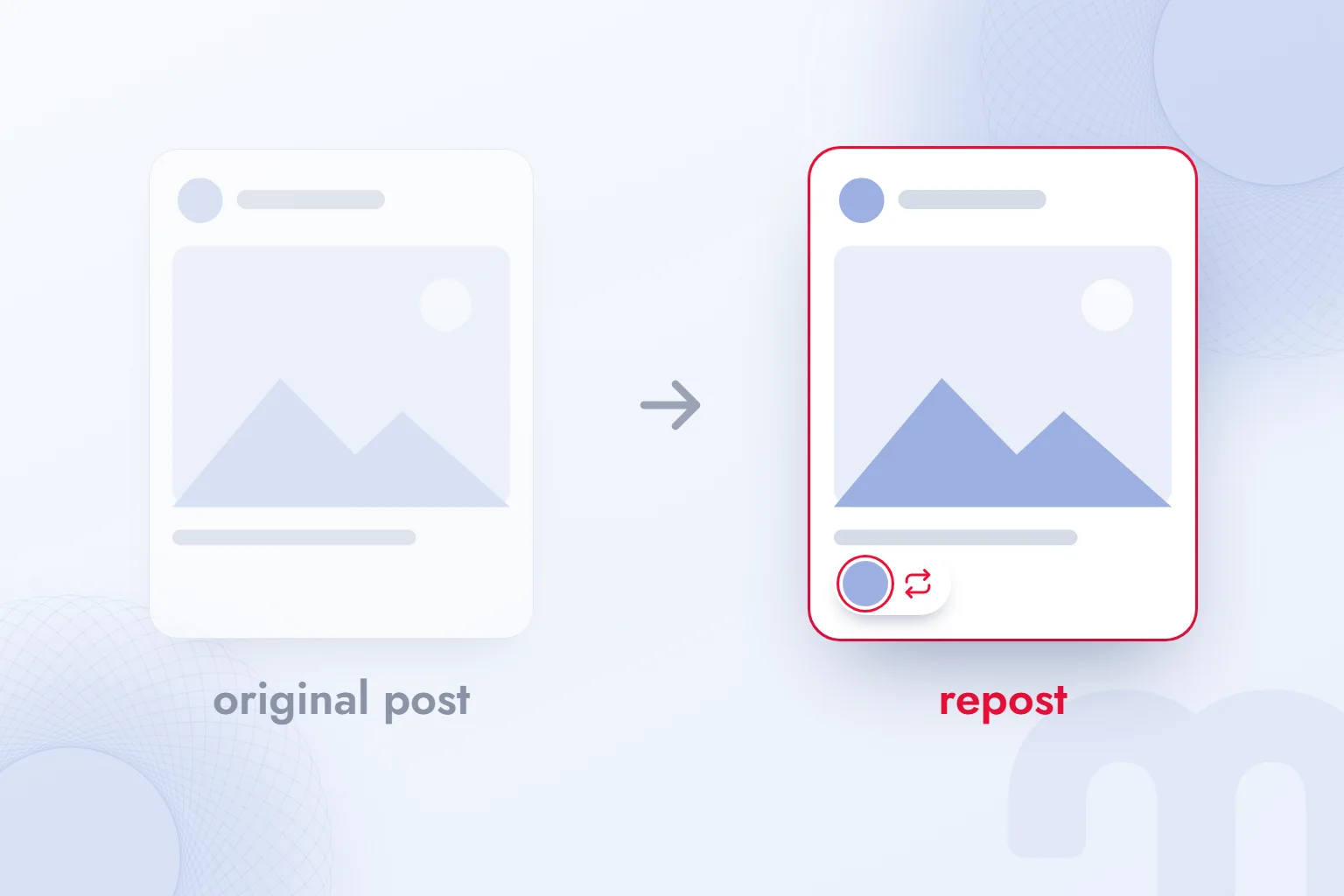
A repost is sharing another account’s post again from your own account. The prefix “re-” means “again” and “post” means a piece of published content; together, the word means “sharing again”.
On Instagram and TikTok, “Repost” is also the name of a specific button, so its meaning there is narrower than “sharing” in general. We keep the role of the account that created the post separate from the account that reposts it.
Both apps label the button “Repost”, yet the steps around it differ, so we follow the flow of the platform we are in. We cover reposts on X and quote posts, where you add your own comment, in our guide to tweets and retweets.
What is a repost for?
A repost lets us share another account’s content with our own followers and community on the platform.
According to Instagram Help, followers may see your repost in their feeds, and reposts are collected in a dedicated repost tab on your profile. We use that tab to check which posts our account has reposted.
According to TikTok Support, a repost shares posts you find interesting with your friends and community on their . It is labeled as a repost with the profile photo and nickname of the person who reposted it and appears like other posts in the feed.
On both platforms, the content remains the original owner’s post; reposting it does not make it ours. When we write our reason for sharing, we keep the creator’s message and our own assessment apart.
For us, the choice starts with what the post adds to our account’s subject; we assess the text and visual together, never a single detail.
How do you repost on Instagram?
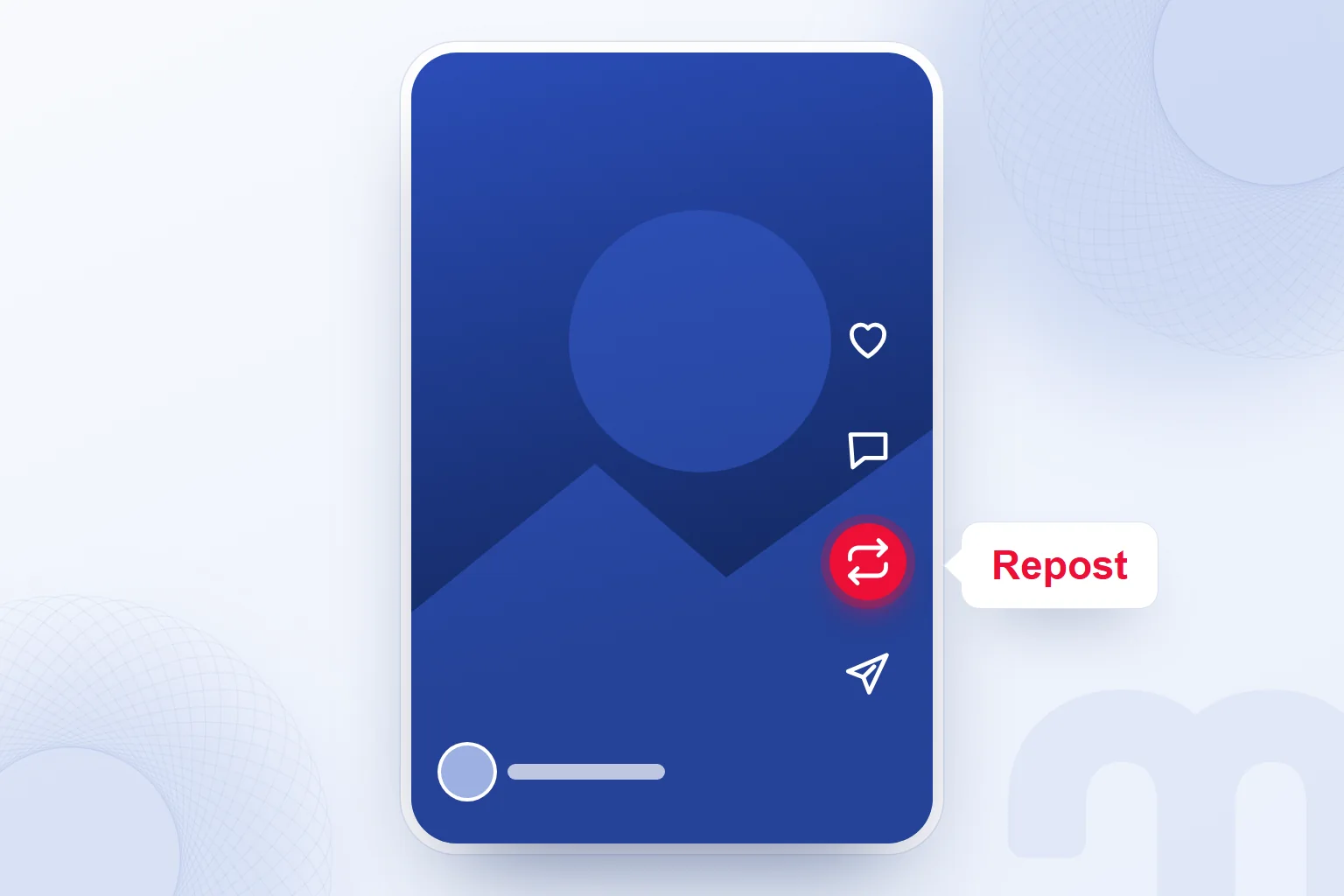
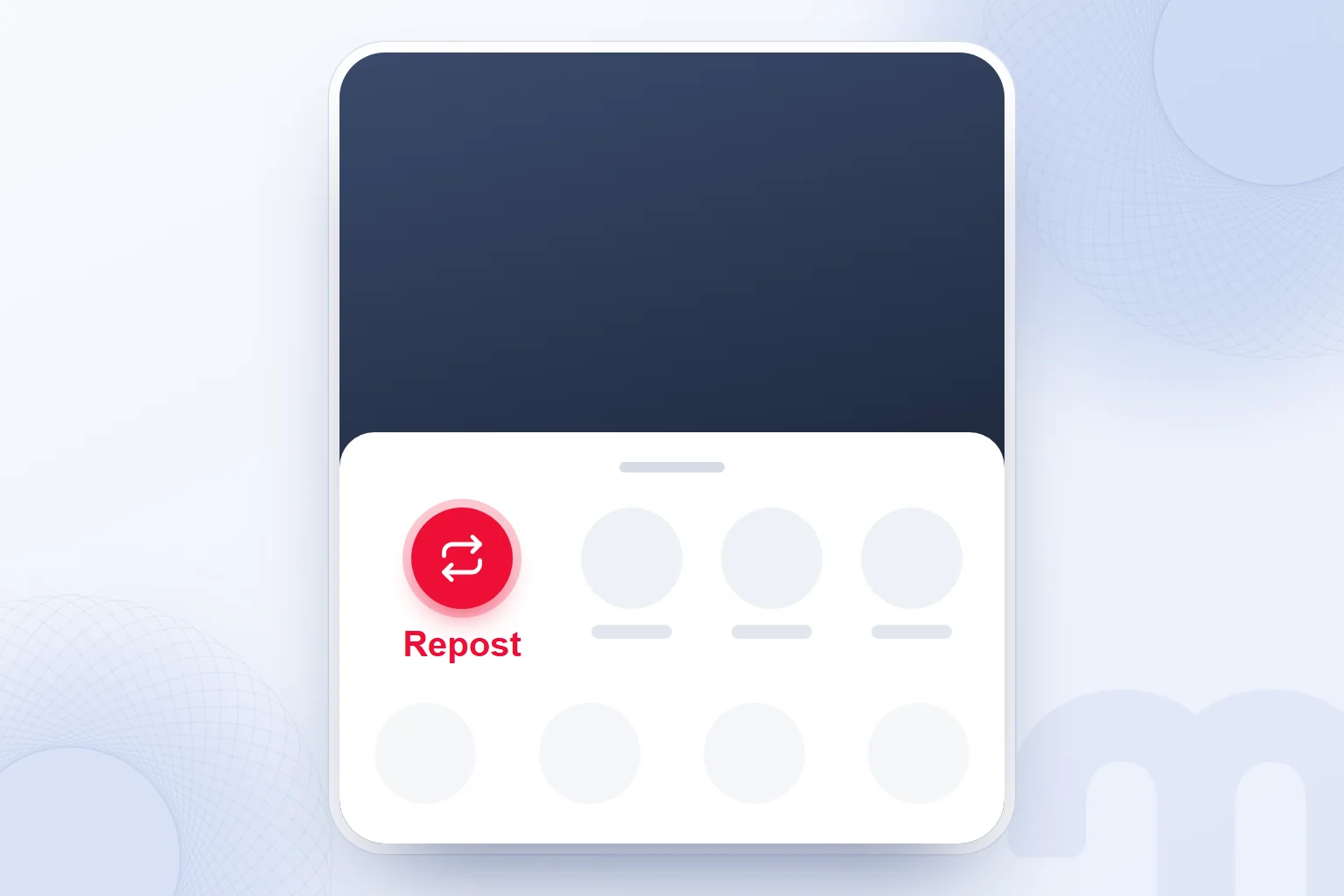
To repost on Instagram, we tap the “Repost” icon on a reel or post whose original creator allows reposts. We add our thought, save, and check that the repost appears on our profile.
- We tap “Repost”On a public reel or post, we tap the icon.
- We add our thoughtWe tap the bubble by our profile picture at the bottom left and write our note.
- We saveWe tap “Save”; the content is reposted.
- We check the profileWe confirm the repost appears in the dedicated tab on our profile.
In our note, we say in our own words why we are sharing the post, and we never add a conclusion the content does not make.
Instagram Help lists the repost steps for the iPhone, iPad and Android apps and notes that the feature may not be available to everyone. If the feature does not appear in our app, we do not treat that alone as a problem with the post.
Other users can comment on our repost; these comments appear as direct messages, so we read them there.
Why is the repost button not showing on Instagram?
The repost button does not show when the content does not meet the repost conditions or the feature is not available on our account. We first check whether the post is public, whether the original creator allows reposts, and whether we opened the creator’s own post.
According to Instagram Help, only content posted by the original content creator can be reposted, and only if the creator allows it. You cannot repost a repost, so we go to the original content instead.
It is usually one of these cases:
- The content is not public → it cannot be reposted; we consider sharing it to a story or in a message.
- The creator has turned off reposts → it cannot be reposted; we write to the owner.
- The content is already a repost → we open the original post and repost that.
A public account alone is not enough; we check the repost permission separately.
How do you undo a repost on Instagram, and where do you find reposts?
On Instagram, we remove a single repost by tapping the “Repost” icon on the content again, and we find our reposts in the dedicated tab on our profile. If we reposted the wrong post, we open it from that tab and remove it there.
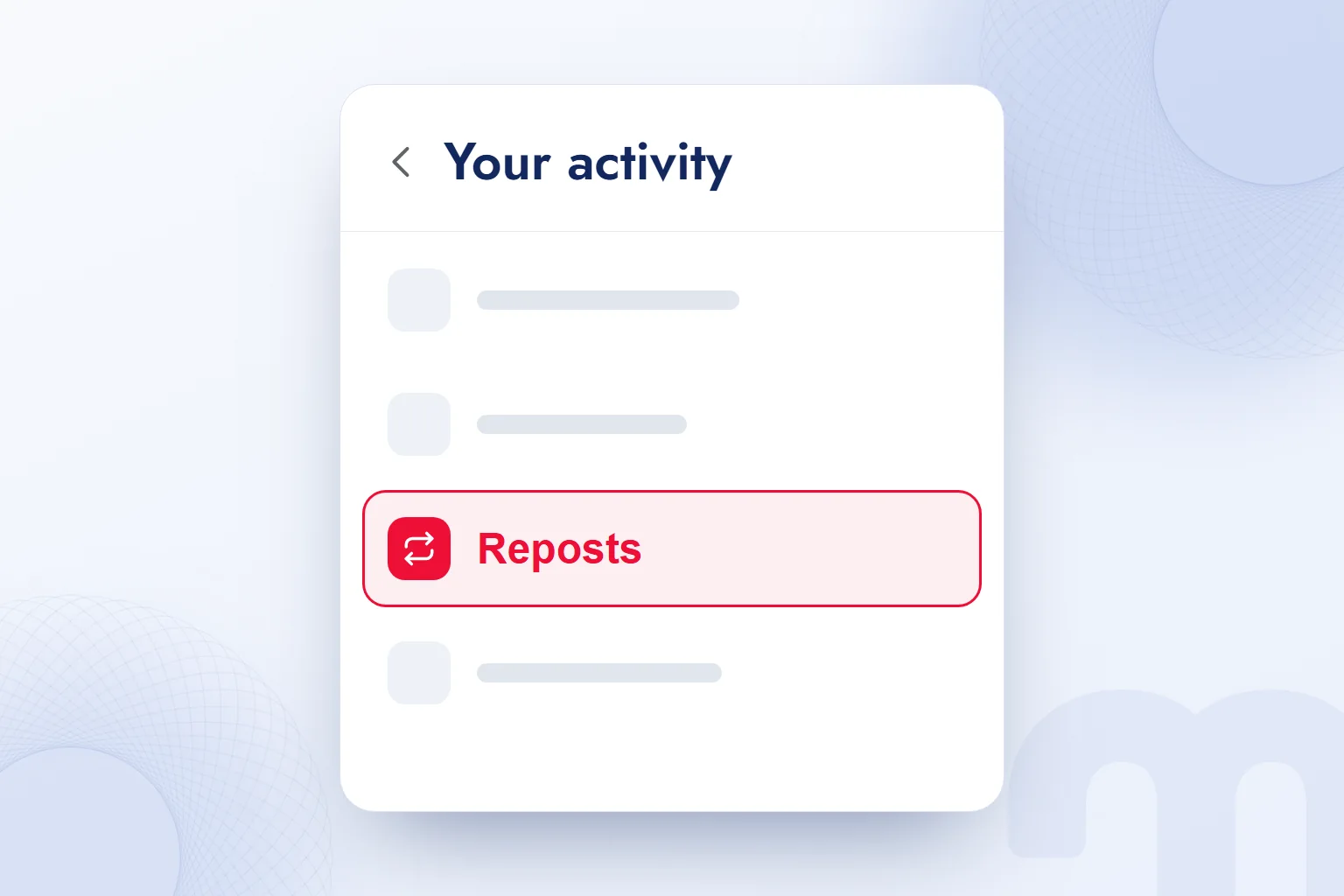
To manage several reposts at once, we follow “Profile picture › Menu › Your activity › Reposts”, select the content to remove and tap “Delete”.
Instagram Help states that you can access and download your information, including reposts; we treat this separately from finding and deleting them.
To report a repost, we long-press the reposter’s profile picture at the bottom left of the content and tap “Report”.
How do you stop others from reposting your content?
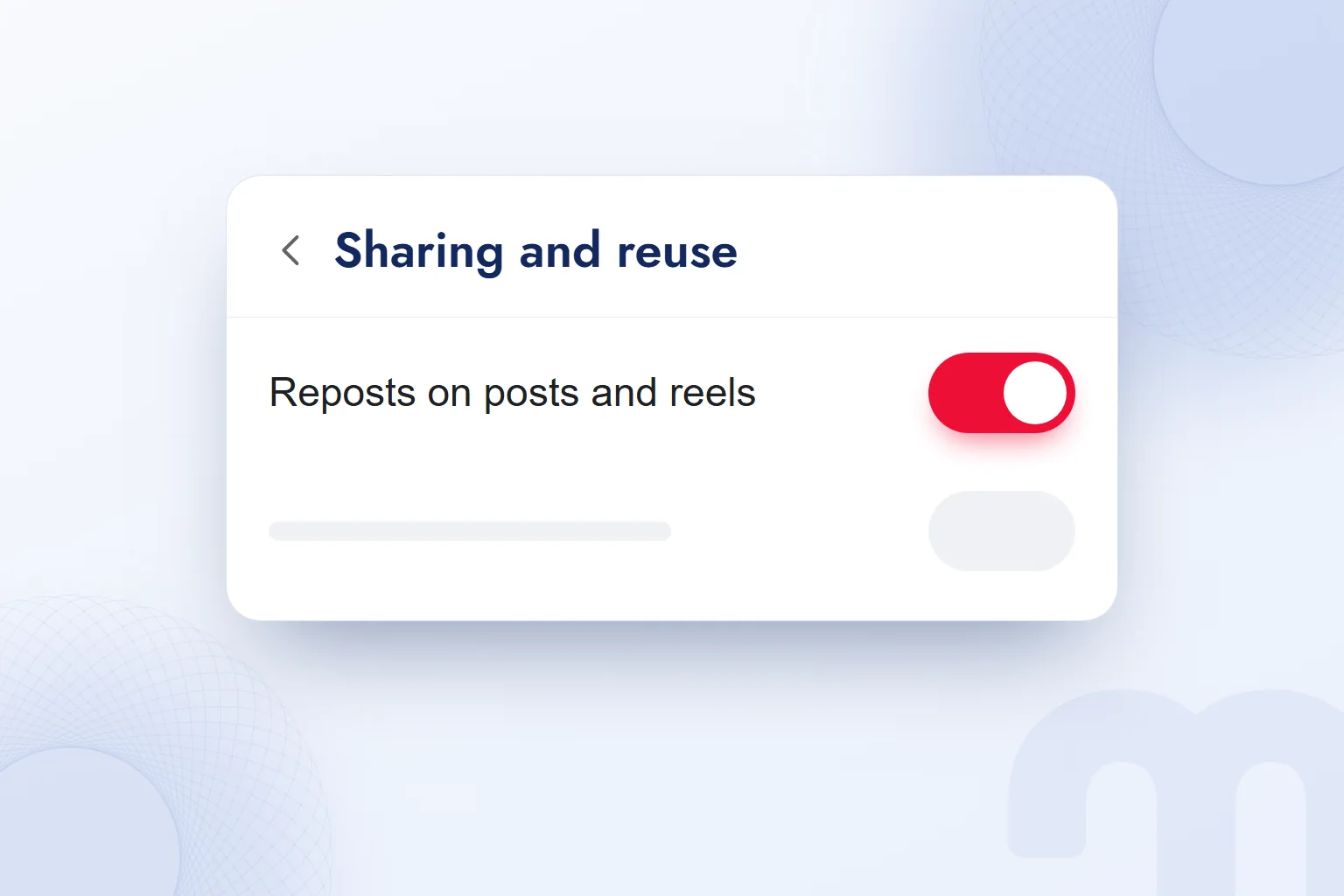
We stop others from reposting our content by turning off the “Reposts on posts and reels” toggle on Instagram, found under “Menu › How others can interact with you › Sharing and reuse”. It controls the repost permission for our own posts and reels.
On a brand account, we set this permission by the account’s goal: on when we want followers to repost our content, off when we do not.
When we repost other creators’ content, we follow the permission they set, not our own setting.
How do you repost and remove a repost on TikTok?
To repost on TikTok, we tap “Repost”; to remove one, we follow “Share › Delete repost”.
There are three ways to repost: “Share › Repost”; press and hold the video and tap “Repost”; or, if friends reposted it, tap their profile photo at the bottom and tap “Repost”. The content is reposted as soon as we tap, and we find it under the repost tab on our profile.
If our account is public, others can see our reposted content, repost text and repost replies, and can reply. TikTok’s comment privacy settings do not apply to repost replies. If our account is private, only our followers see our reposts on our profile and in their For You feed.
To reply to a friend’s repost, we tap their profile photo at the bottom, tap “Reply”, write our reply and tap “Send”. To delete a reply to our own repost, we tap our profile photo at the bottom, press and hold the reply and tap “Delete”.
To remove a repost, we use “Share › Delete repost”; we can also press and hold the video and tap “Remove repost”, or tap our own profile photo at the bottom and tap “Remove”. Removing a repost deletes all related replies.
| Feature | TikTok | |
|---|---|---|
| Name | Repost | Repost |
| Where it appears | Followers’ feeds and the repost tab on the profile | The For You feed and the repost tab on the profile |
| Comments and replies | Comments arrive as direct messages | On a public account, viewers can reply; comment privacy settings do not apply to replies |
| Removing | Tap “Repost” again, or Your activity › Reposts | Share › Delete repost; removing it deletes the replies too |
How do brands use reposts?
Brands use reposts to re-share posts related to their subject and content from their customers; we choose based on content, ownership and permission.
A repost is only re-sharing within the platform; using user content in ads or on a website is a separate use, so we get separate permission from the owner. A post being repostable is never a substitute for that permission.
When reposting content that involves a paid partnership, we check that the ad disclosure is visible and include it in our assessment. We tie reposts to the brand account’s content plan as part of organic marketing work.
When a customer shares our product, we read the full text first. The product appearing in the image is not a reason to repost on its own; we look at how the customer describes their experience, word our thank-you to match, and never attribute to them an assessment they did not make.
The route depends on the situation:
- A customer shared our product → if the content is public and the creator allows it, we repost it and thank them.
- We want to use the content in an ad → a repost is not enough; we get written permission from the owner.
- We reposted by mistake → we remove the repost; on TikTok, removing it also deletes the replies.
Our other guides on social media terms, user content and brand accounts are collected in our digital marketing articles.
This term is part of our digital marketing glossary. You can reach the one-sentence definitions of the other terms there.
Frequently asked questions
What does repost mean?
A repost is sharing another account’s post again from your own account. In plain terms, it means “sharing again”.
How do you repost?
On Instagram, we tap “Repost”, write an optional note and tap “Save”. On TikTok, we use “Share › Repost”; the content is reposted right away.
Why can’t I repost on Instagram?
If the content is not public, the creator does not allow reposts or it is already a repost, it cannot be reposted. The feature may also not be available to everyone.
How do you undo a repost?
On Instagram, we tap “Repost” on the post again. On TikTok, we follow “Share › Delete repost”; all related replies are deleted too.
Who sees your reposts on TikTok?
If our account is public, others can see our reposts and the replies. If it is private, only our followers see them on our profile and in the For You feed.
Do you need permission to repost?
We repost only public content whose original creator allows reposts. Using the content in ads or on a website requires separate permission.

 What is a content creator? Meaning, creator accounts and brand dealsRead article
 What is an influencer? Influencer marketing and ad disclosure rulesRead article
 What is a vlog? How to vlog, types of vlogs and a vlog plan for brandsRead article
 What is marketing and what does it do? Tasks, 4Ps and success metricsRead article
 How to make a presentation: AI tools, PowerPoint and proposal decksRead articleMost read
 How to make money on Instagram: eligibility requirements and toolsRead article
 What is a slogan? How to write one, and how it differs from a taglineRead article
 What is Pantone? Color palettes, color codes and brand colorsRead article
Questions & answers
0 commentsNo questions yet; you can ask the first one.